Datasets
2 min
Creating a new dataset from an existing schema
- Navigate to the Datasets section through the left panel
- Click on the Create dataset in the upper right hand corner
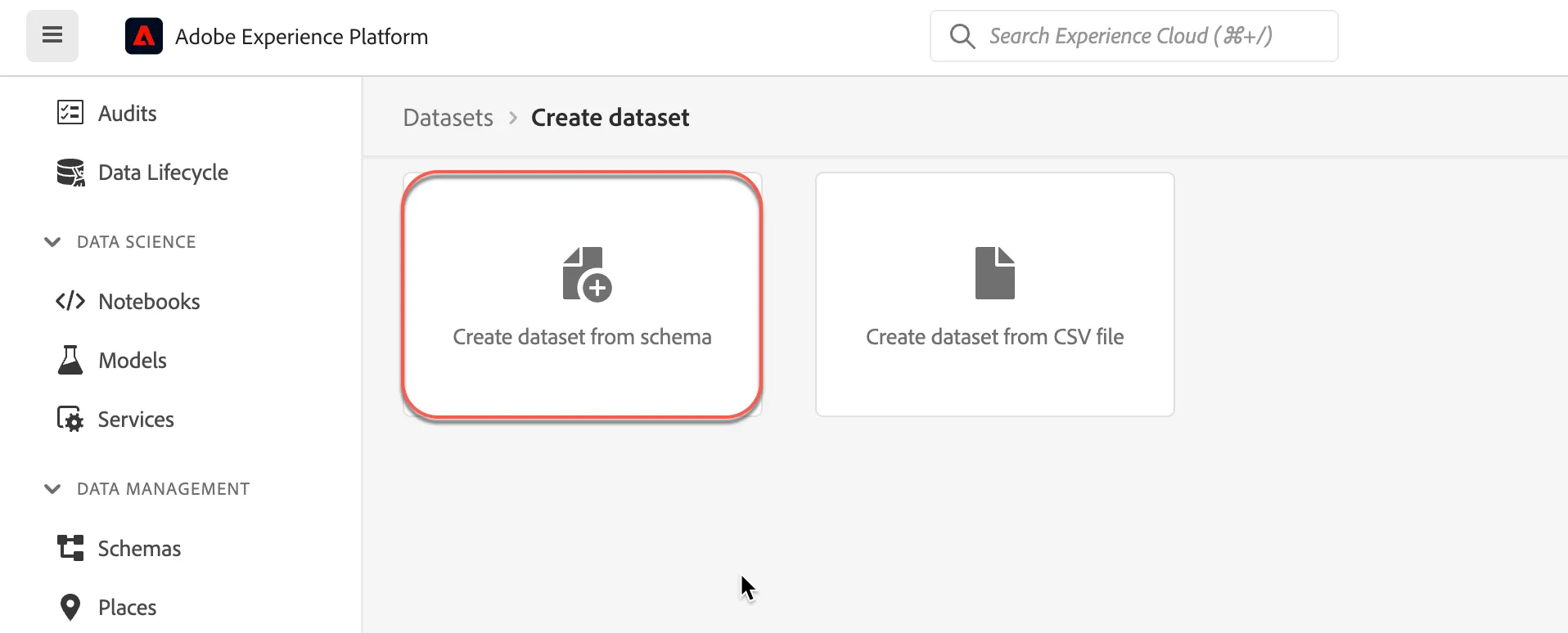
- Click on the Create dataset from schema card
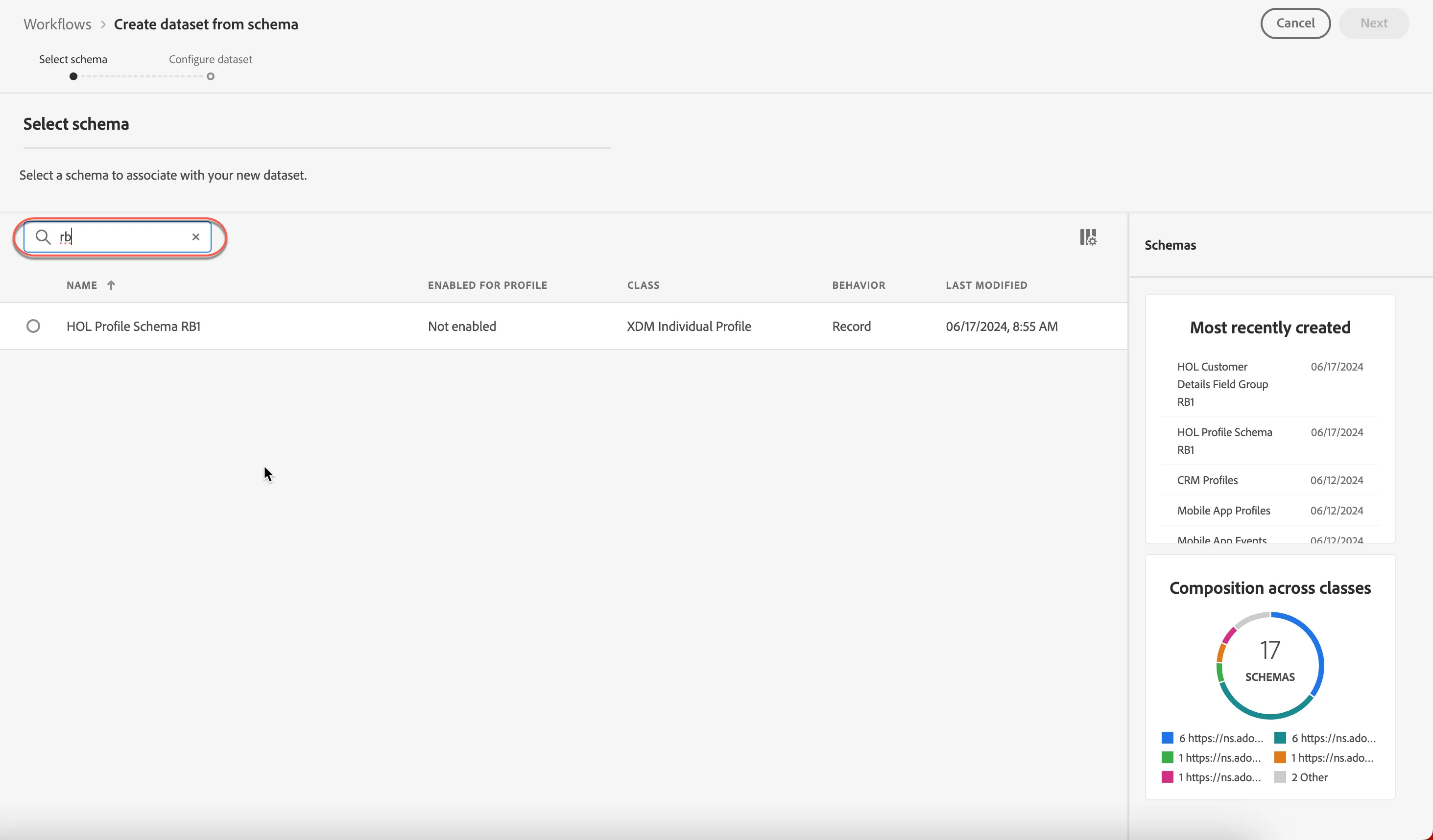
4. Enter your schema name or initials in the search box.
5. Select your schema (or use the Example schema)
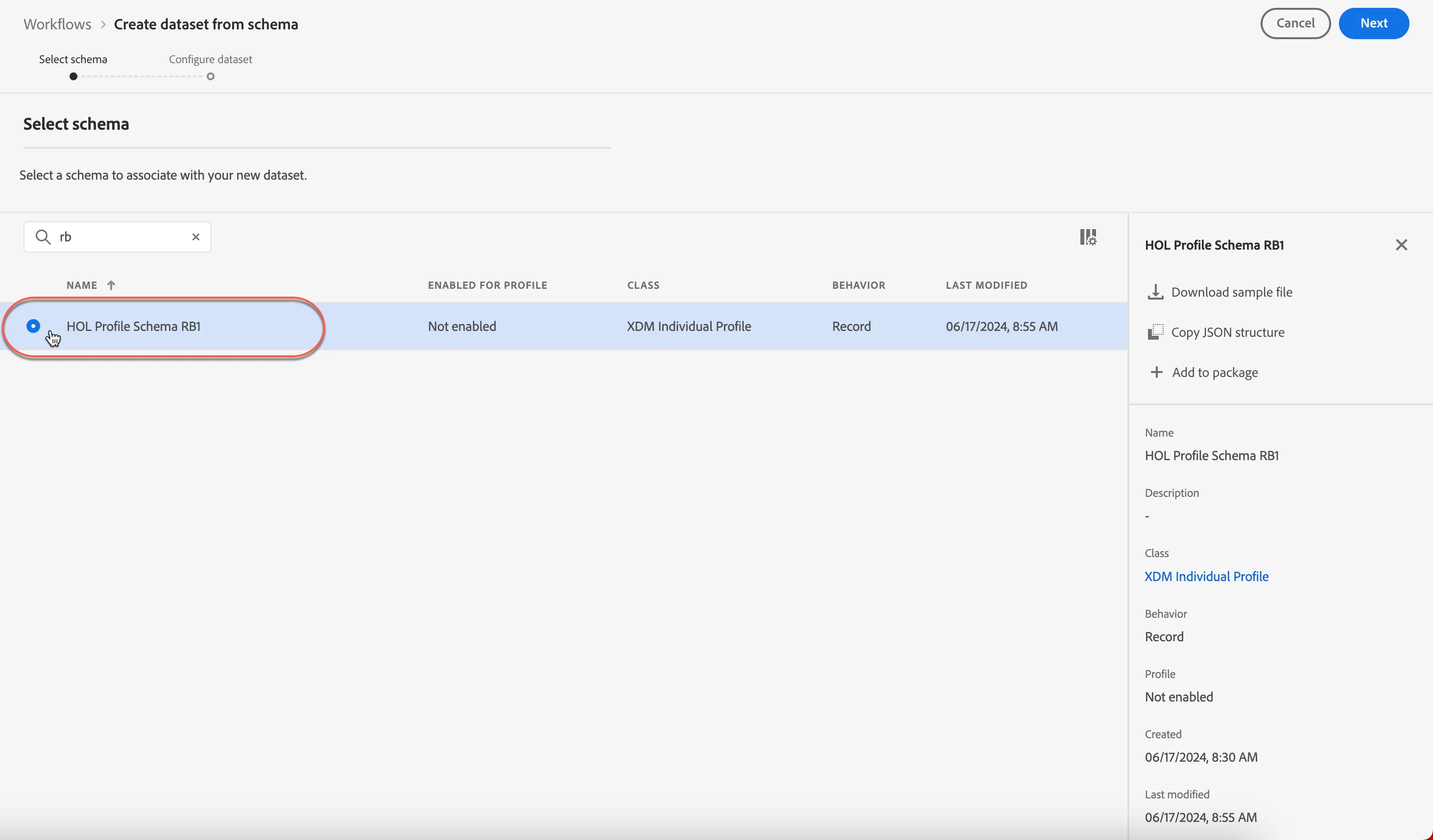
6. Click Next
7. Enter a name for your dataset - HOL Checking Dataset {initials}
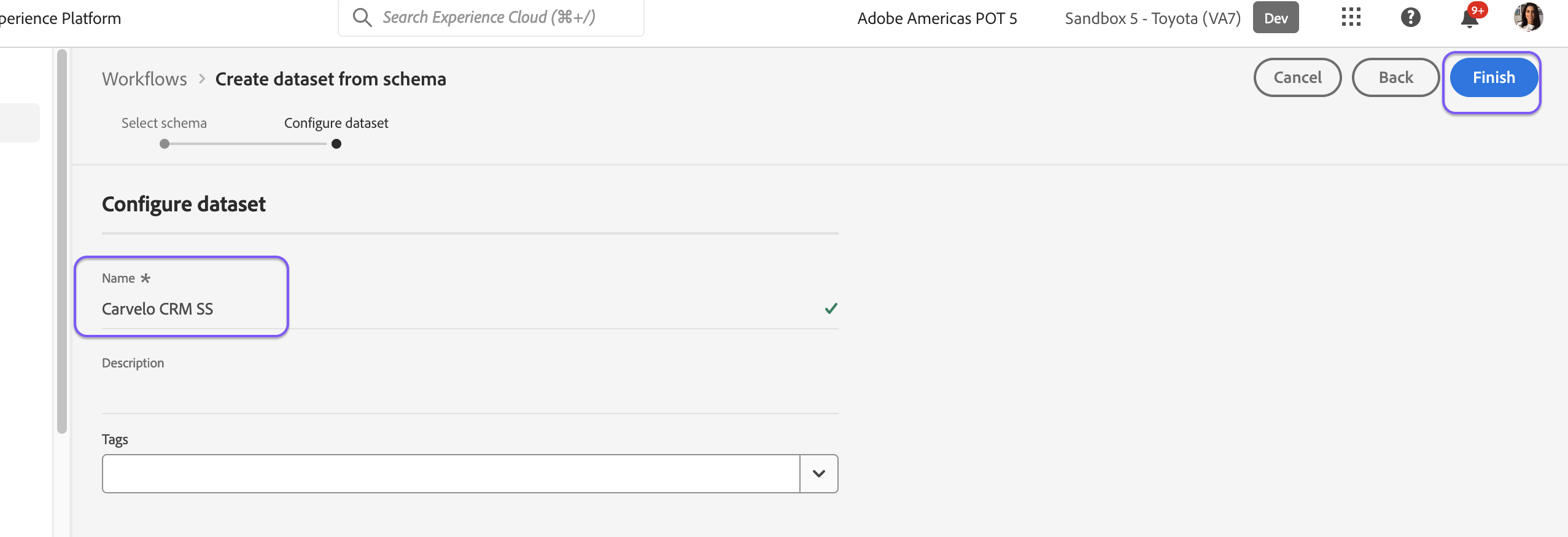
8. Click Finish
Congratulations! You have completed the Datasets exercise.