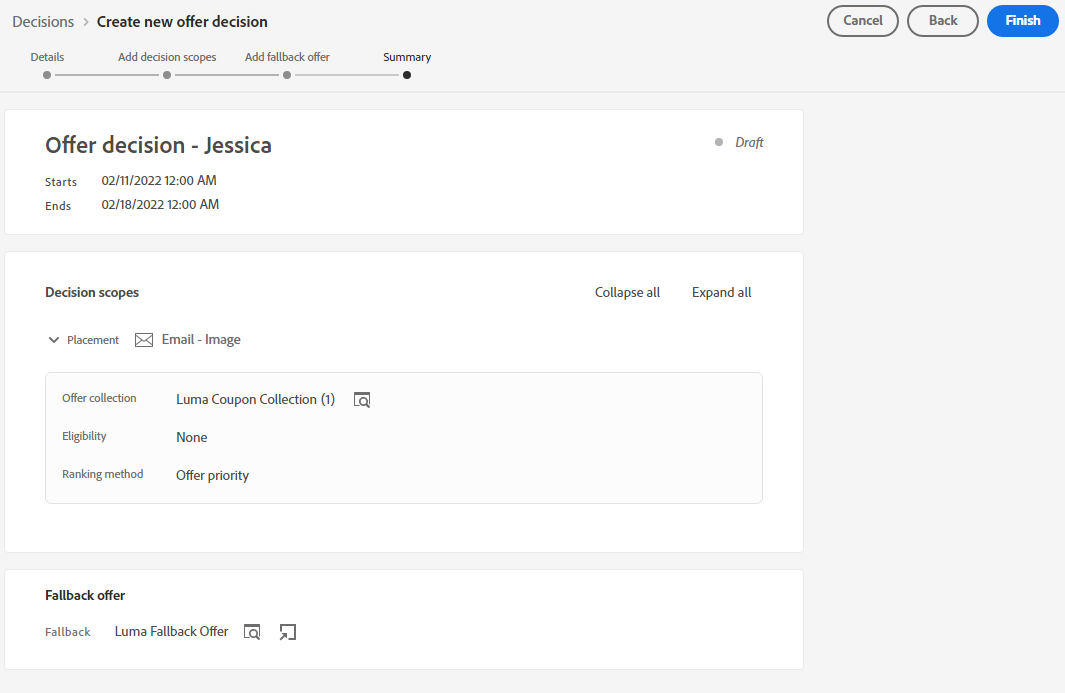
Create a Decision
4 min
Create a Decision
NOTE: Some exercises may vary during the actual Hands on Lab versus what is listed in the HOL Page, due to industry setup and / or Presenter preferences.
Navigate to Offers in the Left Menu

Select Decisions

Click “Create Decision”
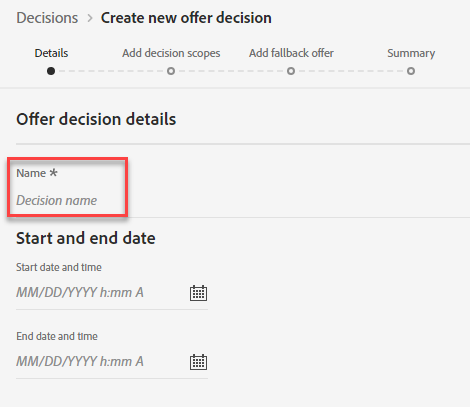
Define Name and Dates
Provide a Decision Name – Example: Coupon Decision - Initials
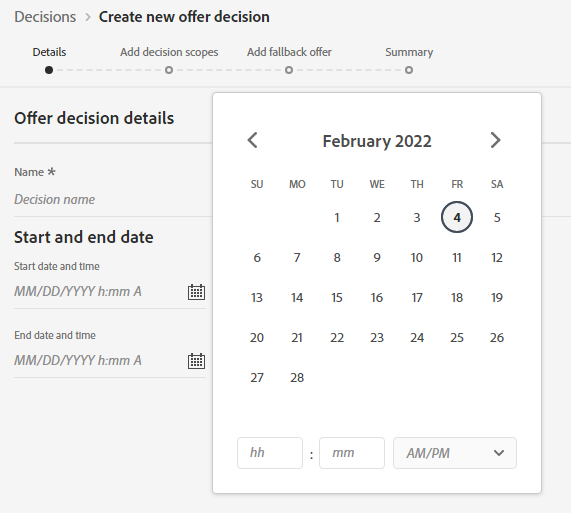
Provide Start and End Dates. Click “Next”
Add Decision Scope
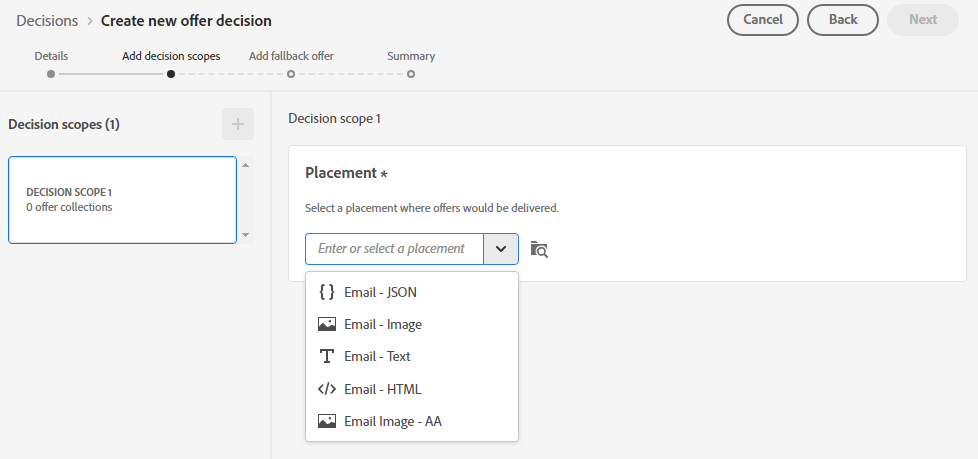
Select placement of "Email - Image"
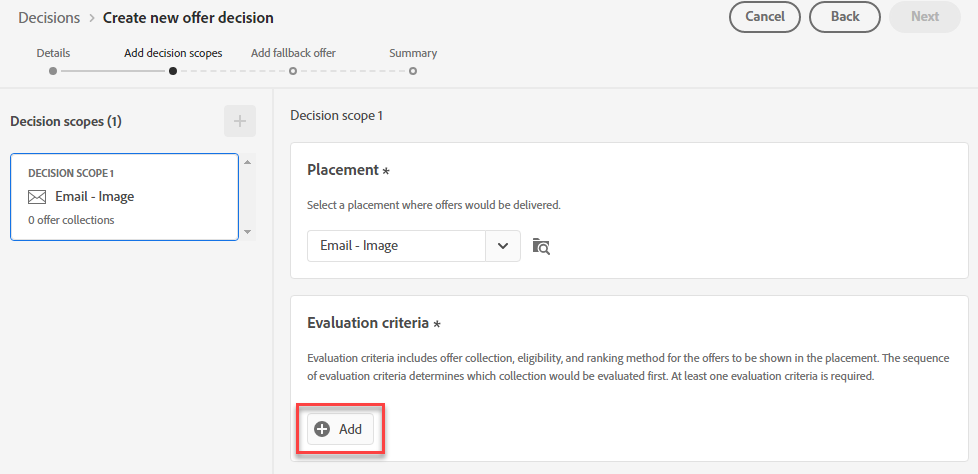
Click "Add" to add Evaluation criteria
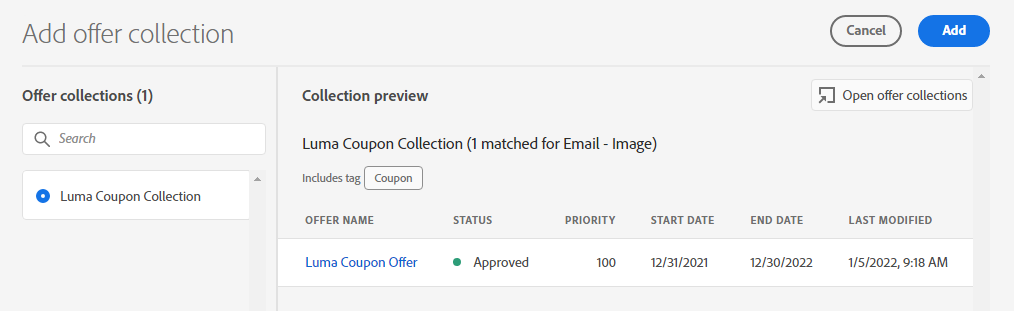
Select your collection and Select Add
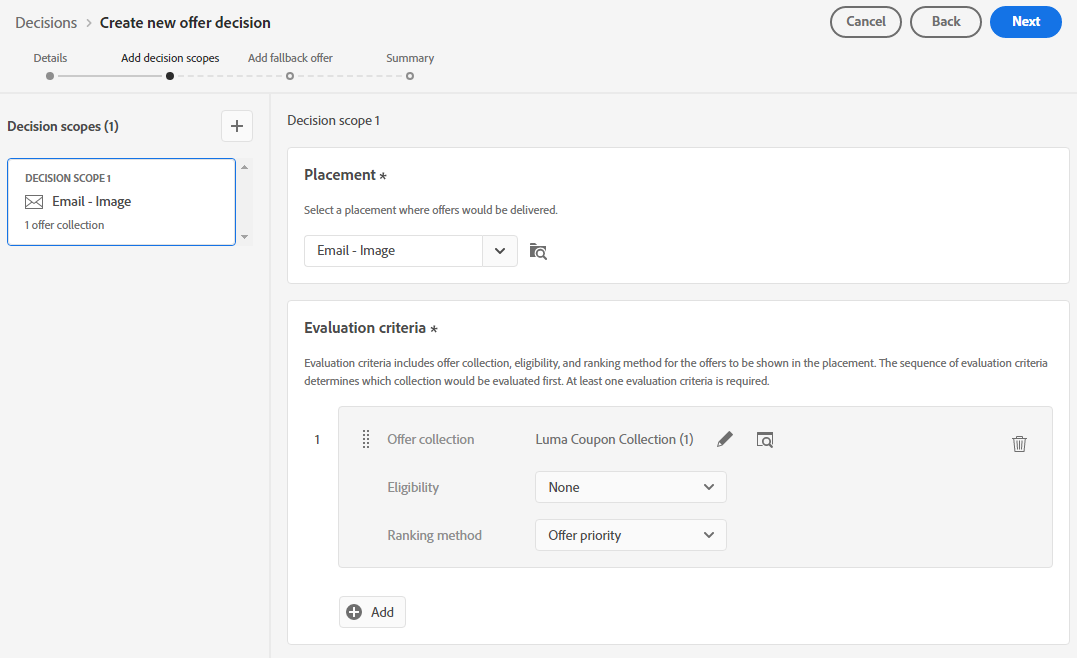
Confirm Eligibility is set to "None" and Ranking method “Offer Priority.” Click “Next”
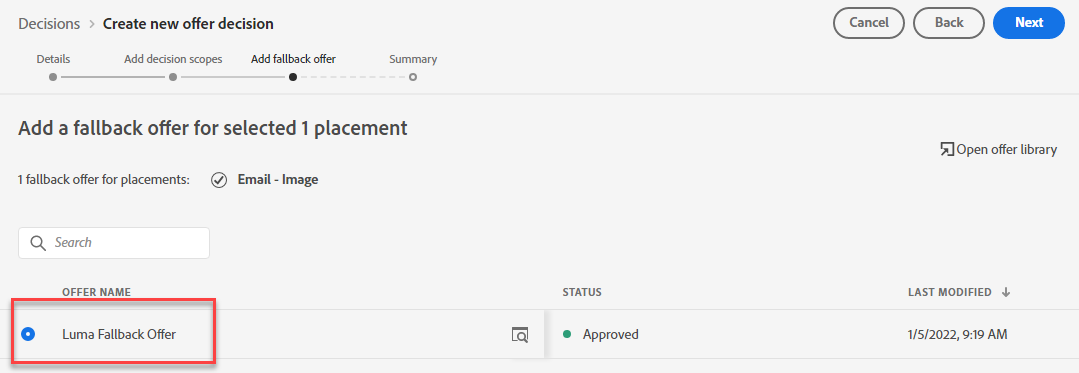
Add Fallback Offer
Click on the Coupon Fallback Offer. Click “Next”
Review Offer Decision. Click Finish