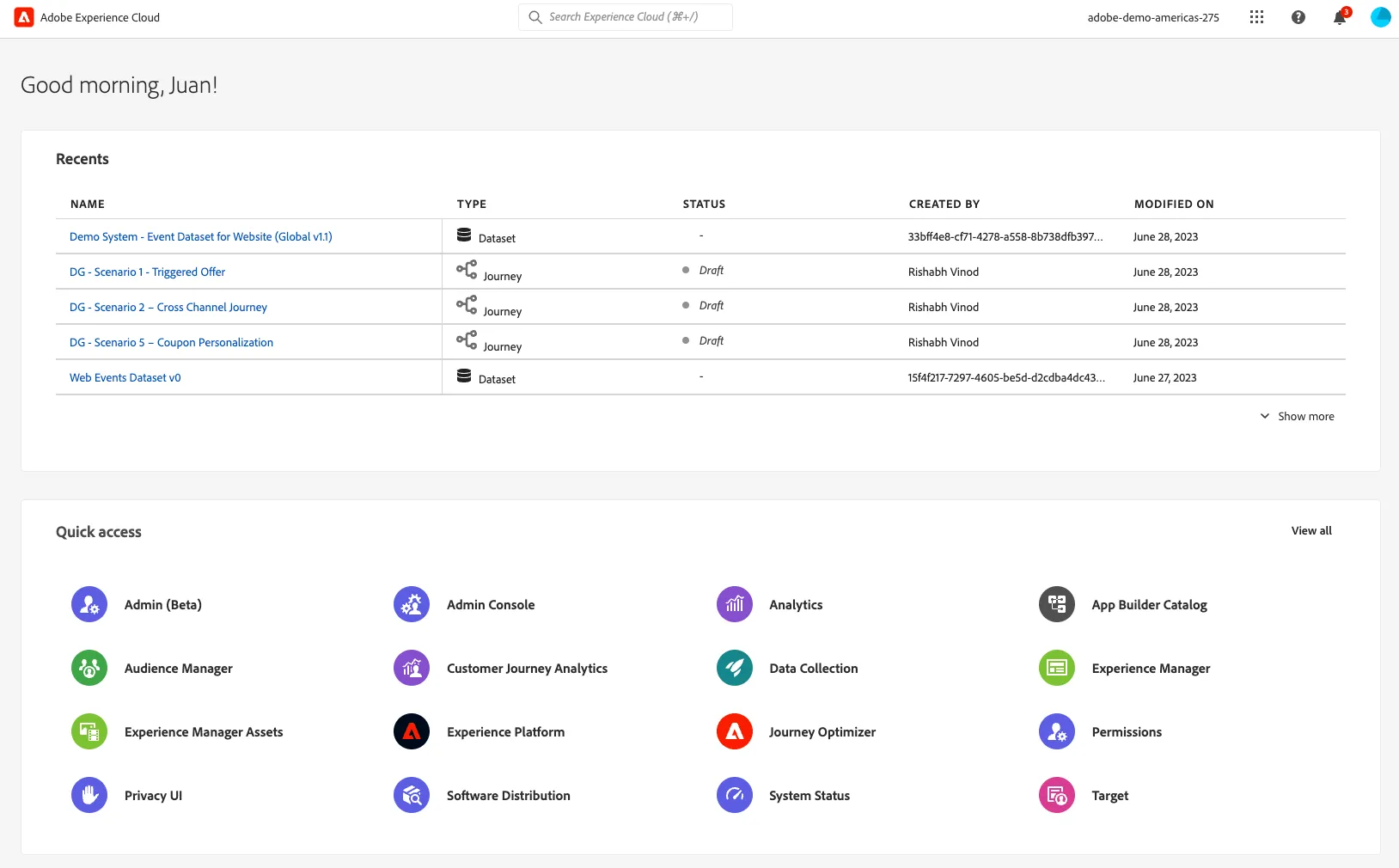
Welcome!

Accessing the Experience platform
- Use Chrome or Firefox.
- Sign-out from all Adobe instances that might be open.
- Do NOT use your own credentials to access the demo instance for this lab. Instead, you'll use specific credentials provided in this document.
Hands-on Lab URLs
https://experience.adobe.com/ Experience Cloud Home Page
https://platform.adobe.com/ Opens Experience Platform Directly
Your user information
Password: AIDA-HOL_Adobe2026!
User | Name | Username |
|---|---|---|
01 | | |
02 | | aida-hol_u02@emea.aephandsonlabs.com |
03 | | aida-hol_u03@emea.aephandsonlabs.com |
04 | | aida-hol_u05@emea.aephandsonlabs.com |
05 | | aida-hol_u05@emea.aephandsonlabs.com |
06 | | aida-hol_u06@emea.aephandsonlabs.com |
07 | | aida-hol_u07@emea.aephandsonlabs.com |
08 | | aida-hol_u08@emea.aephandsonlabs.com |
09 | | aida-hol_u09@emea.aephandsonlabs.com |
10 | | aida-hol_u10@emea.aephandsonlabs.com |
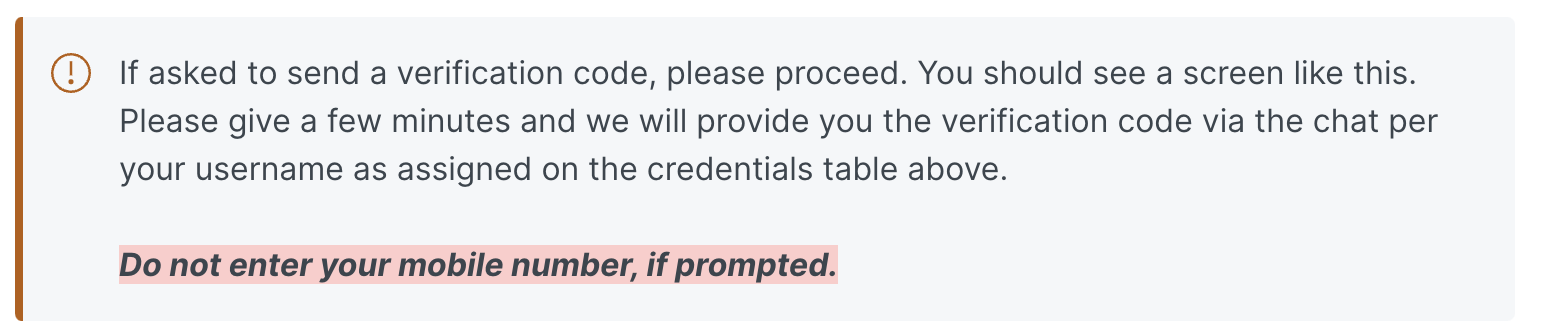
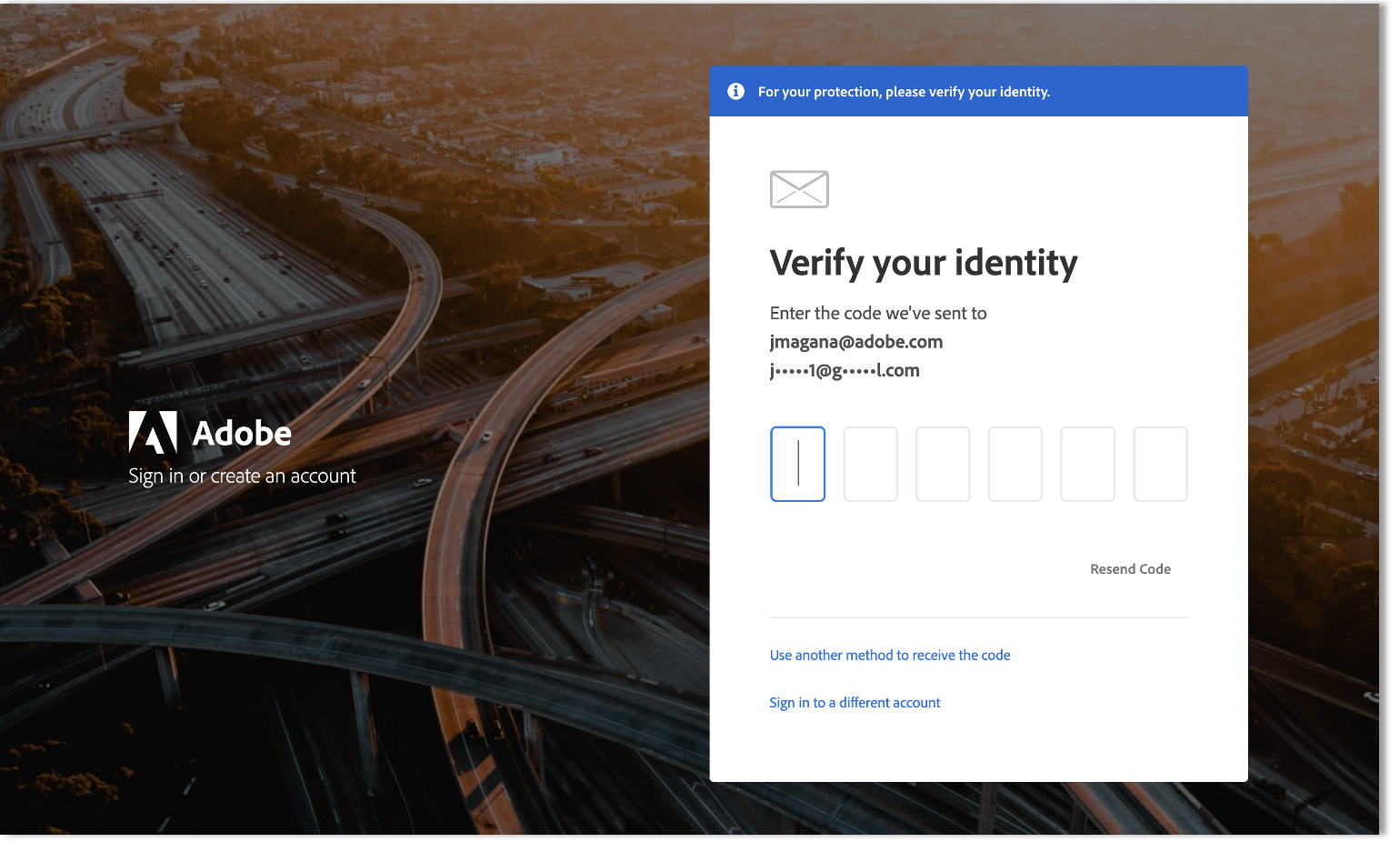
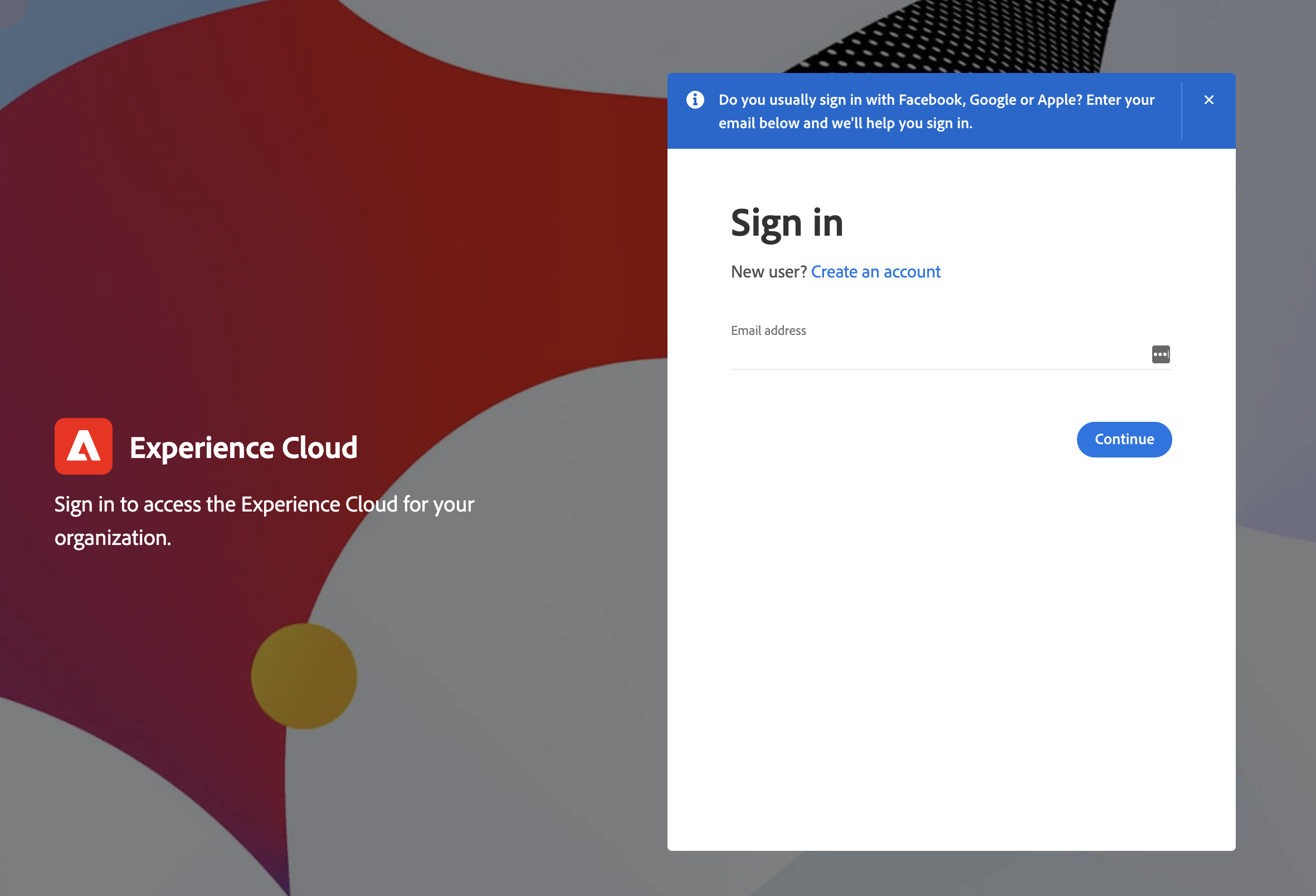
If you're asked to add in any additional data or to add a mobile number as part of your sign-in, please ignore these prompts and if allowed skip or otherwise ignore or complete the step with the defaults. If you have problems logging in, alert your presenter immediately.
After Successfully Login