Using Templates and Fragments
2 min
Using an Email Template:
- Let's re-open the email you created:
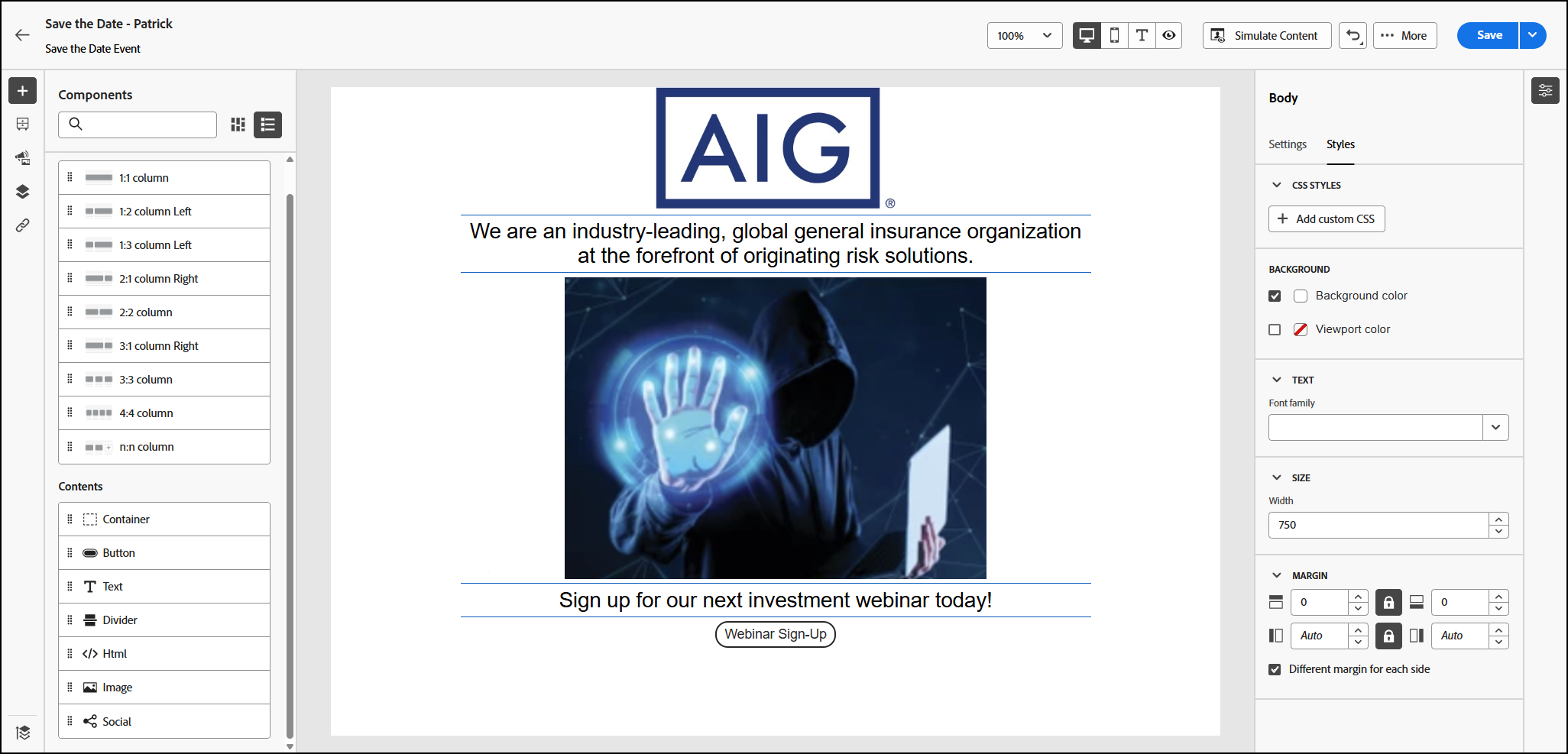
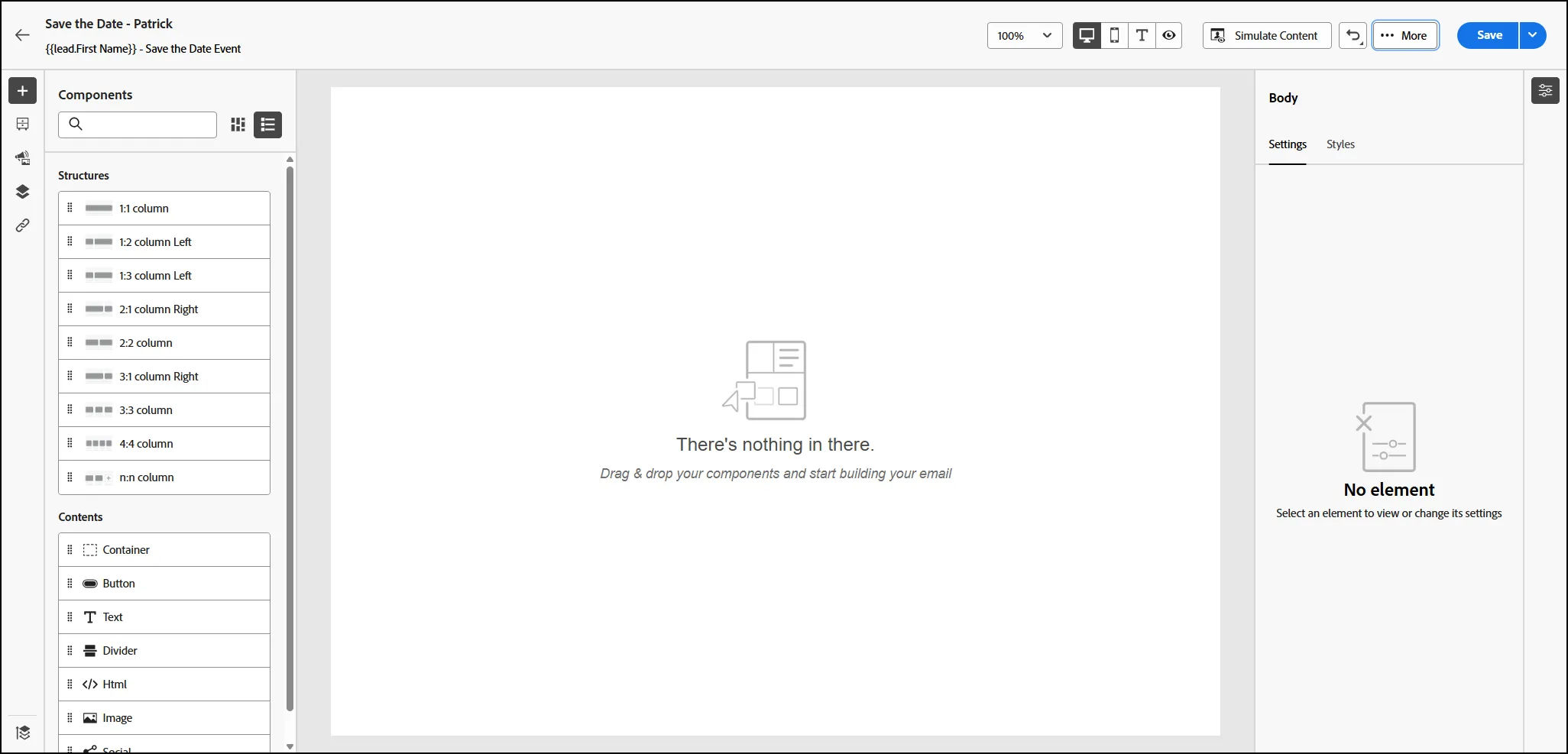
- From the top right "More" - click on "Reset Email". Your email canvas should now be blank:
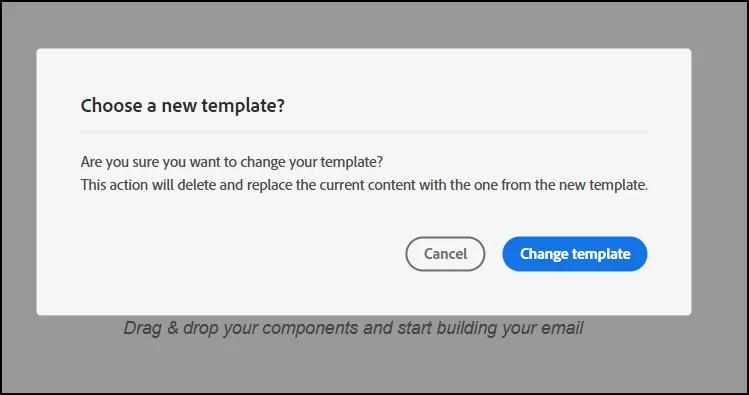
- From the same "MORE" menu, select Change Your Design. From the Pop-Up Menu, select "Change Template":
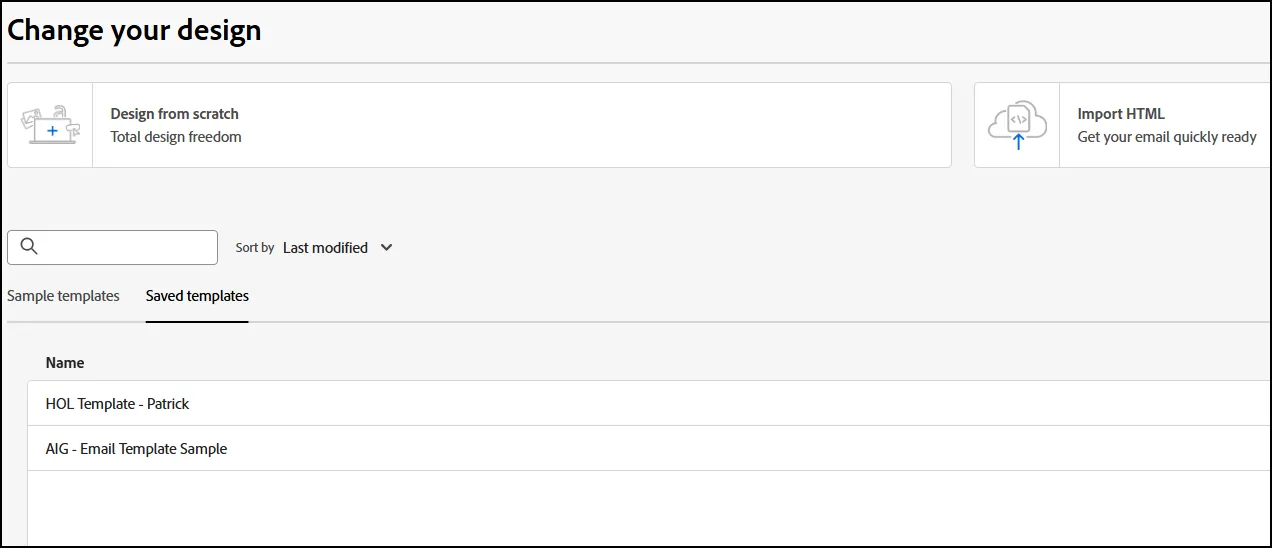
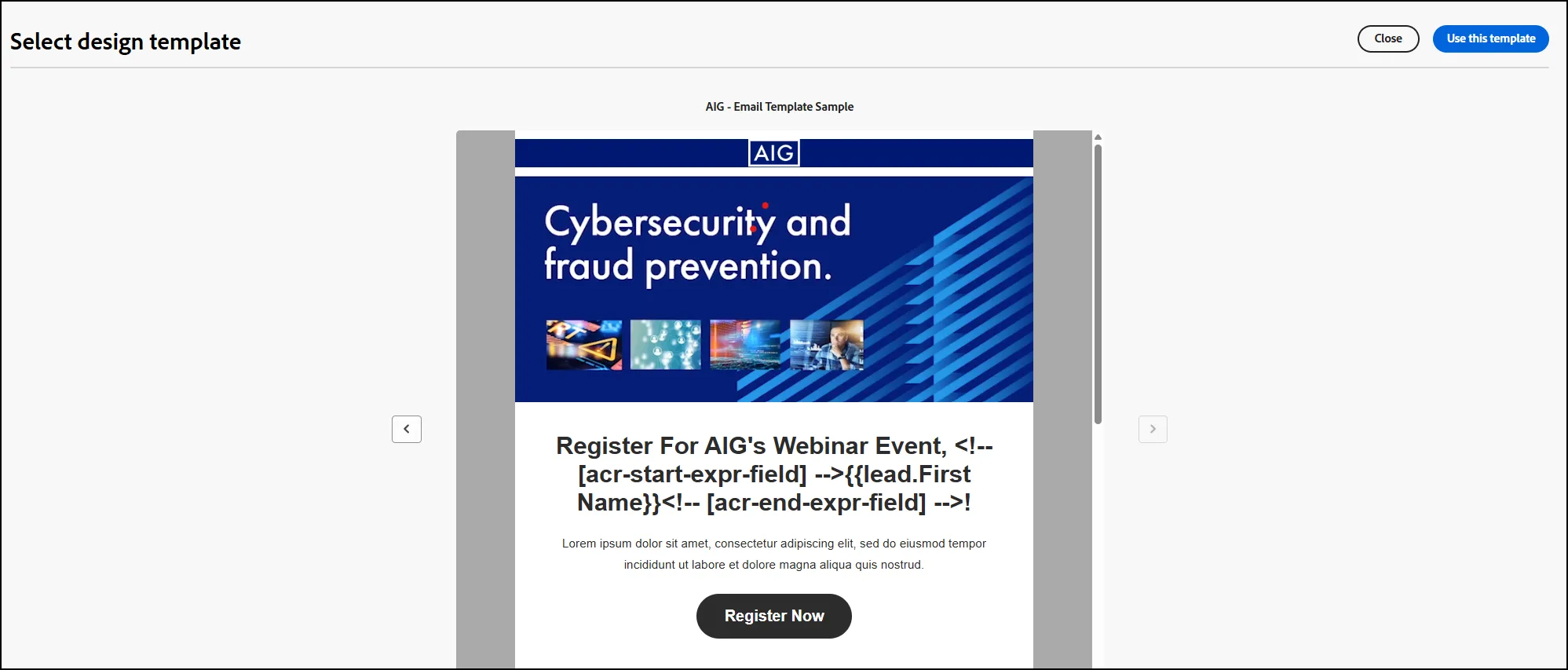
- From the next window, select "AIG - Email Template Sample":
- Click "Use this template" in the top right corner to use the template:
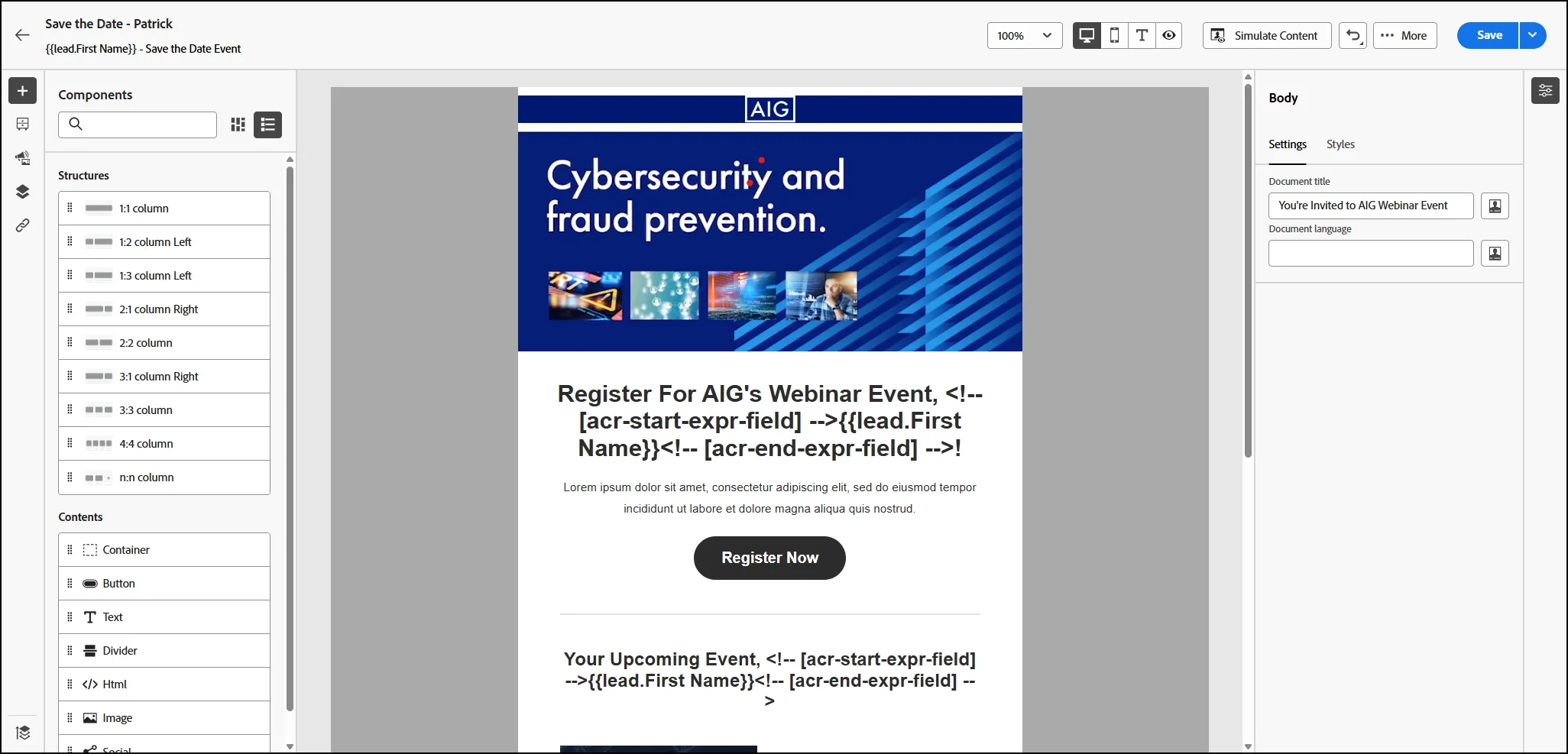
- Your new template is now populated in your email canvas:
Using Email Fragments
- Let's re-open the email you created:
- From the top right "More" - click on "Reset Email". Your email canvas should now be blank:
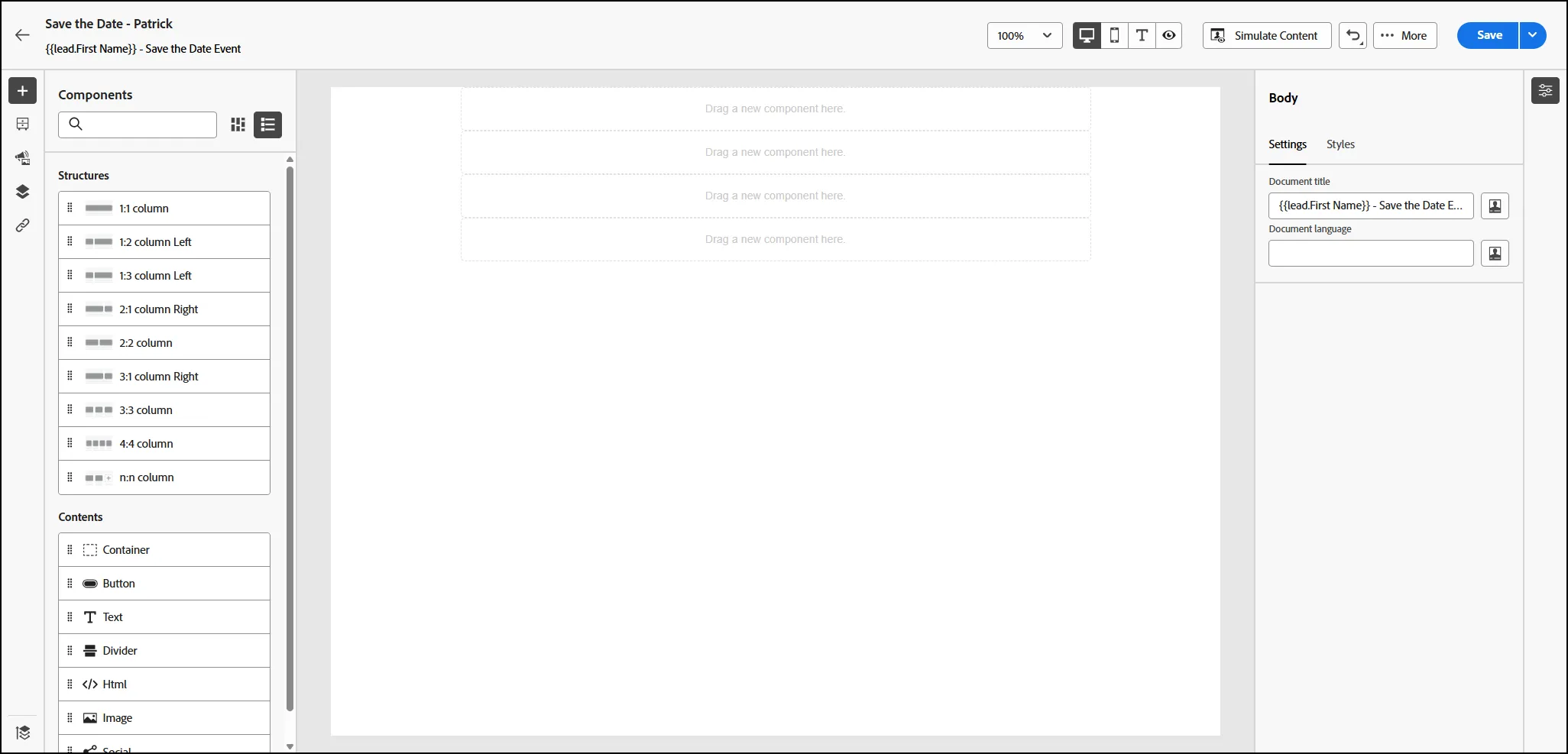
- Drag the 1:1 Column onto the canvas 4 times. Your canvas should look like this now:
- Now let's move to the Contents Section. From the left rail, select the Fragments icon, to open the available Fragments list:
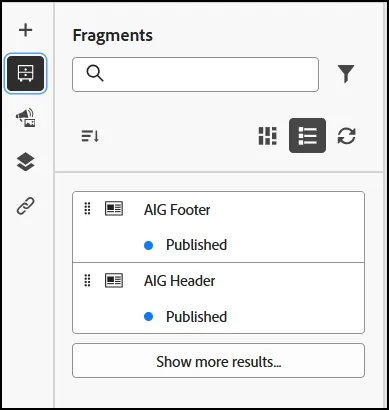
- Drag the AIG Header to the top component box:
- Drag the AIG Footer to the bottom component box
- Add other images and content to the center section, depending on your preferences.
- End of Lab.