Test Your Challenge
3 min
Now that you have created your Task and Challenge, let's TEST IT OUT!
- Navigate to the Mobile Application: https://mobilesmsapp-f5d5cmaebad4cjhb.eastus2-01.azurewebsites.net/
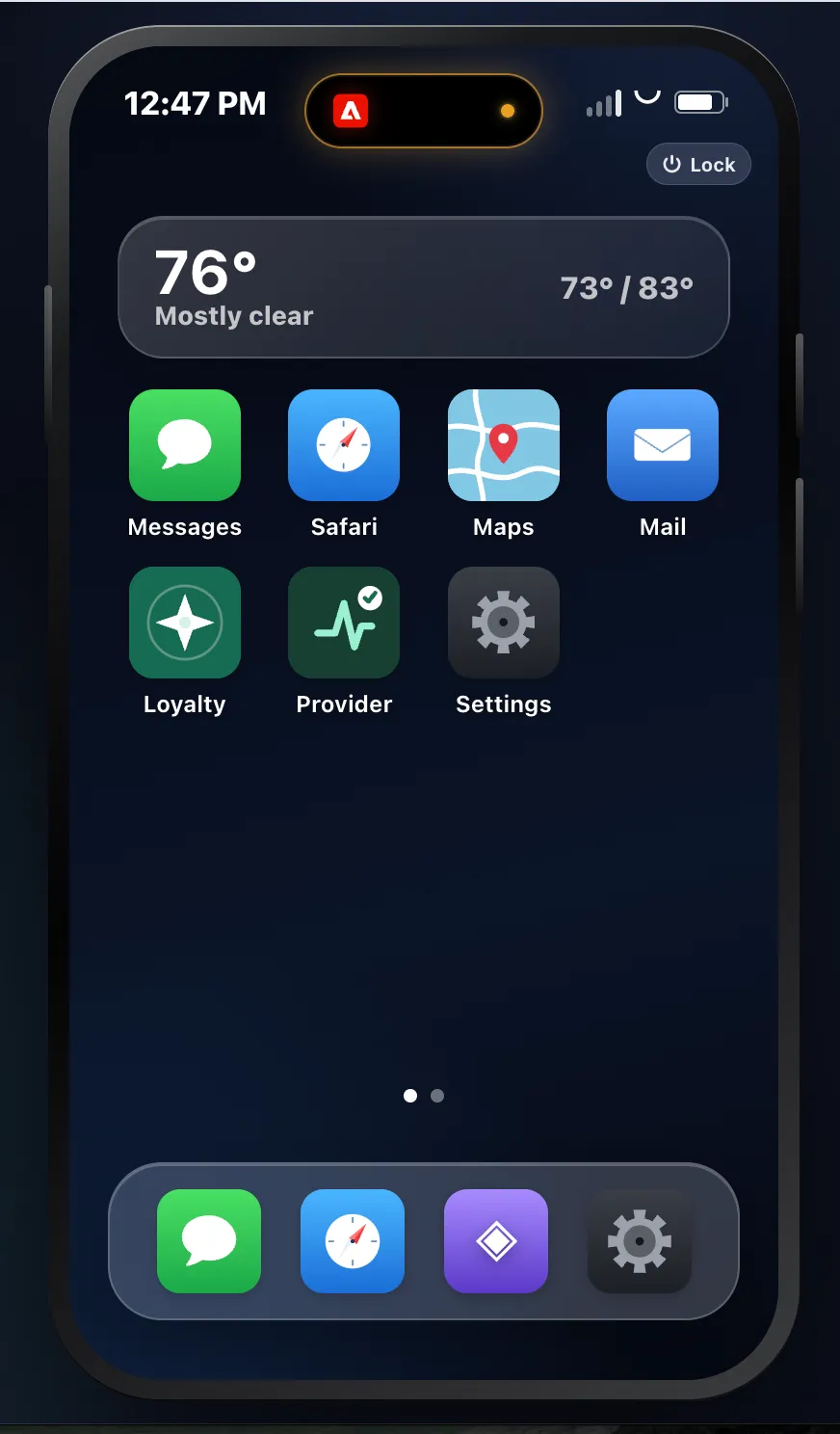
- On the mobile device, open the Loyalty app.
-
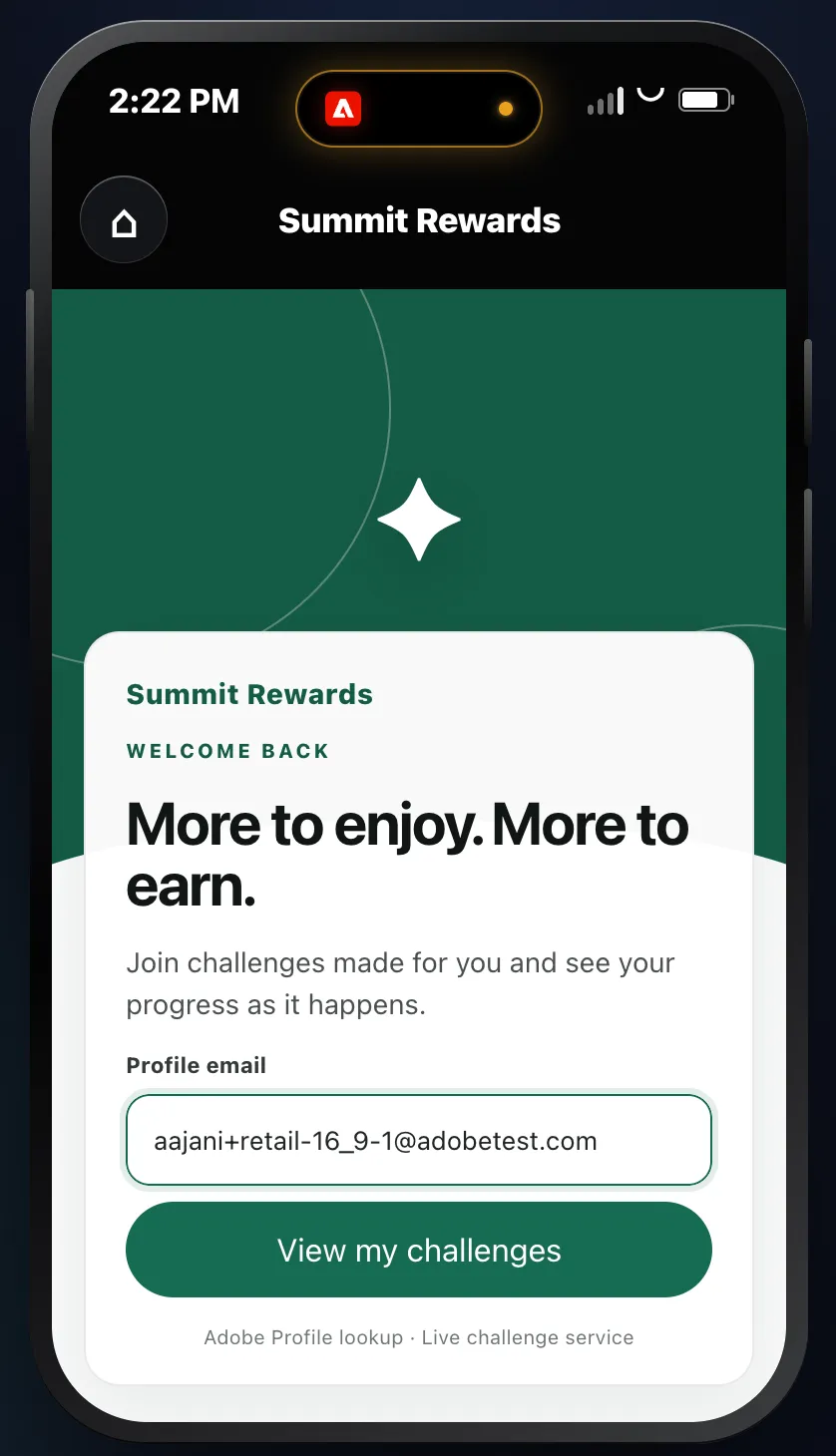
- Enter a profile email address (you can get a sample profile from your sandbox).
-
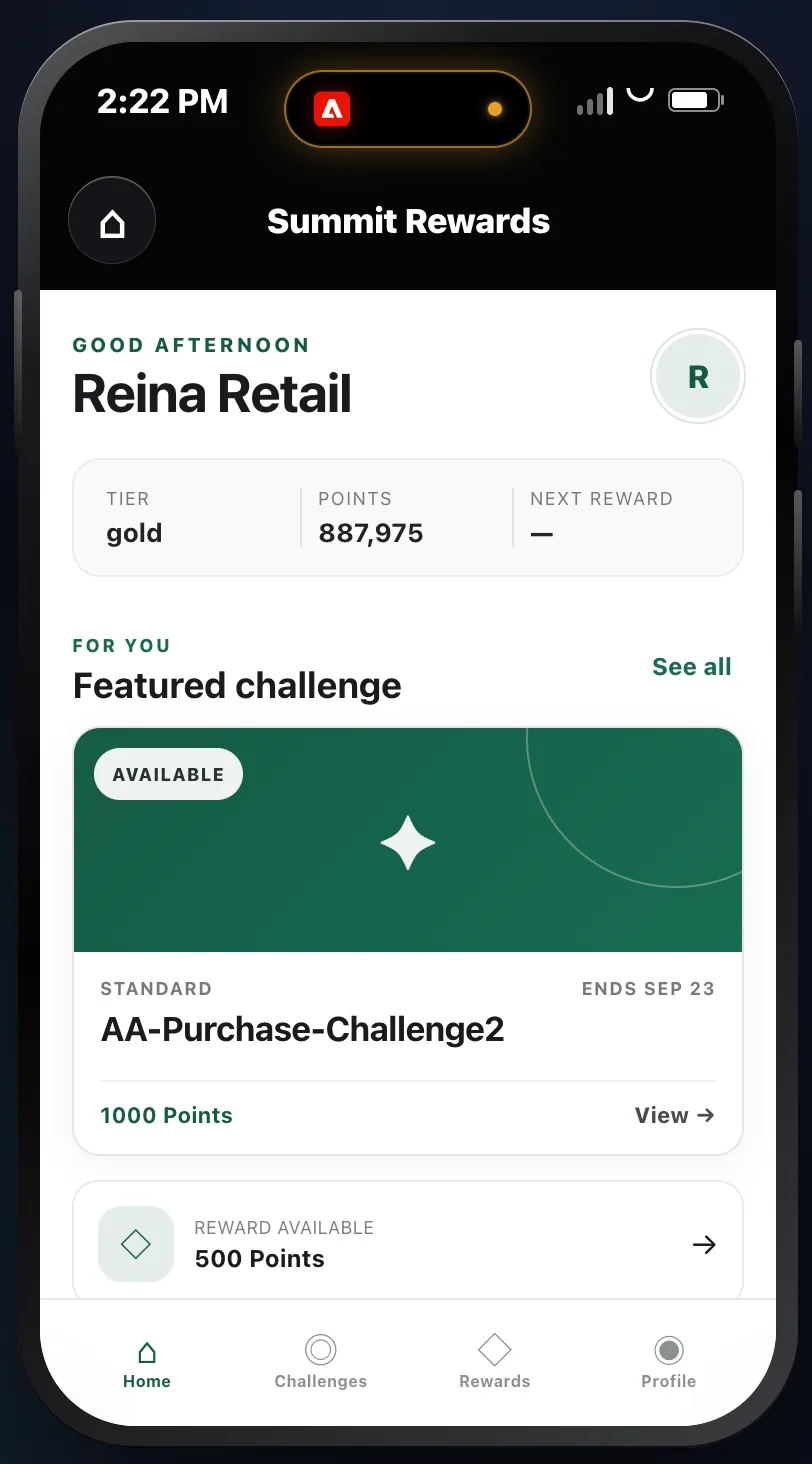
- Click View my Challenges to see available challenges.
-
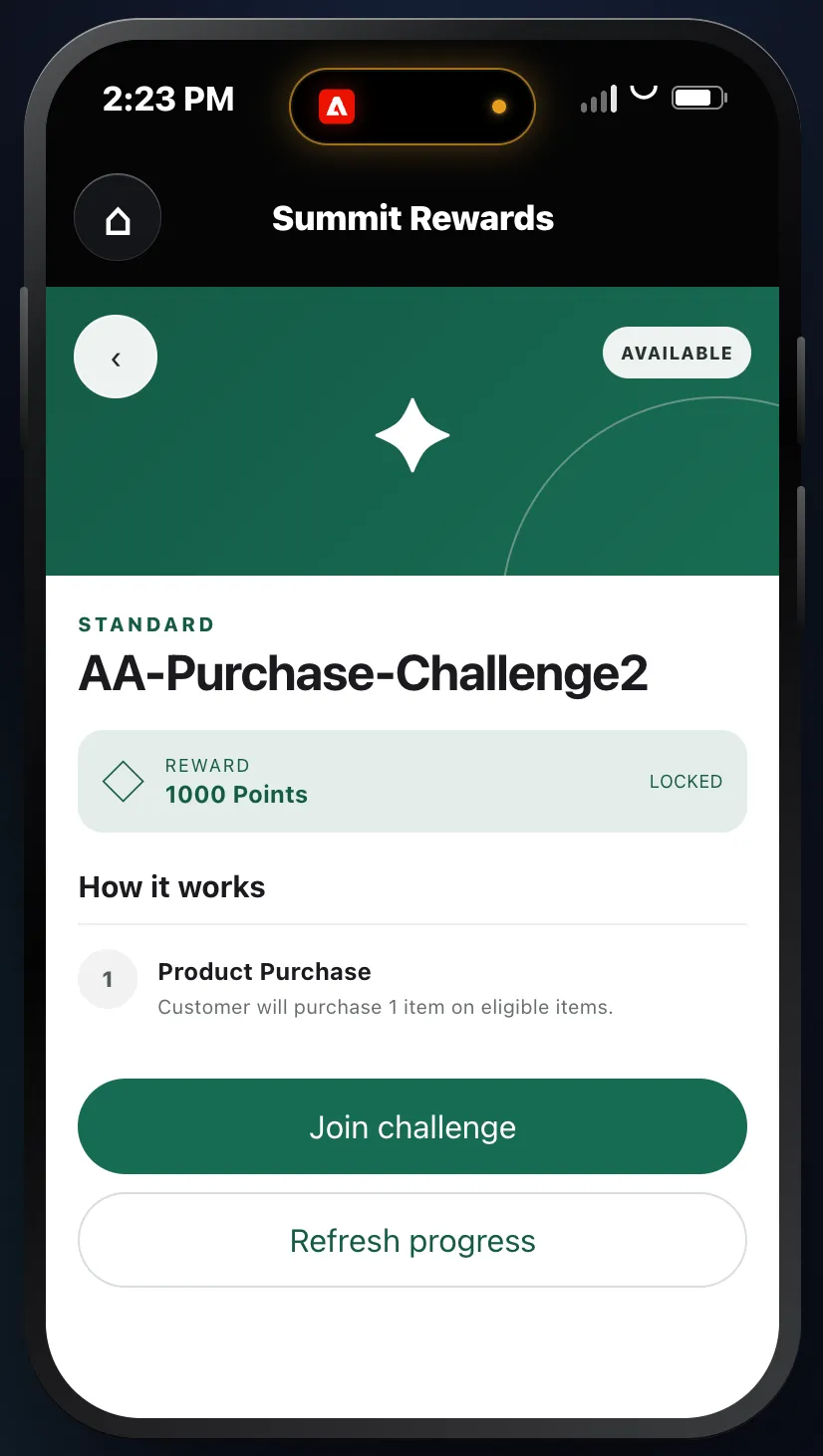
- Open a Challenge to view it. Then click Join Challenge.
-
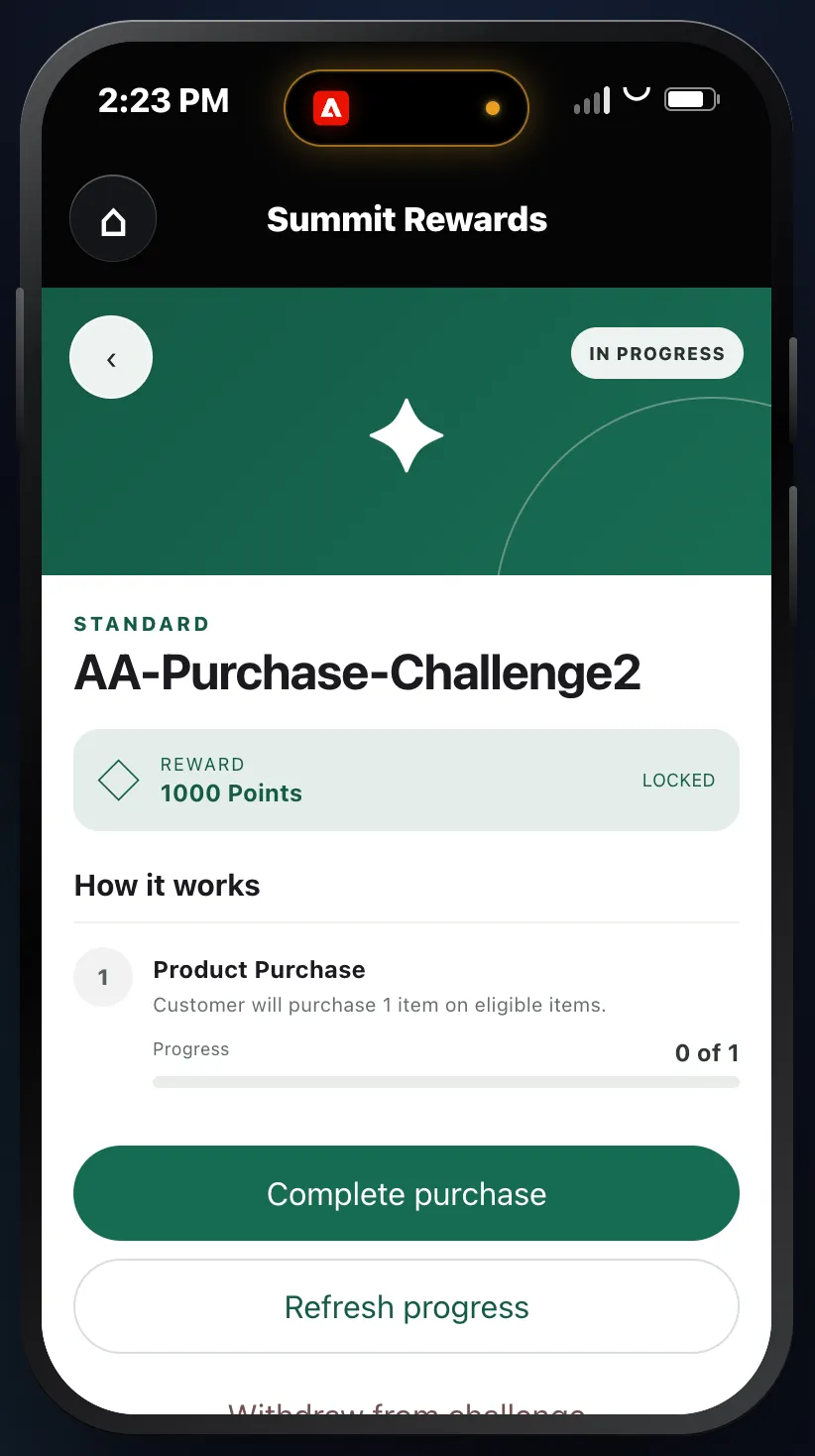
- Perform the task(s) associate with the Challenge, in this case, Complete Purchase.
-
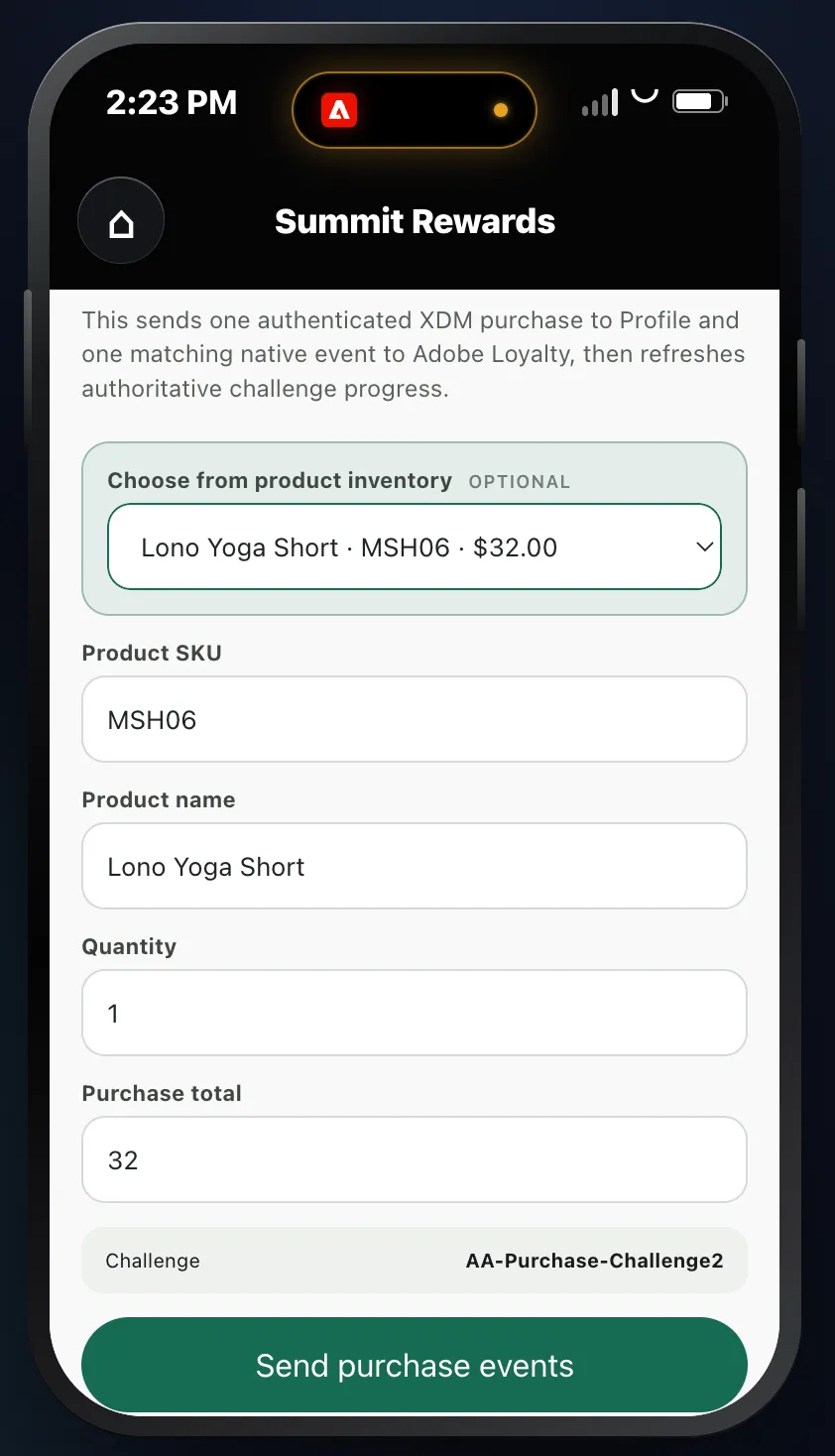
- Choose a product from the product inventory and then click Send Purchase Event.
-
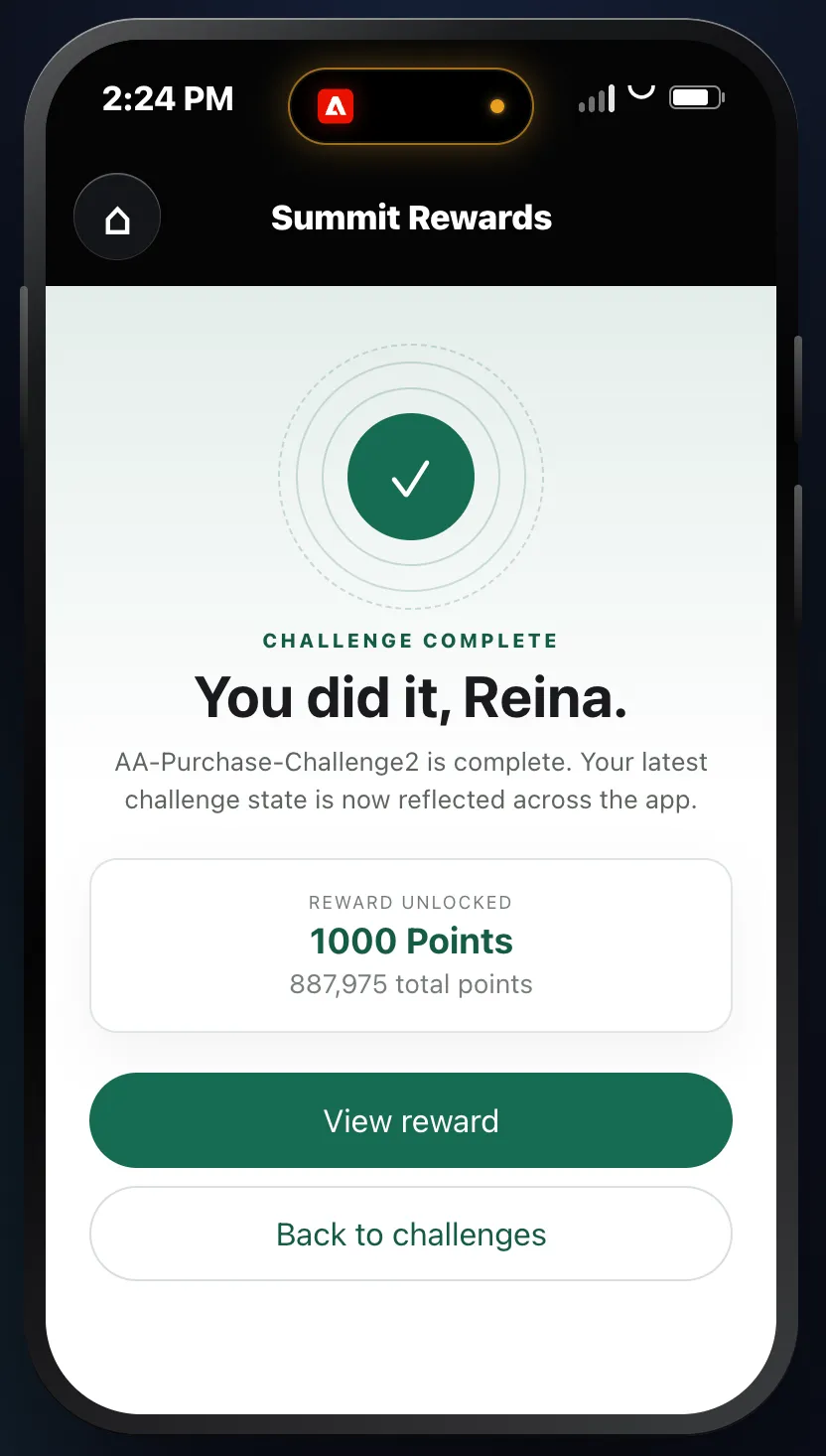
- Once the task(s) are completed, you'll see the Challenge Completed message.
-
- Click on View Reward to see list of earned rewards.
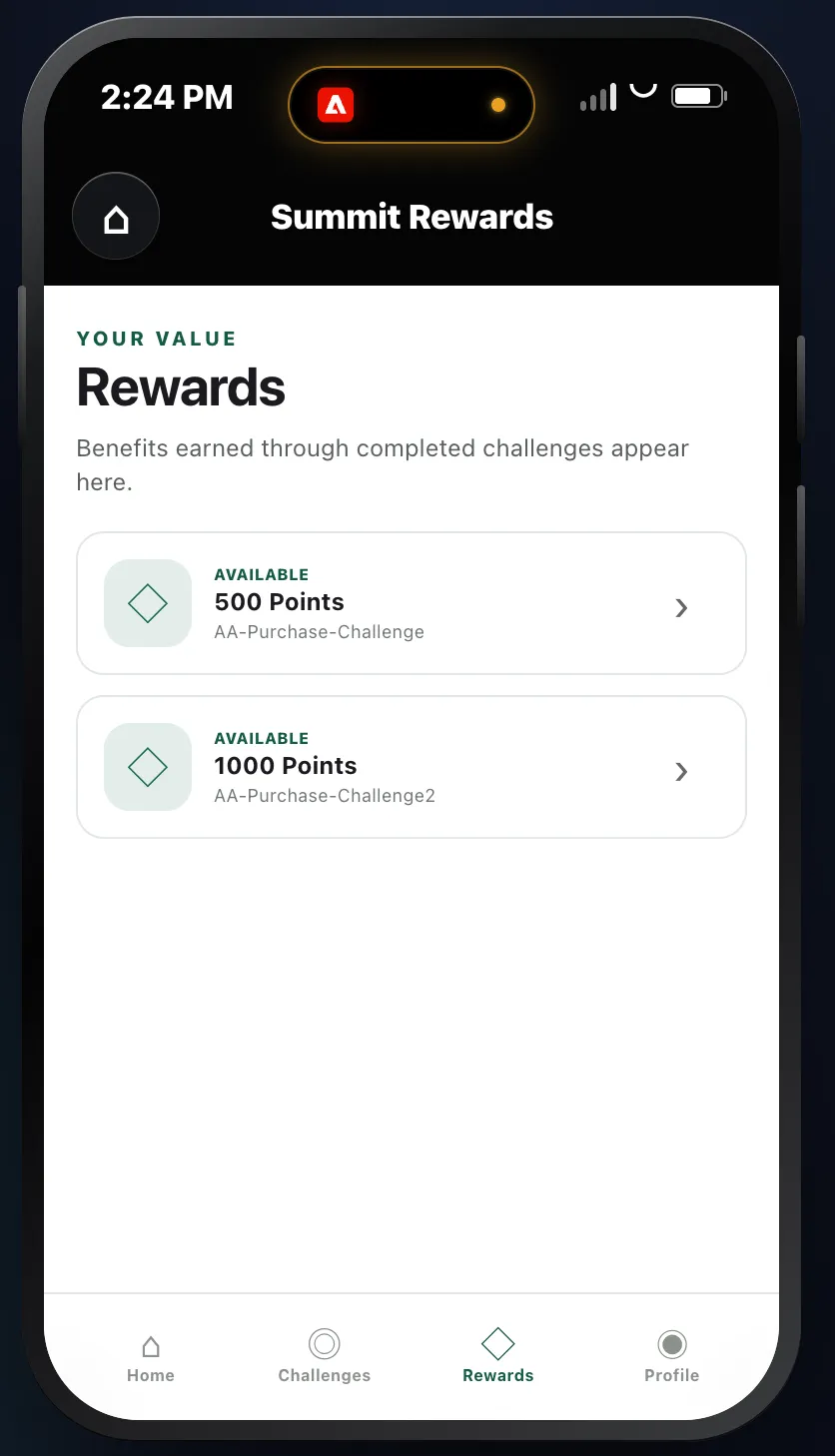
-
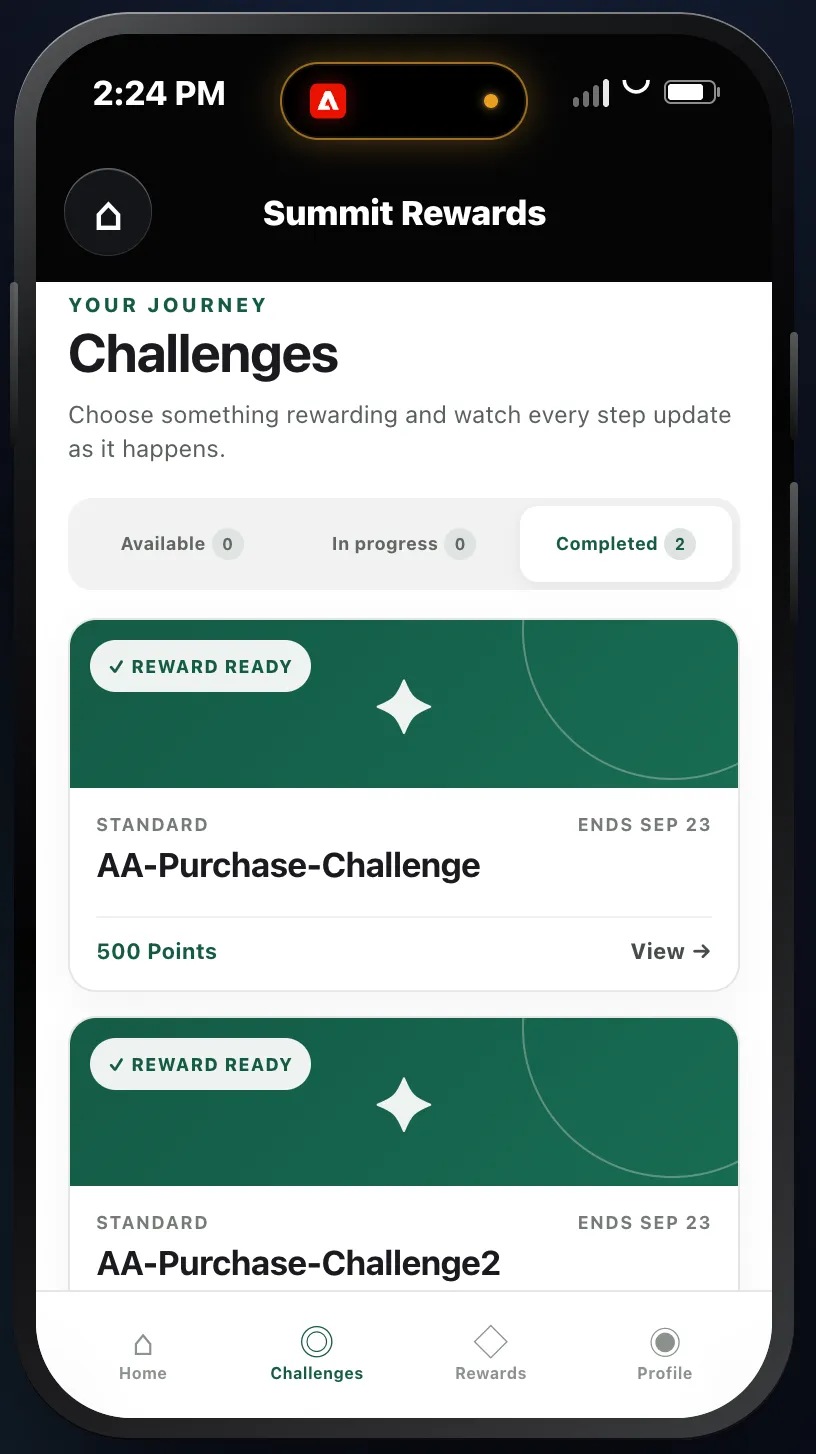
- Click Challenges in the bottom menu to see all Available, In-Progress and Completed Challenges.