Account Audiences
4 min
Create Account Audiences using data from Adobe Experience Platform, Marketo, and CRM
- From the menu, select Account Audiences on the left navigation bar and click "Create Audience".
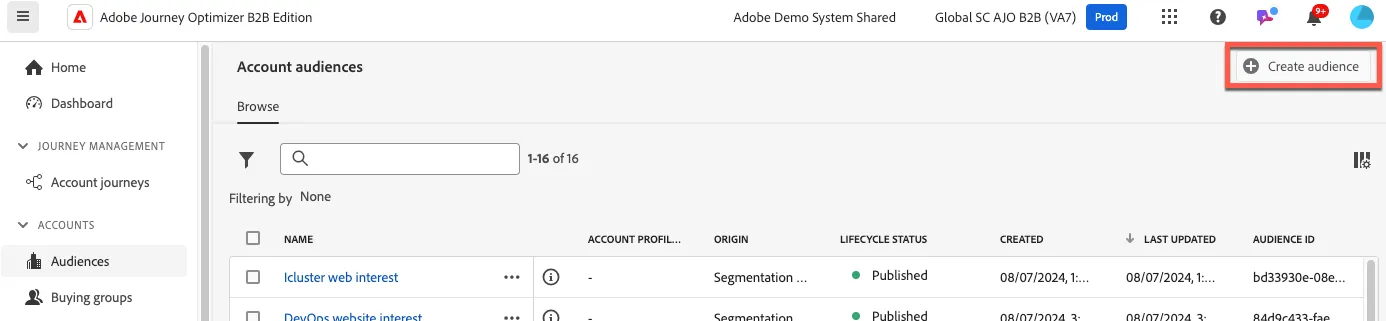
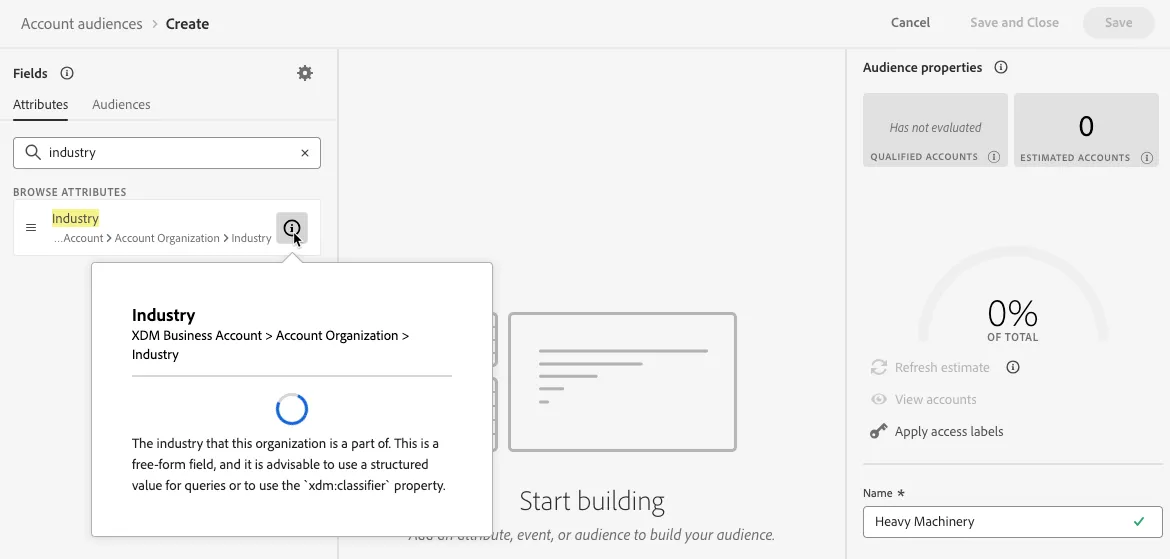
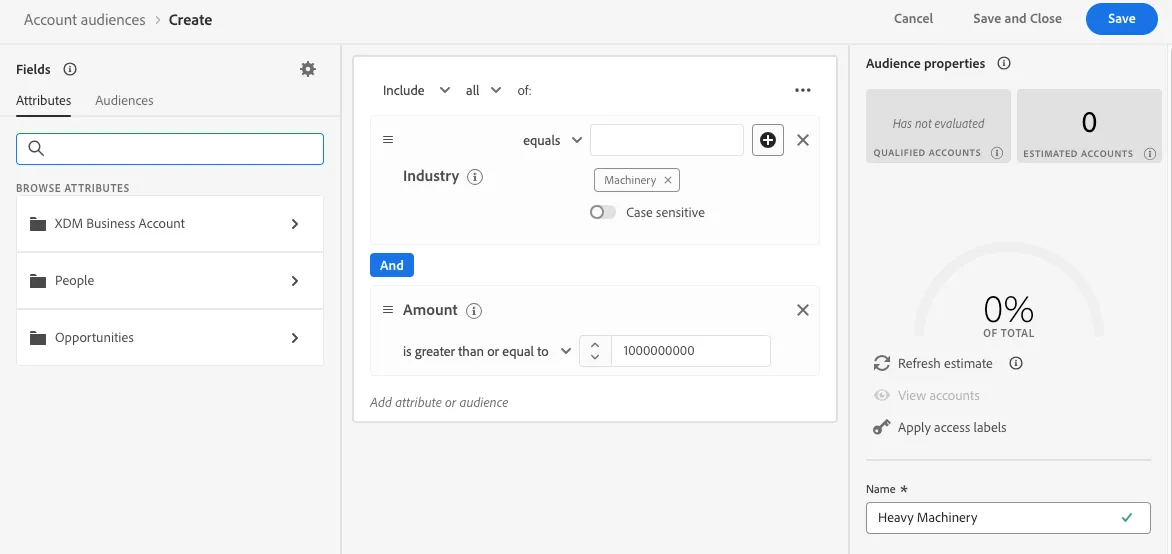
2. Name your audience uniquely using the following syntax:
- Heavy Machinery - <your initials>
Search for the Account attribute "Industry" and drag it into the canvas.
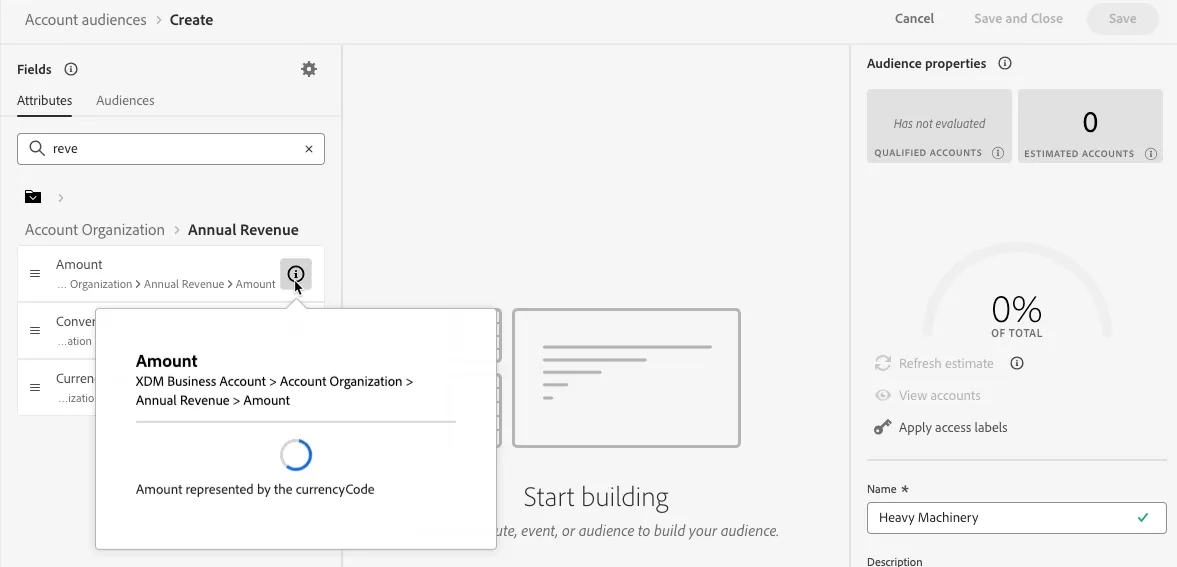
3. Search for the Account attribute "Annual Revenue" and drag the "Amount" attribute into the canvas.
4. Set the Industry attribute to equals "Machinery" and the Amount attribute to "1000000000". Click the "Save and Close" button.
5. Create a new audience and name it uniquely using the following syntax:
- Solid Tires Oppty Won - <your initials>
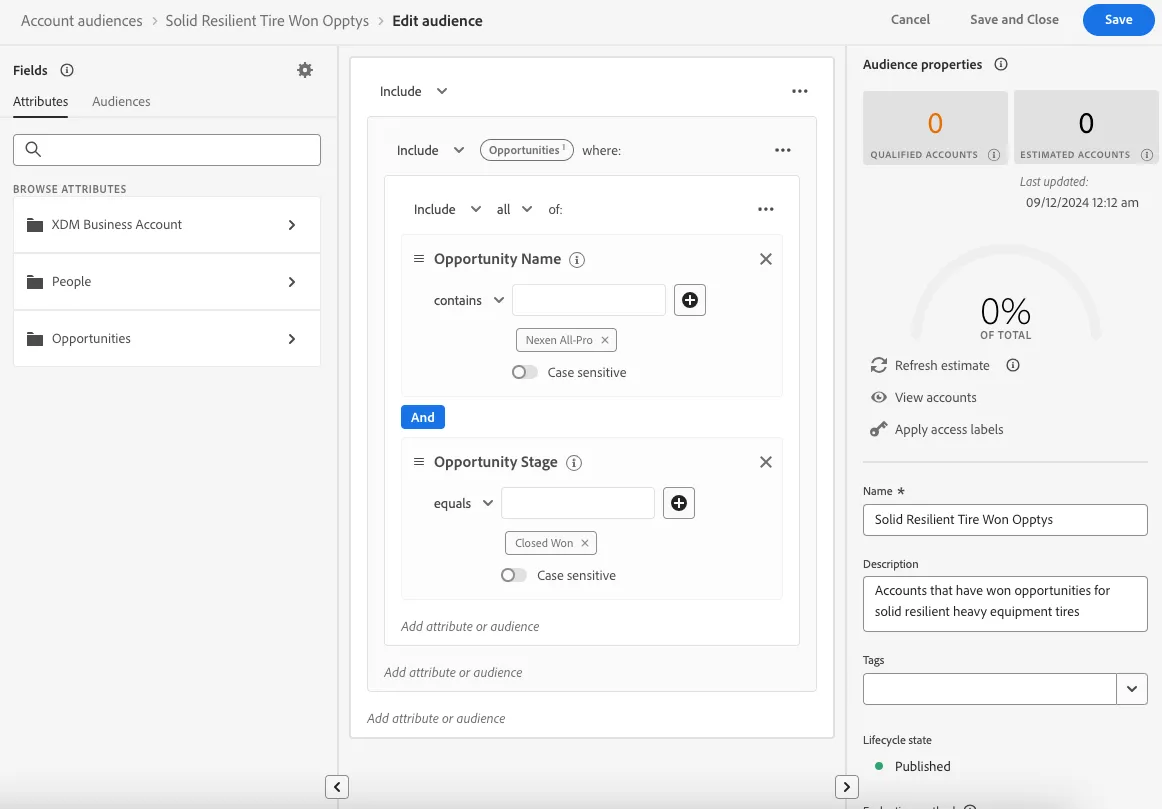
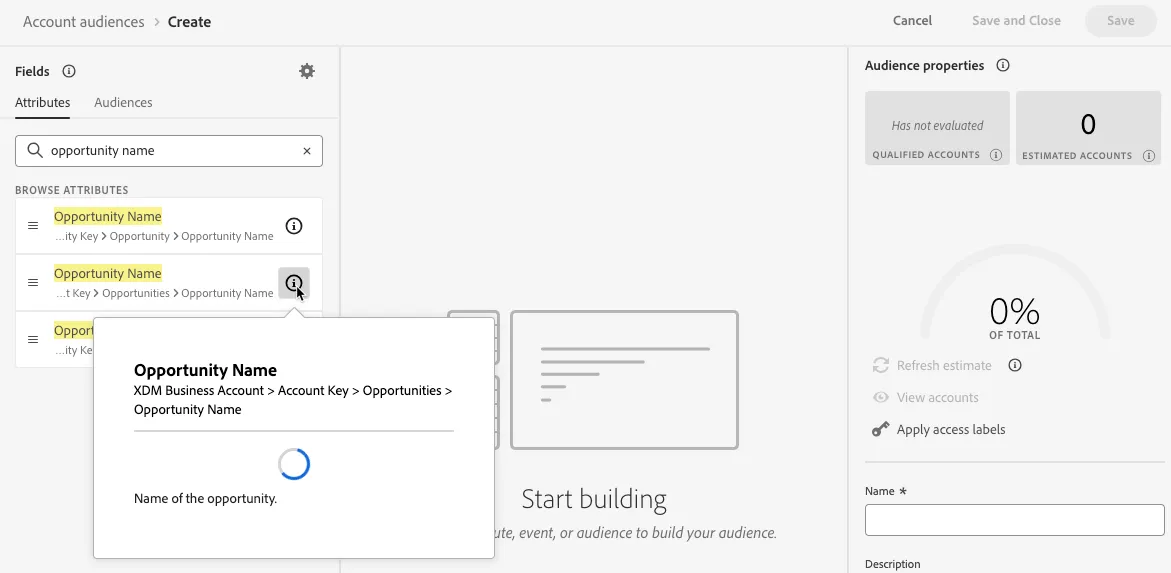
Search for the Opportunity attribute "Opportunity Name" and drag it into the canvas.
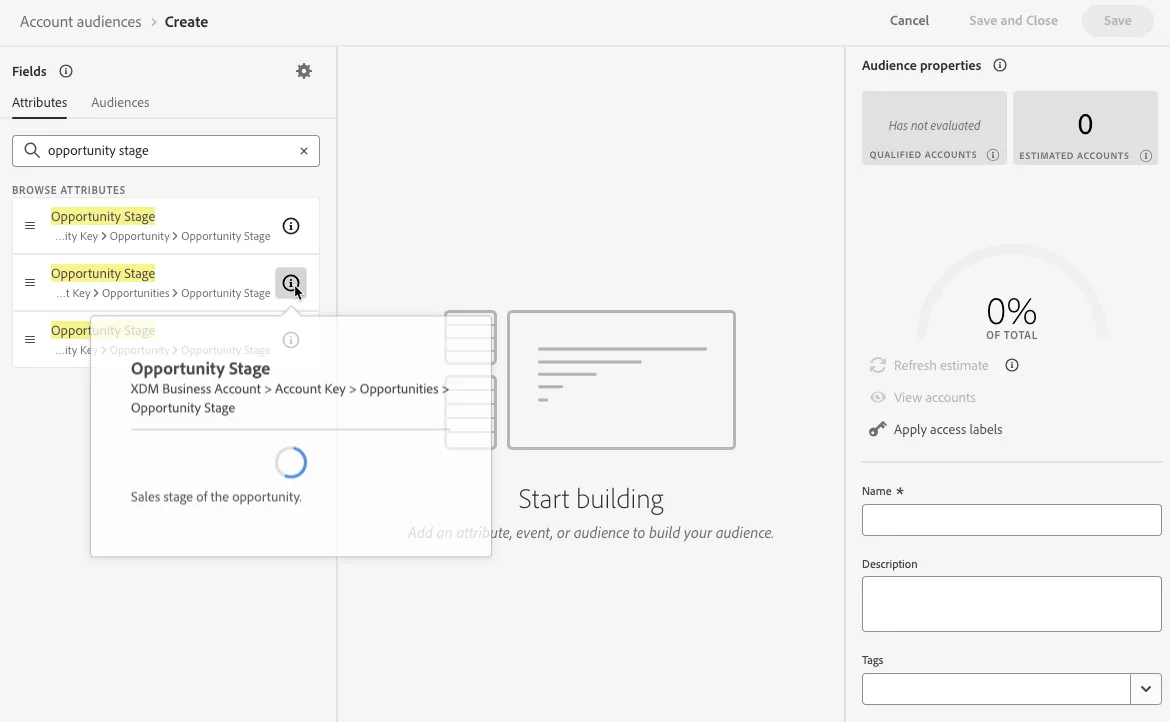
6. Search for the Opportunity attribute "Opportunity Stage" and drag it into the canvas.
7. Set the Opportunity Name attribute to contains "Nexen" and the Opportunity Stage attribute to "Closed Won". Click the "Save and Close" button.