Content Authoring
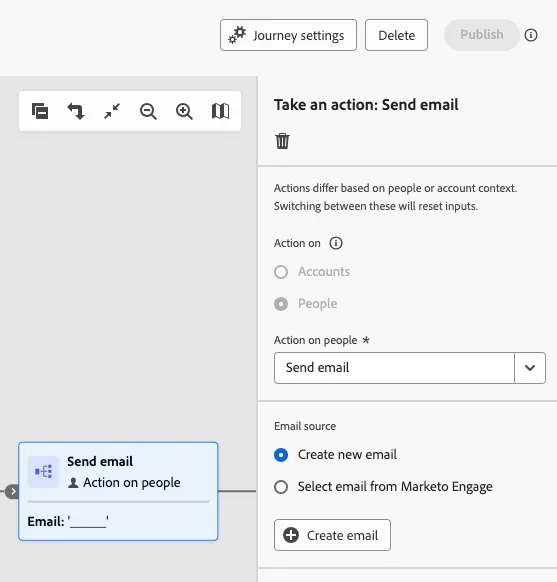
1. Go back to the Send email action nodes and select the Create email for the first action node.
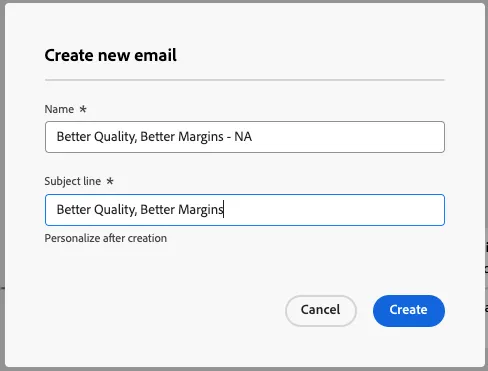
2. Name the first email "Better Quality, Better Margins - NA", you may add the same string to the Subject line input. Click Create.
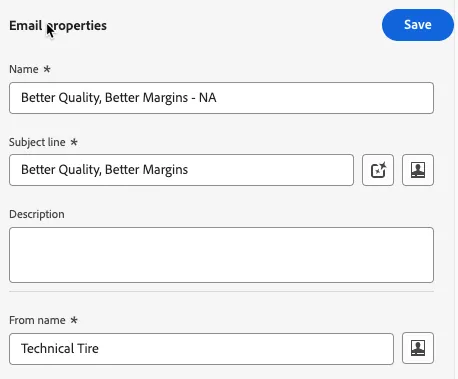
3. Add a From name to the email. You may name this "Technical Tire" or create a name for a fictitious company. Click the Save button.
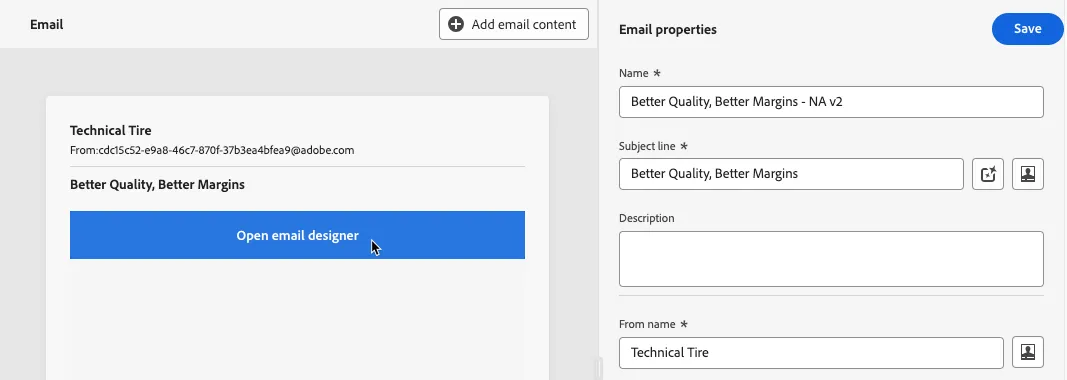
4. Click on the blue ribbon that appears when hovering over the blank email body to edit the email content.
5. Select the Pneumatic Tires template.

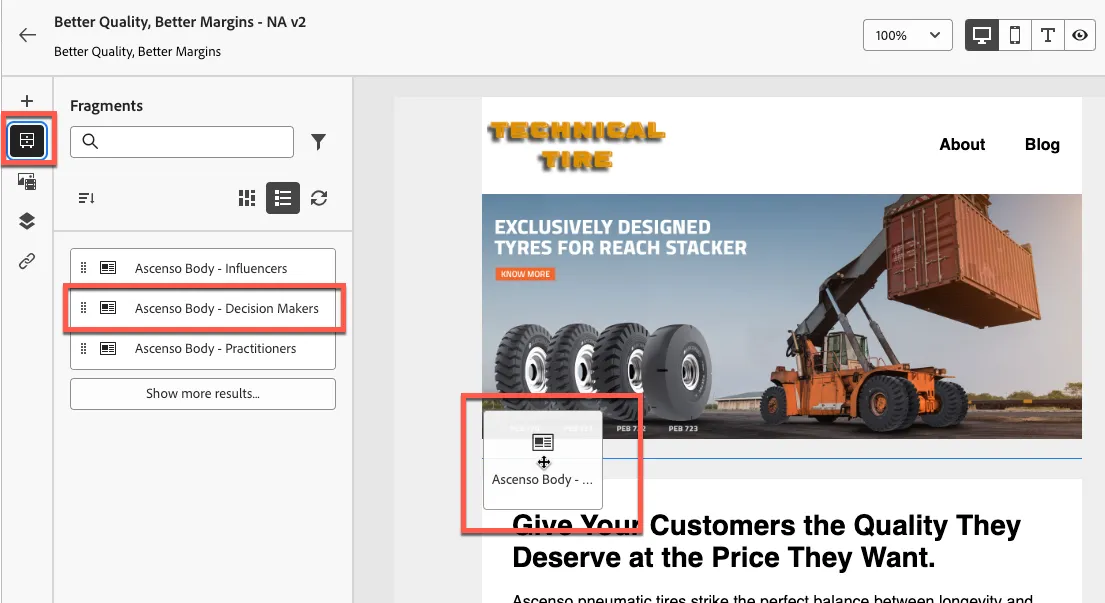
6. Add buying group role specific fragment to the body of the email by selecting the Fragments module on the left and dragging the Decision Makers fragment into the body.
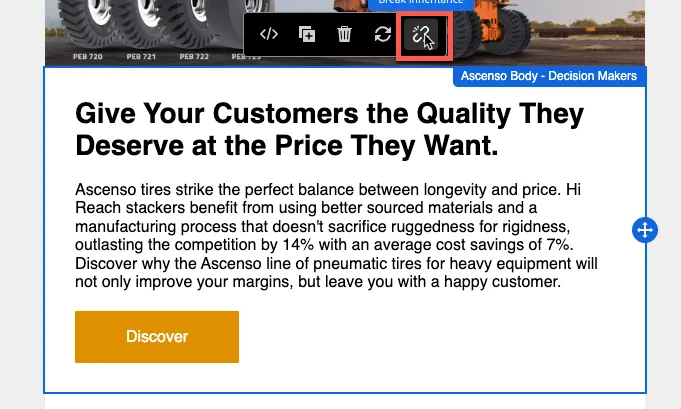
7. Break the fragment's inheritance by clicking the broken link icon while hovering over the fragment. This will allow you to make edits to the content without making changes to the original fragment.
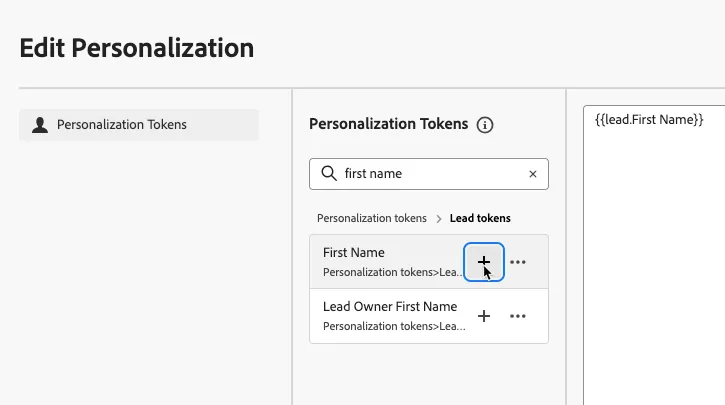
8. Add a greeting to the body of the email by clicking into the beginning of the paragraph and then clicking on the portrait icon on the popup. Search for first name and click the + icon to add the Lead Token into the canvas.

9. Repeat this process for the two other paths, using their respective content fragments.