Data Labeling and Policies
6 min
As part of this exercise, we will set up a governance framework that controls the usage of data onboarded into RTCDP. The lab involves the below two tasks:
- Apply an out-of-the-box Identity label to the Email field in our schema -
This task will be an instructor led demo since we are all working with the same schema and a label can be applied only once to the same field
2. Create a Data Usage Policy to restrict exporting plain text emails to third party systems
Watch the instructor apply the identity label to the workAddress field on the B2B Person Schema
Creating a Governance Policy to control data usage
Instructions:
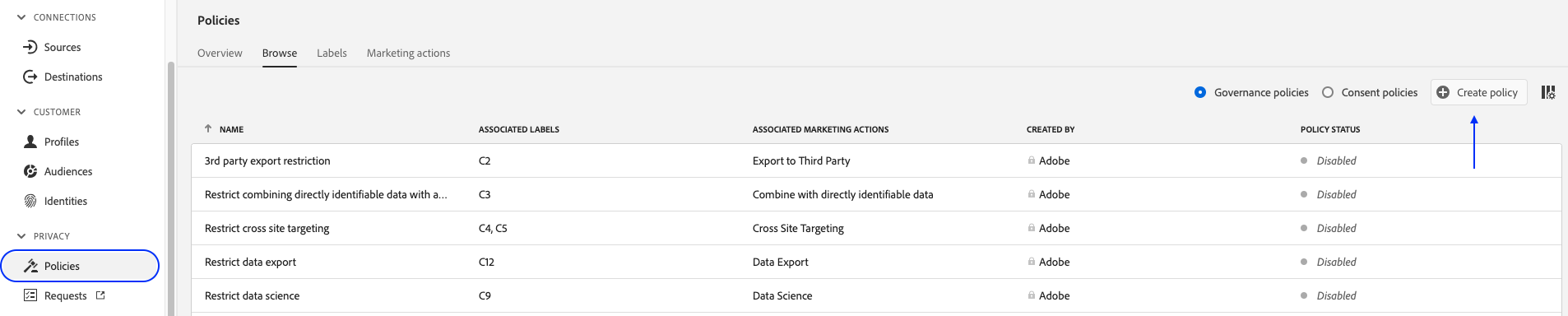
- In the left-hand menu, navigate to Policies.
- Verify you're on the "Browse" tab. Click "+ Create policy" in top right corner.
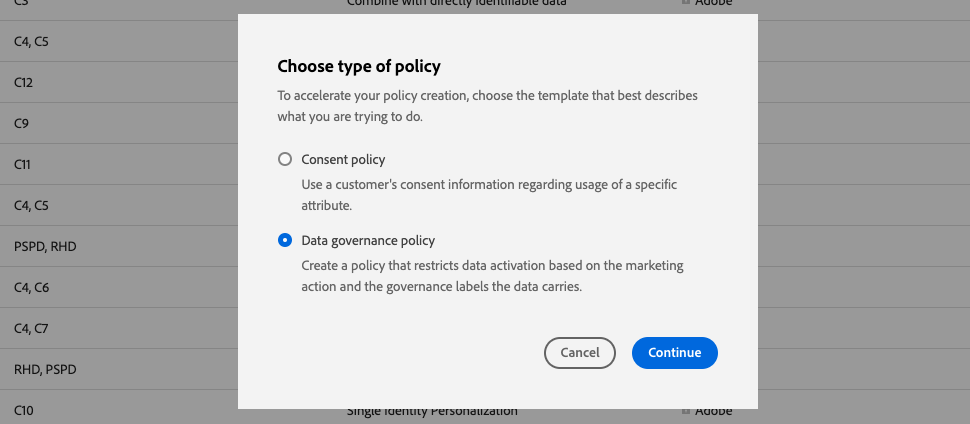
- Select "Data Governance Policy" and Click Continue.
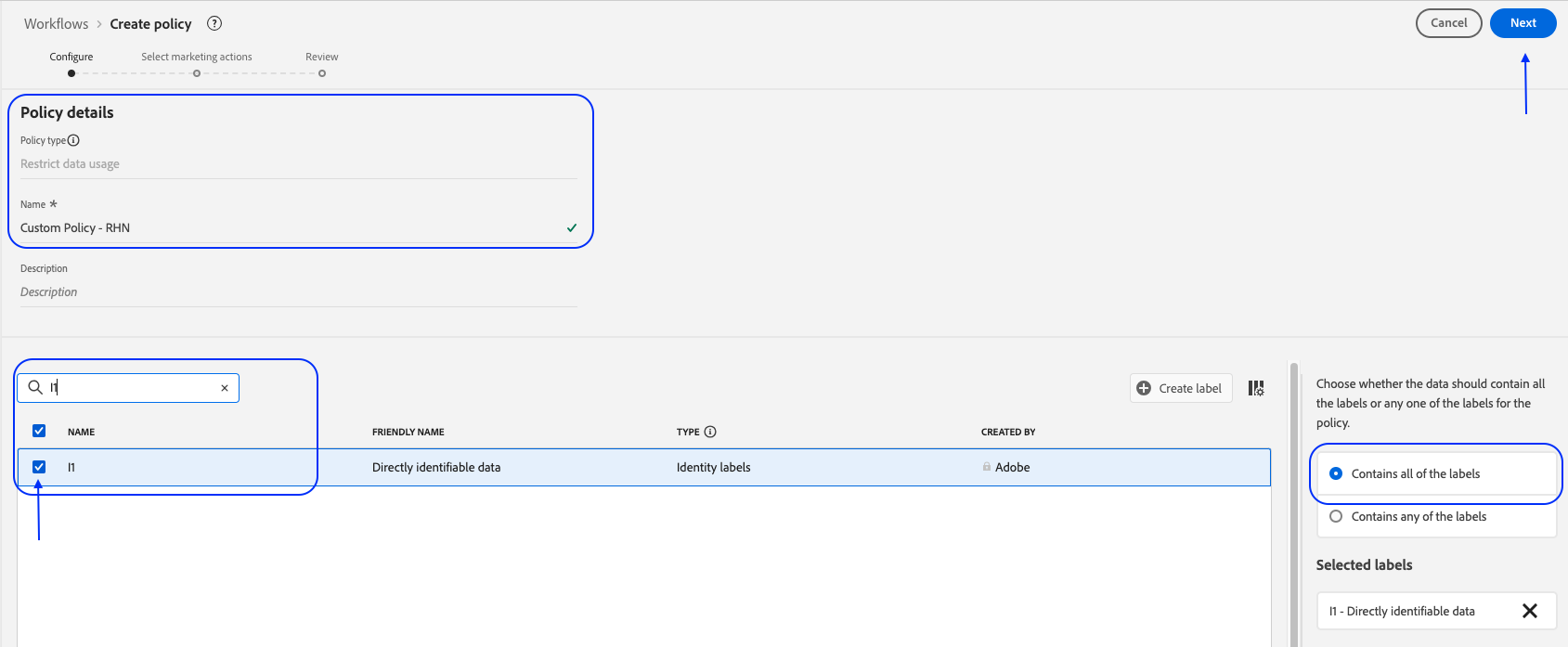
- Under the Policy details, enter name Data Usage Policy - {your initials}
- Under Select governance labels, select "I1". On the right-hand side
- Click "Next".
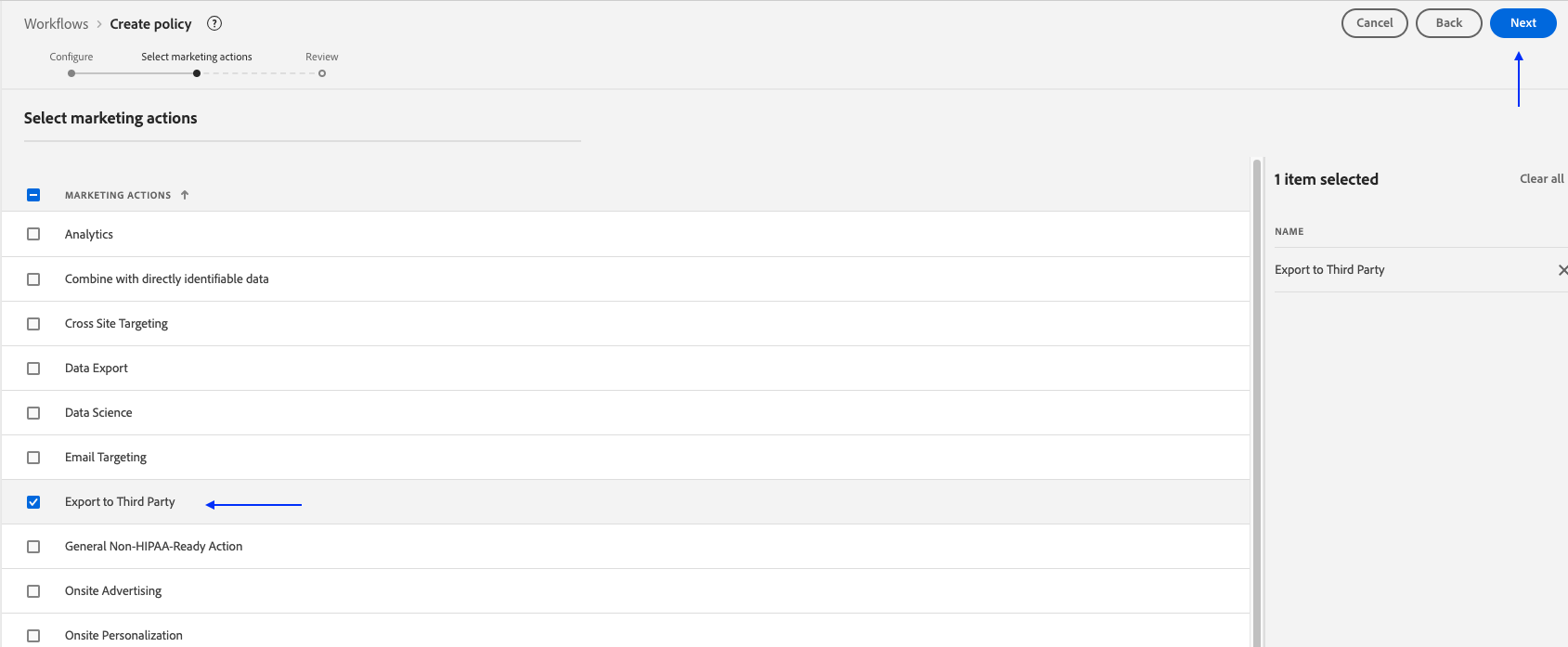
- Select the marketing action "Export to Third Party".
- Click "Next".
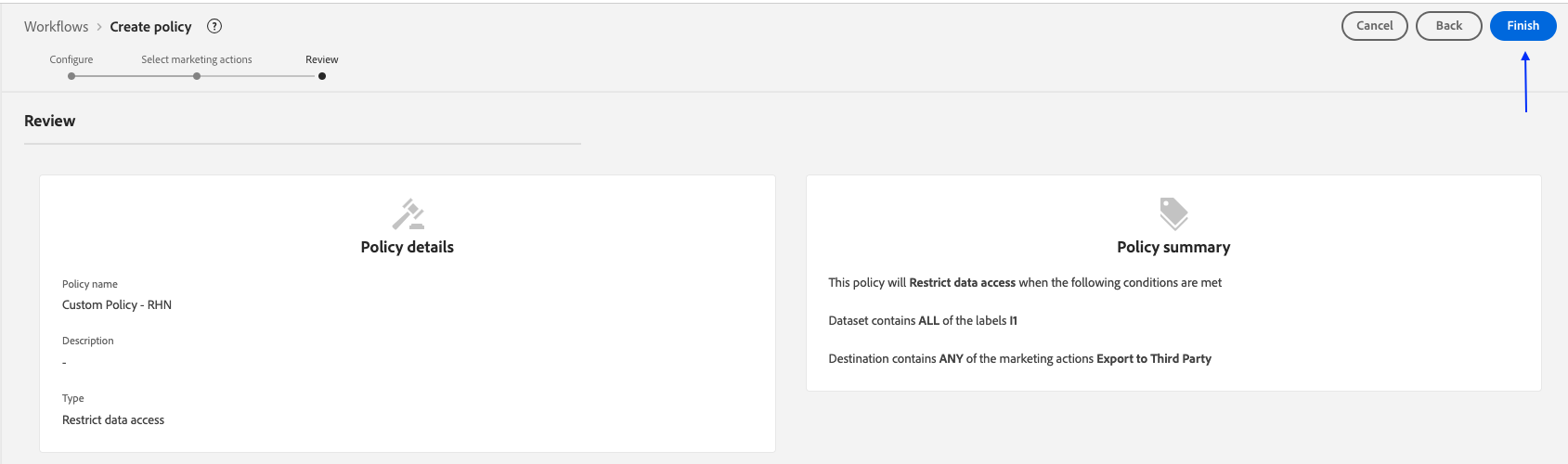
Review the policy and click "Finish"
We will see how this impacts outbound workflows as part of our Activation module