Demo Website and App
2 min
For the lab, you need access to a demo website:
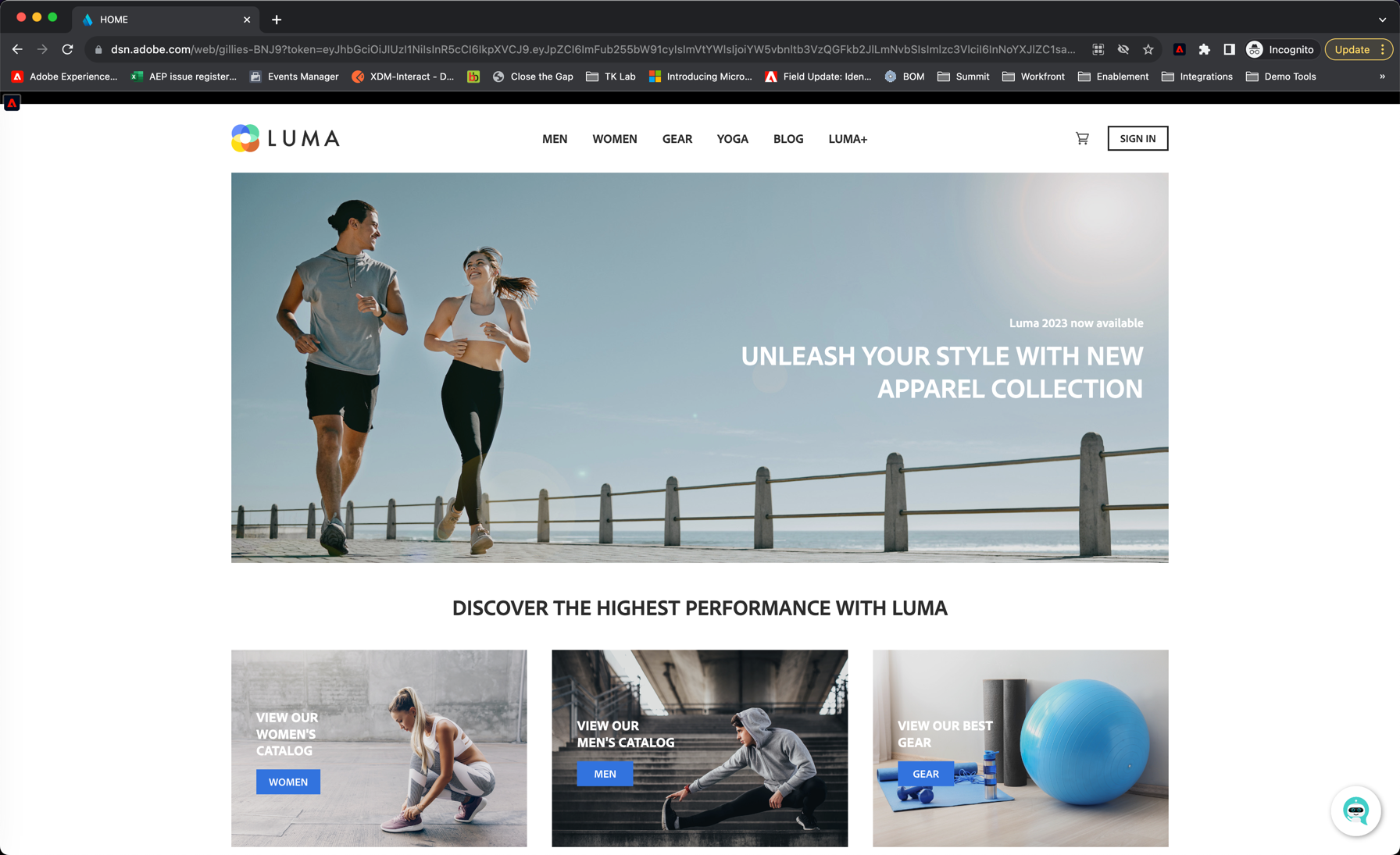
Luma
You should see the homepage of the LUMA brand demo site. If it asks you to authenticate use the details on the Access page.
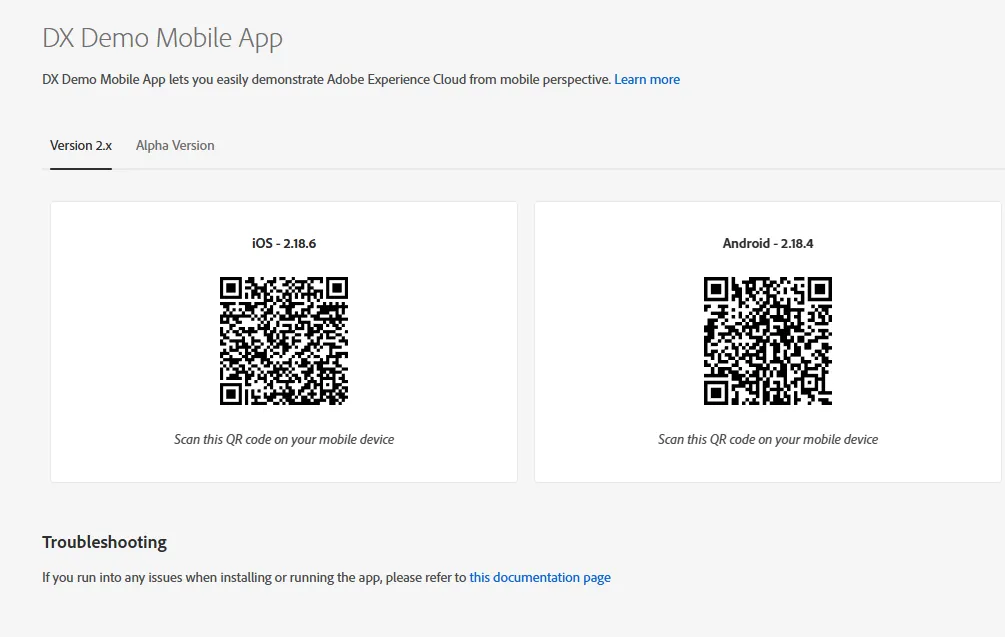
We will also use a demo App.
You can download it by scanning QR code below:
After installing the app for the first time on an iOS device, you might get an error message when trying to open the app which says: Untrusted Enterprise Developer
In order to fix this, in your iPhone, you need to go to Settings > General > Device Management > Adobe Systems Inc. and click Trust Adobe Systems Inc.
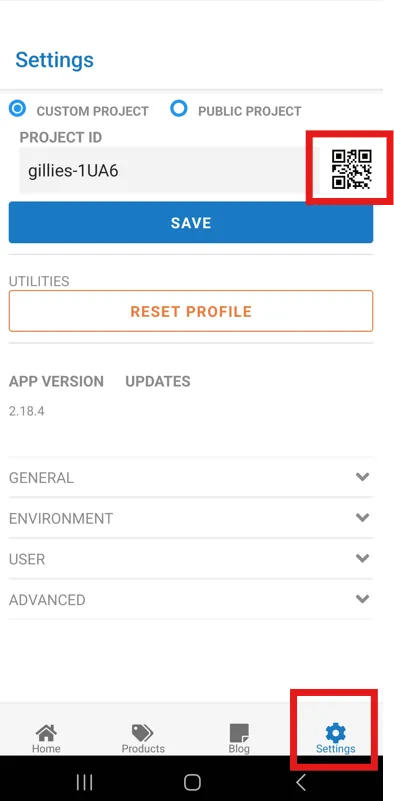
Once downloaded, open the App, go to setting, then click on the QR code icon to scan a new project
Scan this QR Code