Build a Dynamic Email
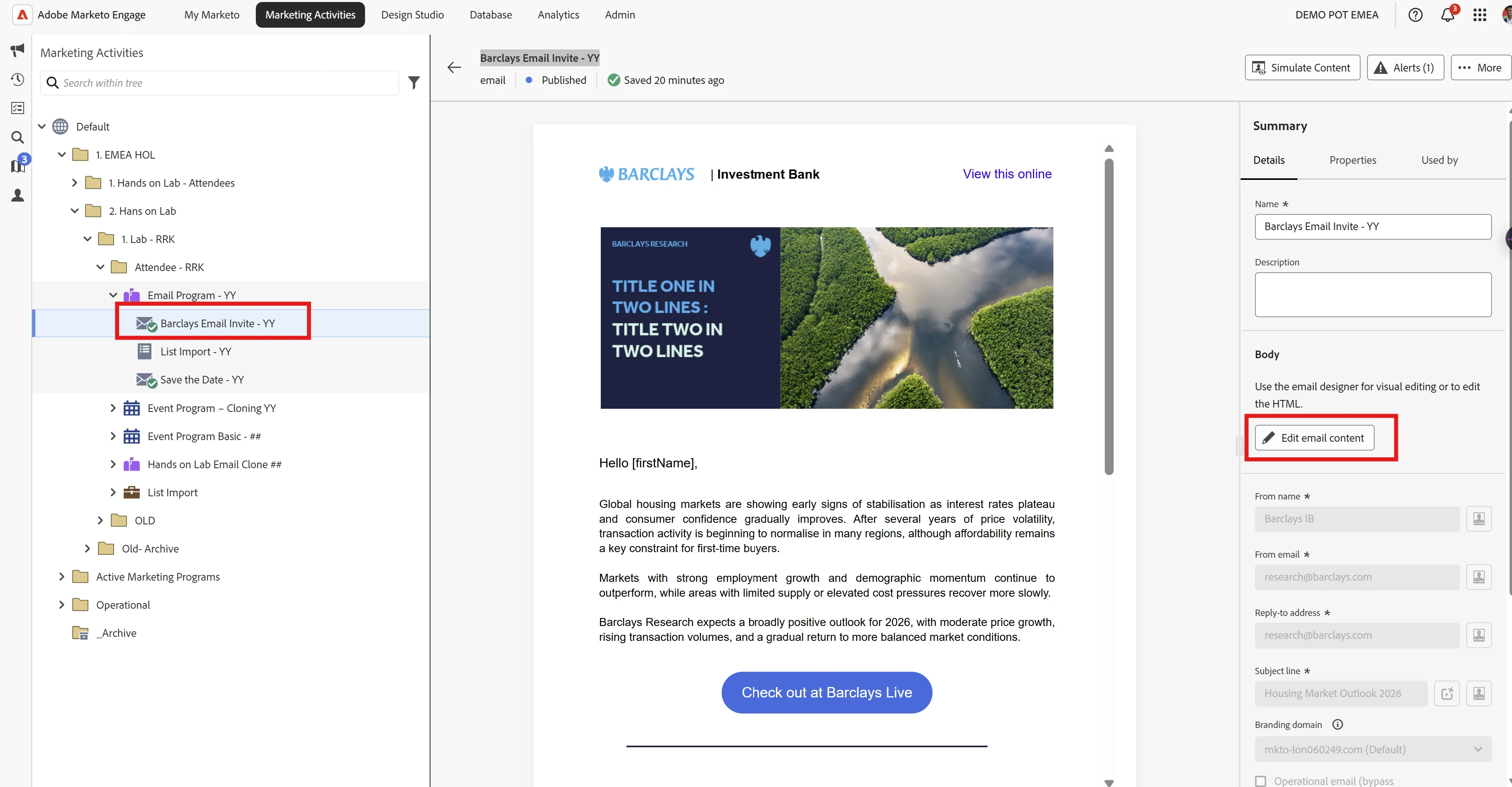
- Select Barclays Email Invite - ## email (in your respective folder) from the Navigation tree on the left
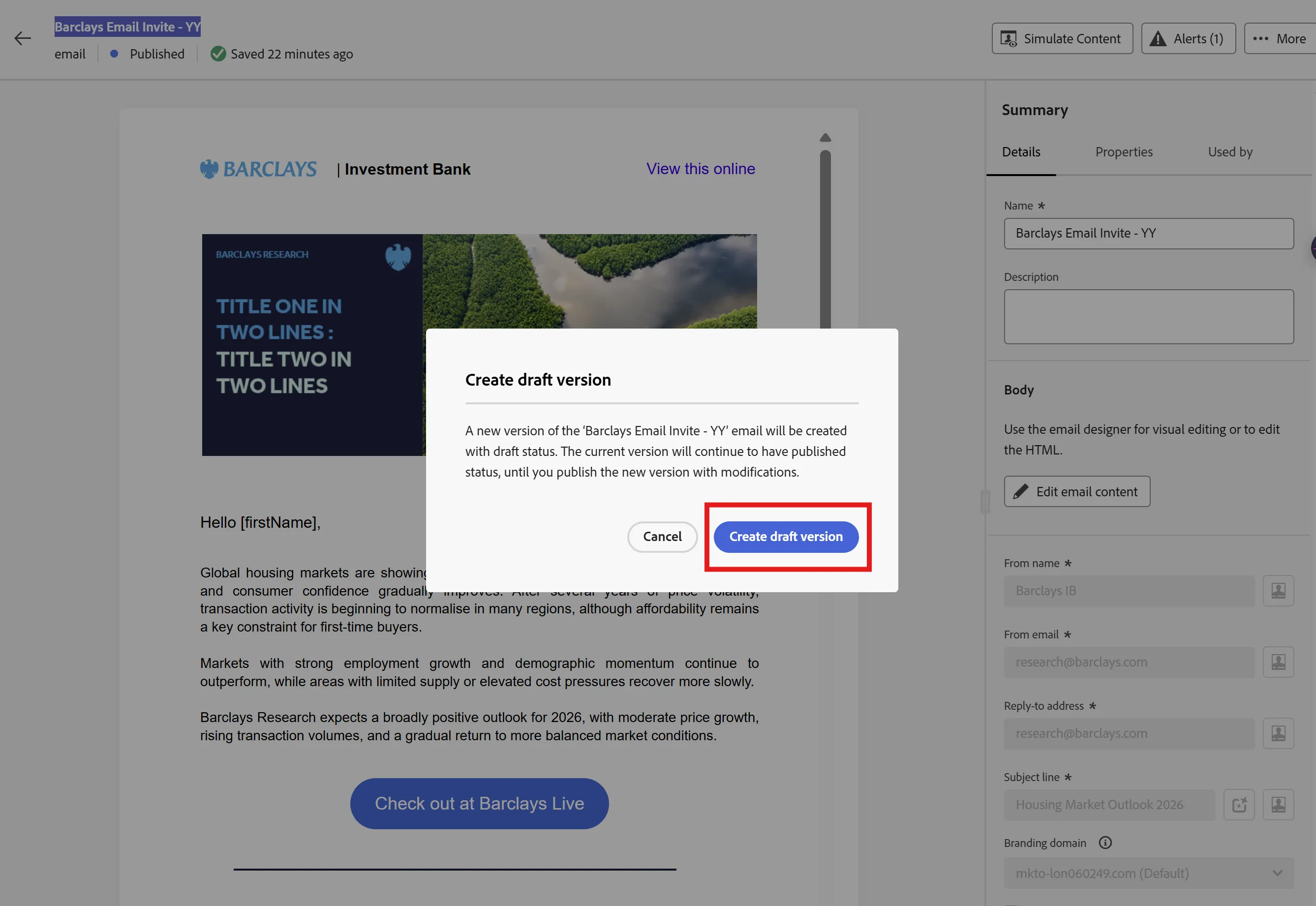
- Click Edit email content, click Create draft version
-
Click on Create draft version
3. In the email editor, select the banner image, and click on Conditional content
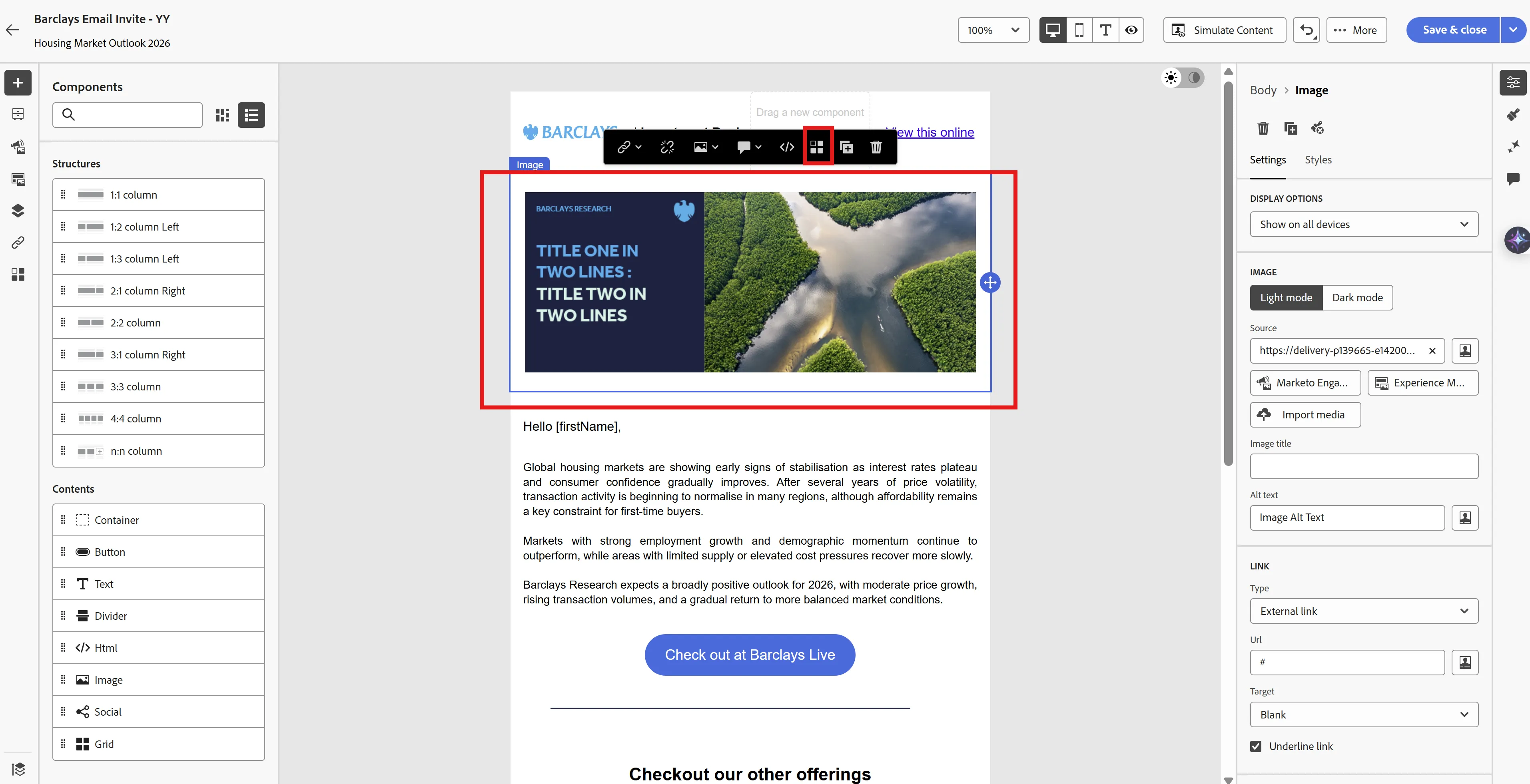
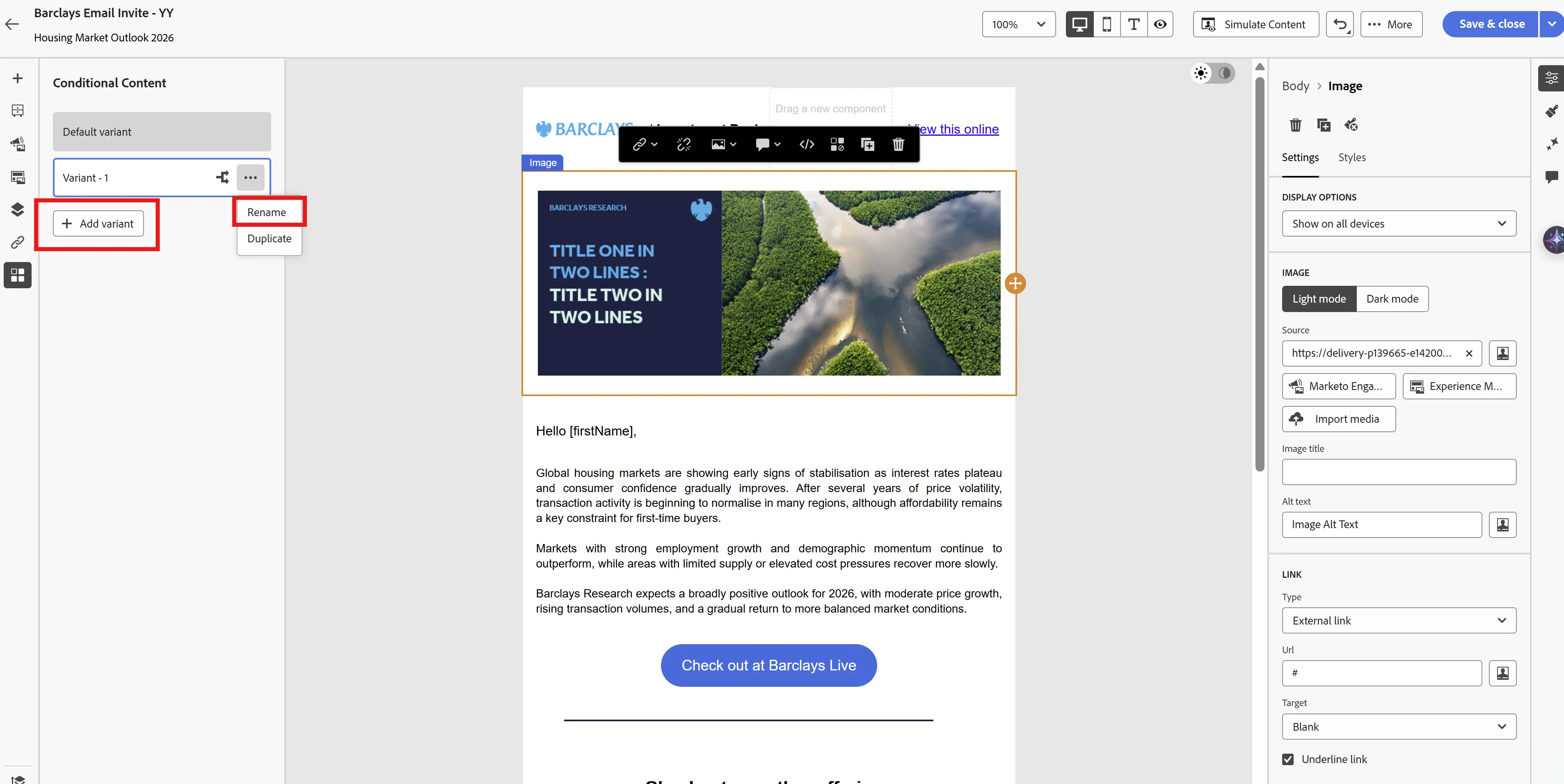
4. Click Add variant and rename them for the US and UK
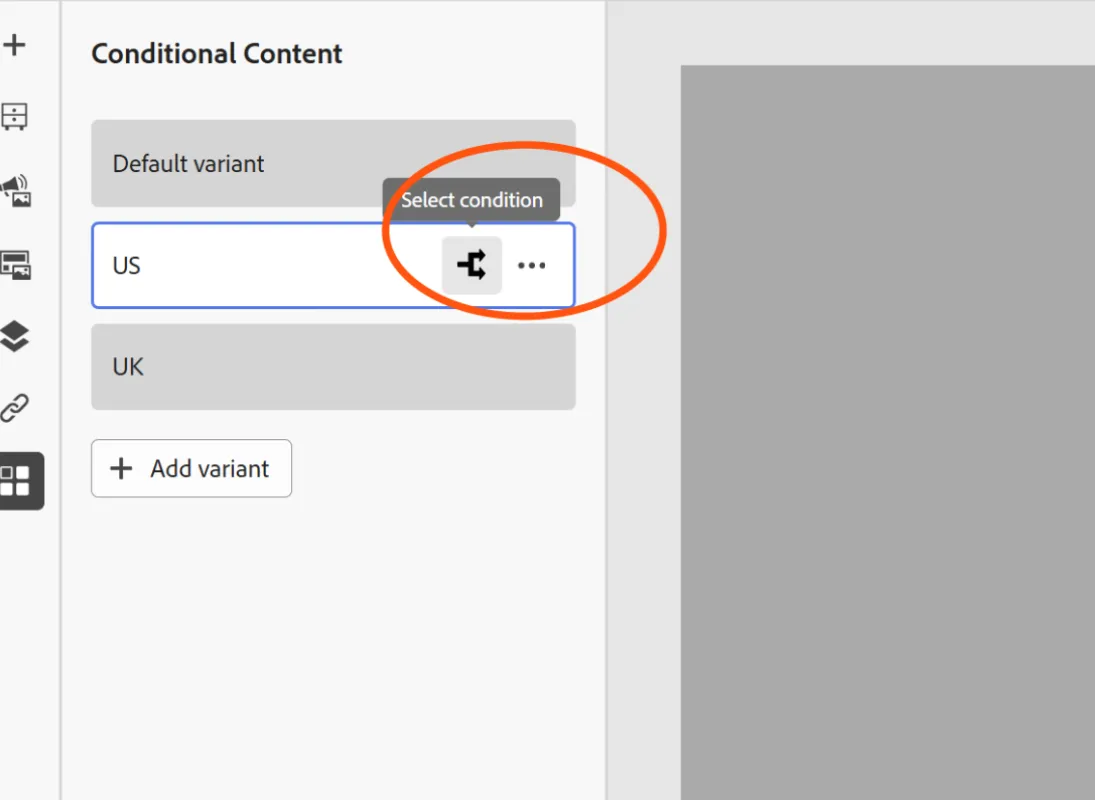
Click on Select condition for US
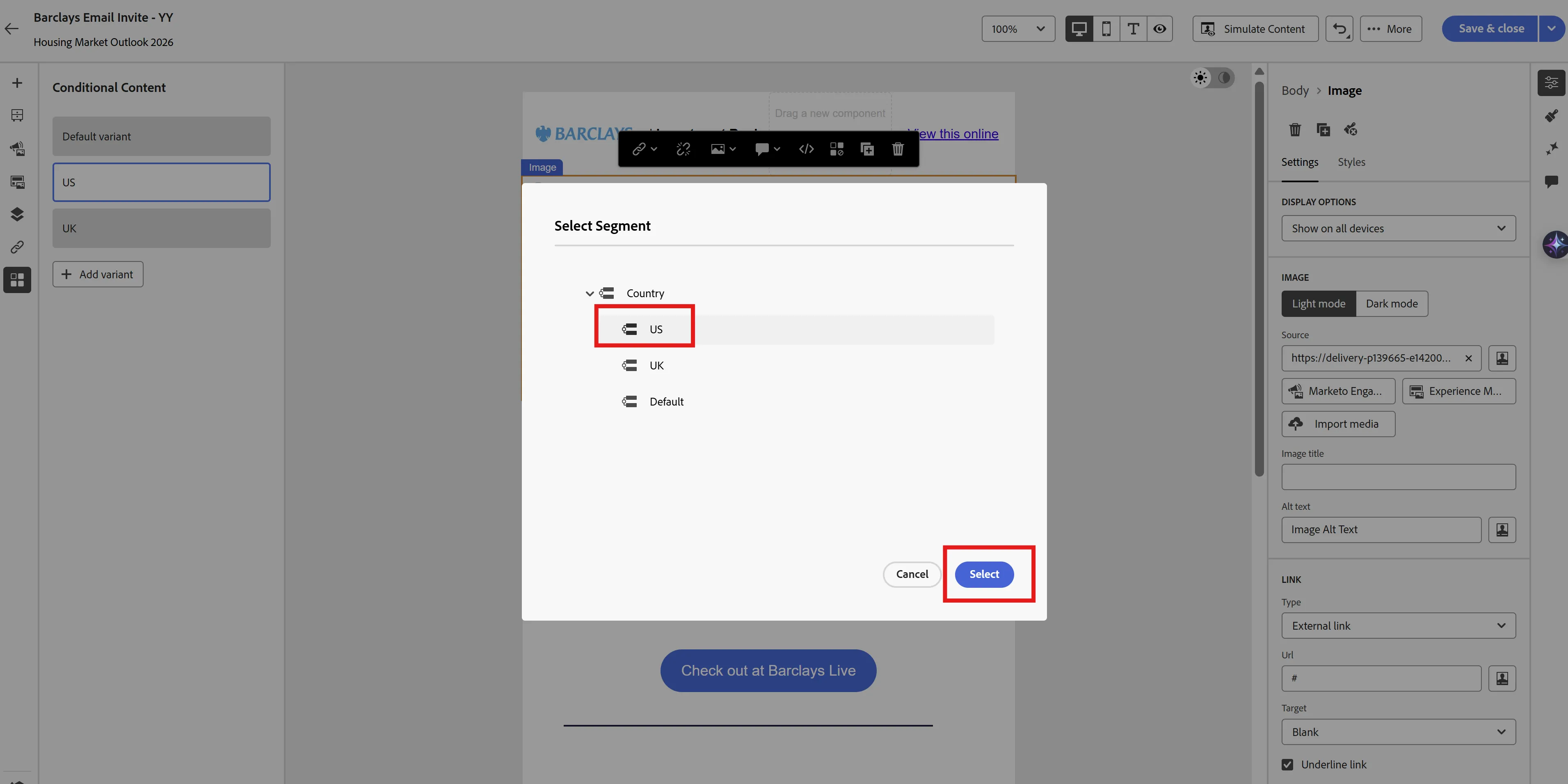
Select the US segment
Note: Segments can be built in database based on profile attributes (like Country, Product interest (Banking/Housing etc.)). Segments are already created in the database for this exercise.
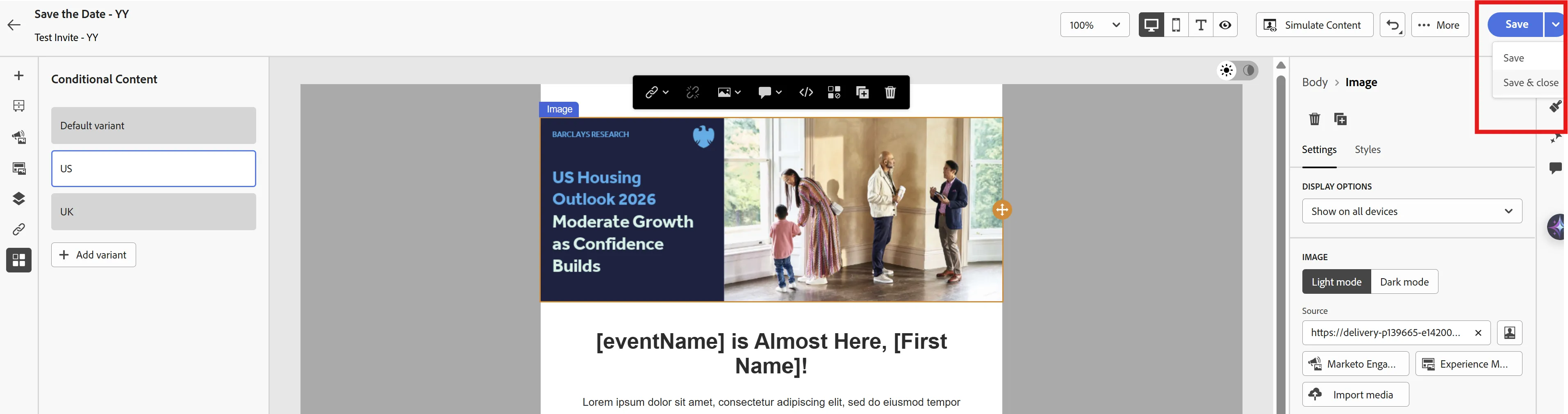
Select the US banner from AEM as shown in the image below.
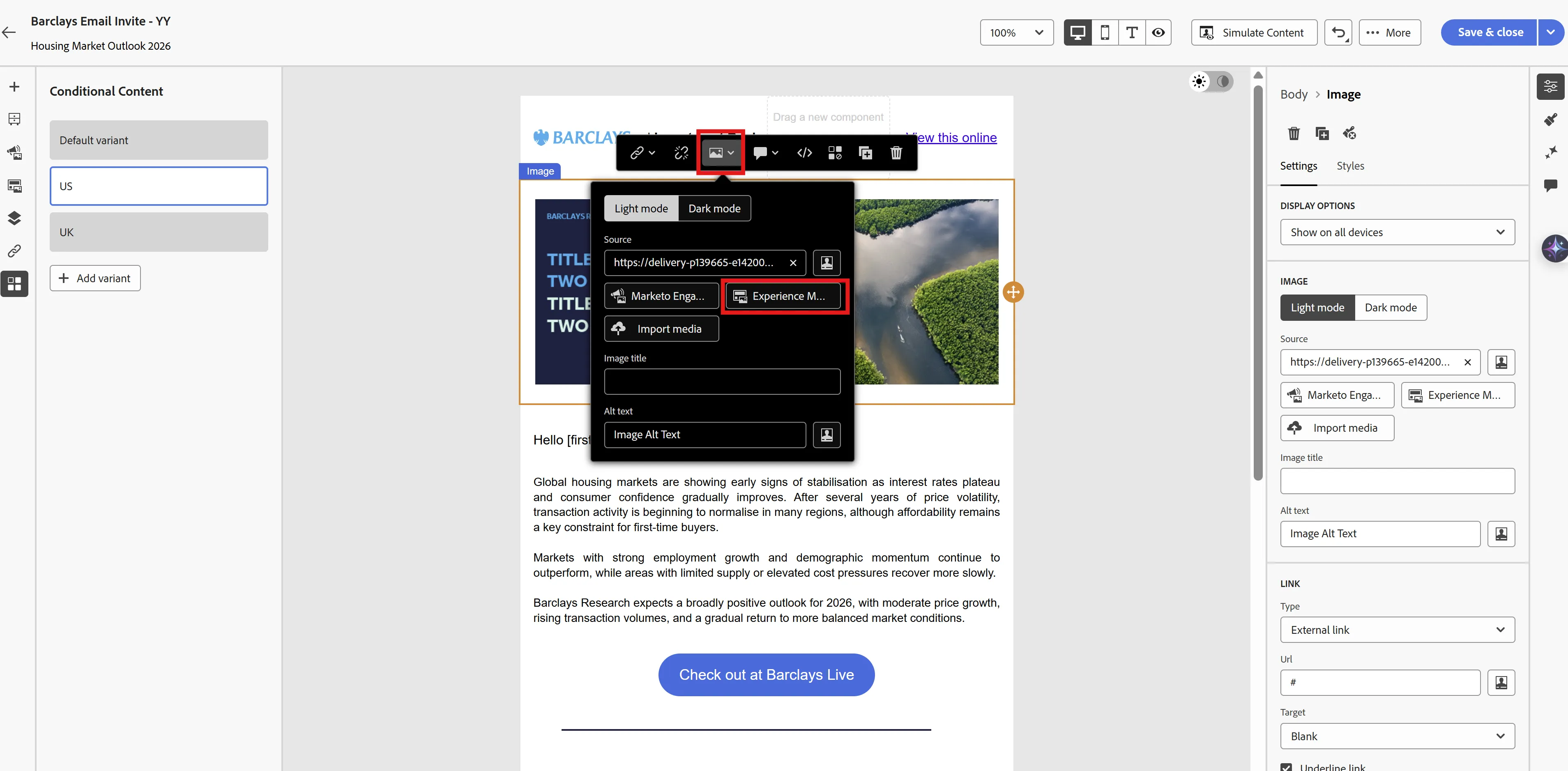
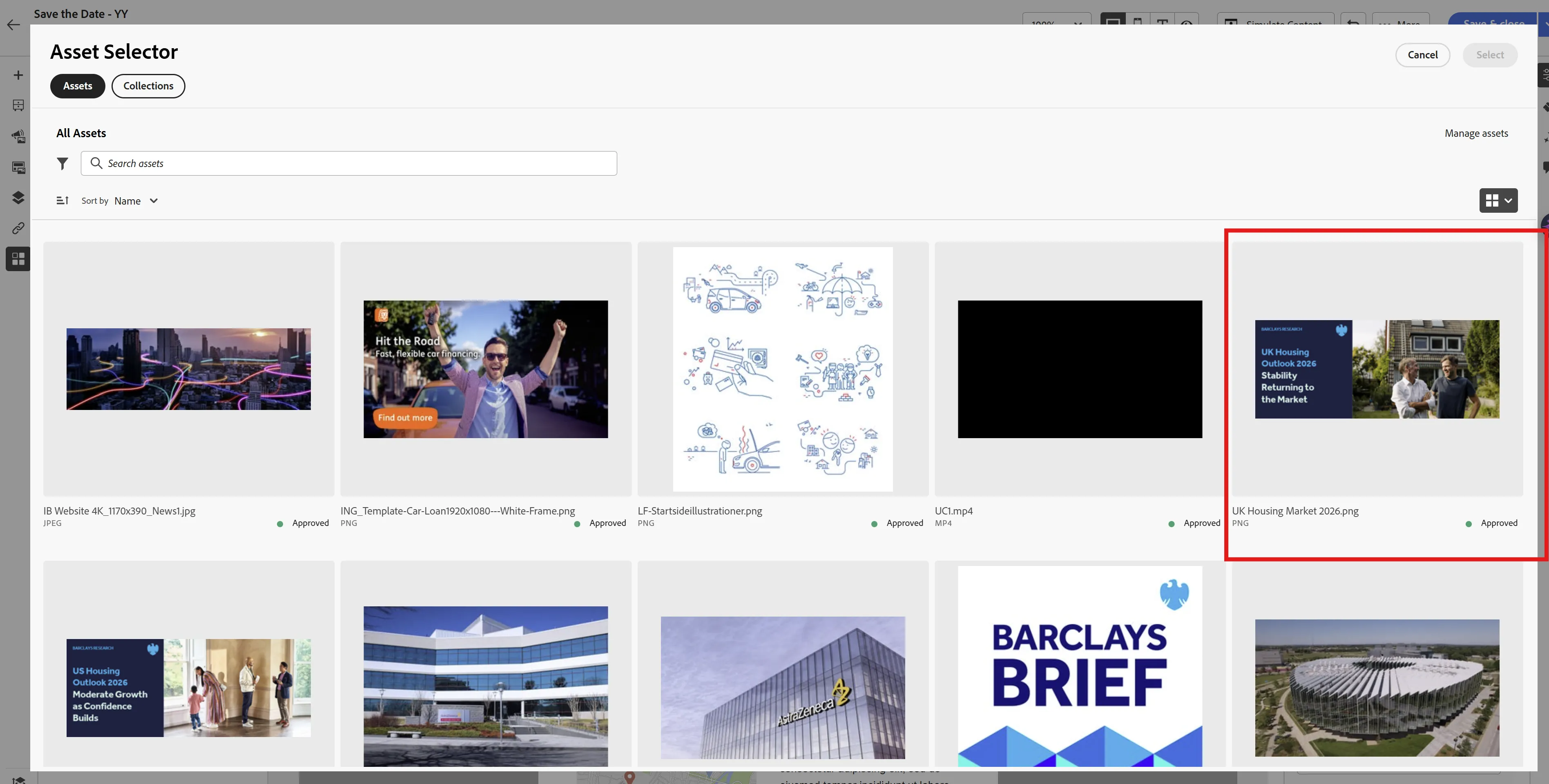
Repeat the same process for the UK with the respective segment and banner selection.
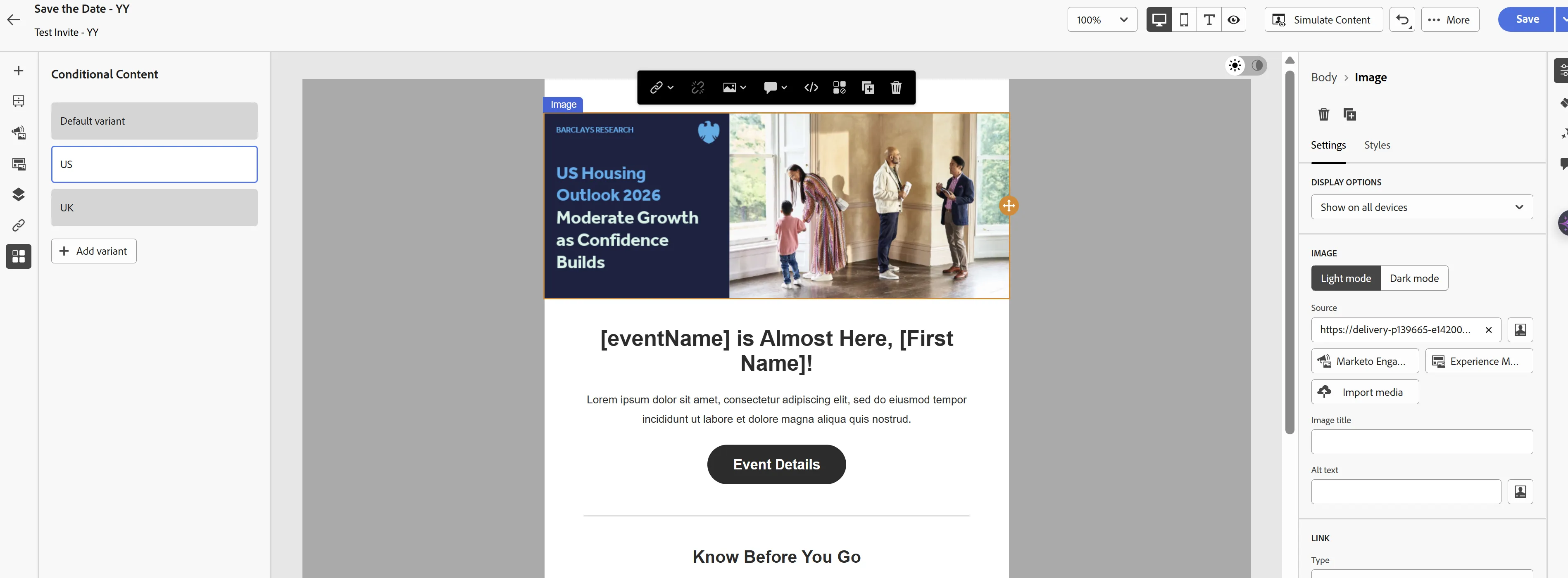
5. Select the respective country to see the specific banner for each country.
Note: There is a new AI capability within the email designer. AI Assistant in the Marketo Engage Email Designer helps you create contemporary, performant, and intuitive emails.
Example prompt: Update the content for Barclays housing prospects
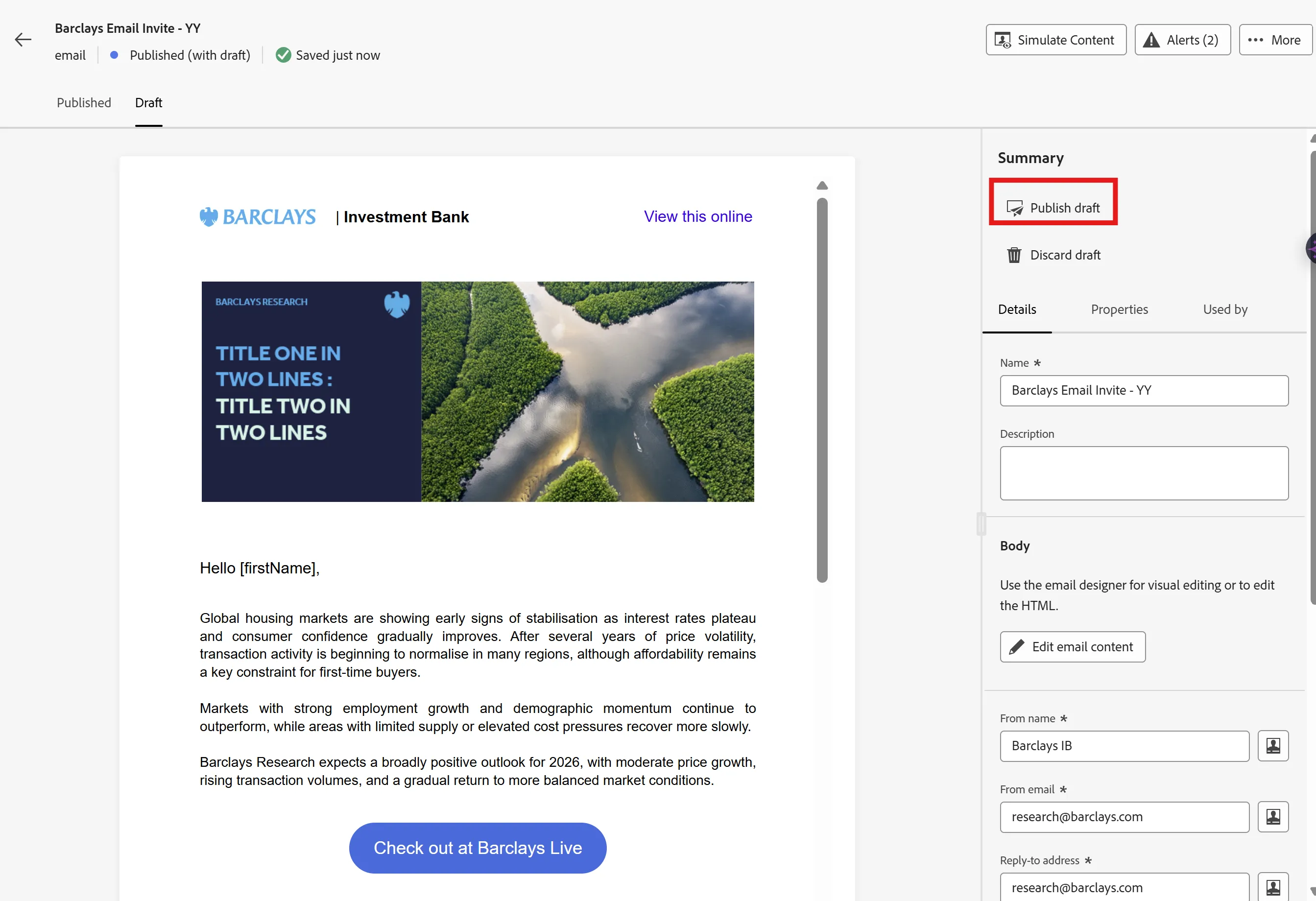
6. Save and close the email, and publish the draft for the changes to be applied.