Clone Email Program with Scoring
3 min
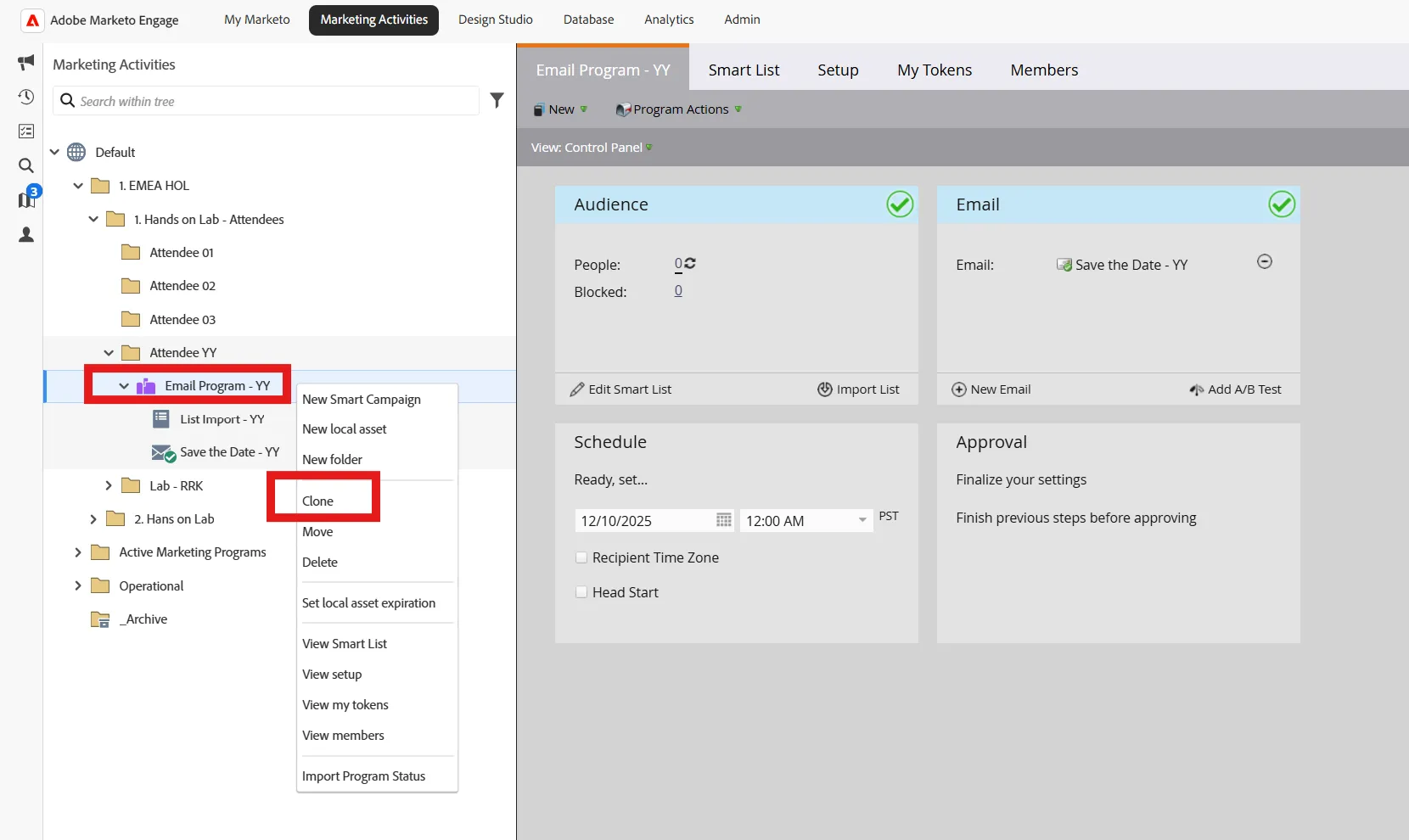
- From our Previous Exercise, Right-Click on your program, select Clone
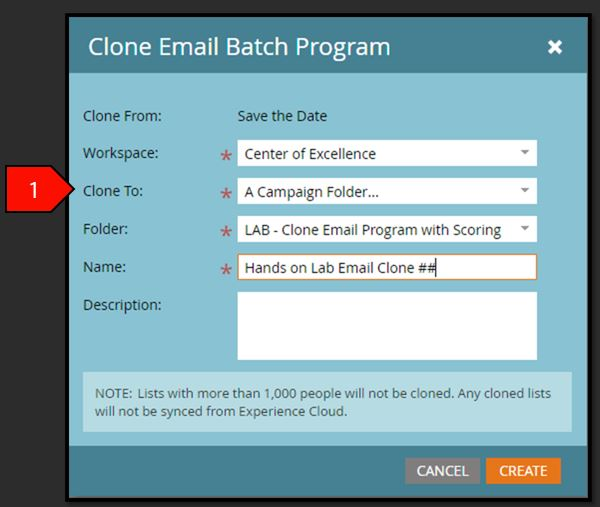
- Click Save after the following fields have been filled out
- Clone To: A Campaign Folder…
- Name: Hands on Lab Email Clone ##
- Folder: Attendee ##
- Folder Description: Leave blank
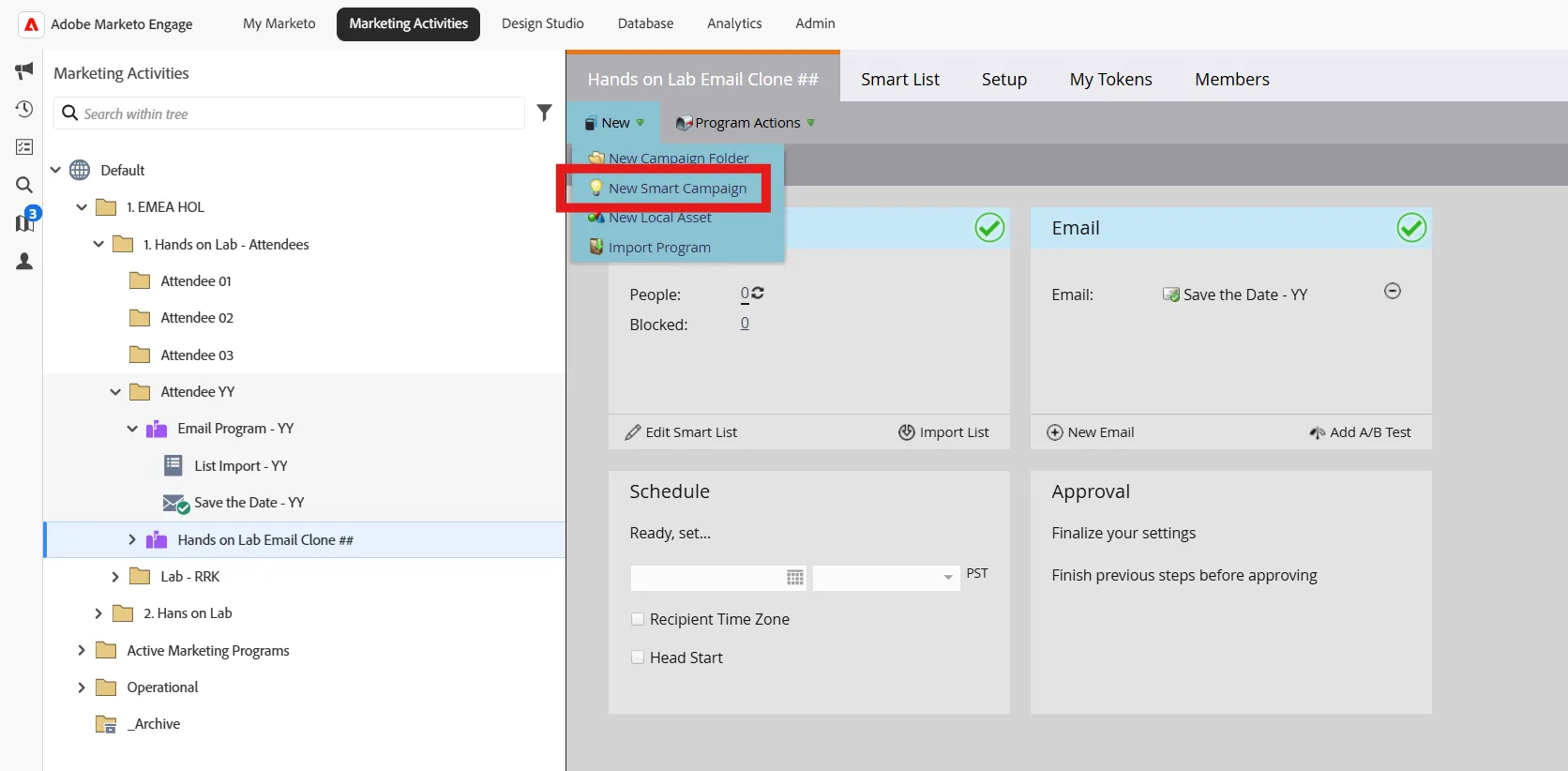
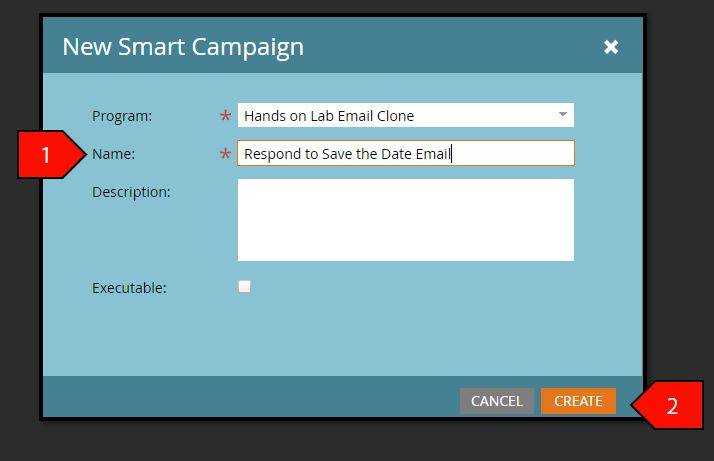
- Click on the New, drop-down menu, select New Smart Campaign
- Click Create after the following fields have been populated:
- Program: Hands on Lab Email Clone
- Name: Respond to Barclays Email Invite - ##
- Description: Leave blank
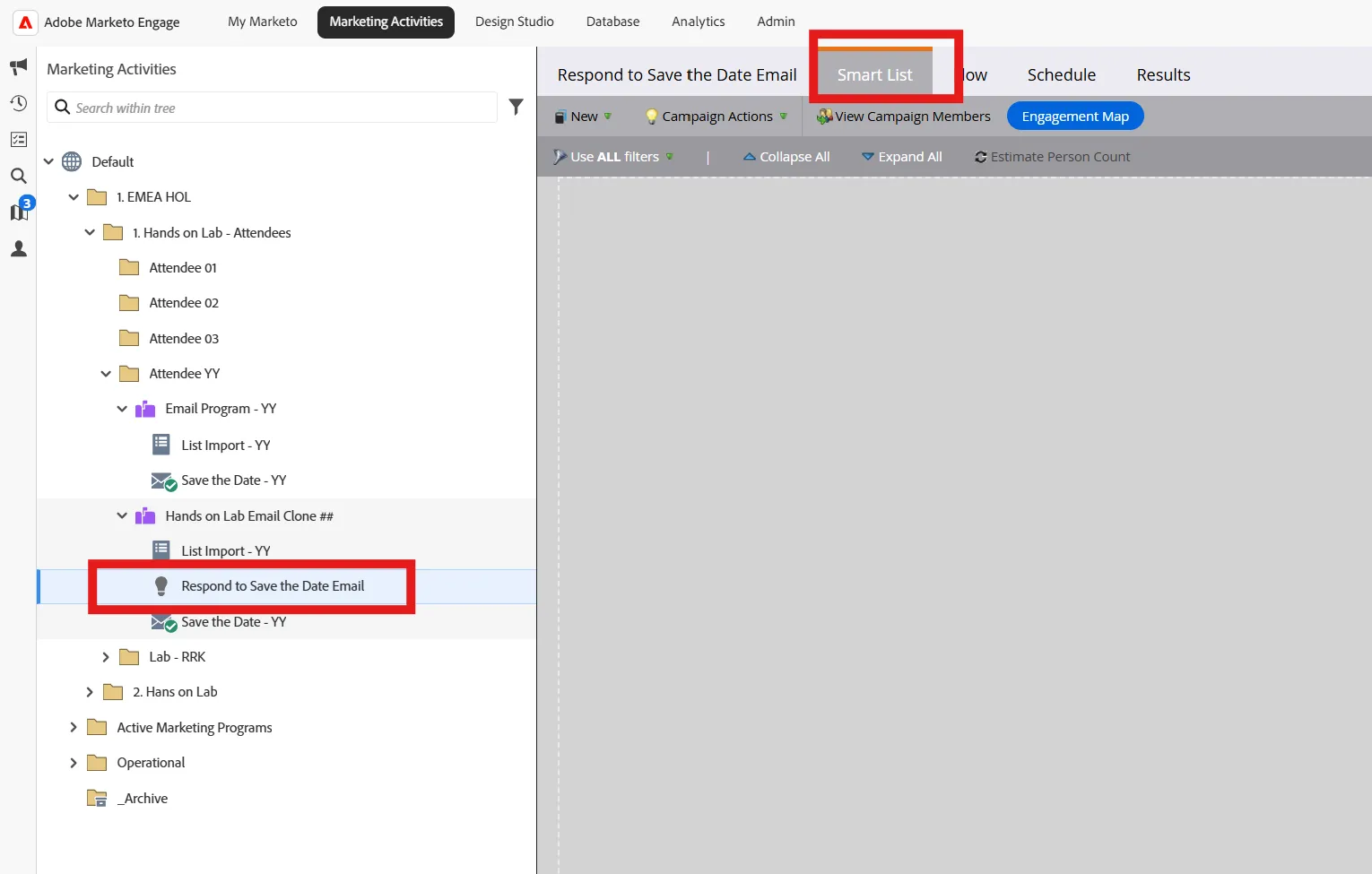
- Inside your Smart Campaign menu click on the Smart List Tab
- On the right from in the search bar, type Clicks in order to limit the Triggers Results.
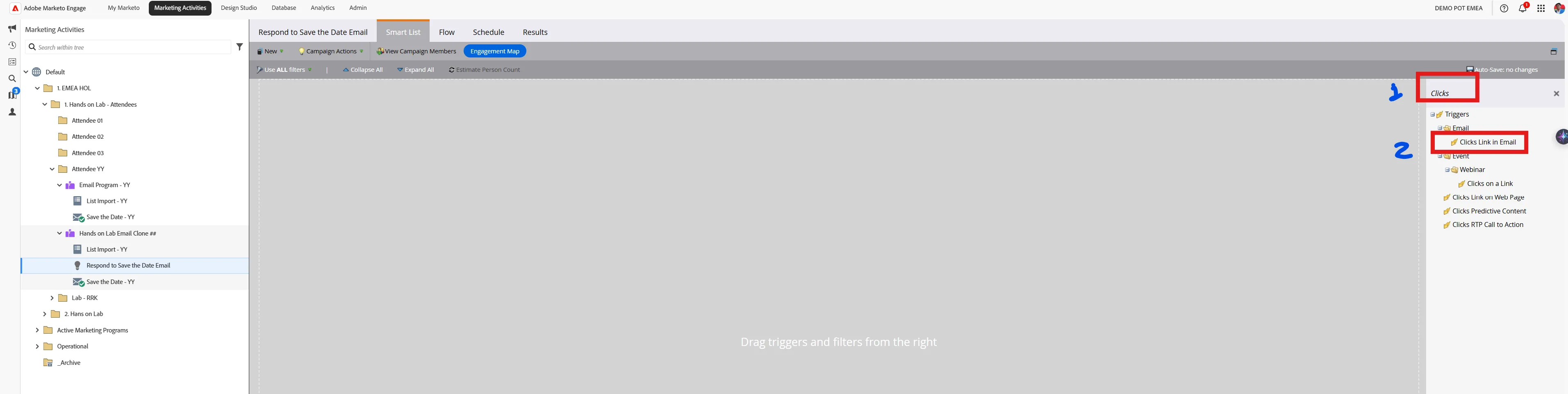
- Select Clicks Link in Email and drag this filter on the canvas, and click on the '+' symbol to add the criteria.
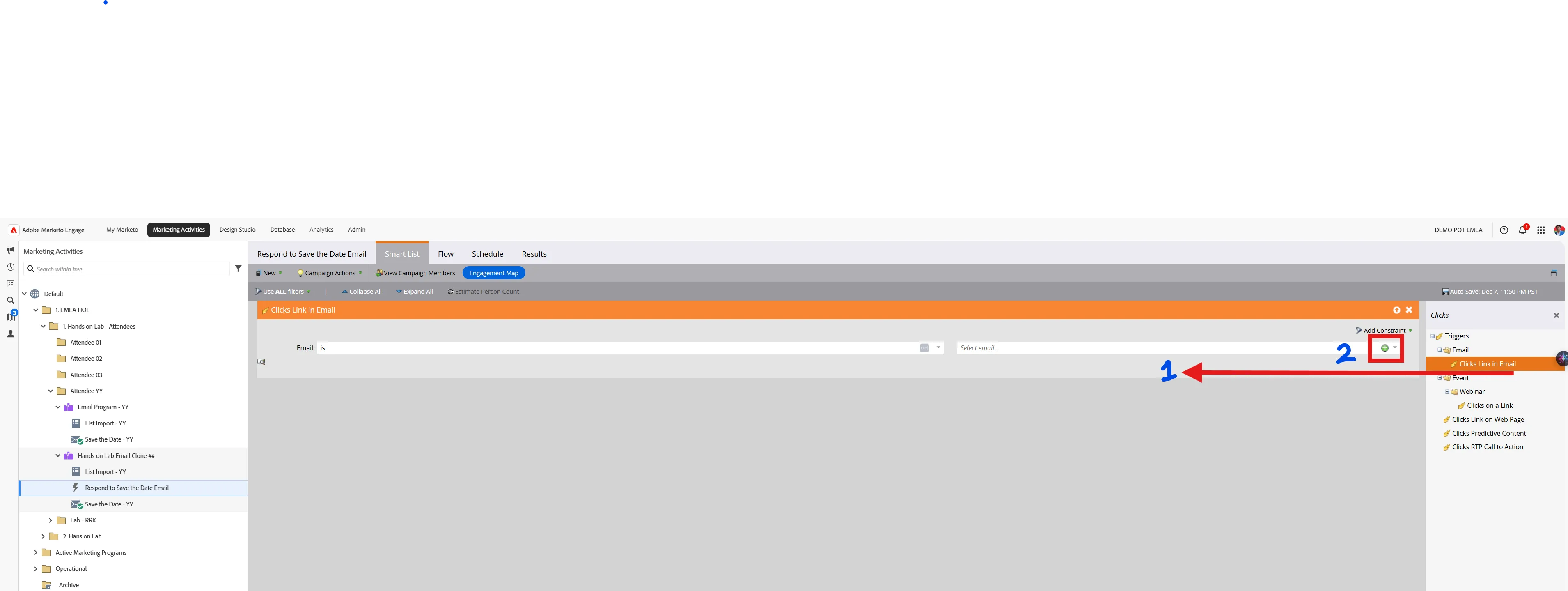
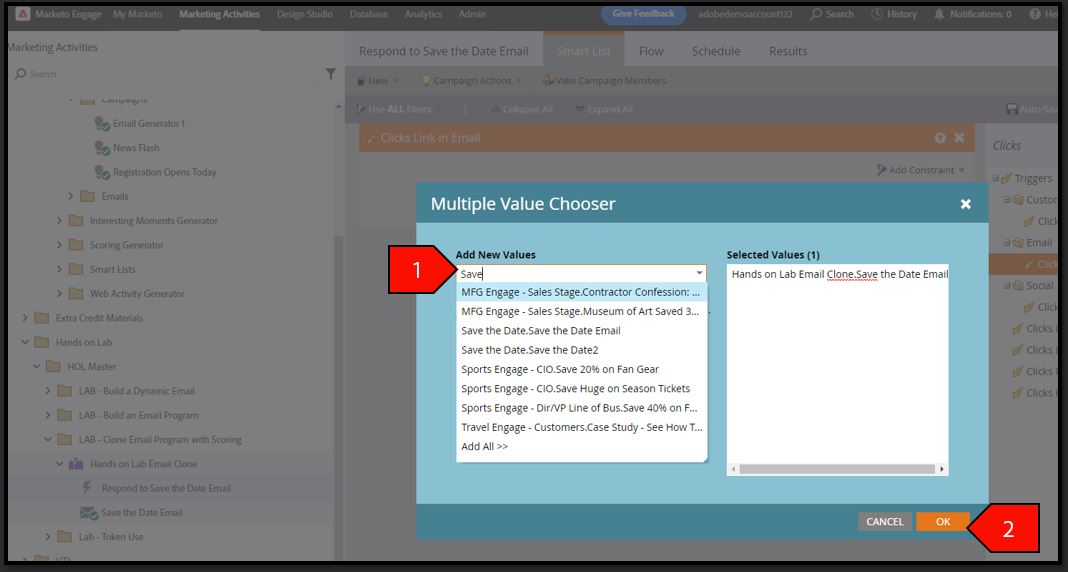
- On the trigger click Add New Values, Type Barclays, select Hands on Lab Email Clone.Barclays Email Invite - YY, Click OK
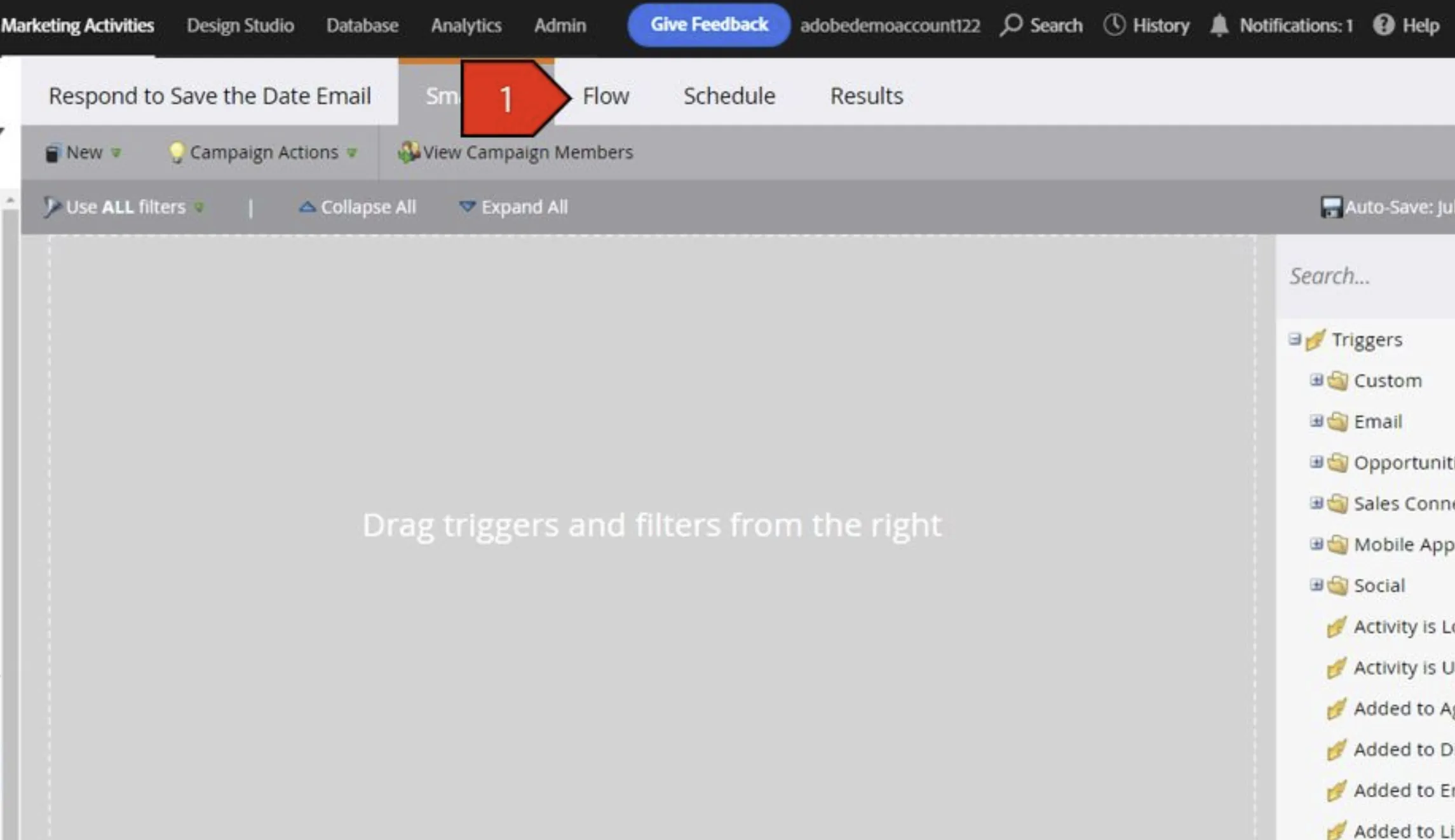
- Click on the Flow Tab
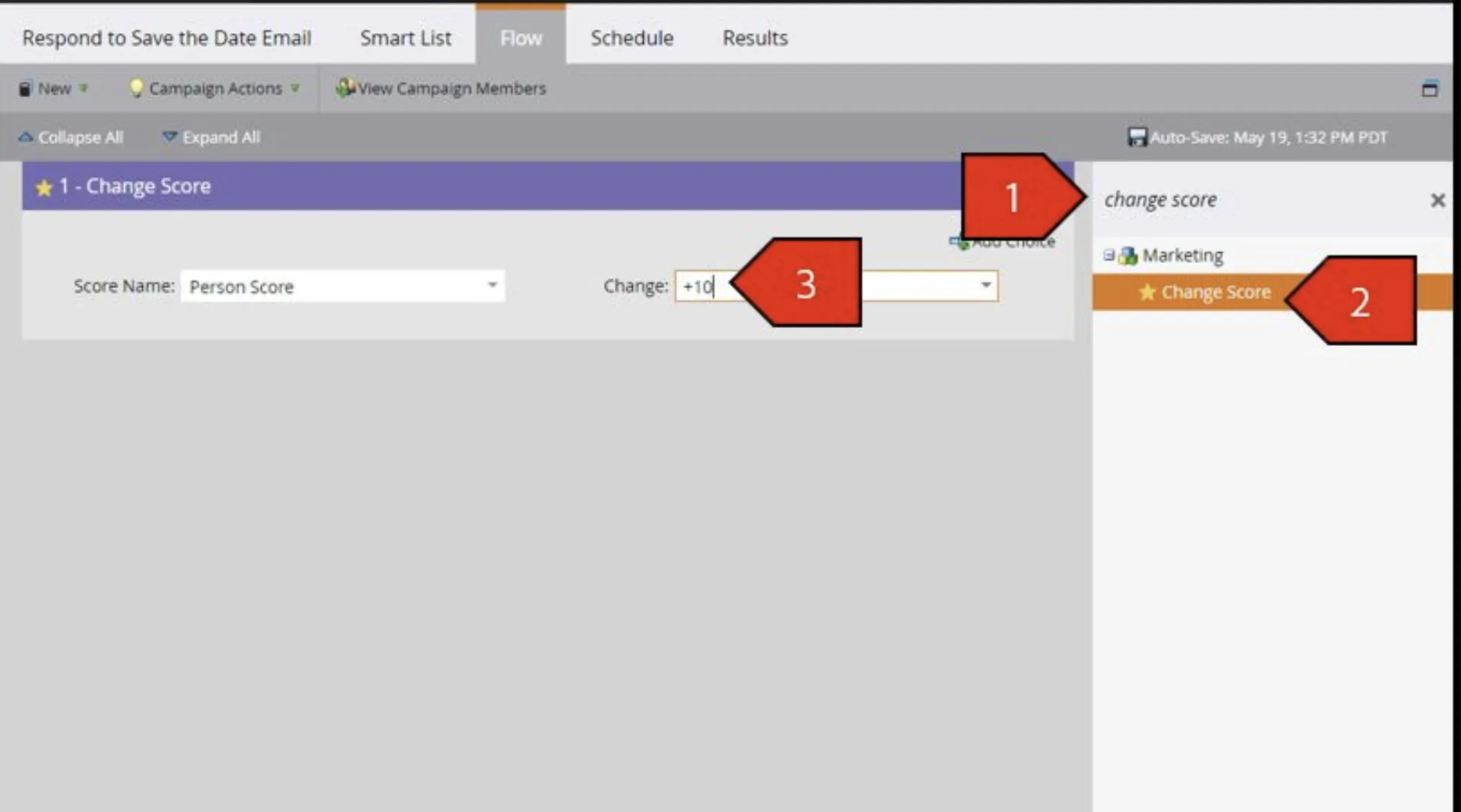
- On the right In the search bar, type Change Score
- Drag this filter on the canvas with the following criteria:
- Score Name: Select Person Score
- Type in Change:
- +10
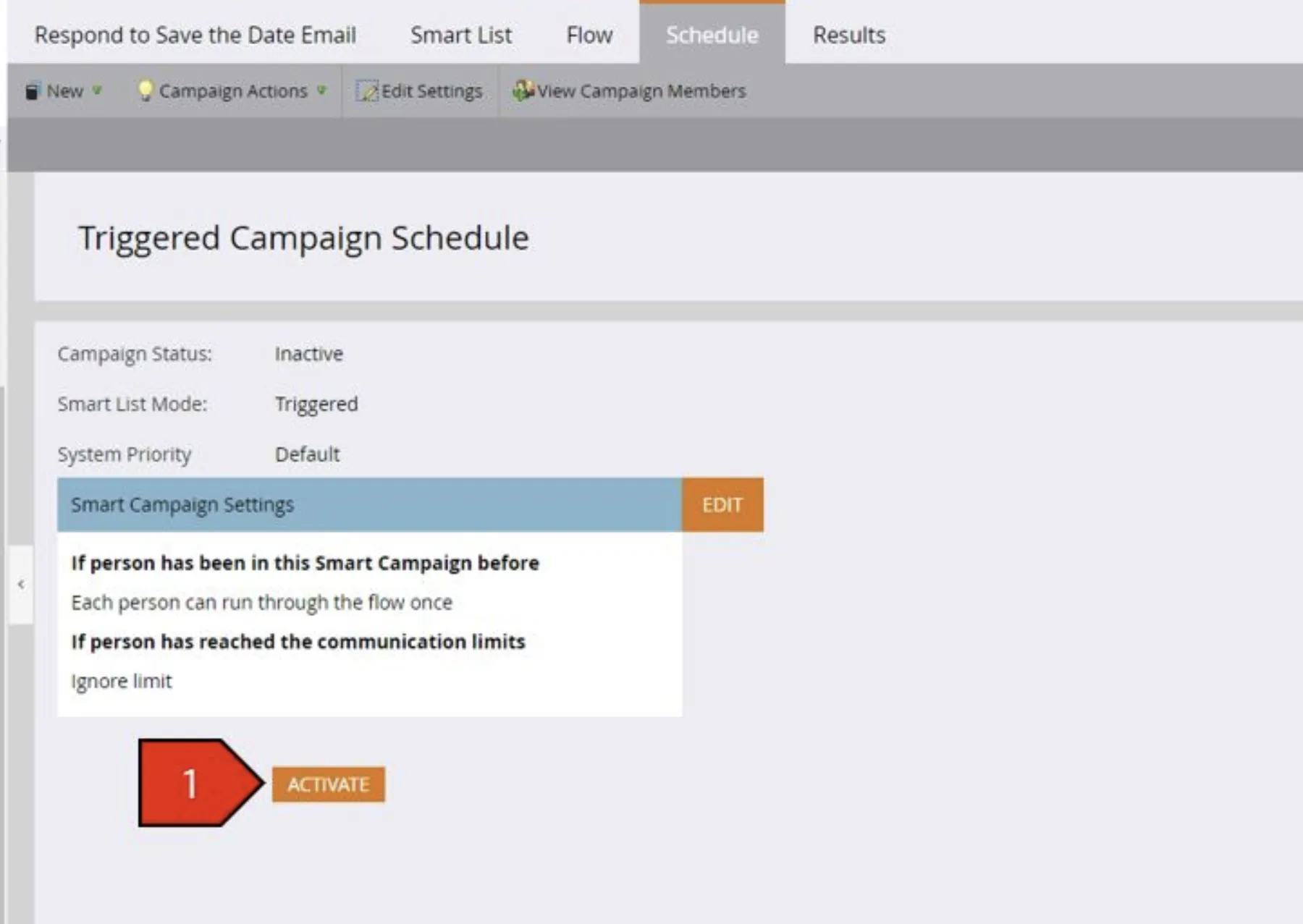
- Click the Schedule Tab, Click Activate