Push Message Designer
2 min
This lab will walk through the steps to create a Push Message in Adobe Campaign V8:
Create a New Push Message
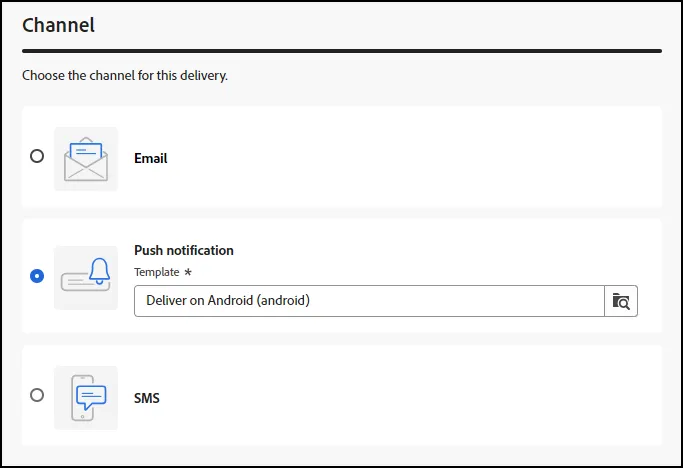
- Click on "Create Delivery" from the Deliveries Menu and select "Push Notification". Note: We selected the Android Template:
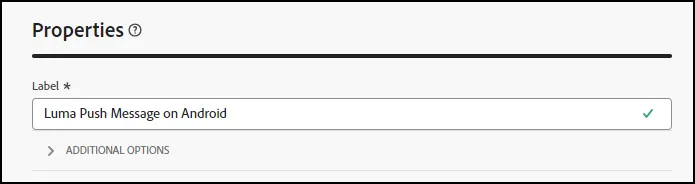
- Add a label "Luma Push Message on Android":
- Leave the "Refine the Target" area set to the default:

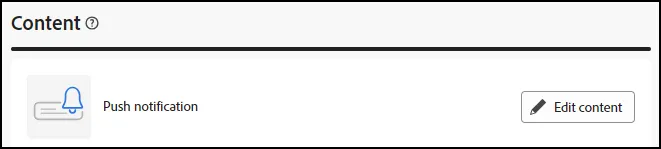
- Scroll down and click on "Edit Content" for the Push Notification:
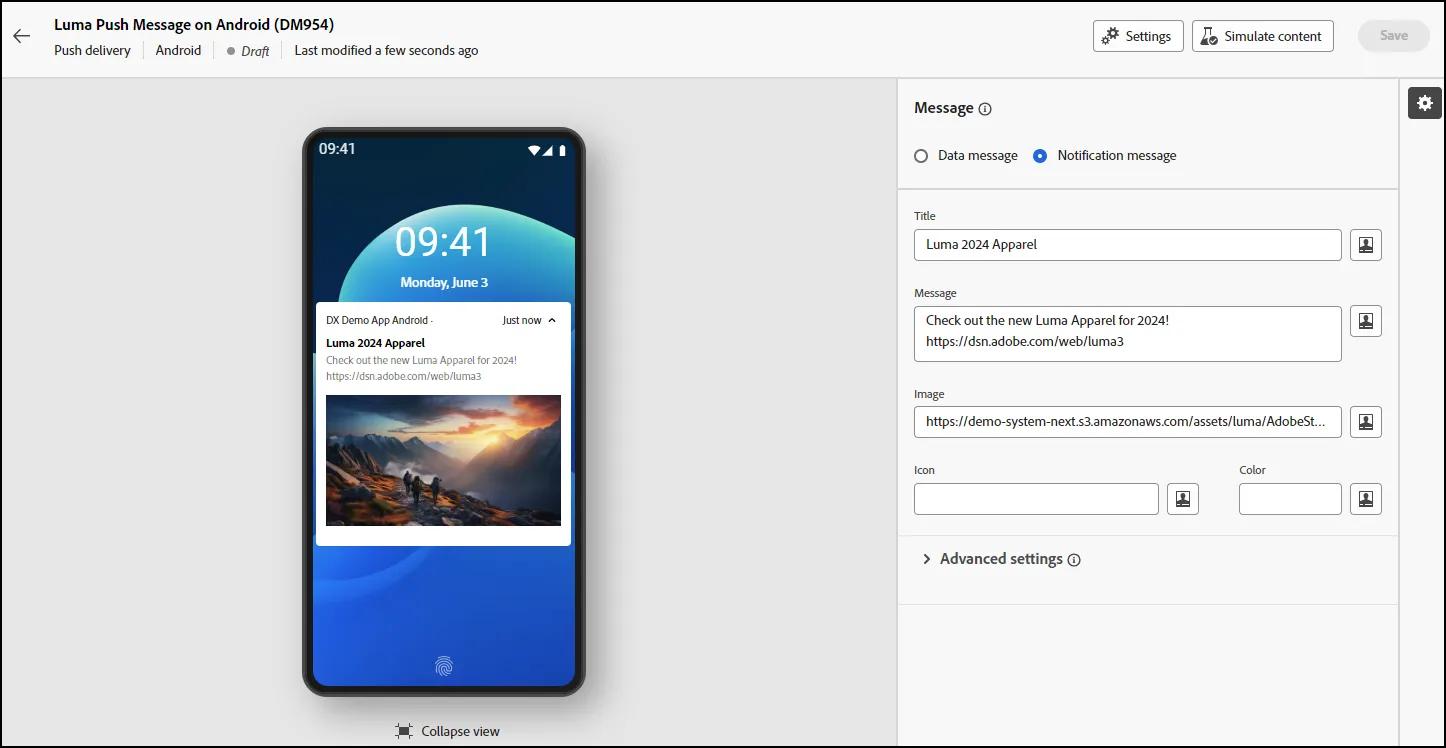
- This will open the Push Notification Designer window. Create a Title, Message, and Image for your Message:
- Click "Save" to Save your Message
- End of Lab