Creating a Federated Audience Exercise
In this exercise, we will create a Federated Audience by generating a simple Federated Composition and publishing it to an Audience.
Create a Federated Audience Composition
In the Customer > Audiences portal, click the Federated compositions tab.
Click Create composition.

Label your composition Feb Fiber Eligible Prospects w Email Consent + your initials. Click Create.
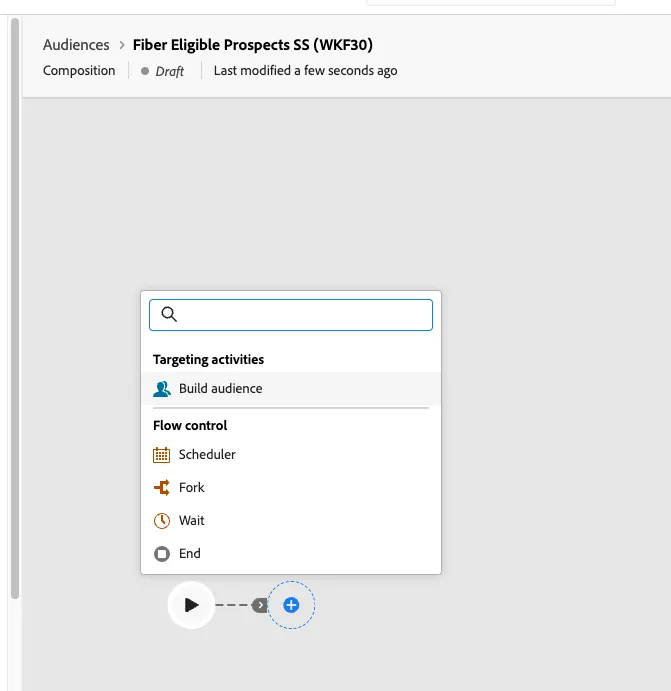
Click the + button in the canvas and select Build audience. The right-hand rail should appear.
Click Select a schema and select the TELCOM_CRM schema then click Confirm
Click Continue. In the query builder window, click the + button and then Custom Condition. Create the following condition
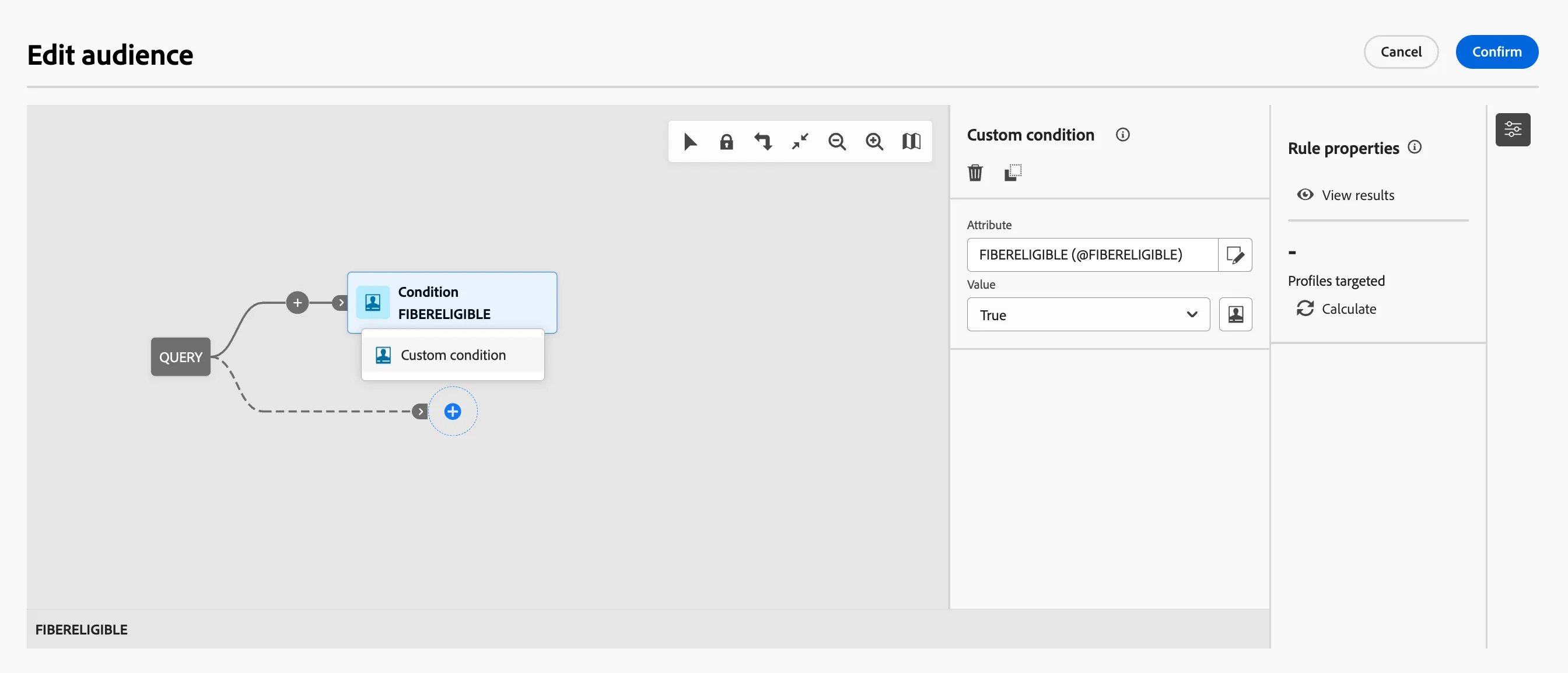
FIBER_ELIGIBLE = TRUE
FIBER_CUST_IND = FALSE
Use the crm_to_consent link to add the following condition
CONSENTS_MARKETING_EMAIL_VAL = TRUE
Click Confirm
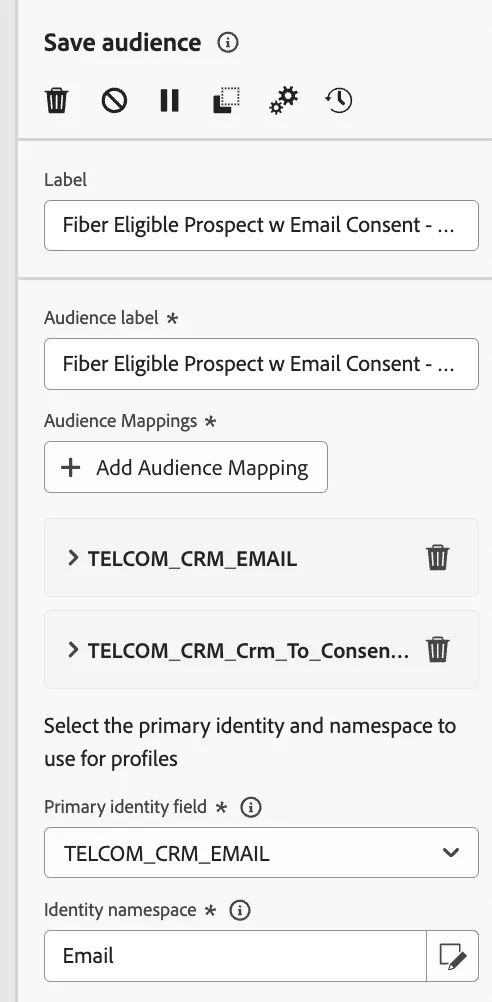
Click the next + button then click Save audience.
Label this step Feb Fiber Eligible Prospects w Email Consent + your initials. You can use the same value as the audience label, but that is not required.
Add the following audience mappings:
Source Audience Field: EMAIL
Source Audience Field: CONSENTSMARKETING_PREFERRED
Select the primary identity and namespace to use for profiles:
Primary identity field: TELCOM_CRM_EMAIL
Identity namespace: Email
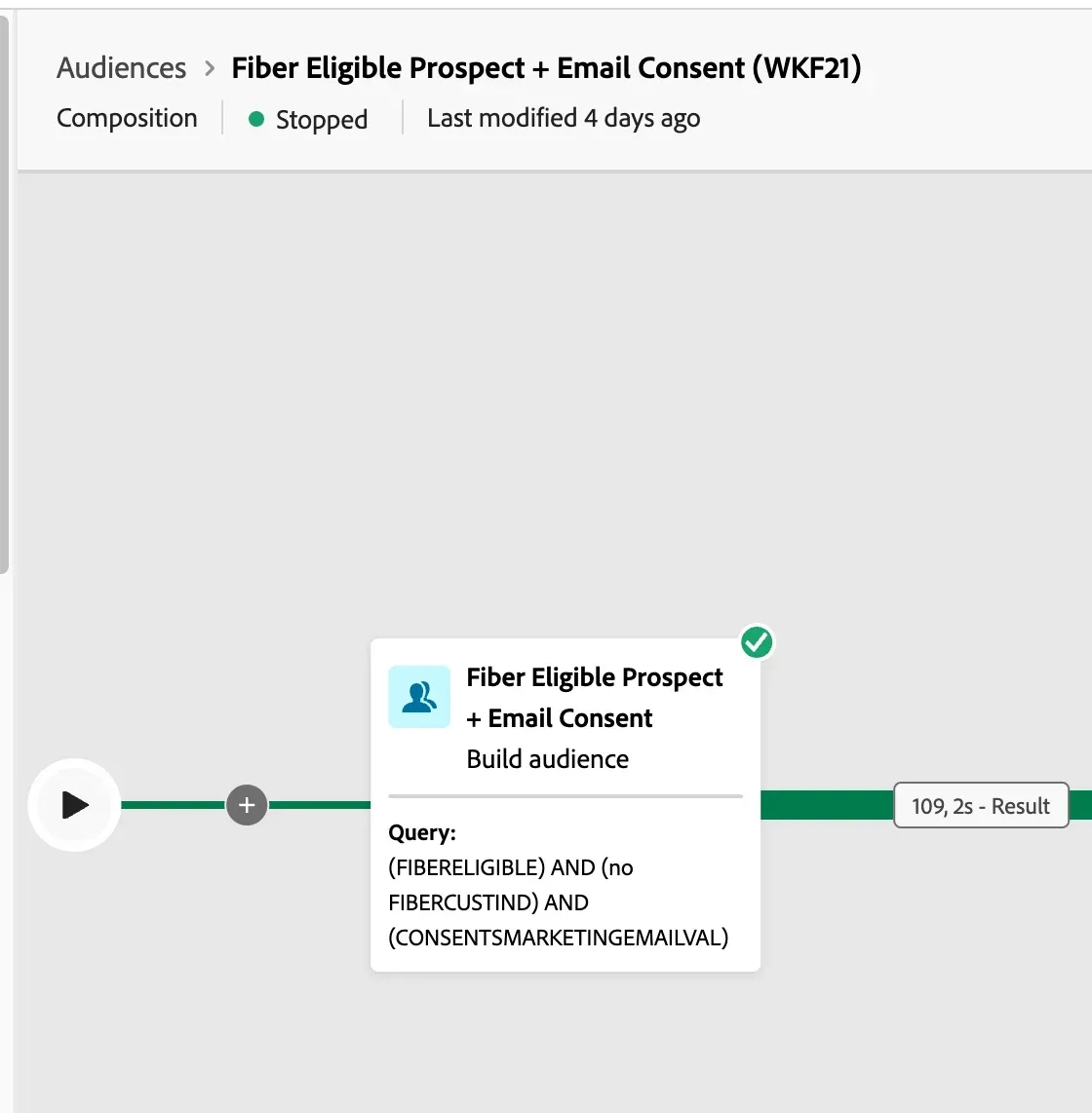
Click Save and then click Start, to run the query of the composition you just built.