Campaigns & Experiments
4 min
Let's now create an Experiment using a Campaign to launch it.
Creating a Campaign
- Under Orchestration, click Campaign
- Click create campaign
- Select Scheduled - Marketing
- Provide a Name: "UC2 - Experiment - Initials"
Configure Experiment
- Click on the Actions Tab.
- Click Add Action
- Select Email
- Select Email-Marketing
- Rule Set: Channel Rule Set
- Check Track Email Opens and track clicks on Links and buttons in email
- Click Create Experiment
- Name Your Experiment: Nurture Campaign Test - Initials
- Select a Success Metric
- Select a hold out group
- Click Add Treatment
- Click Save
- Navigate to the Content Tab
Add Treatments
- For Variant A, click Content template
- Select UC2: Template A
- For Variant B, click Content Template
- Select UC2: Template B
Select Audience
- Navigate to the Audience Tab
- Select the Identity Type as Email
- Click Select Audience
- Select UC1: Requested Quote - Nurture
Define a Schedule
- Navigate to the Schedule Tab
- Make changes as you desired.
- Click Review to Activate
Treatment A
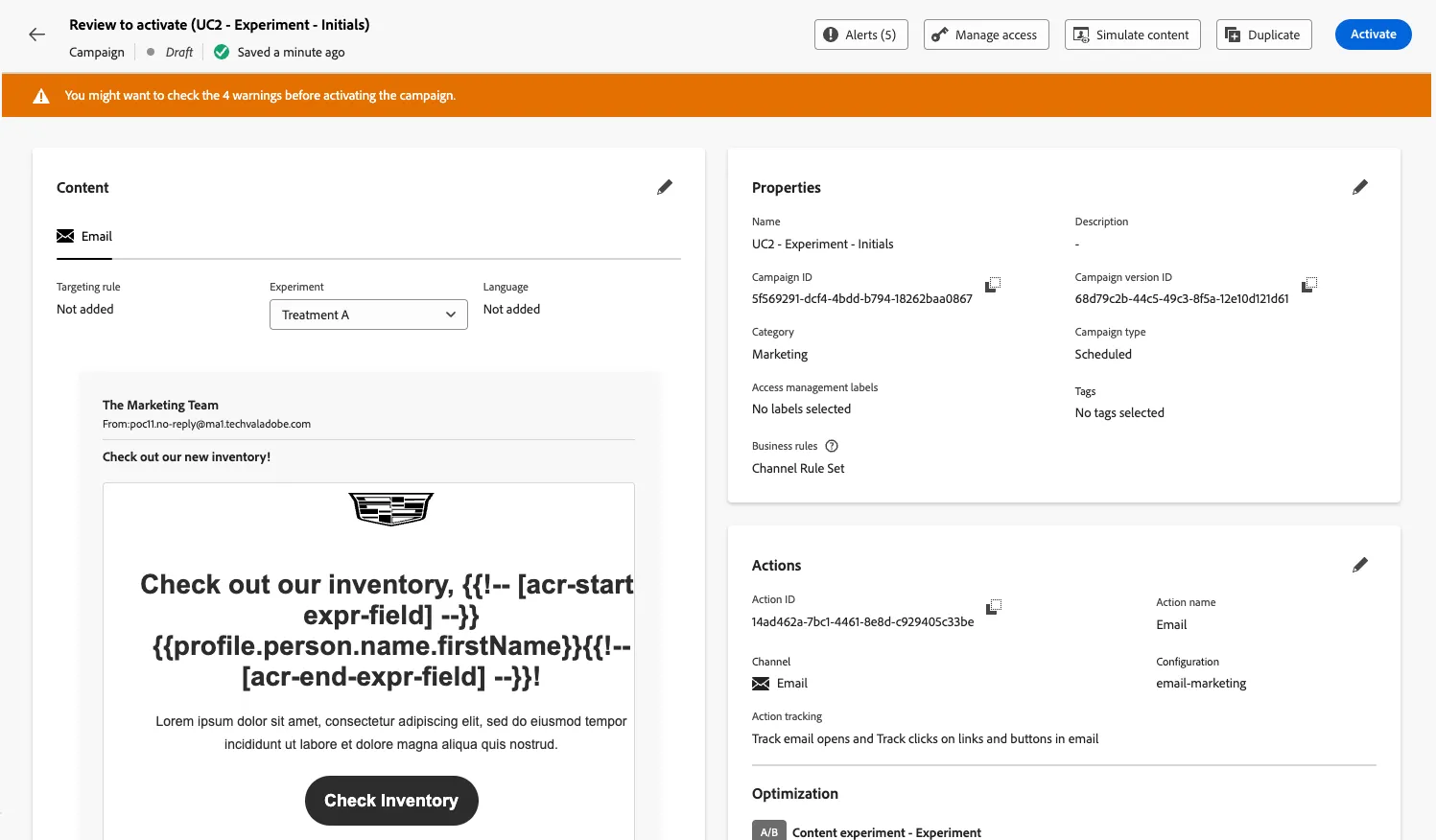
Treatment B
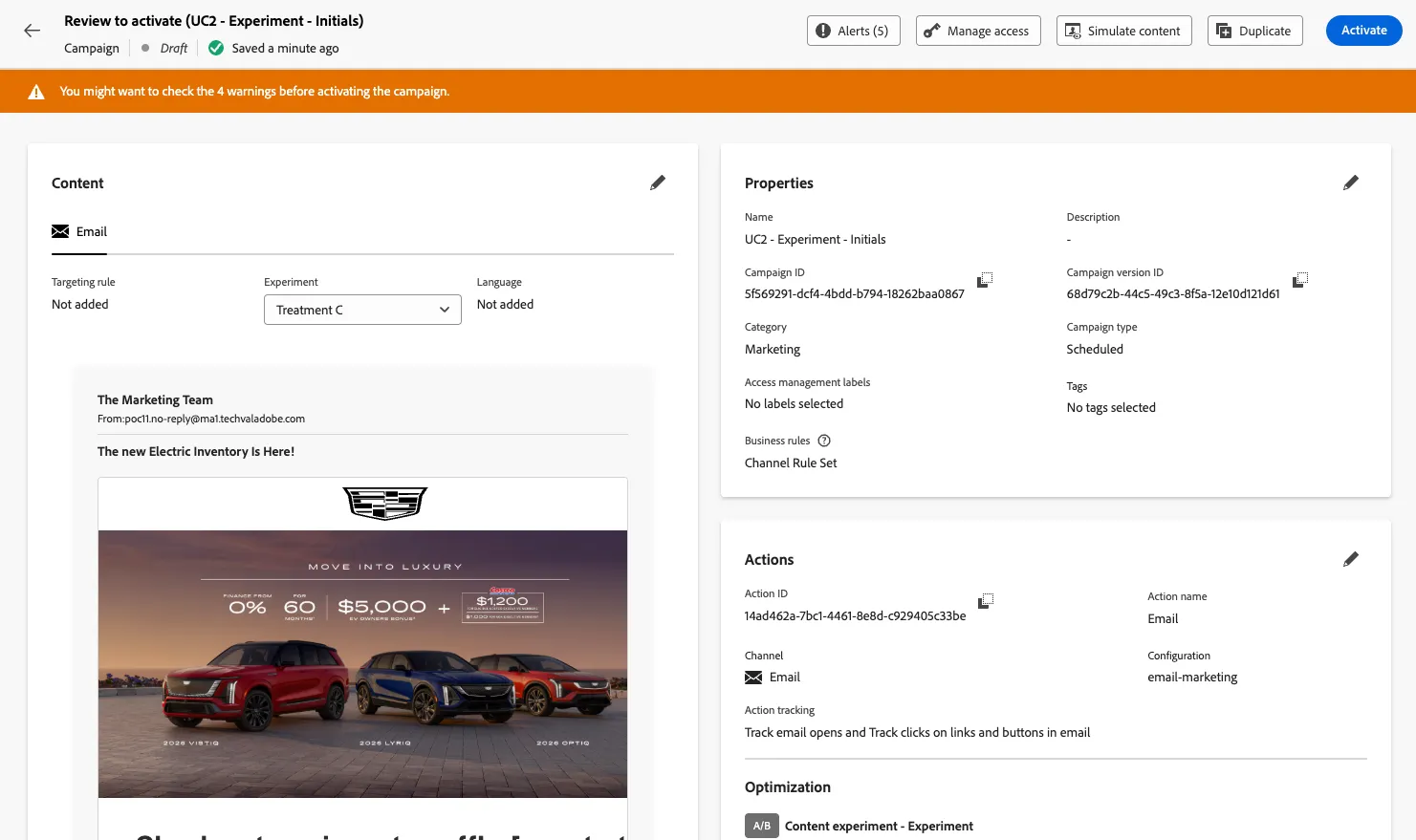
Congratulations, you have completed working with campaigns and experiments. However, in order to complete this campaign, you must now complete Experience Decision Labs.