Campaigns
In this section we are creating a campaign for abandoned cart customers in Adobe Journey Optimizer. The campaign will use the In-App channel.
NOTE: Some exercises may vary during the actual Hands on Lab versus what is listed in the Archbee Page, due to industry setup and / or Presenter preferences.
Navigate to Campaigns
Click on “Create Campaign”
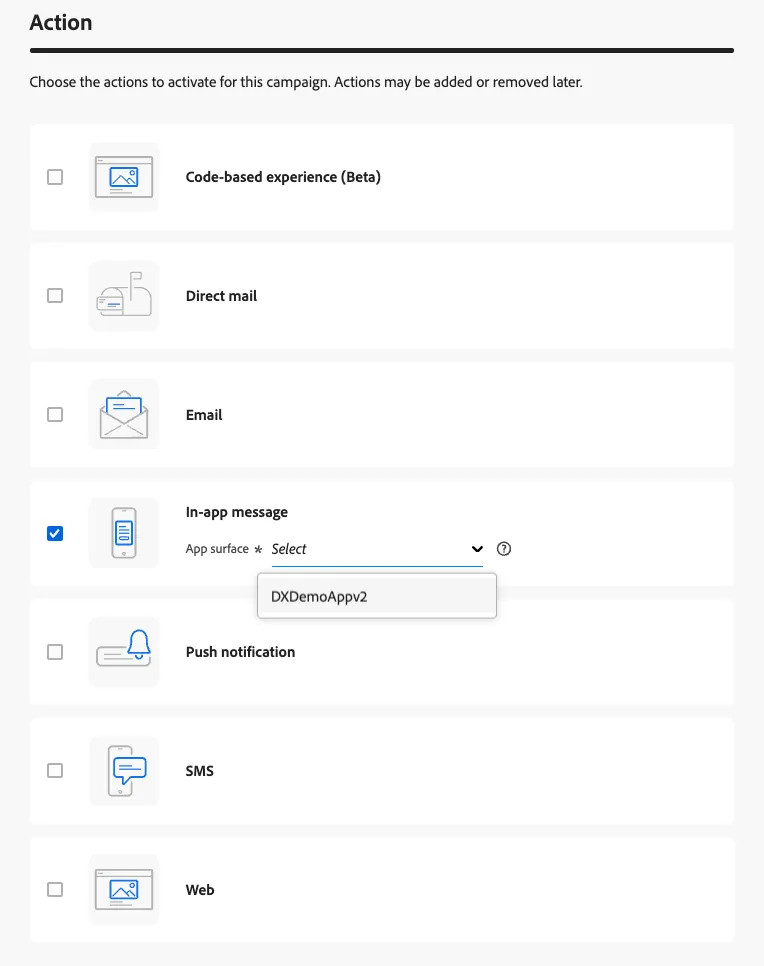
Click on "In-App Message" under Actions and then choose the "DXDemoAppv2" from the message surface dropdown. Then click Create.
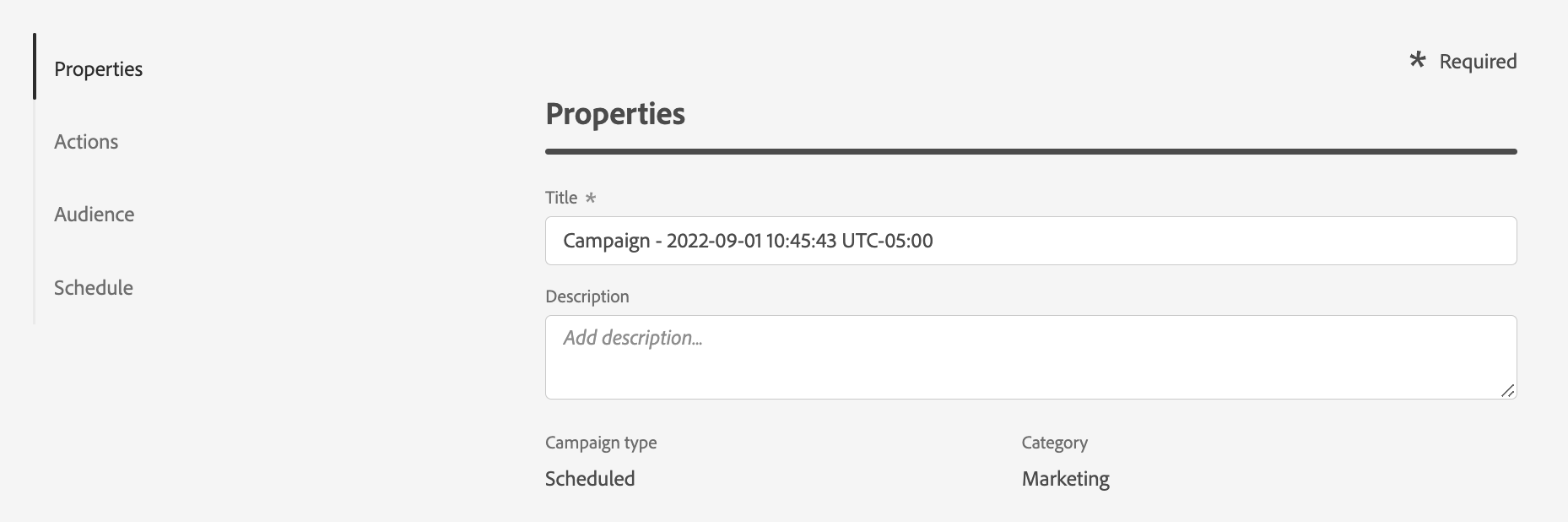
Provide a the tittle "Carrito abandonado Clientes Alto Valor - Iniciales", description and category (Marketing/Transactional). Add your initials at the end of the name
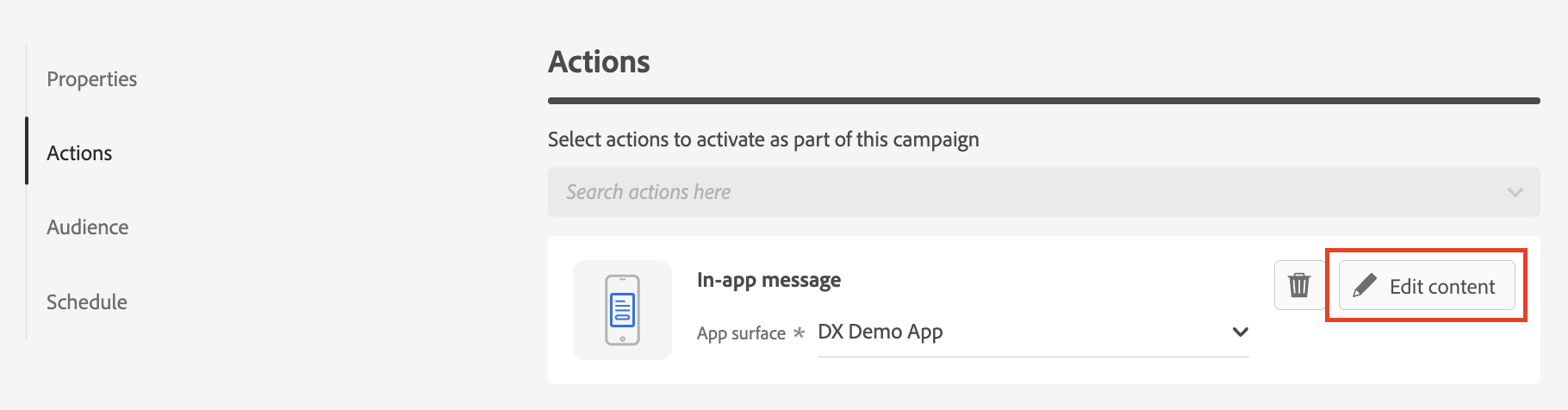
Under Actions, click 'Edit Content'
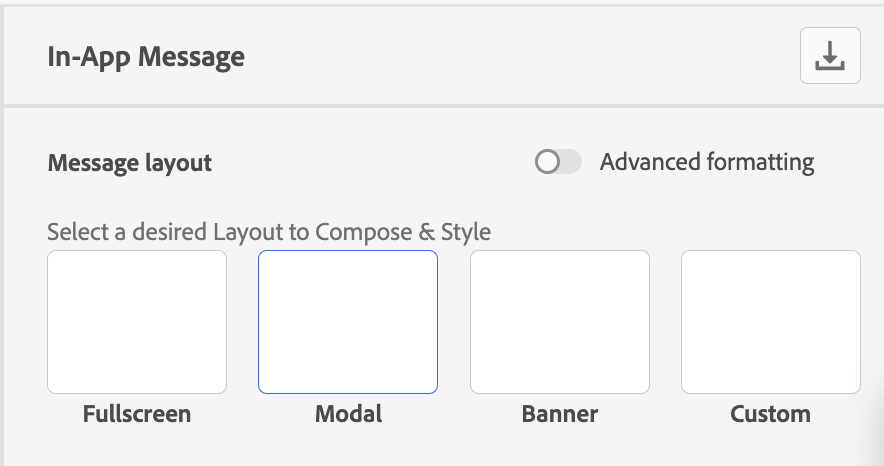
Within the Message Designer, select "Modal" as the Message layout format
- For media image, clic to the right in the icon picture and from Asset Essentials look for "shipping" and select the first image.
Provide the Header and Body copy, add personalization as needed. For Header you can write "dejaste algo en tu carrito".
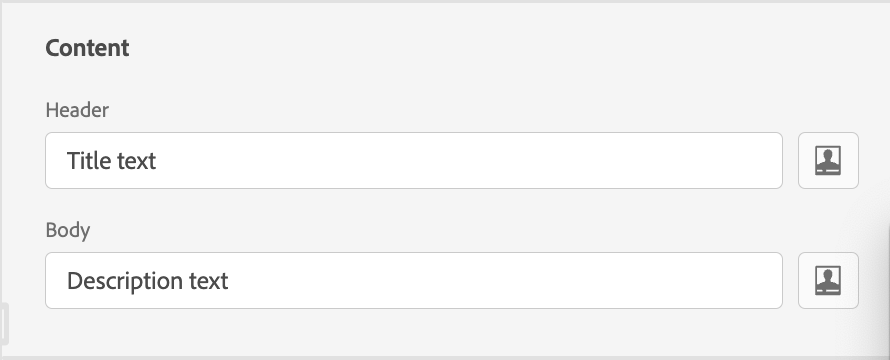
- For the body, you can clic in the head icon, select first name for personalization and write the text "vamos a completar tu compra"
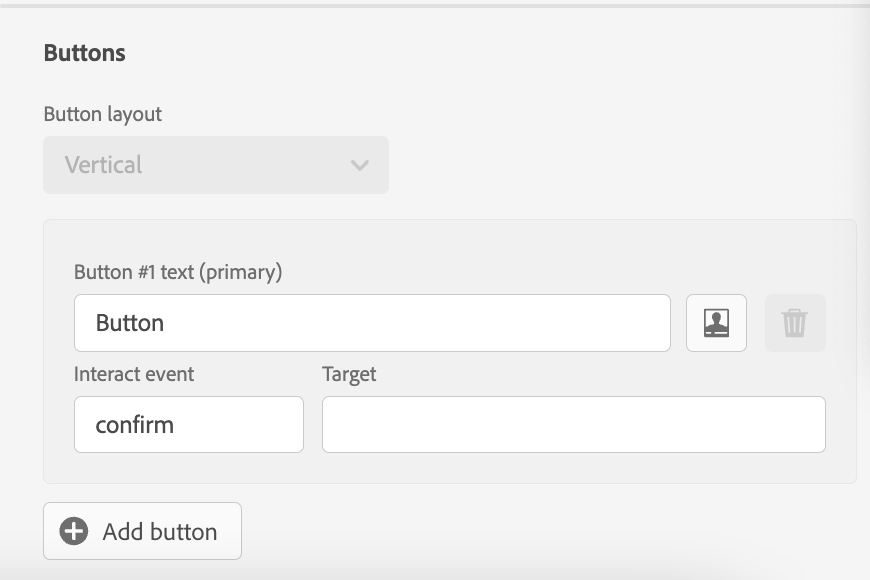
Add the button along with its label and interaction event.
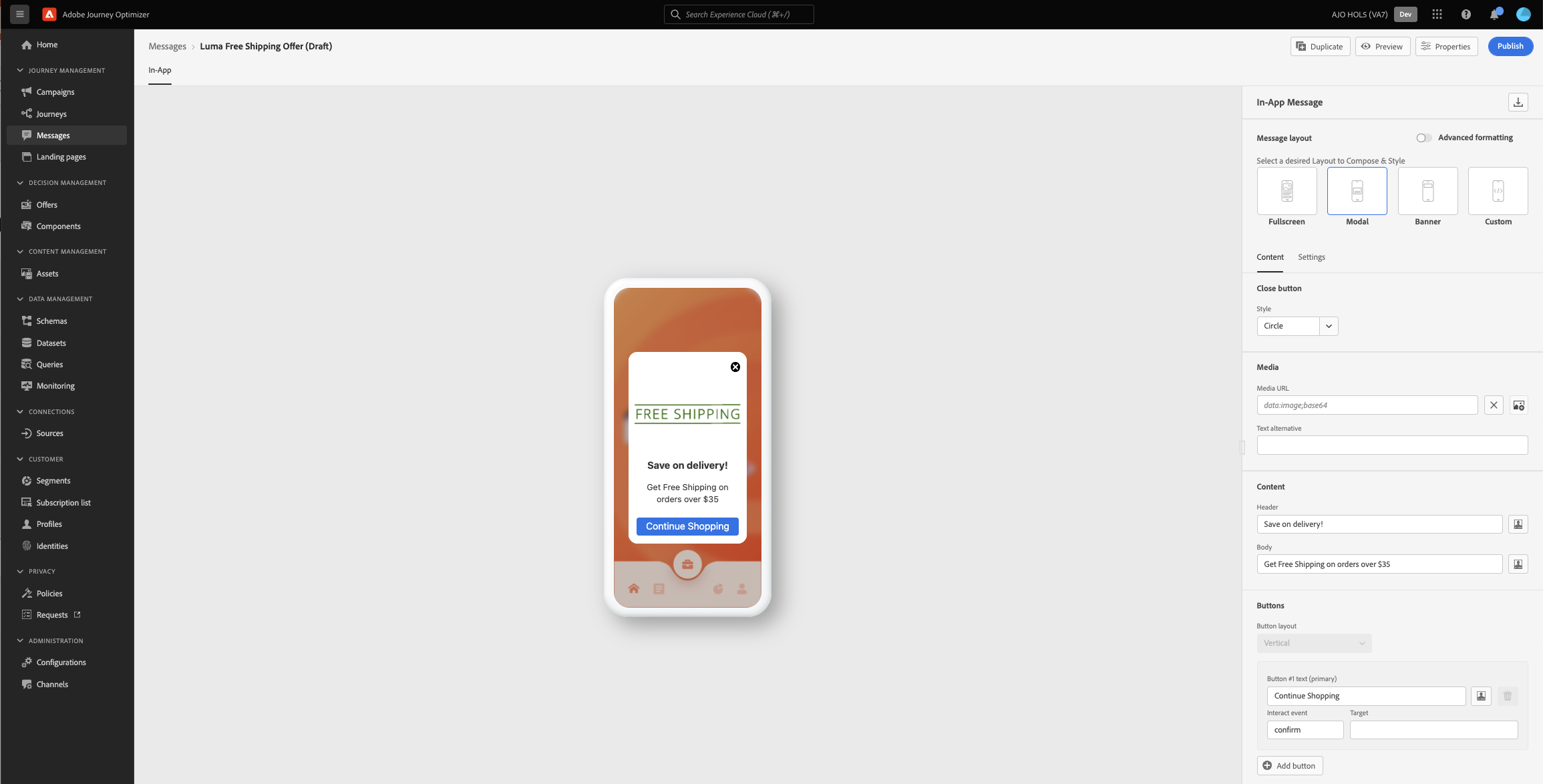
Review and confirm your message design:
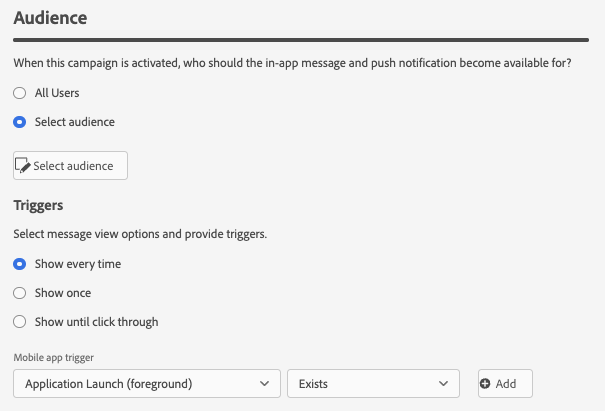
Under Audience, choose the audience you create before 'Cart Abandoner - High Value High Churn Risk - Initials' to use a previously defined segment. Select appropriate Trigger condition for displaying the message.
- Clic en simulate content, then if you do not have a test profile, clic manage test profiles, in identity namespace select email and then in email write [email protected] and Add Profile
- Then you can select that email and see your preview message
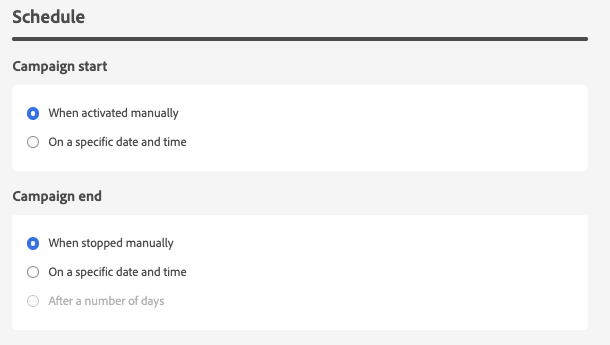
Define Start and End schedule for the Campaign
Click Review to Activate