Event Program - Cloning
3 min
Clone Event Program
Right-click on the Event Program you created before, select Clone
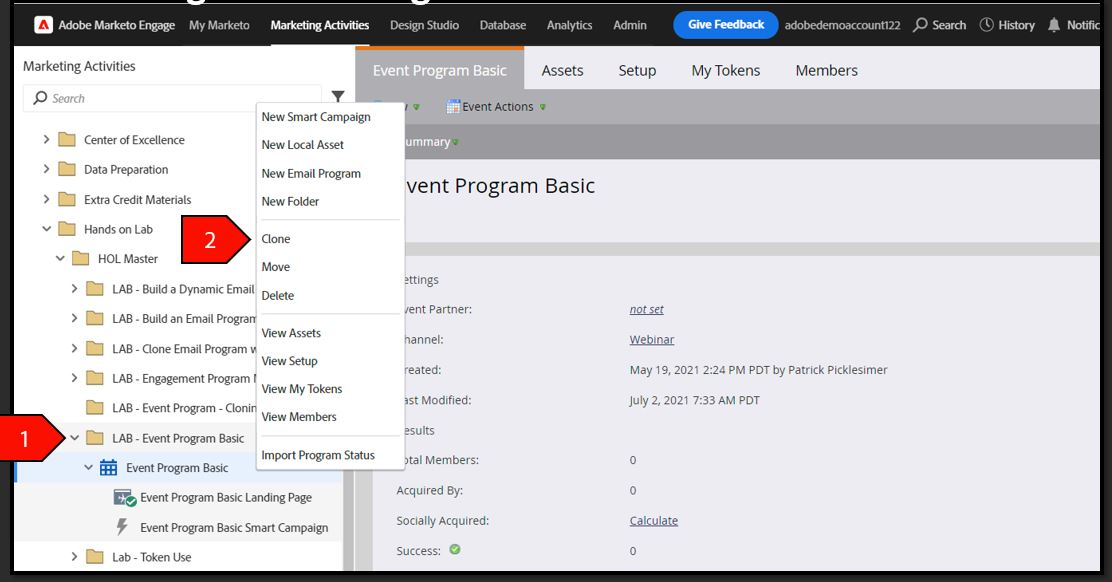
-
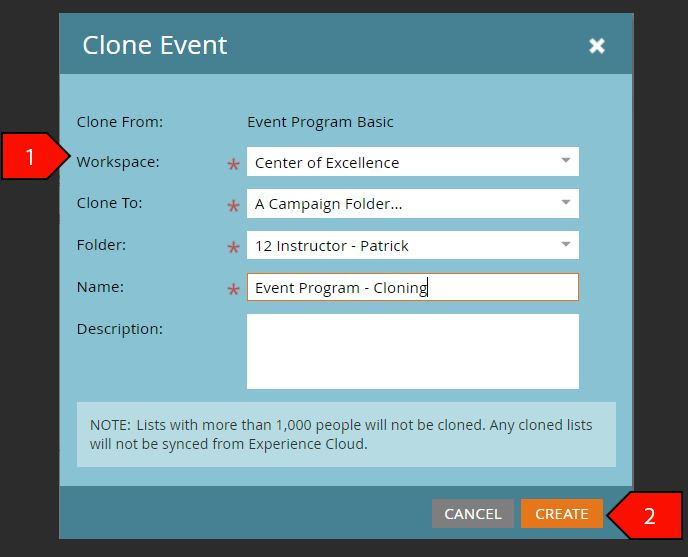
- Click Create after the following fields have been filled out:
- Clone To: Attendee ## Folder
- Name: Event Program – Cloning ##
- Folder: LAB - Event Program
Description: Leave blank
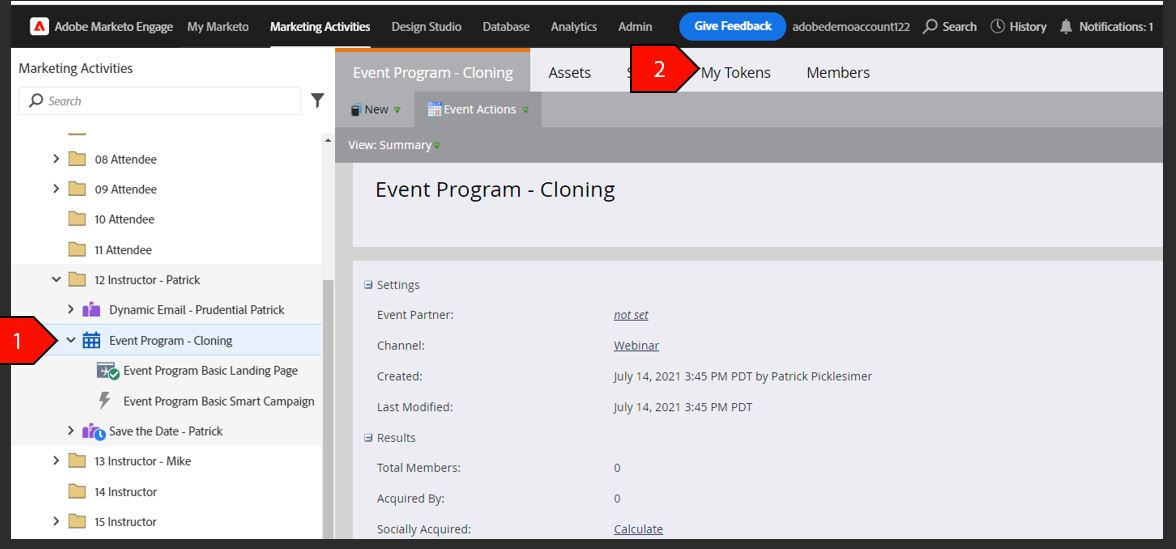
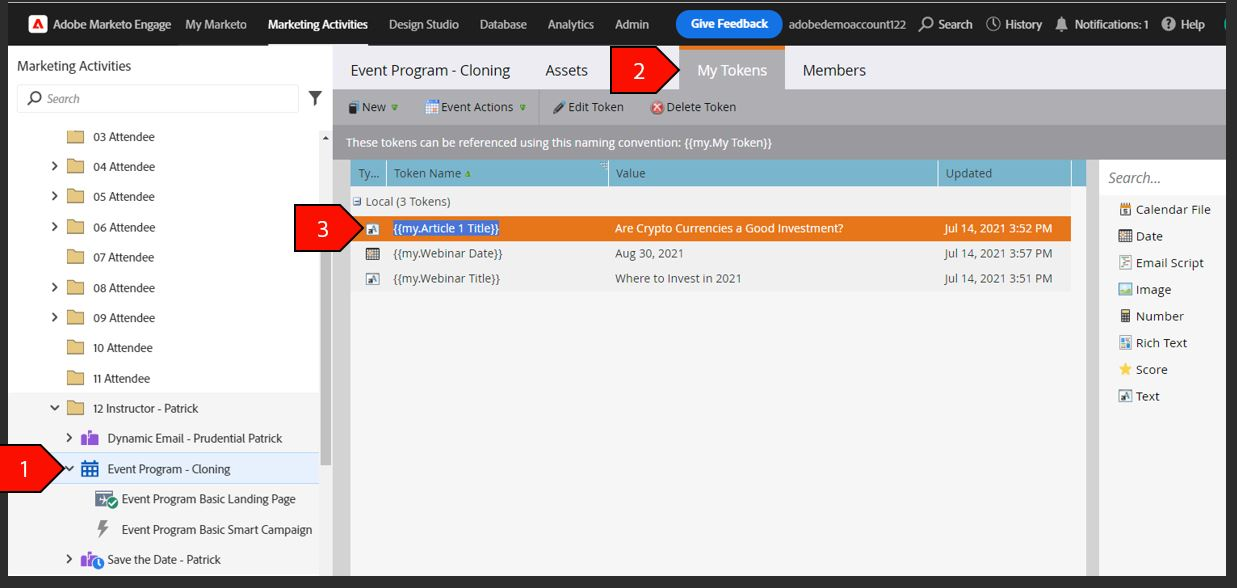
- Click on the Event Program – Cloning Event that you just created
Click on My Tokens tab
- Create the Following Tokens:
- Webinar Title
Article 1 Title
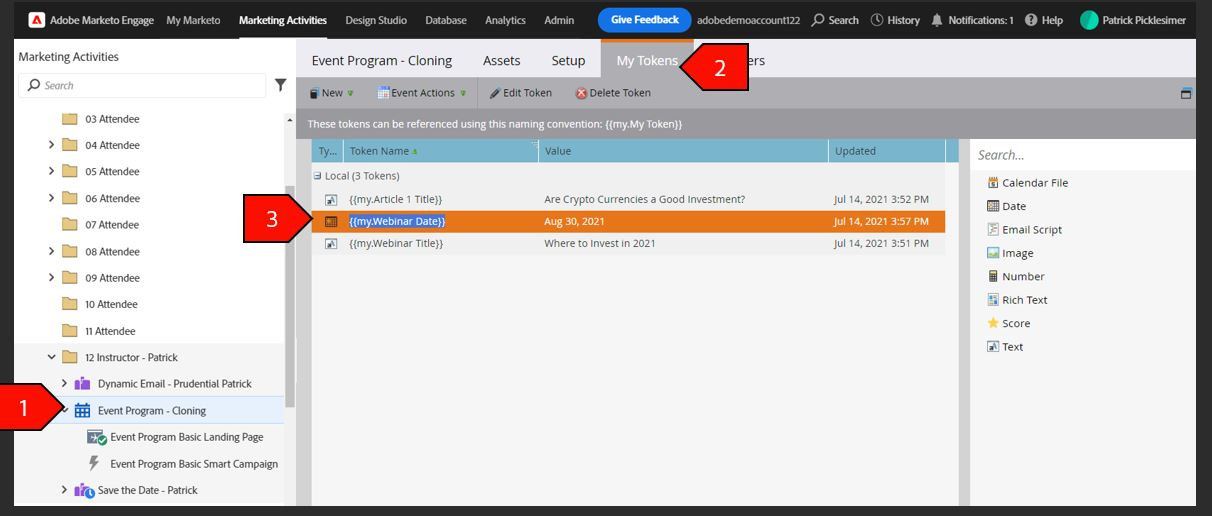
- Click on the Save the Date Clone Program
- Click the My Tokens tab
- Create the Following Token:
Webinar Date
Edit/Customize Landing Page
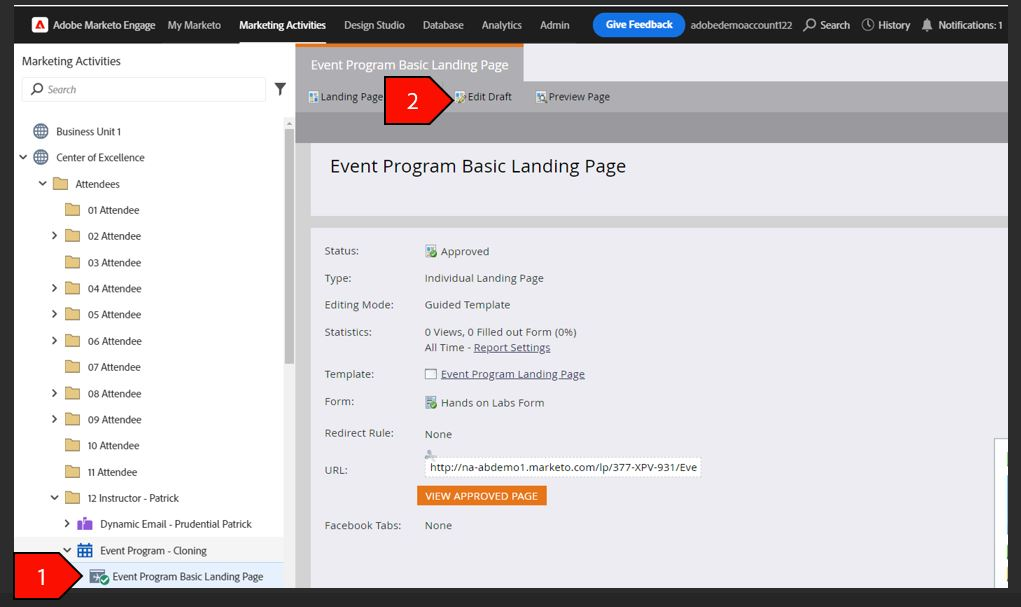
- Click on the Event Program Basic Landing Page
Click on Edit Draft
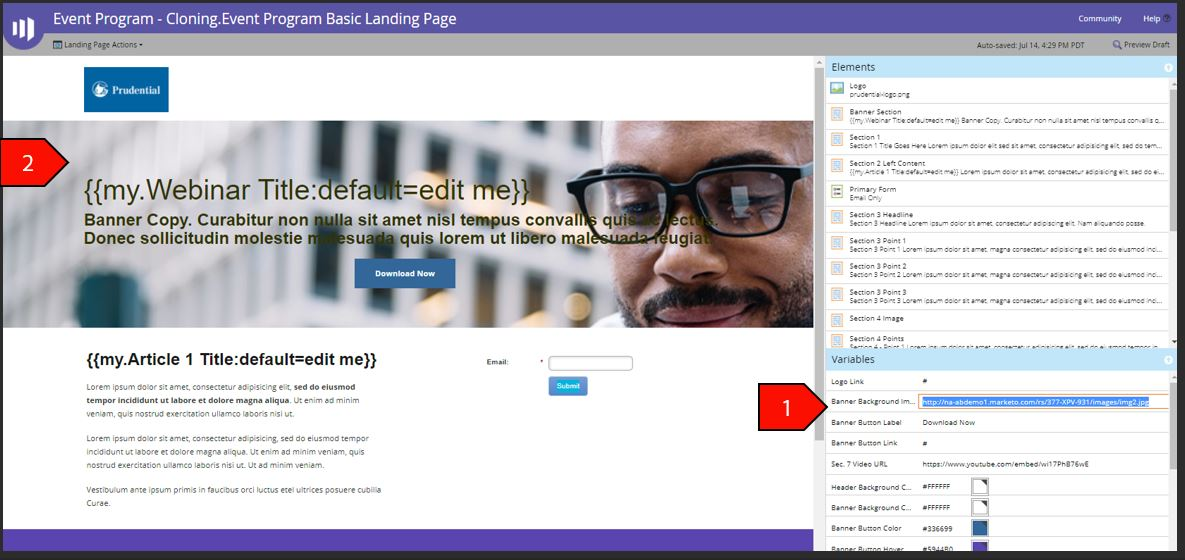
- Areas that we are going to modify with tokens:
- Logo
- Banner Section Headline
- Section 2 Title
- Form
- Add Image for Background by inserting URL to the layout menu on the right in the Background box
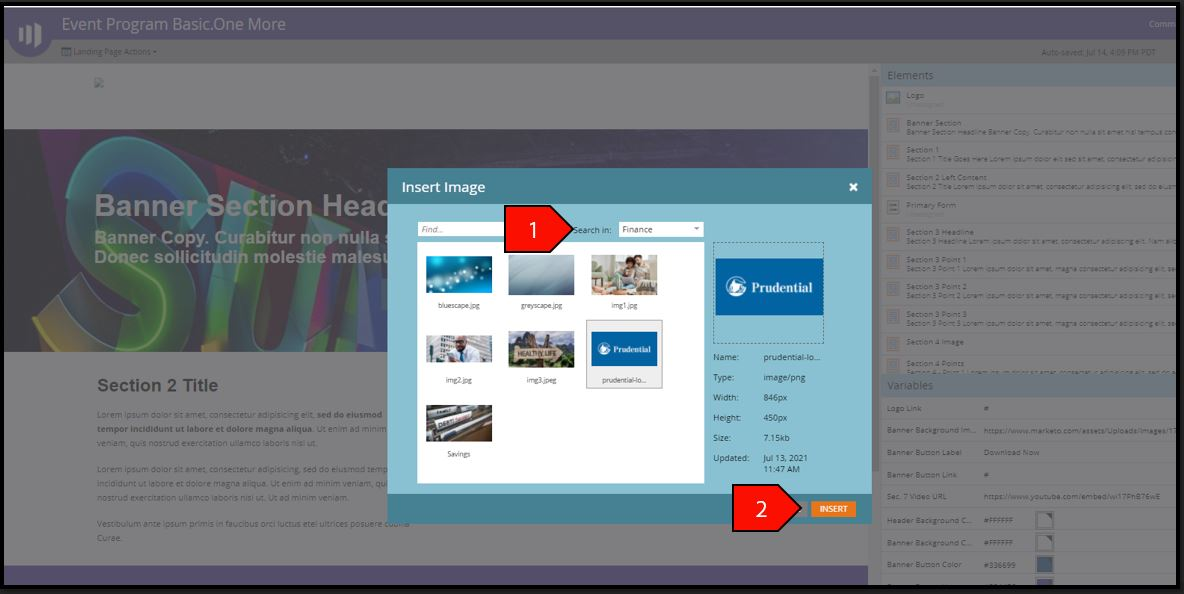
- Double-Click on the Logo.
Select the Prudential Logo.
- Change the Banner Background Image by inserting URL to the layout menu on the right in the Banner Background box
- Double Click on the Banner Section Headline
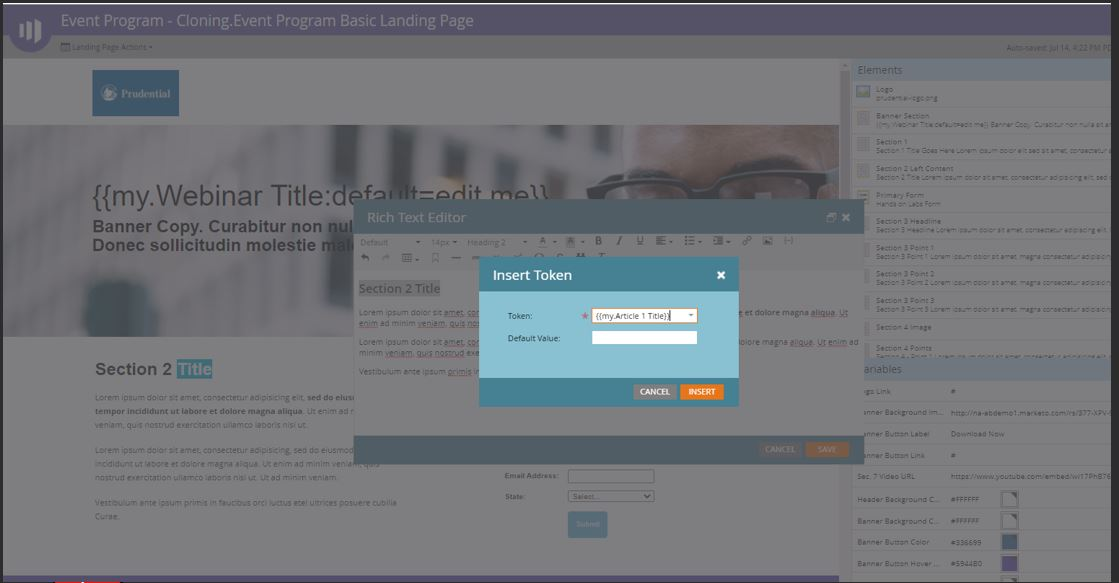
Highlight the Banner Section Headline Text and Click on the Insert Token Icon
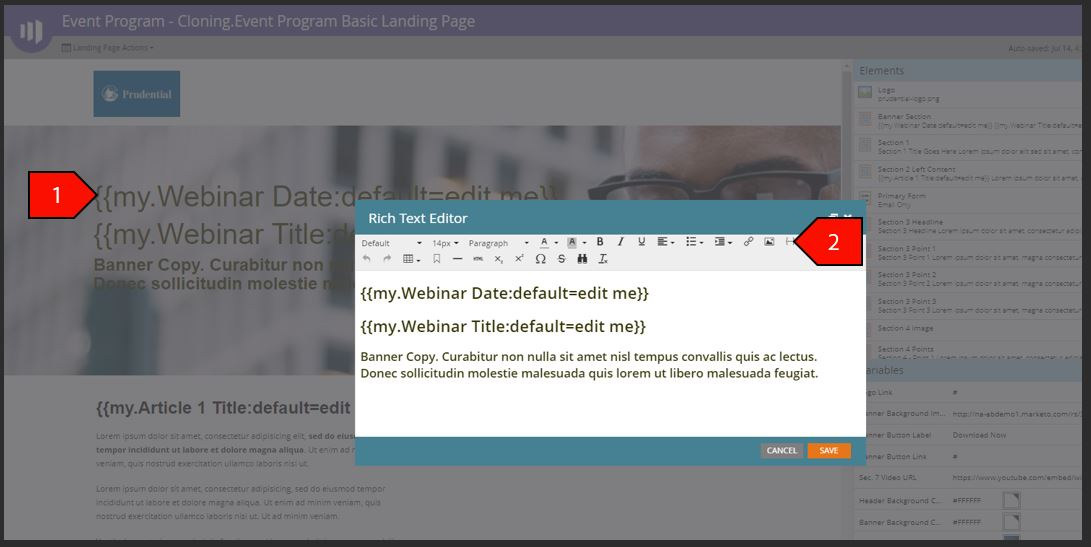
Insert the Date and Title Tokens
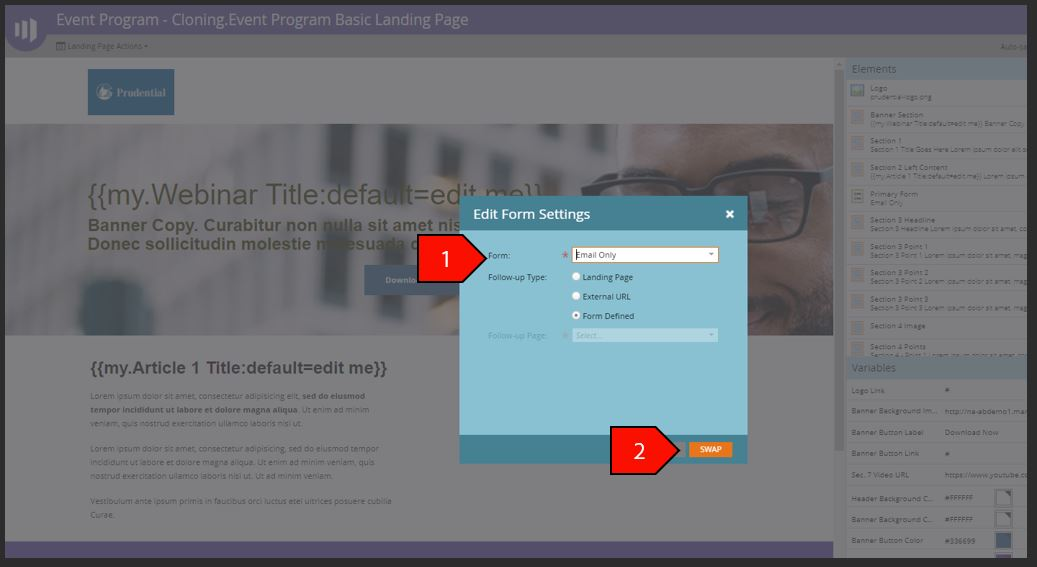
- Double Click on the Form Icon
- Select the Email Only Form
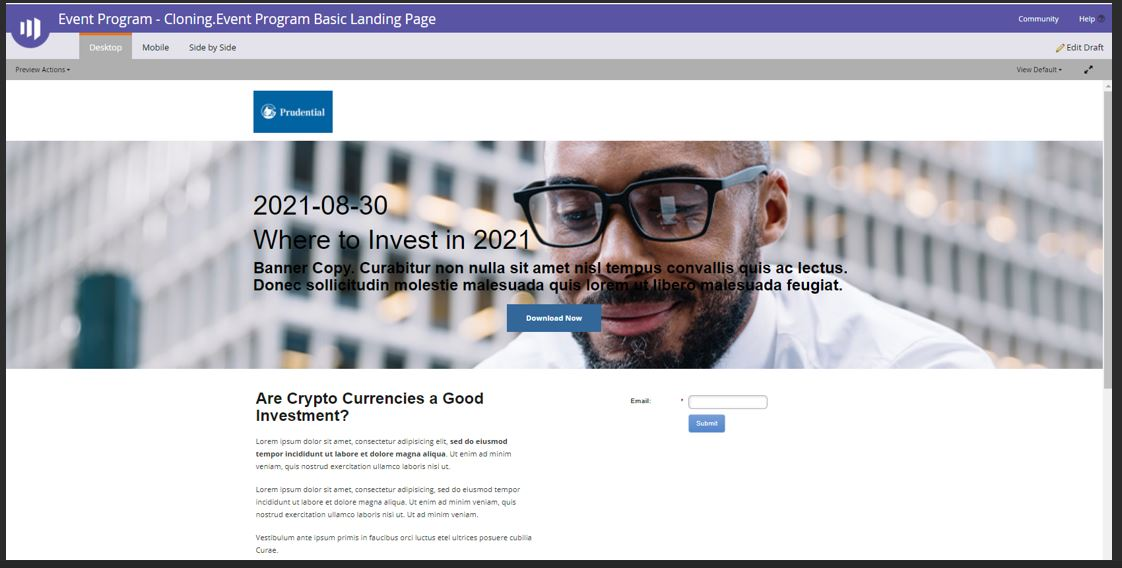
- Click on Preview to view the Modifications that the Tokens had on the Landing Page
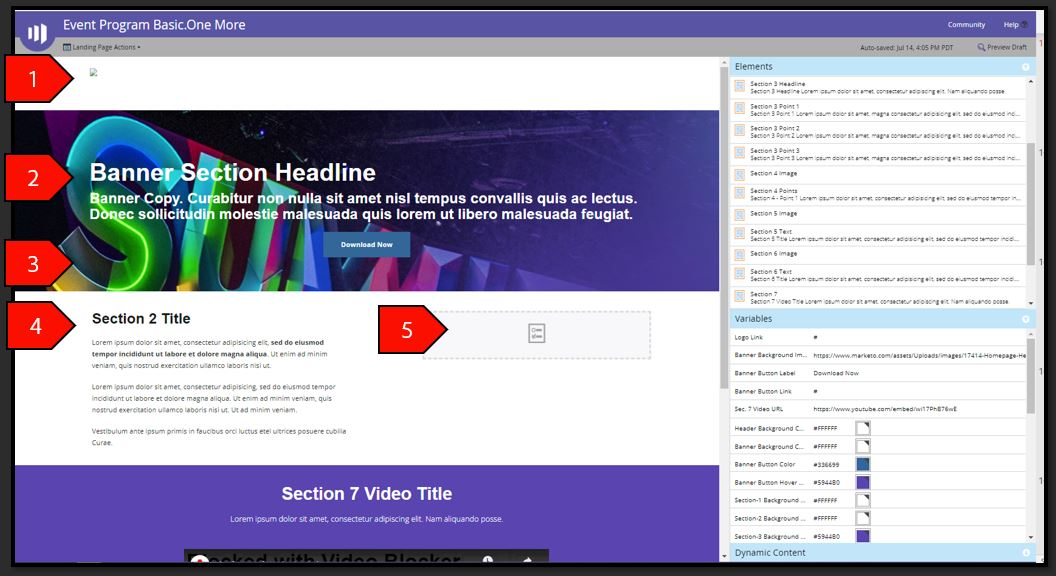

NOTE: Using the real-time personalization module for Marketo can extend the customization options within Landing Pages to include such things as customer segmentation.
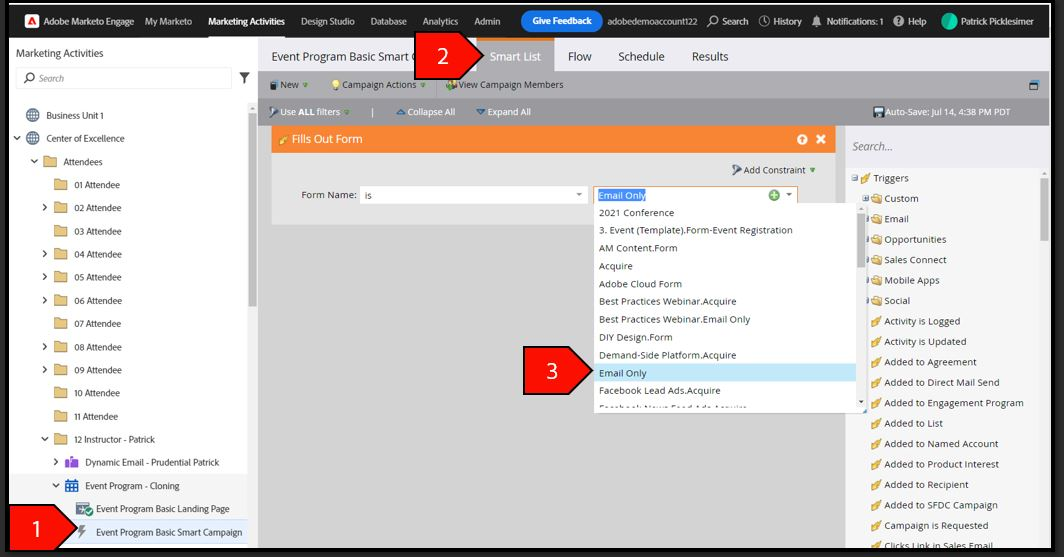
14. Click on the Event Program – Smart Campaign;
15. Click on the Smart List tab
16. Update the Trigger for the Email Only Form;