Creating an audience
3 min
In this exercise we'll be creating an audience that we can use in our journey.
Audience overview
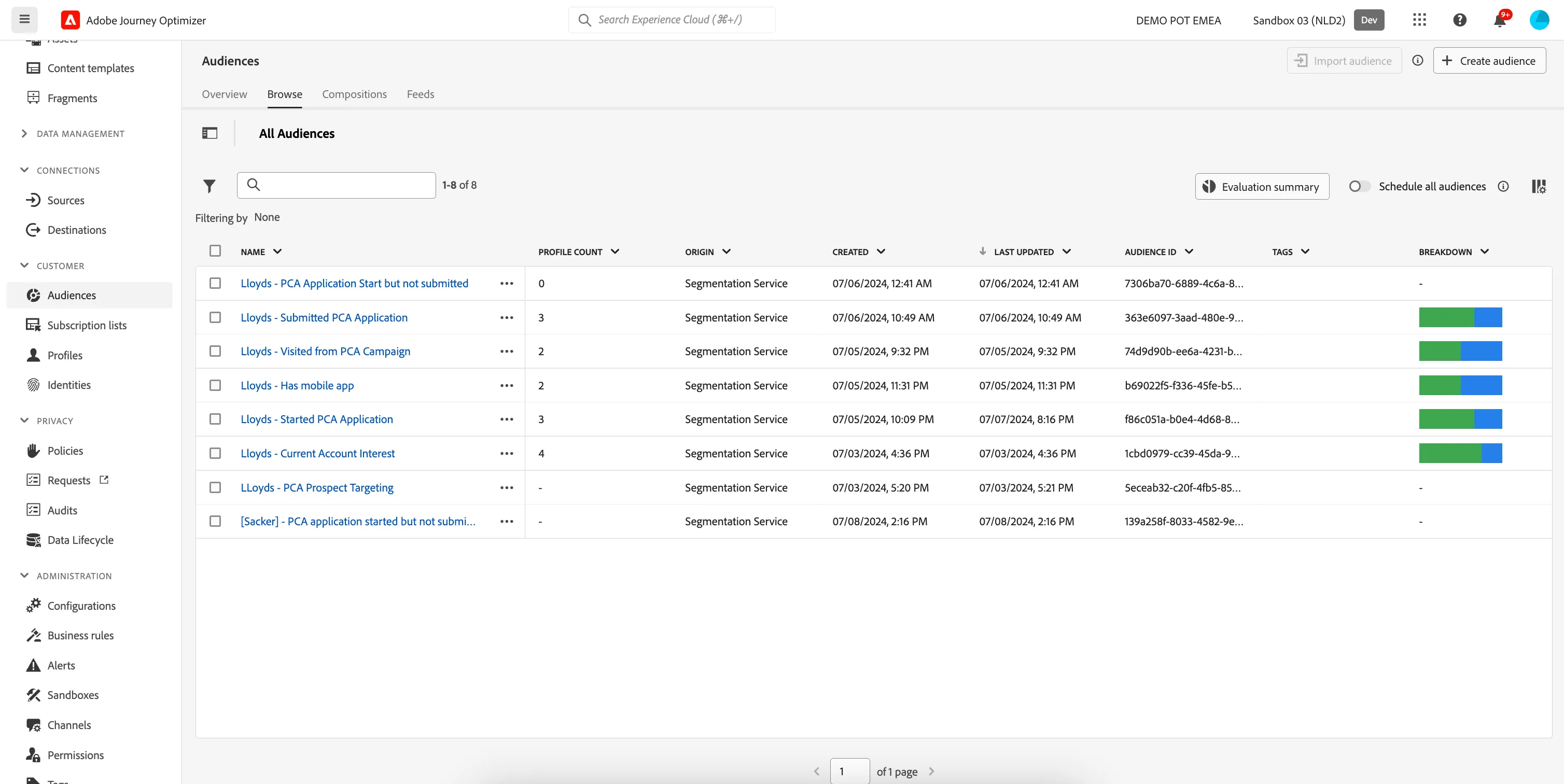
To get an overview of all audiences in Adobe Journey Optimizer:
- In the menu on the left side, under Customer, click on Audiences. You will see a overview with all existing audiences.
Creating an audience
We'll be creating an audience that contains all customers that have the Lloyds mobile app. We can determine this by checking if a customer has any previous interactions with the mobile app.
If you do not want to create your own audience for this exercise, you can reuse the Audience pre-created for this lab in your journey: Lloyds - Has mobile app
- Click on Create audience. A pop-up will open, choose Build rule and click Create.You'll be taken to the Audience builder.
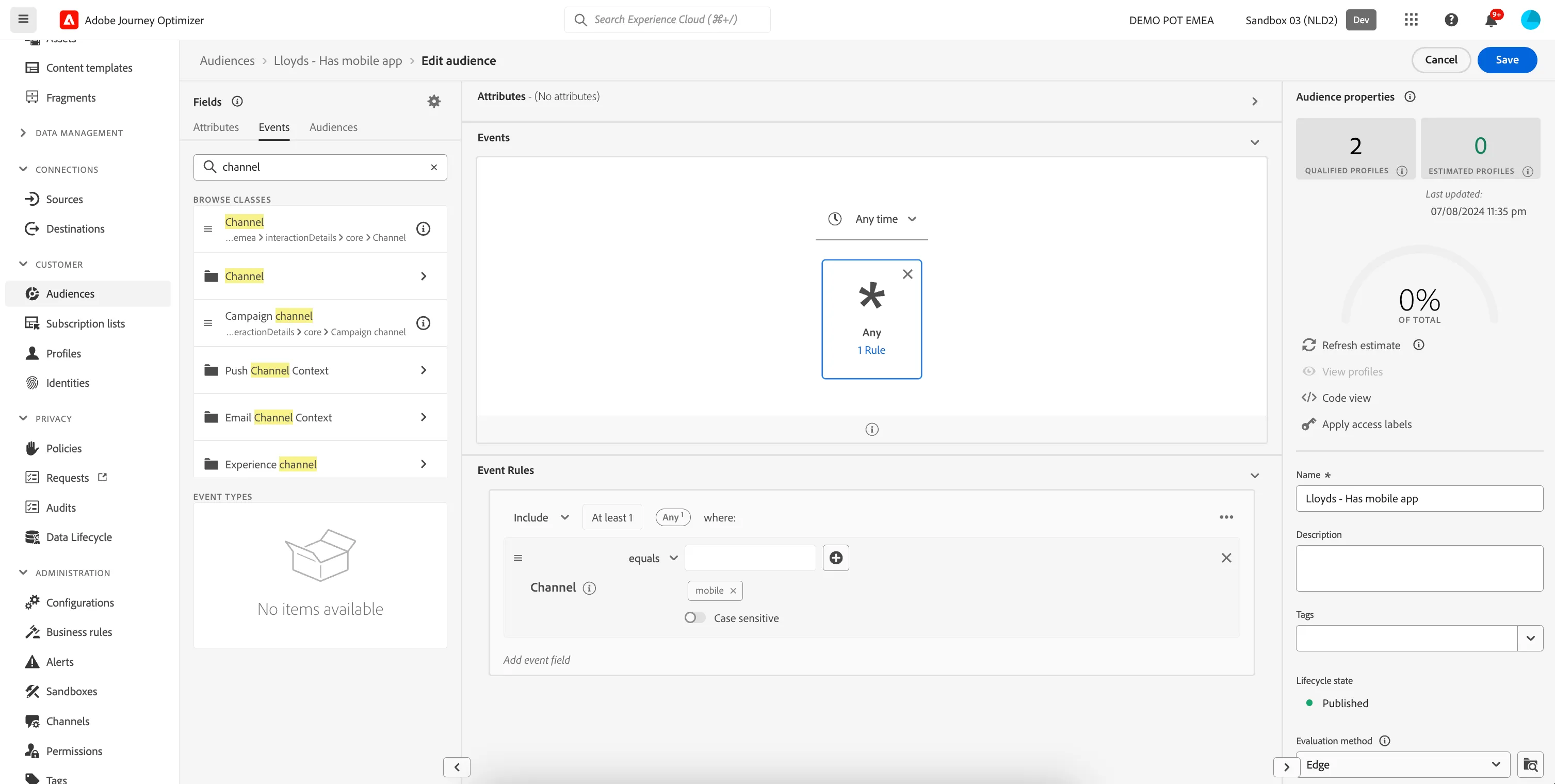
- Set the name to [your name] - Has mobile app.
- Set the evaluation method to edge.
- In the Events tab, search for channel. Drag the Channel attribute to the middle of the screen.
- In the Event Rules, input mobile into the text field, so the Event Rule states Channel equals mobile.
- Your screen should look like the image below. Click Publish to finish your audience.