Abandoners Basic
5 min
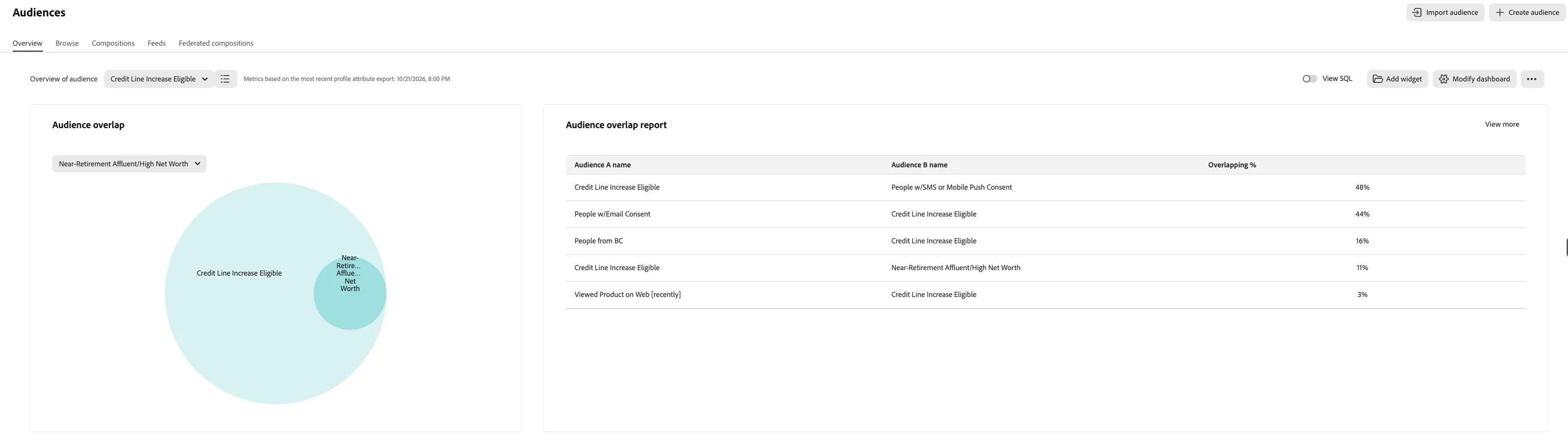
Create an Audience Rule
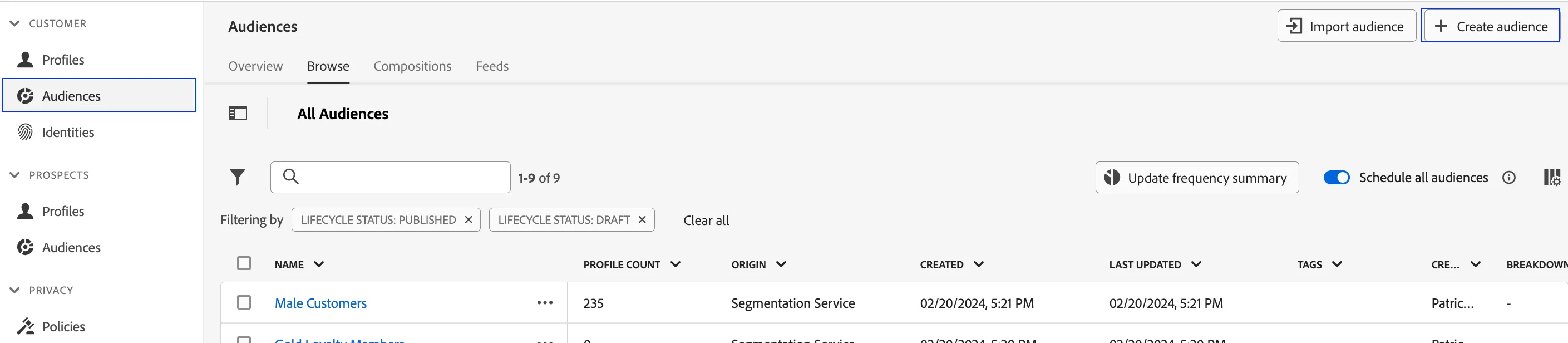
- Click on Audiences in the left navigation panel.
- In the top right corner of the screen, click Create Audience.
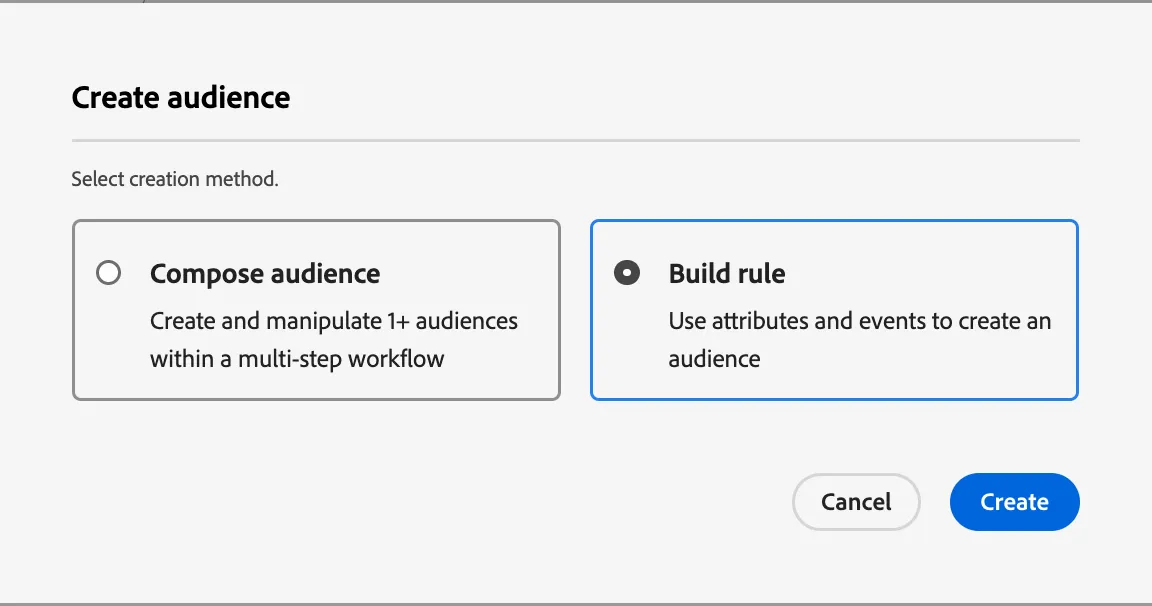
- Select Build Rule.
- Click Create.
- Explore the segmentation canvas. This canvas allows marketers to build audiences from ALL existing attributes and events available on the real-time customer profile.
- Name your segment -Abandoners Basic - (your initials)
Events and Audiences
- Since this is an audience that involves customer behavior, click on Events in the left tab on the canvas. This selection will expose all event based data points that have been onboarded.
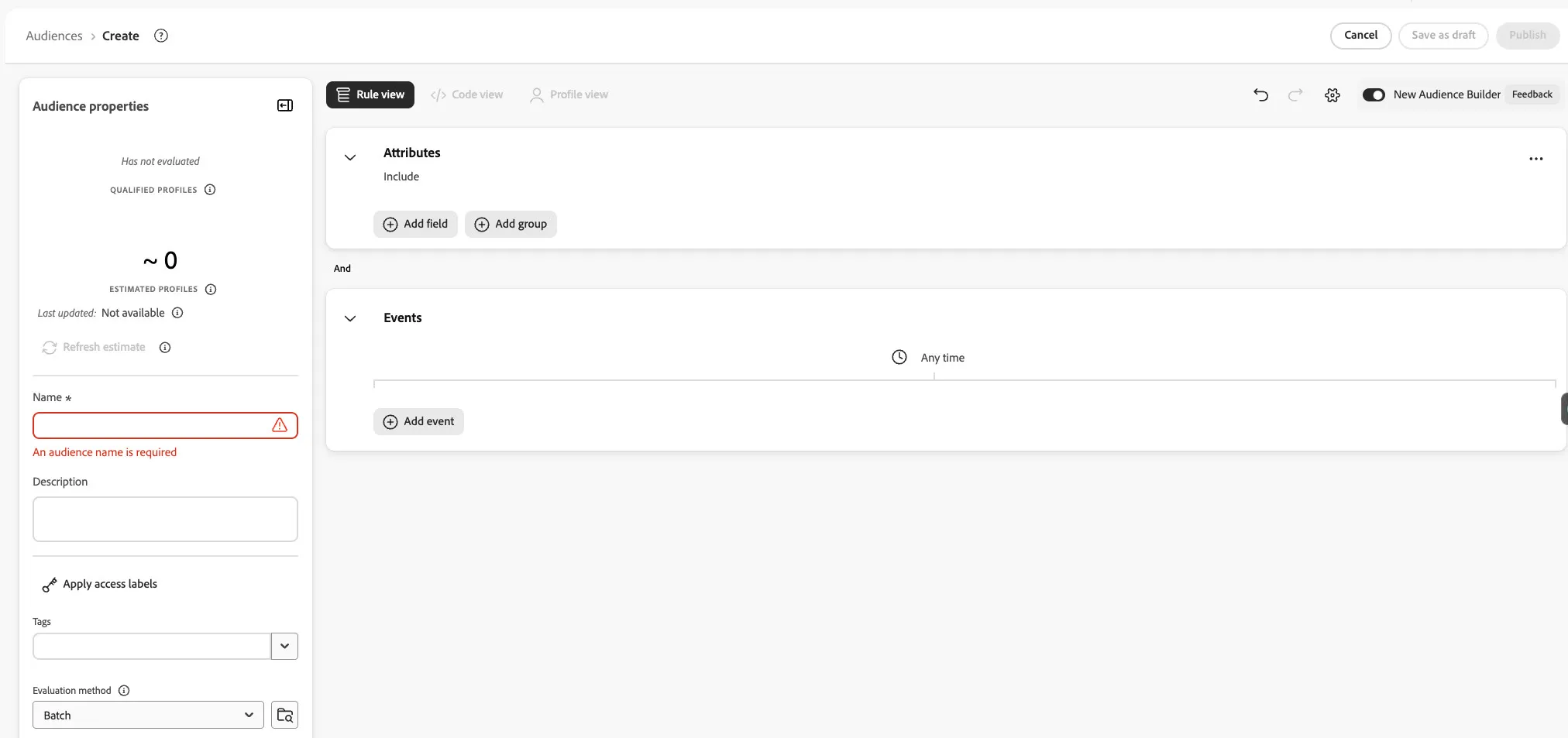
- Under the Events on the canvas, click Add event
- Select Event Types
- Search for Starts (This is the event we captured on our Form when a user begins an application)
- Click Add Field
- The field will be added to the middle of the timeline. Mouse Over the Starts Event.
- Click on the plus sign to the right.
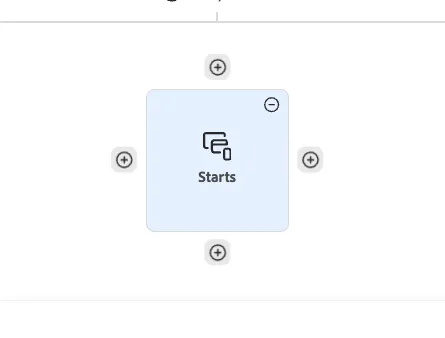
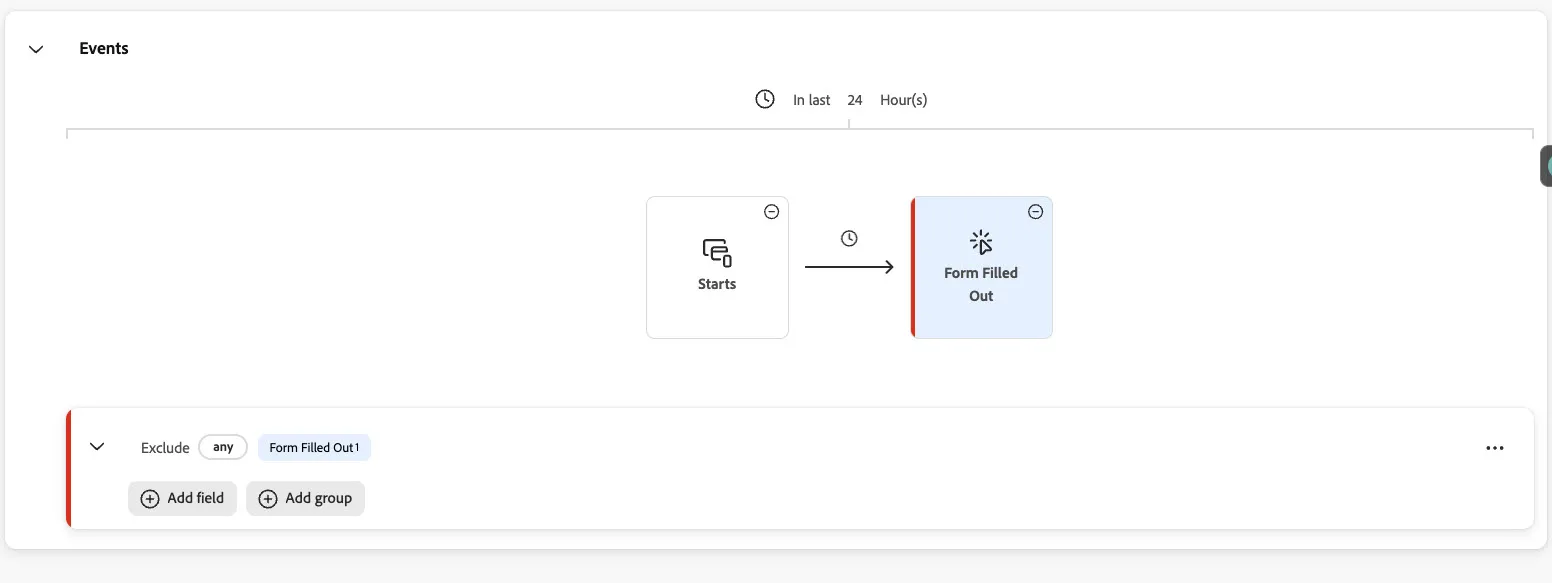
- Click on Event Types
- Search for Form Filled Out
- Change Include drop down to Exclude.
- Set look-back window to Last 24 hours.
Profile Attributes and Audiences
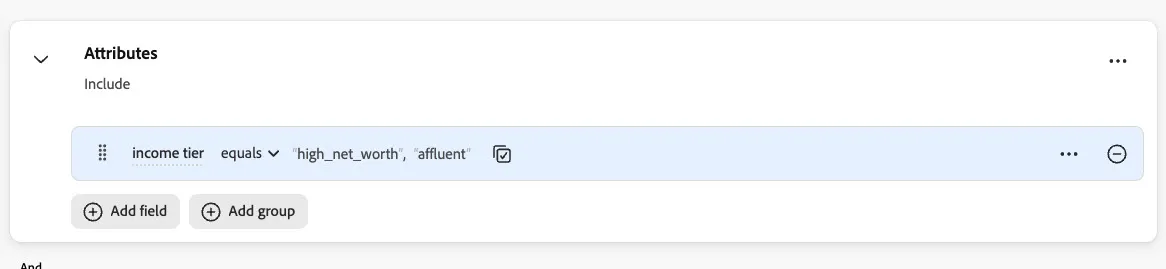
- Under the section Attributes
- Click Add field button
- Search for Income Tier and Add the field.
- Click on the 3 dots of "Income tier equals" and select the option "Allow multiple inputs"
- Then select "high_net_worth" and "affluent"
- Click Confirm
Evaluation Methods
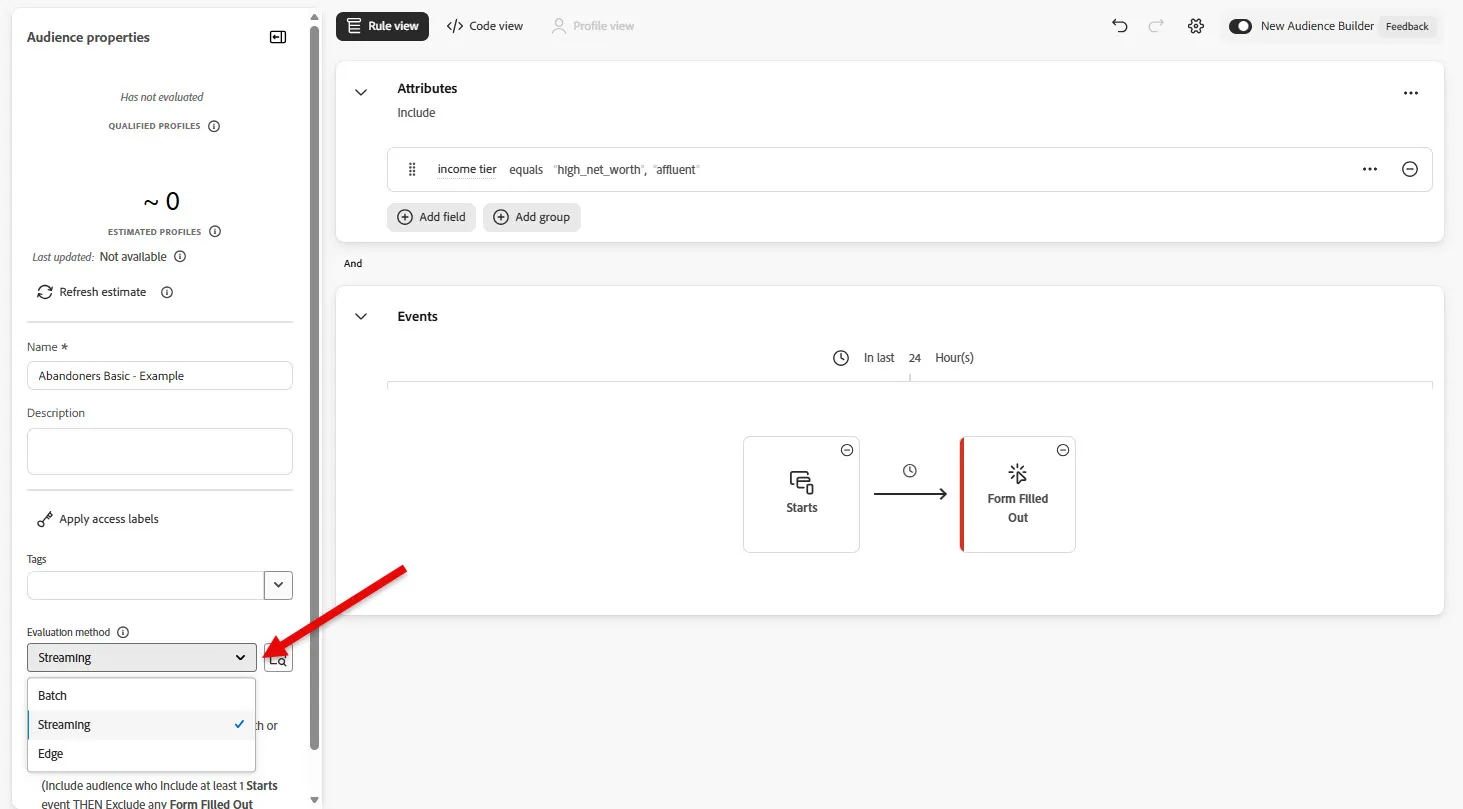
- Set evaluation method to Streaming.
- Click Publish.
Congratulations, now you know how to create audiences using Profile and Event Data. Learn how to expose these groups of profiles to your partners (i.e. Facebook).