Welcome to the Hands-on Lab
2 min
Access
Log out of your Experience Cloud instance or use a private browser to access the lab environment.
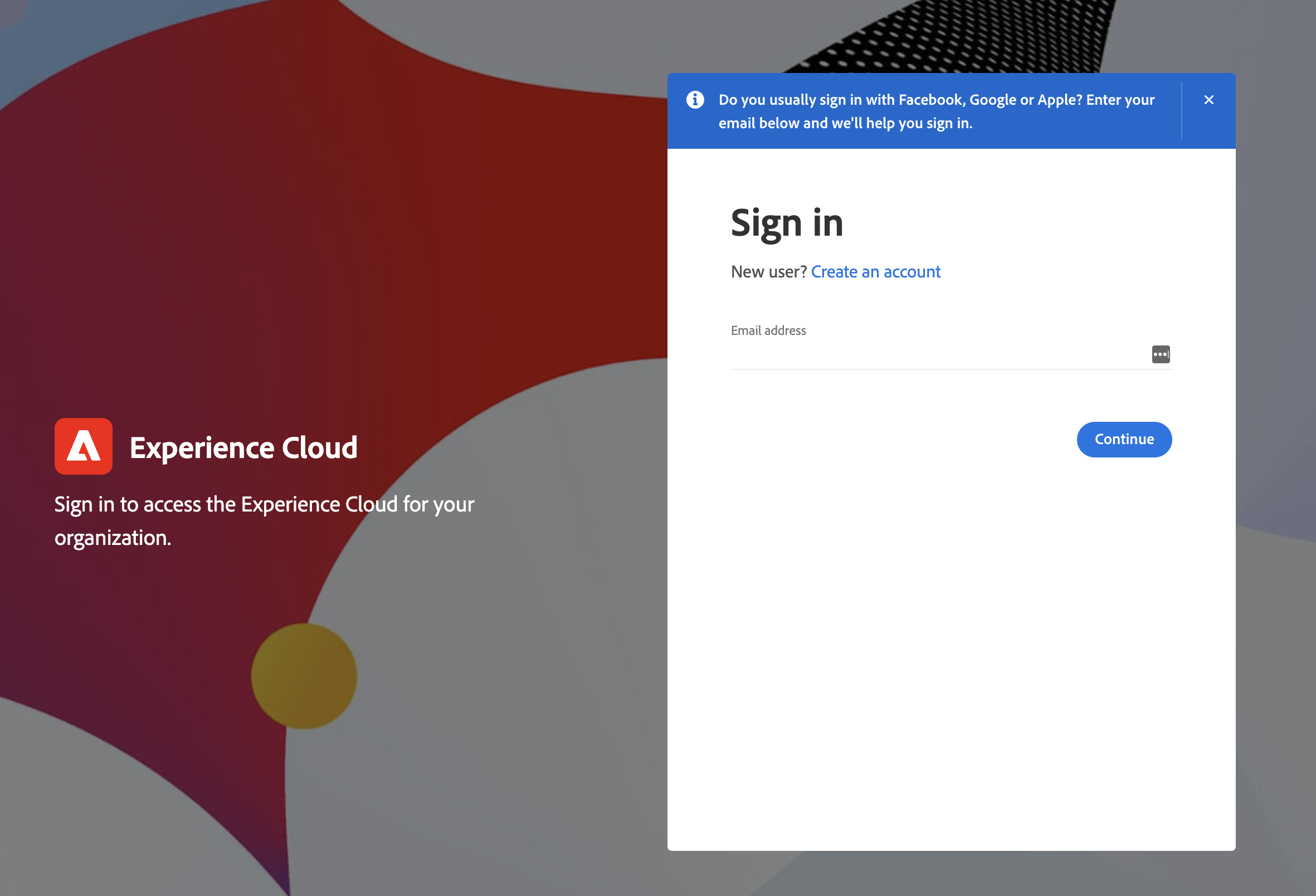
Log in to platform.adobe.com with the credentials assigned in the table below:
Password: Adobe_hol26
Lab User | Username |
|---|---|
RBC 01 | |
RBC 02 | |
RBC 03 | |
RBC 04 | |
RBC 05 | |
RBC 06 | |
RBC 07 | |
RBC 08 | |
RBC 09 | |
RBC 10 | |
RBC 11 | |
RBC 12 |
Because we are using adobetest.com emails for this lab, you will need to verify your sign in with a code that your lab host will provide. The codes will be unique to each lab user. They will be generated after you first log in.
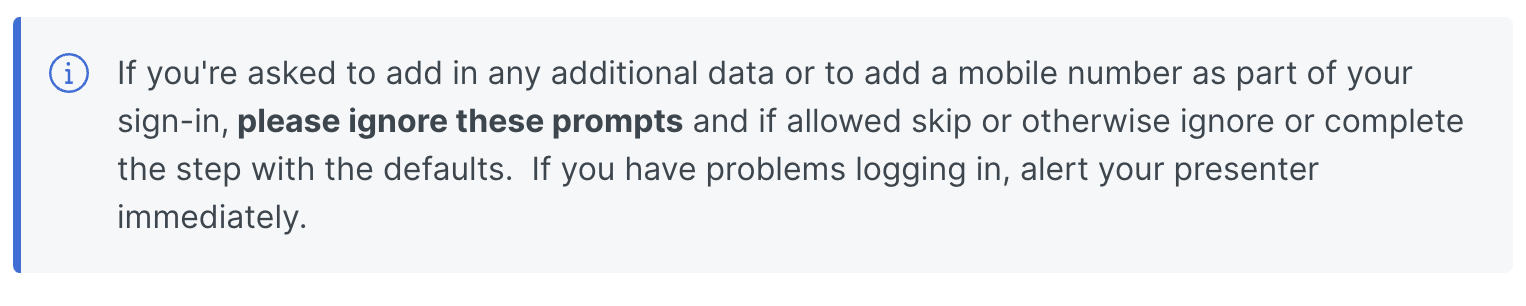
If you are asked to provide an email or phone number please skip/ignore this step.
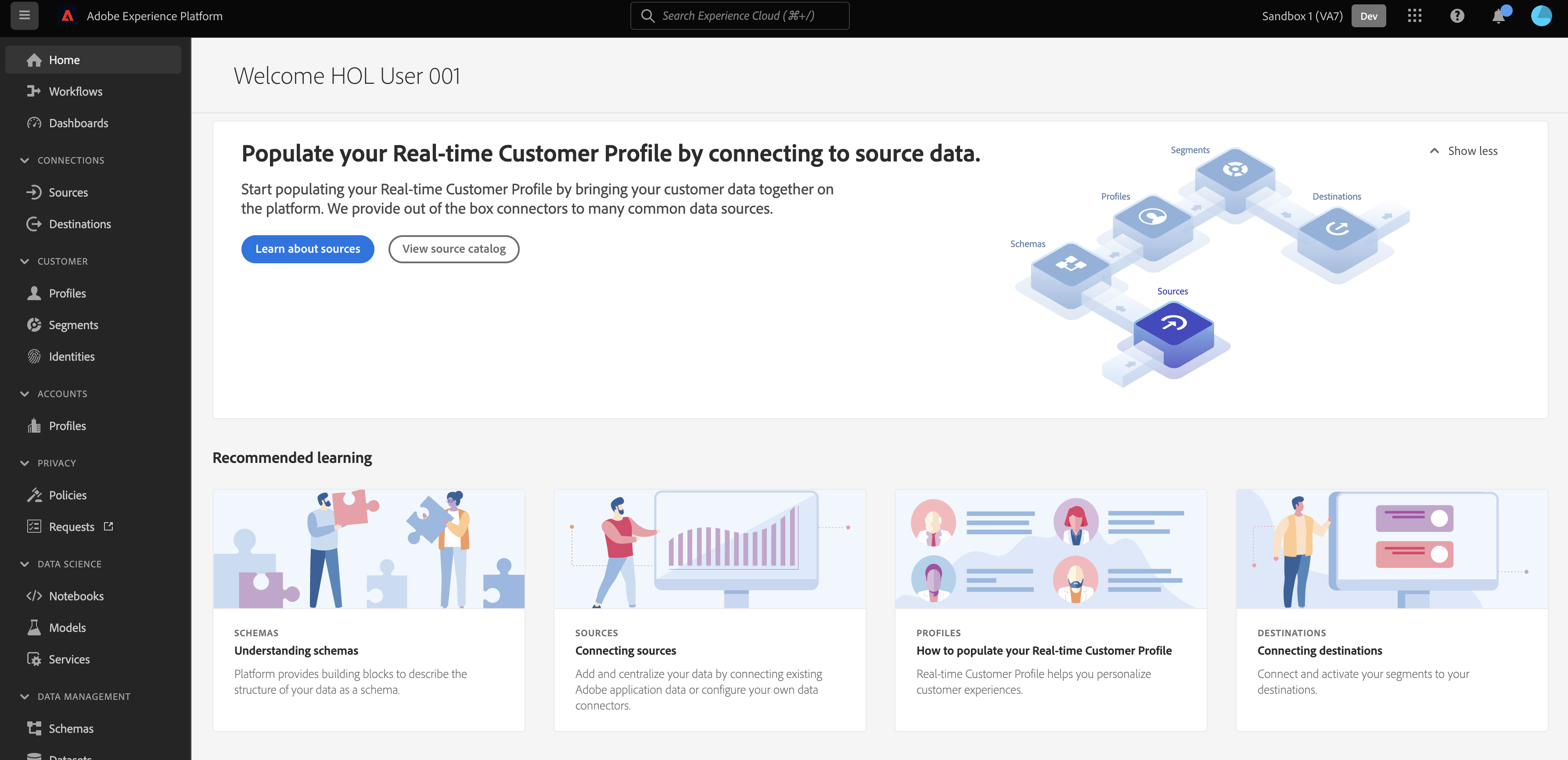
Once you've completed sign in, you should land on a screen like: