Event Forwarding
5 min
Exploring Event Forwarding
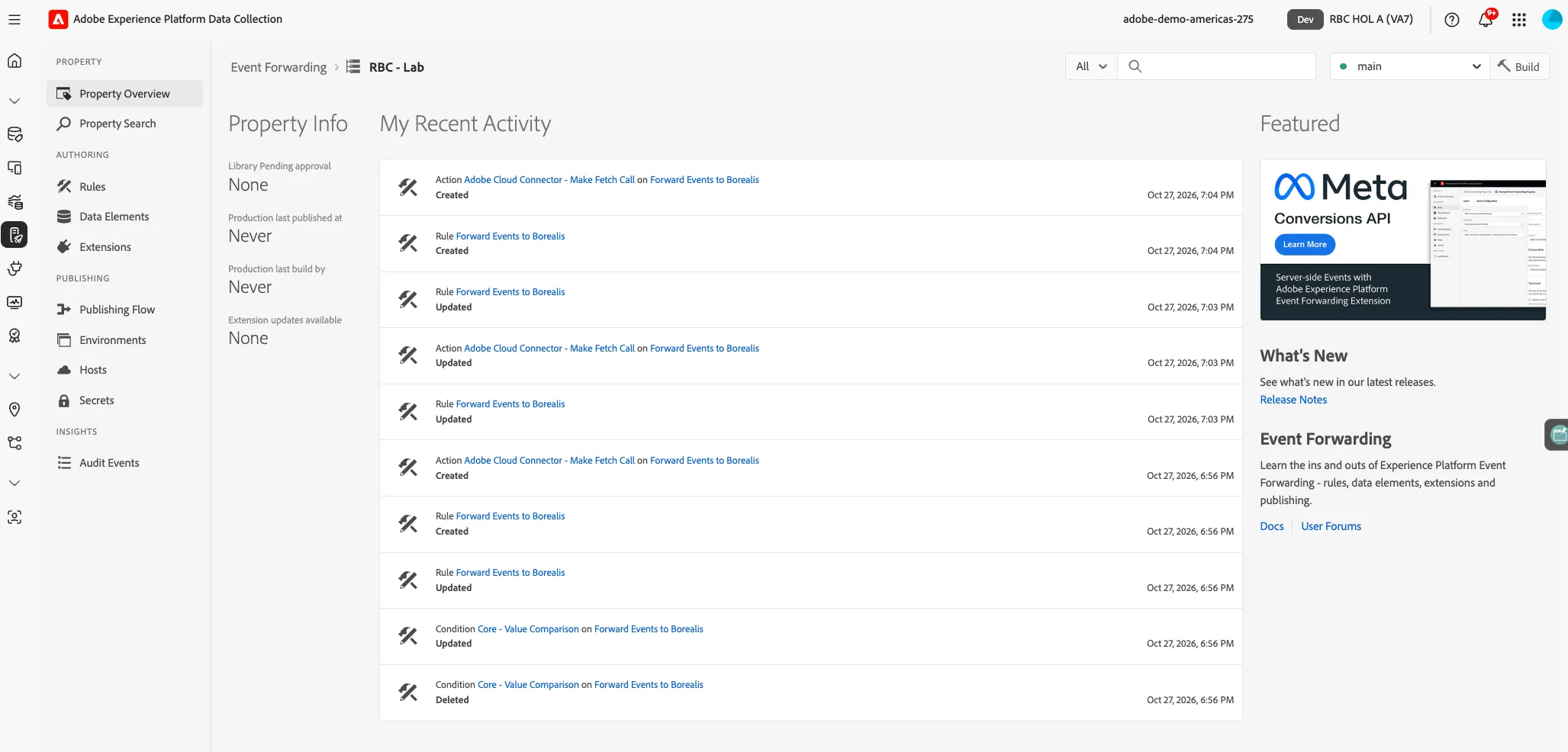
- From the Data Collection navigation, click on Event Forwarding
- Search for RBC - Lab
- Click on the property to navigate to it
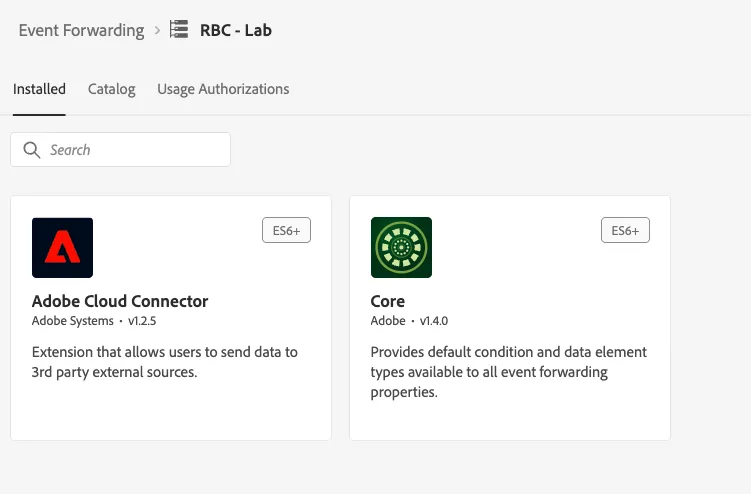
Adobe Cloud Connector Extension
- Click on Extensions From the Navigation
- Review the Cloud Connector Extension
Data Elements
- Click on Data Elements from the navigation panel
- Click on EventType and incomingEvent
Rules
- Navigate to Rules
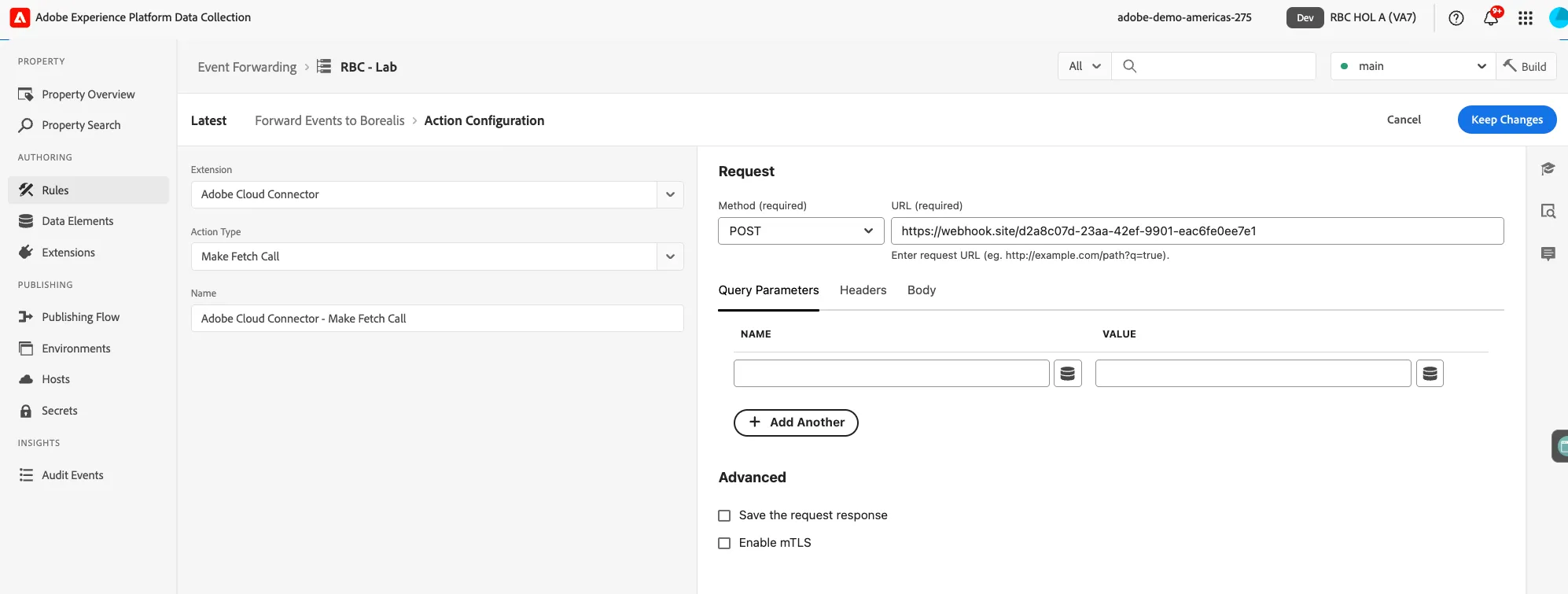
- Click on Forward Event Borealis
- Click on Make Fetch call
Kafka
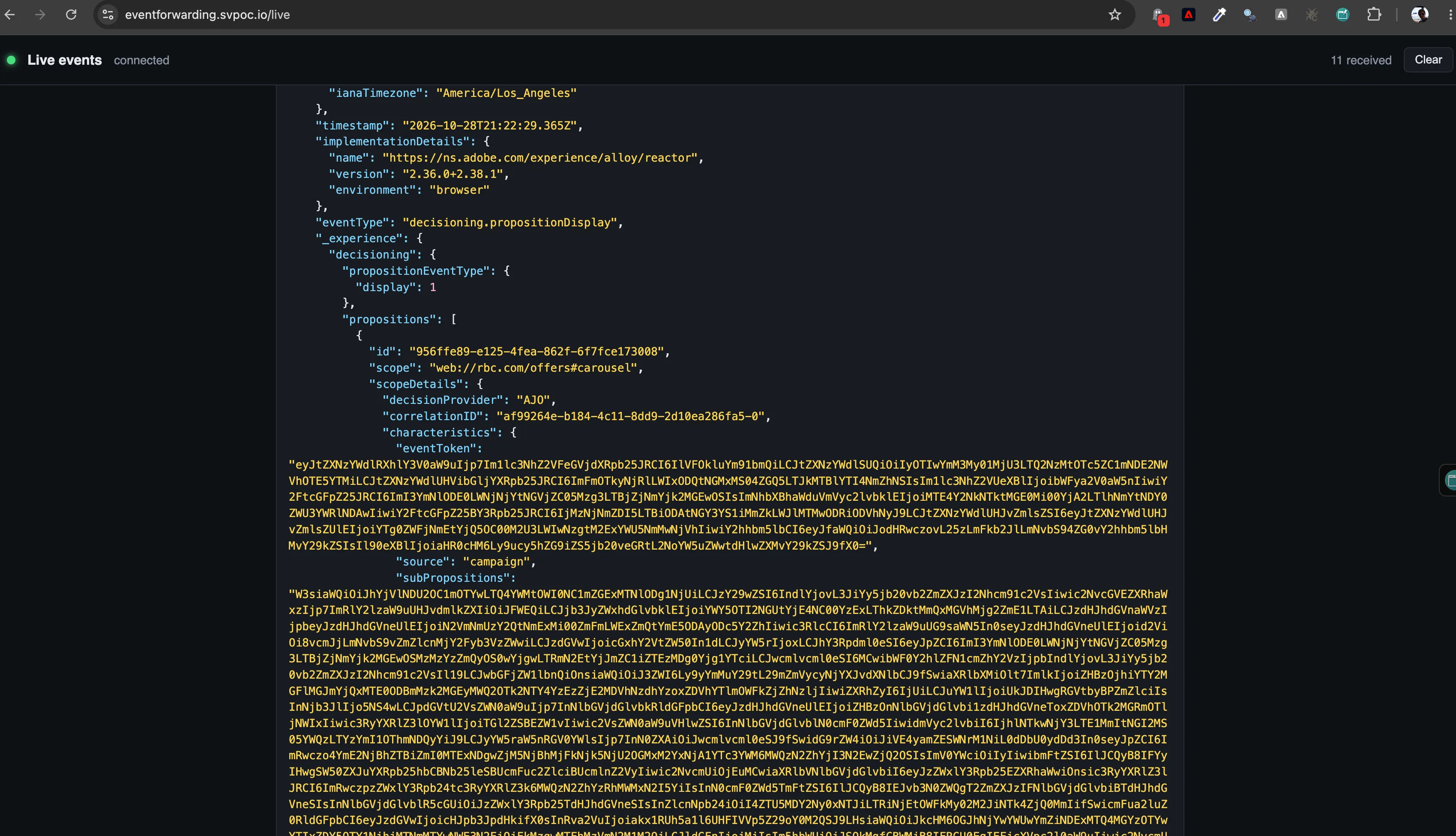
As customers interact, Adobe Data Collection captures each event on the edge and Event Forwarding sends it, server-side, to any HTTPS endpoint you choose. This way your systems can consume the same events the moment they happen. This screen is a live view of that Kafka topic.
Username: rbc_lab Password: eventForwardingKafkaViewer
Congratulations, you learned how we can integrate with your system. Next let's look at how we shape your customers using all of this data but connected into a Profile.