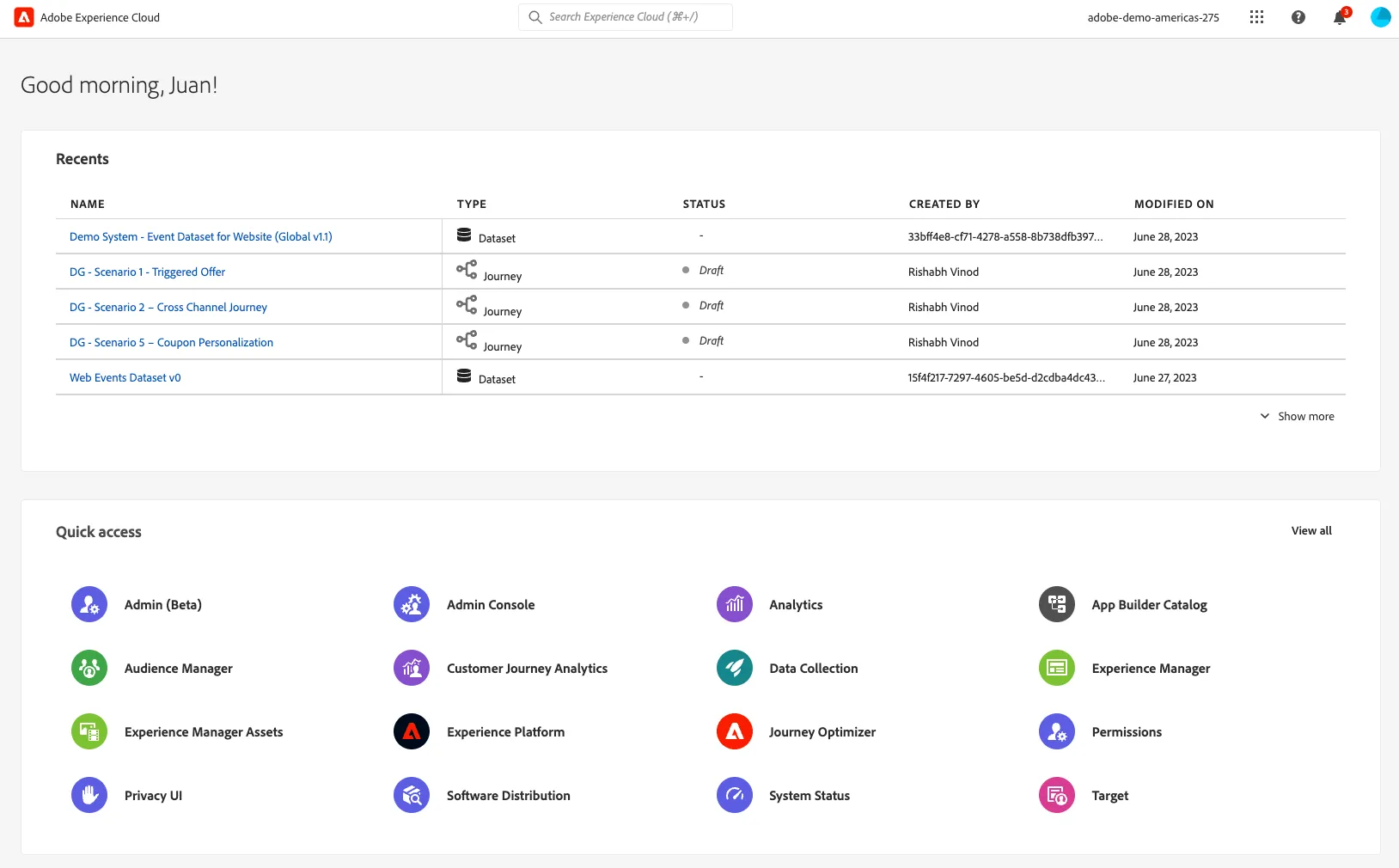
Lab Access
Accessing the Experience platform
Before proceeding with this lab, please make sure:
Use Chrome or Firefox.
Sign-out from all Adobe Instances that might be open.
Do not use your own credentials to access the demo instance for this lab.
Use the specific credentials provided in this document.
The Hands-on Lab URL
Your user information
UserName [email protected] [email protected] [email protected] [email protected] [email protected] [email protected] [email protected] [email protected] [email protected] [email protected] [email protected] [email protected] [email protected] [email protected] [email protected]
Logging Process
If asked to send a verification code, please proceed. You should see a screen like noted below. Give a few minutes, and your presenters will provide you the verification code via the chat per username as assigned on the credentials table above.
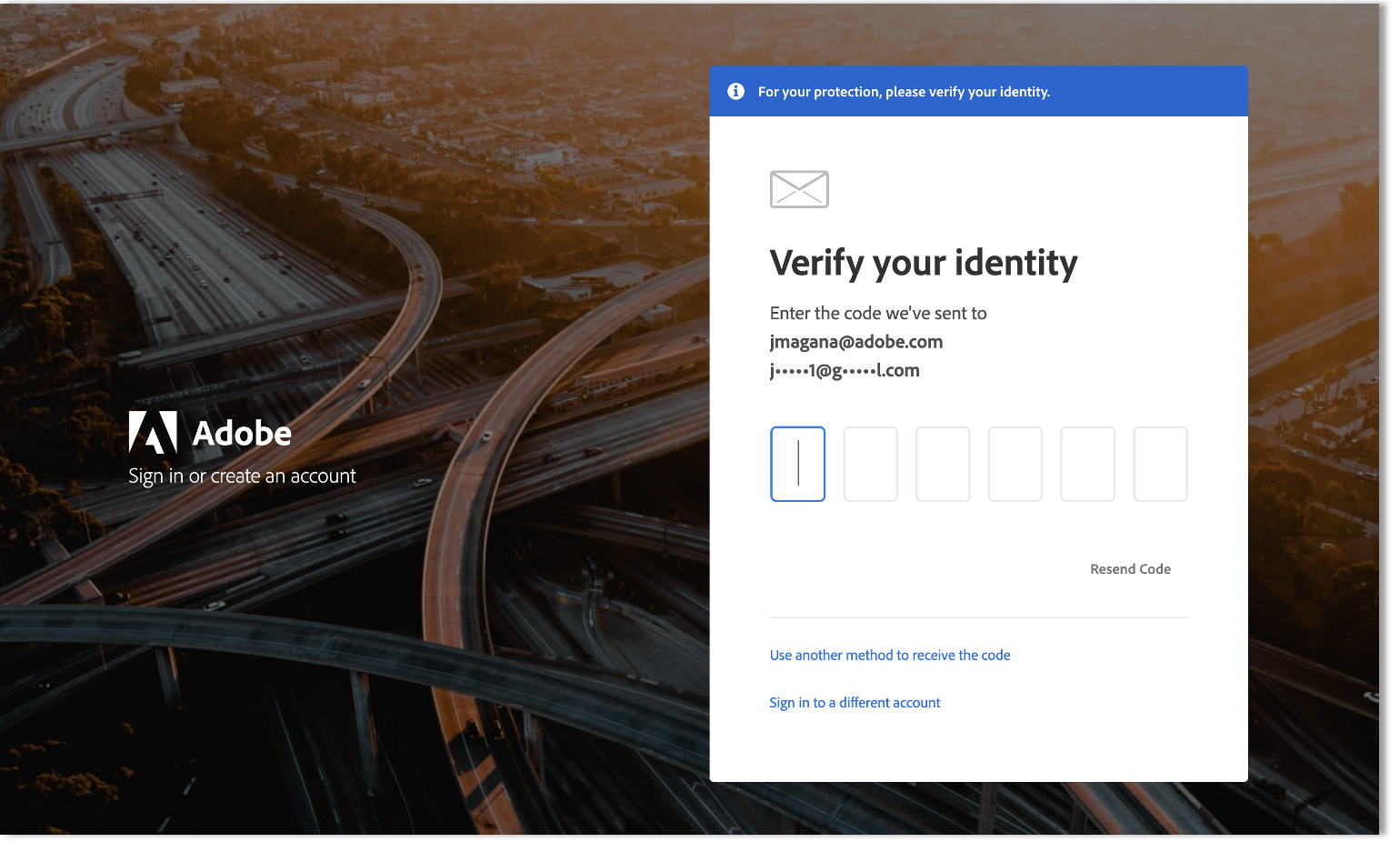
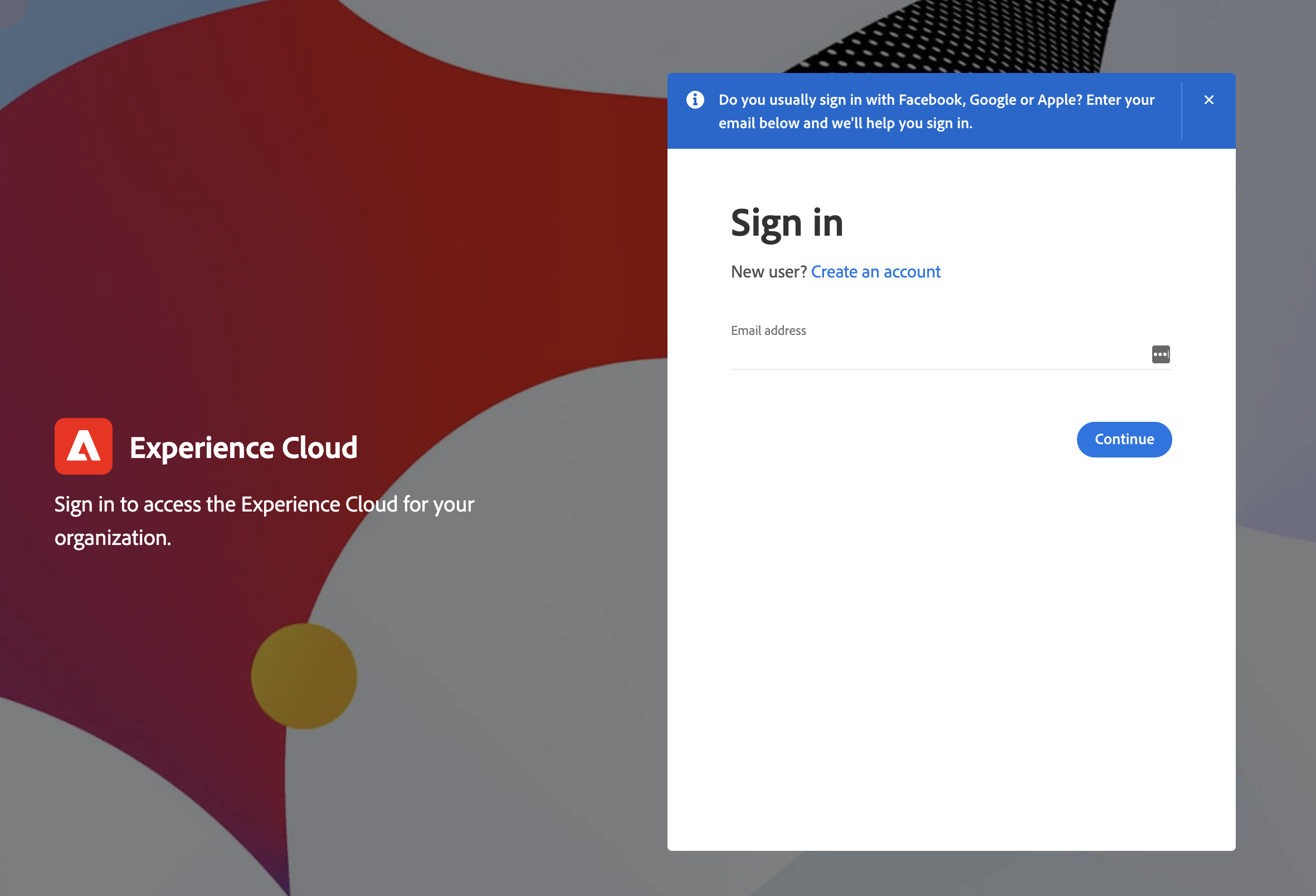
If you're asked to add in any additional data or to add a mobile number as part of your sign-in, please ignore these prompts and if allowed skip or otherwise ignore or complete the step with the defaults. If you have problems logging in, alert your presenter immediately.
After Successfully Login