Amazon S3
1 min
As part of this section we will share audiences created in the previous lab exercise with an S3 destination
- In the left navigation, select Destinations.
- Note: ensure you are in the Adobe Experience Platform UI.
- Select the My destinations radio button in the Catalog view. Verify you see an Amazon S3 Connection
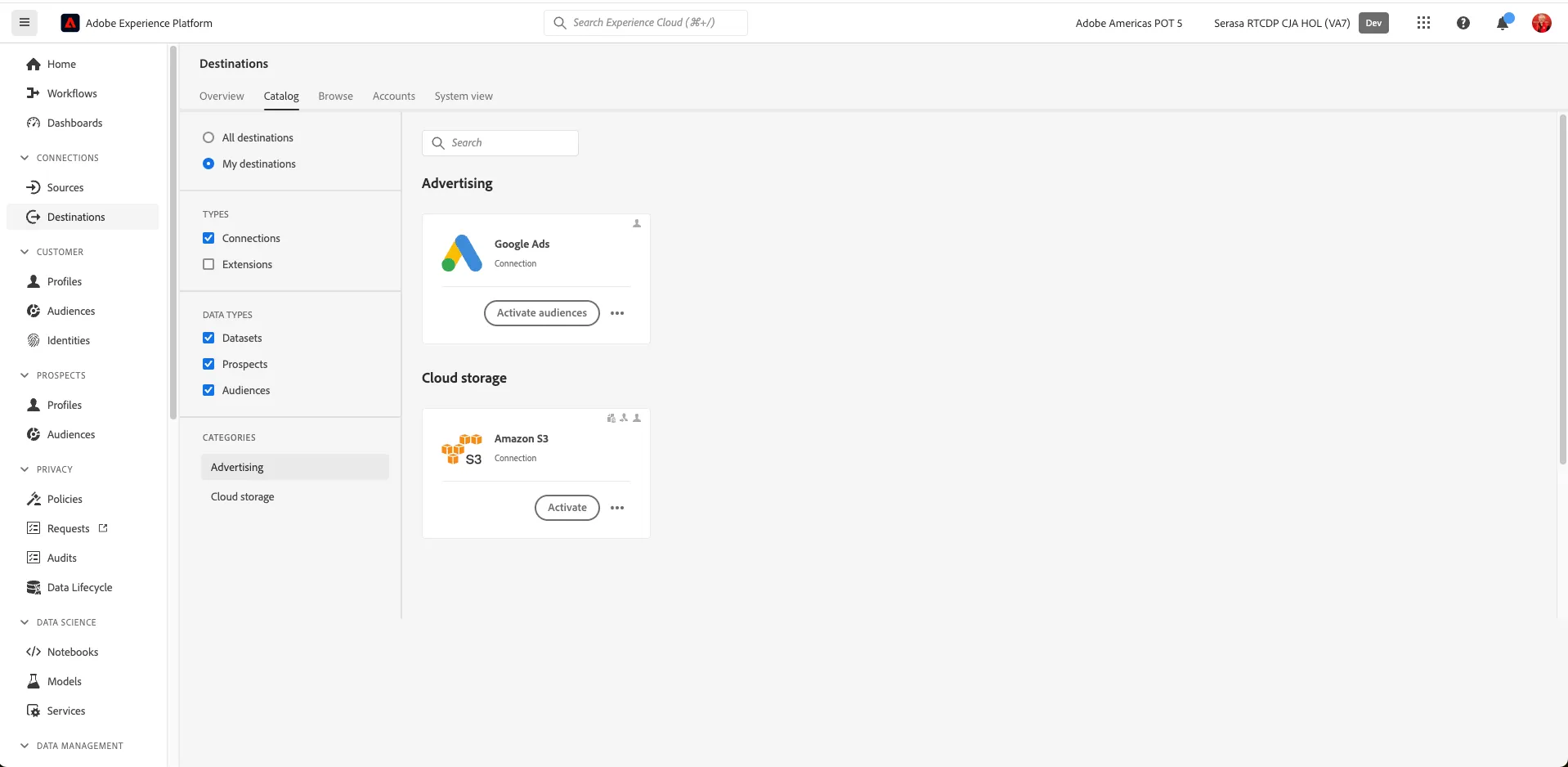
- Select Amazon S3 and click on Activate
- Select the existing Amazon S3 destination (Audiences) and click Next (you can set up a new connection to the same S3 through the Configure a new destination option)
- Select the external customer audience of "Other Roles" you created in the Account Journey Building exercise: HV Retail Decision Makers and Practitioners
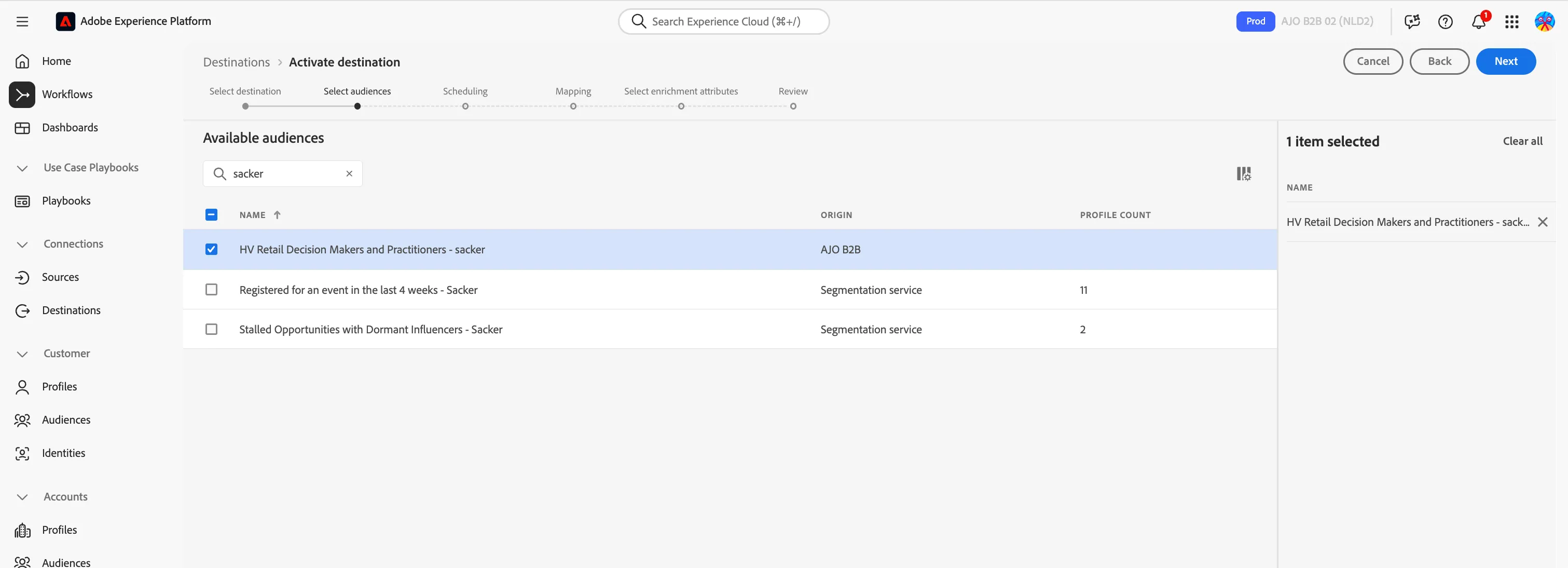
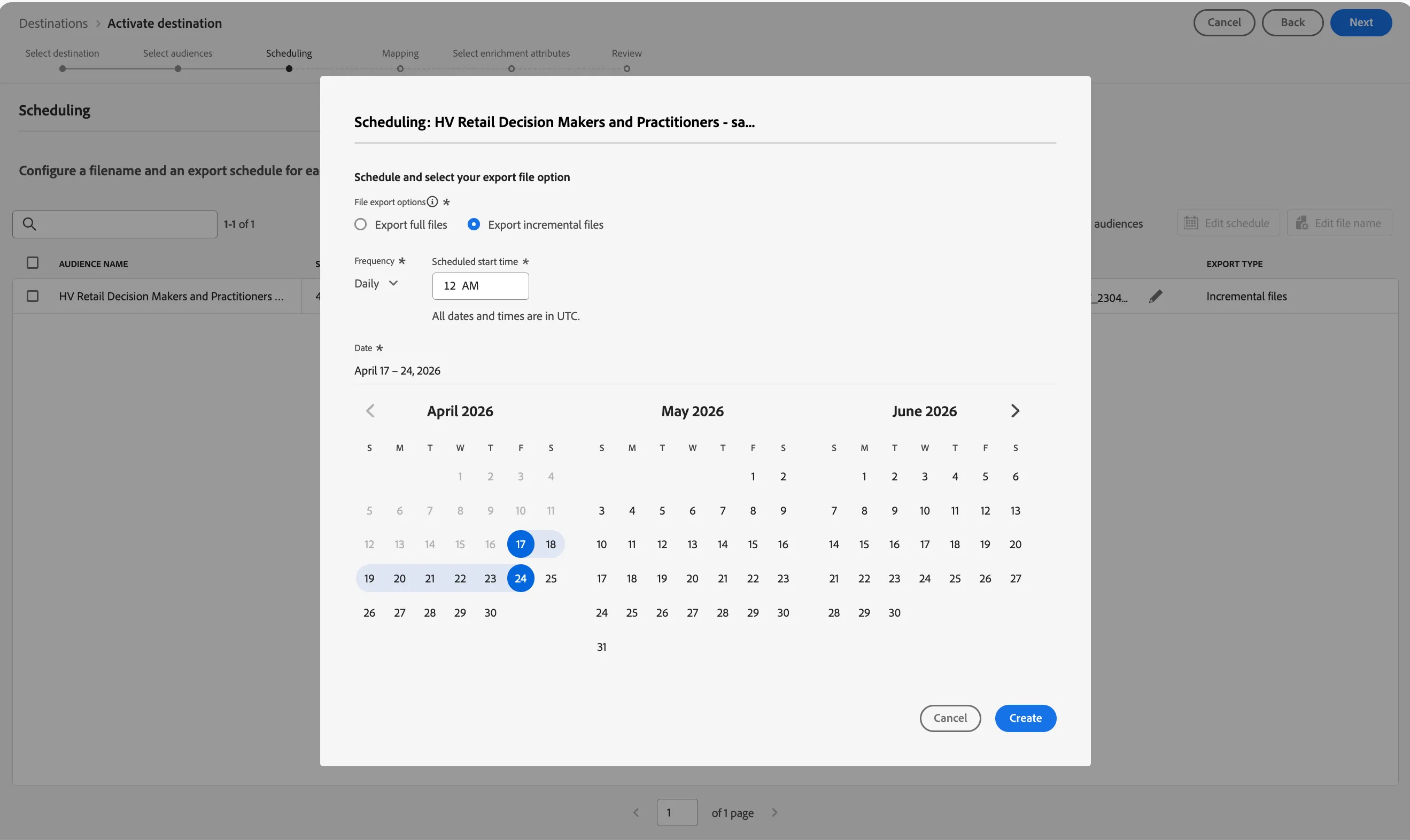
- To set up scheduling, click on the pencil icon
- and decide to send profiles either as full refreshes or incremental loads. Click Create and then Click Next
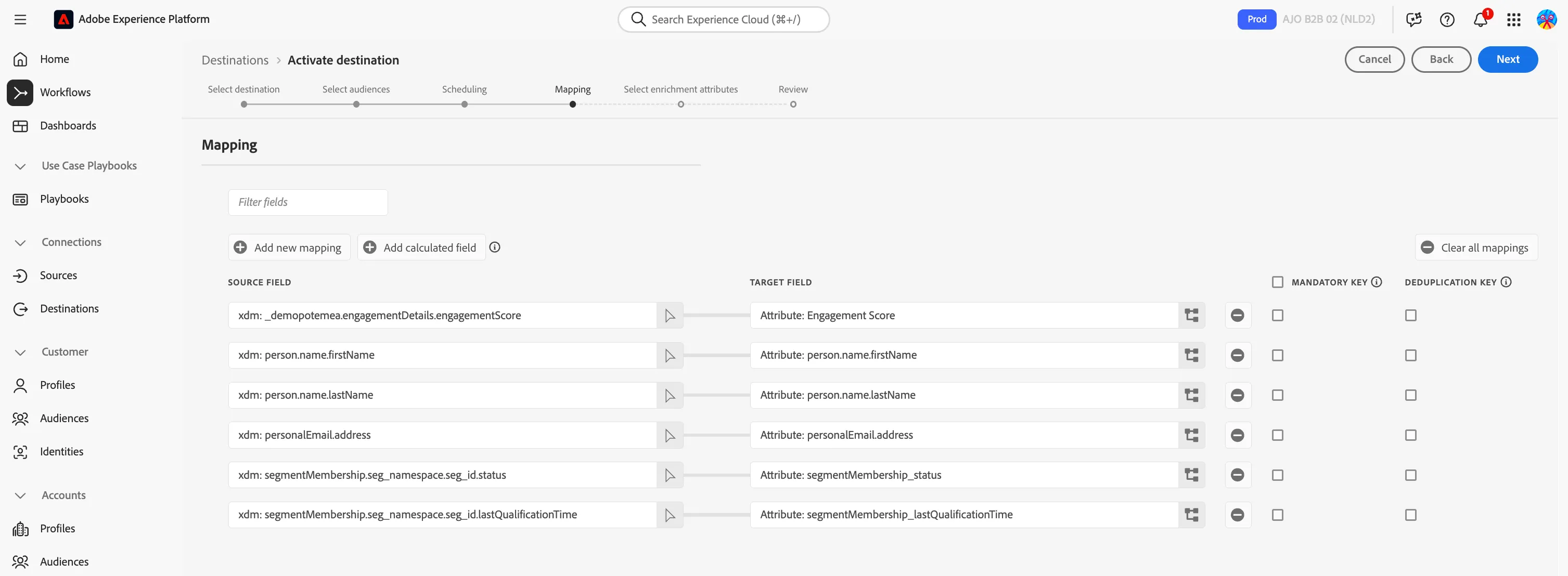
- Select the attributes to send to your destination. Think of attributes that are required by the destination and attributes that will be used in your campaign for personalization (e.g. why the lead is being handed over, last interaction, etc)
- Click Next.
- We won't select any Enrichment attributes, Toggle Exclude enrichment attributes, and click Next.
- This will take you to the the Review step. Click Finish