Progressing Profiling
2 min
This section describes how the fragments of data are merged together to create the unify view of the profile.
Stitching of data in real-time
Go to a demo web site and click on the EVENTS section in the top navigation.
Click on any of the events and fill in this form to register for the Webinar:
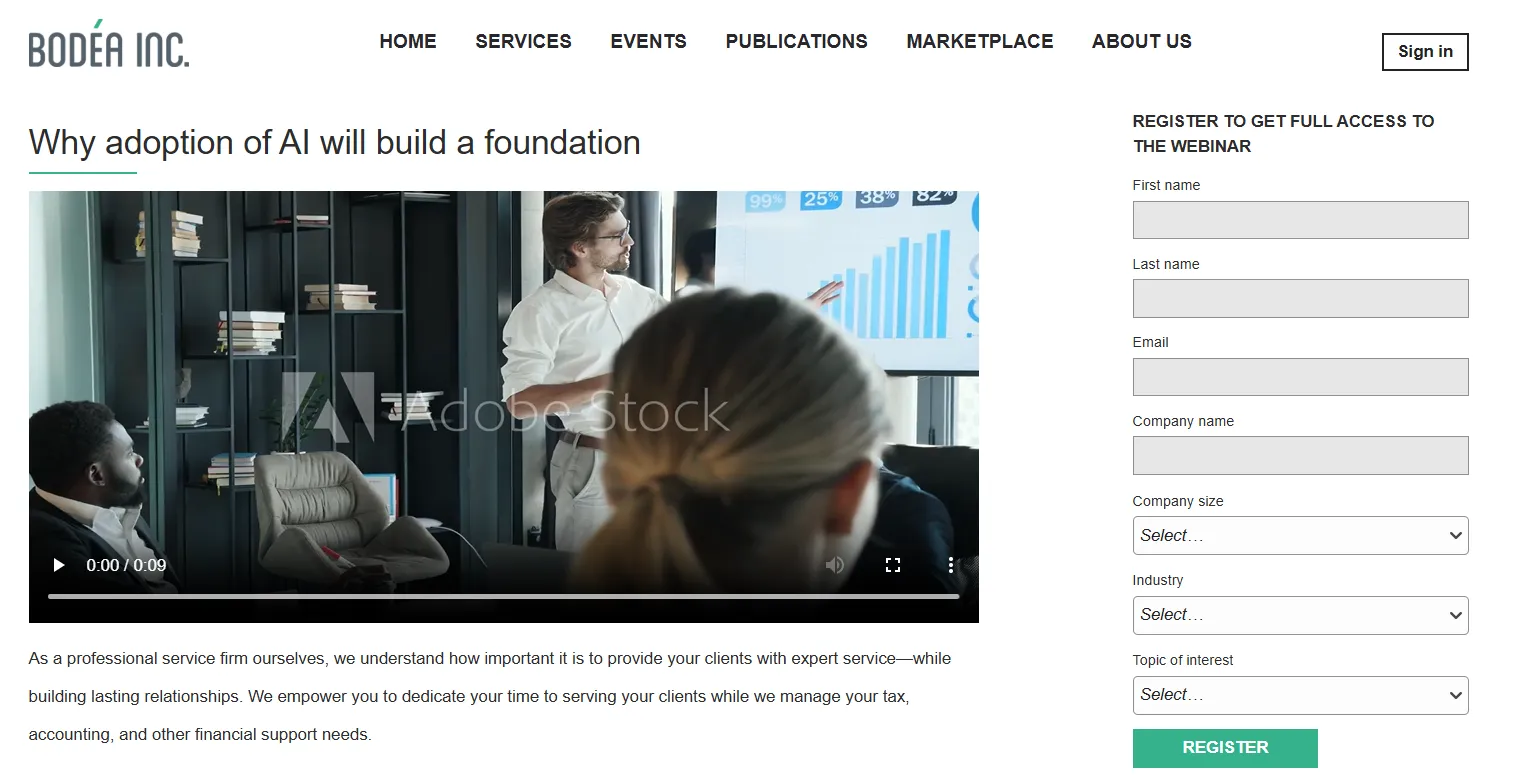
For instance, fill in the form this way:
- Your first name
- Your last name
- Email that follows this pattern: first_name.last_name@swisscompany.com
- Company name = SwissCompany
Click on the Register button
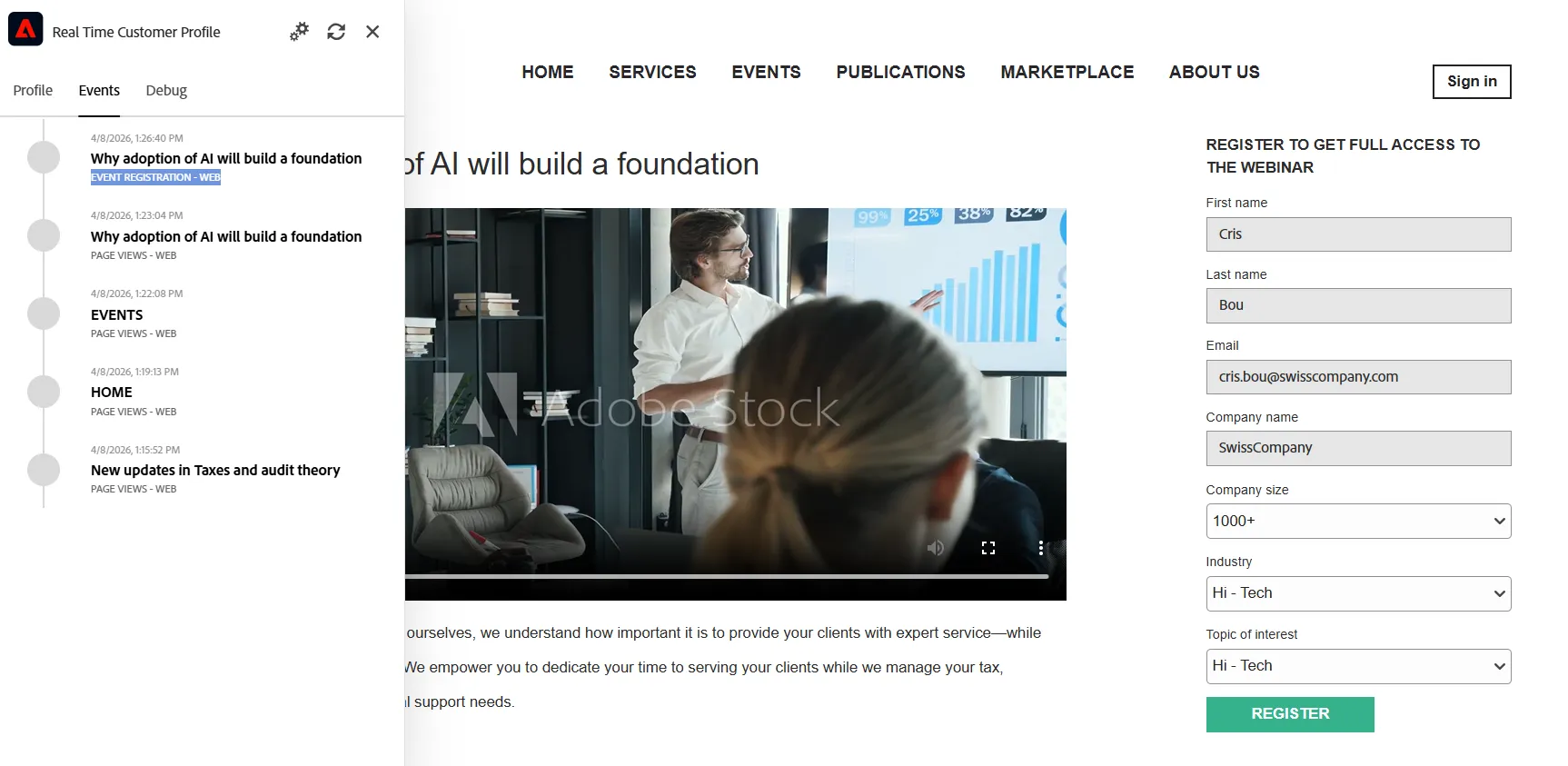
Expand the Adobe Real-time Customer Profile applet, in the left top corner of the web site, to check that an event named 'EVENT REGISTRATION' has been collected:
Go to the Adobe Experience Platform
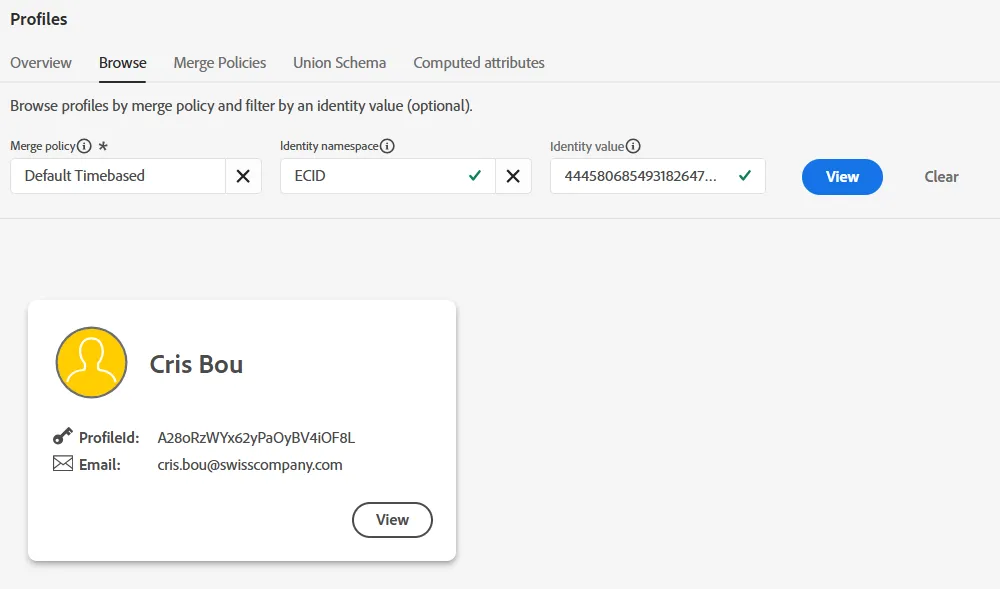
- Got to the Customer > Profiles menu
- Go to the Browse tab
- Search for the profile by using the ECID
Notice how the two profile fragments have merged by observing the following:
- The Identities graph
- The different Data sources (dataset) that contains the fragment of data that have been merged together
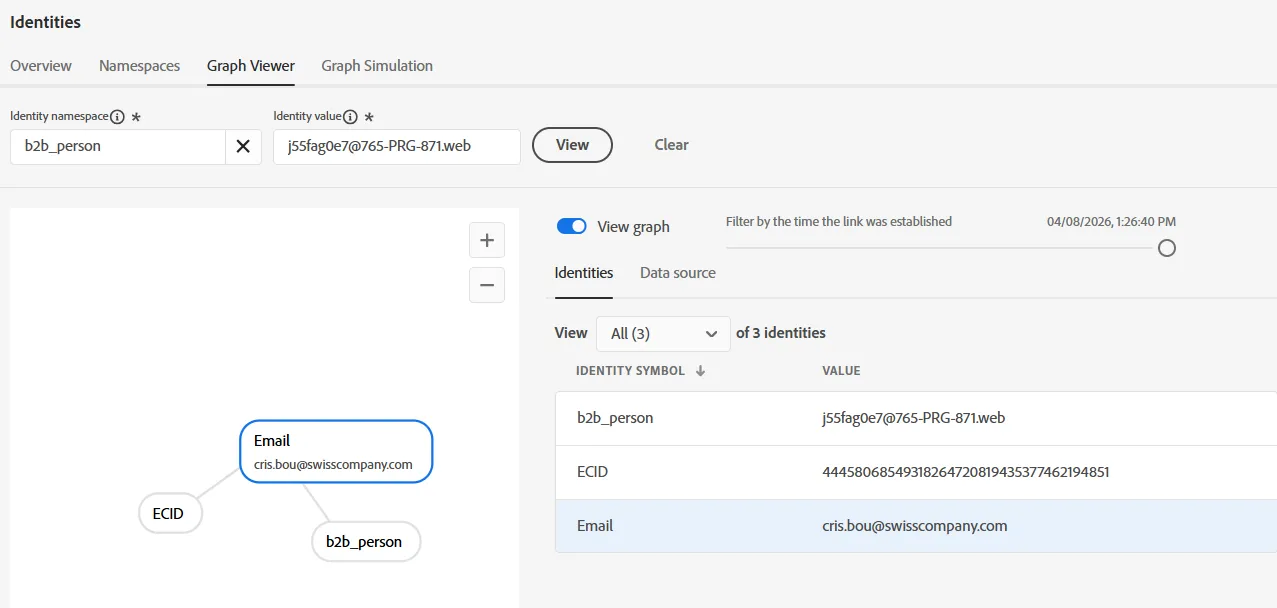
Identities graph
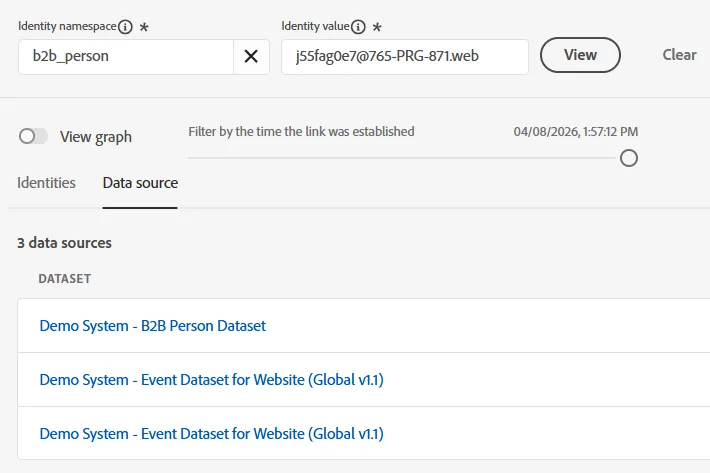
Data sources used to stitch data