Pseudonymous Web Profile
2 min
Exploring a Web Visitor profile in Adobe Experience Platform
- Navigate to Customer > Profiles from the left-hand navigation bar.
- Click on the Browse tab.
- Search for 'ECID' under namespaces.
- Enter the below string as the Identity Value.
52413702162082875772932173385154611934
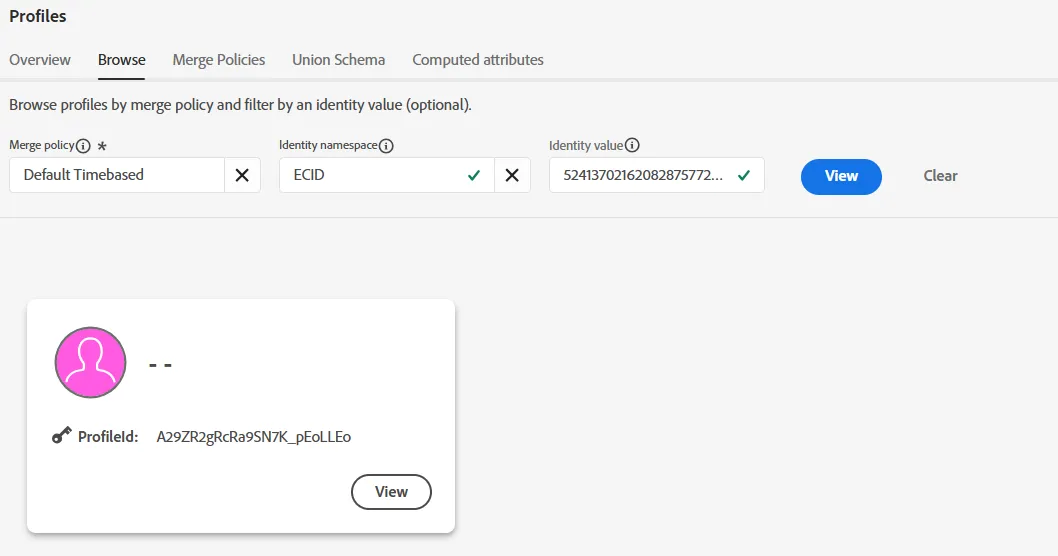
5. Click on the Profile card to explore the following tabs
- Events - Web pages visited (a few or maybe none)
- Identity Graph - Note this ECID is not linked to any known profile
This is what a pseudonymous visitor profile looks like