Logging into the platform
User accounts have been created to access the Adobe CX Enterprise and all of the tools you'll need in today's workshop.
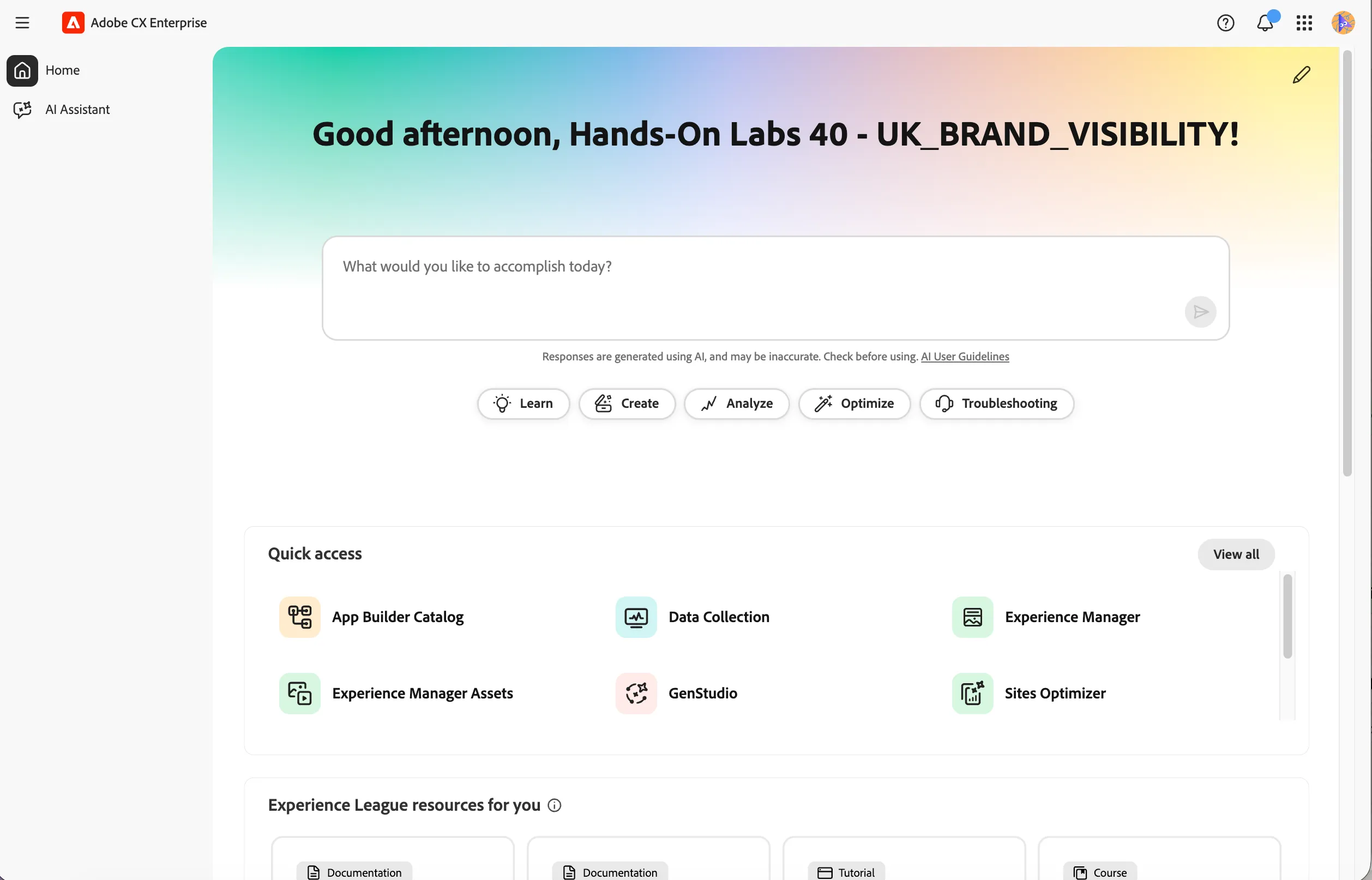
Login to Adobe CX Enterprise Home
- Make sure you completed Personalising your Hands-on Experience.
- Navigate to Adobe CX Enterprise Home
- Logout if you are already logged in on your own or corporate Adobe account
- Sign in using email address: ukbv-u{{USER_NUMBER}}@emea.aephandsonlabs.com and click Continue.
- You'll be redirected to Microsoft login. Enter the password Adobe!2026 and click Sign in.
- When asked to Stay signed in? click Yes. You'll be redirected back to Adobe CX Enterprise home dashboard.
- Navigate to Agentic Content Managementds for the next steps.
Experience Manager
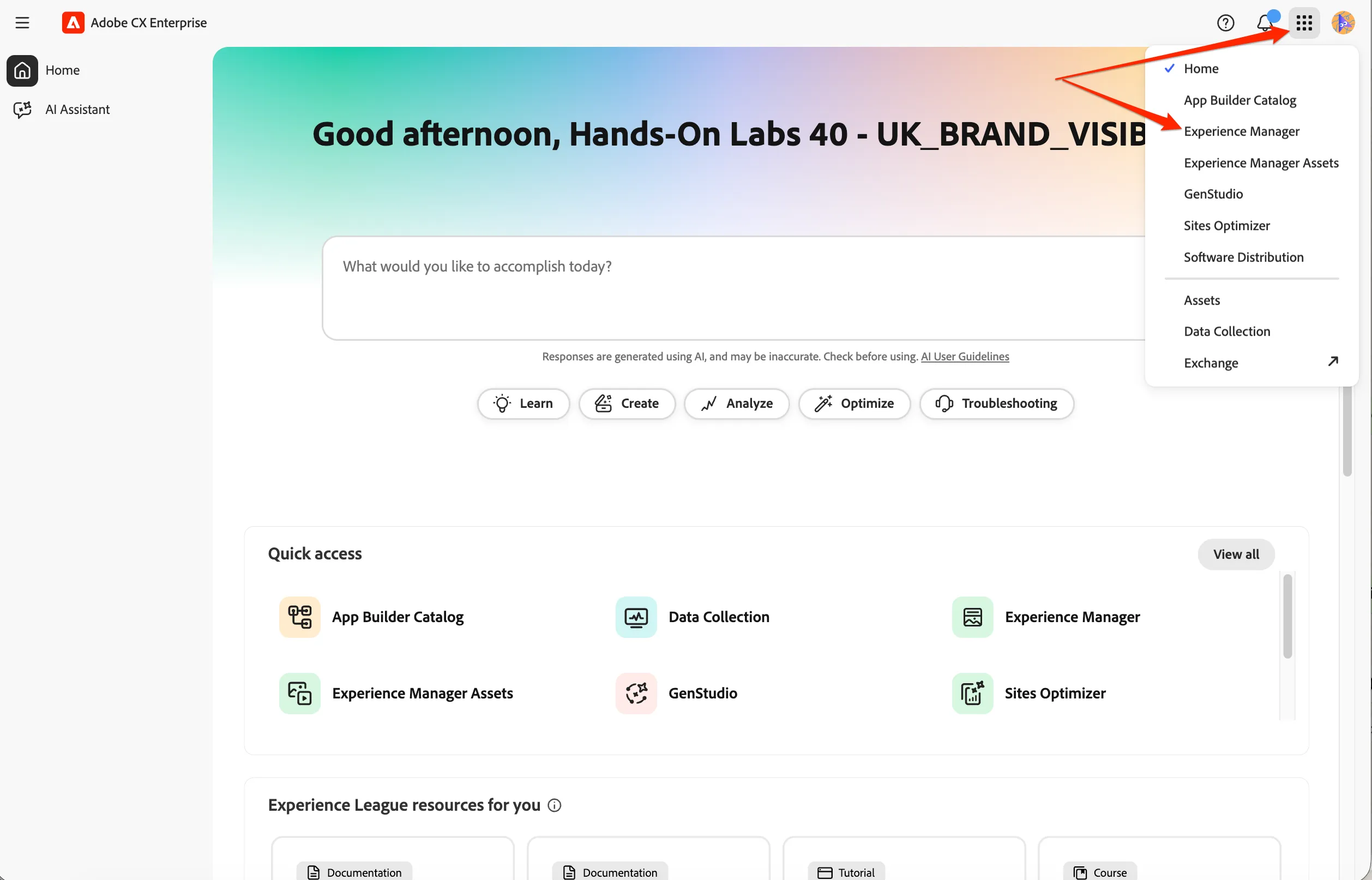
Click on the navigation-icon (9 dots) in the top right and select Experience manager in the dropdown list.
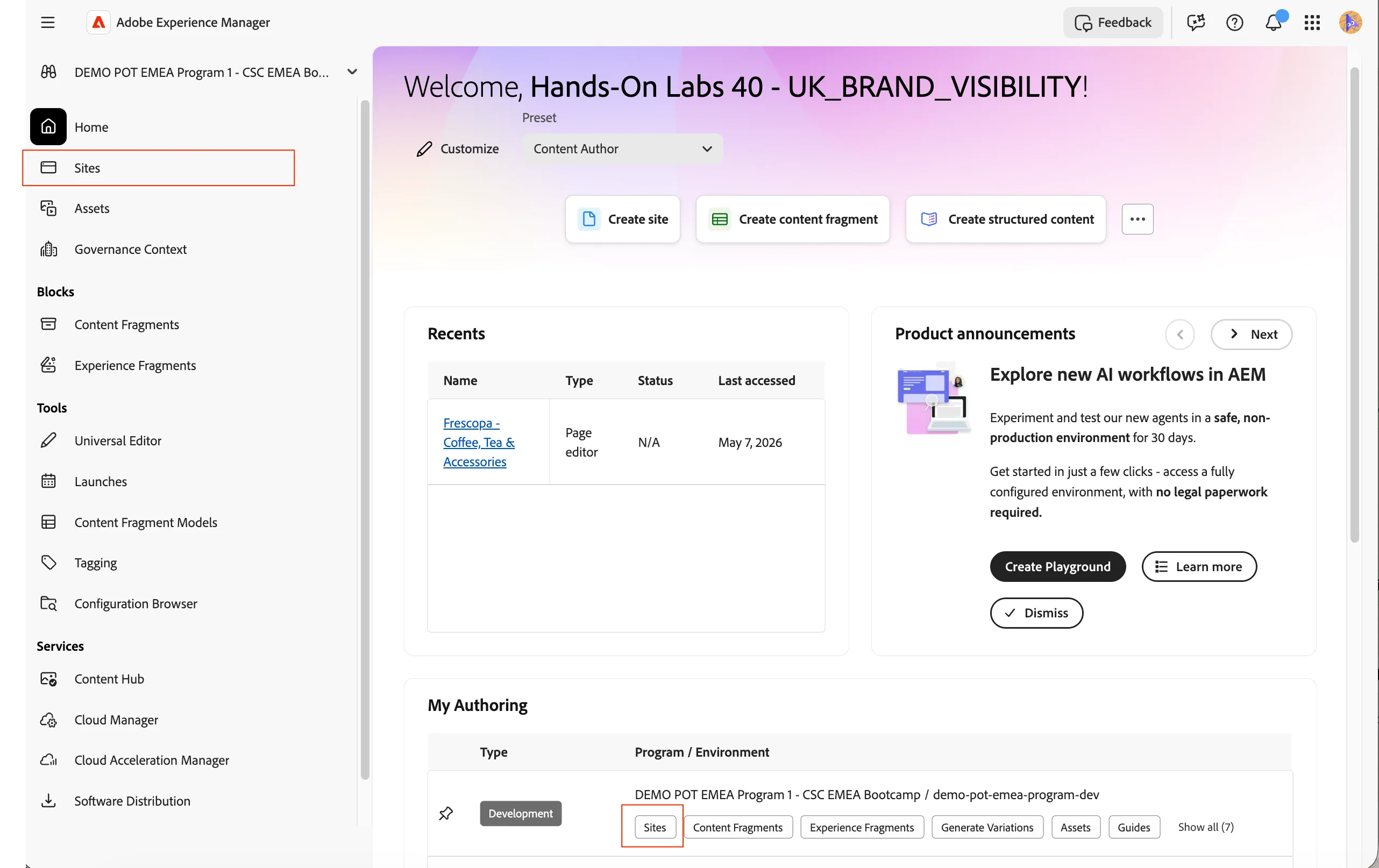
This opens the Experience Manager homepage. Click on Sites from the left hand menu to go the AEM Sites
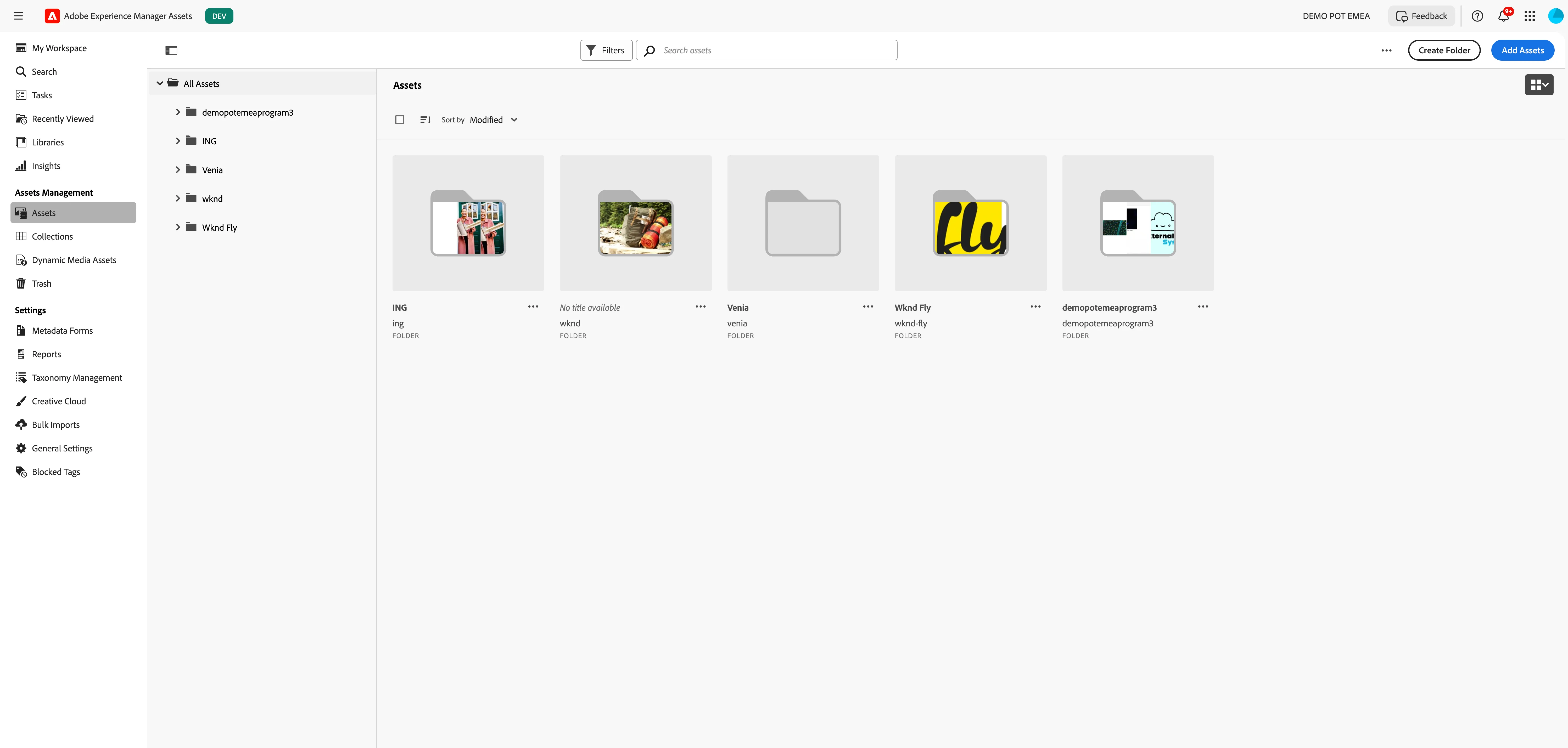
Experience Manager Assets
Click on the navigation-icon (9 dots) in the top right and select Experience Manager Assets in the dropdown list.
- You'll see a large visual with a search bar. Click on Browse Assets to open the full workspace.
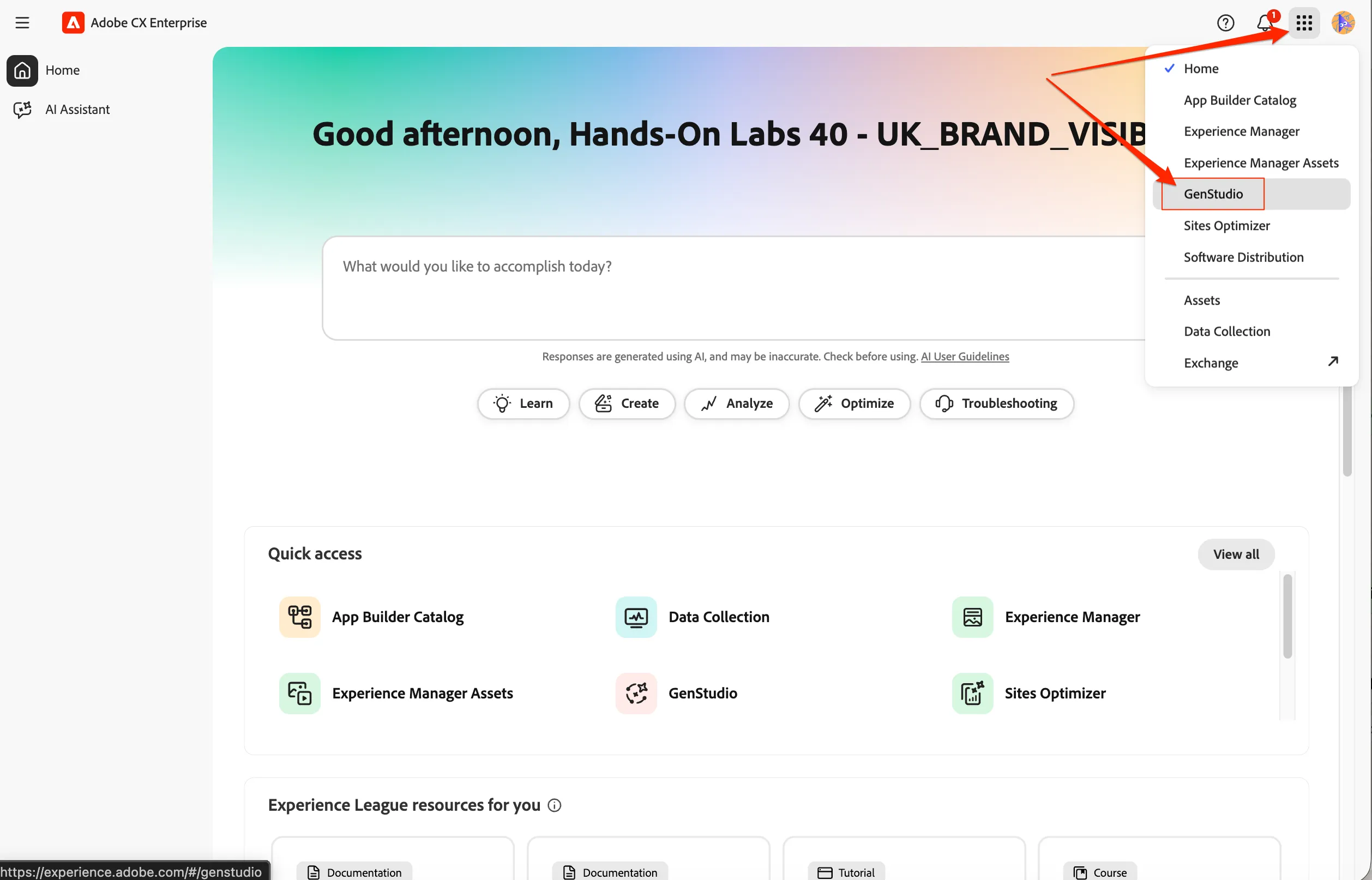
Genstudio for Performance Marketing
Click on the navigation-icon (9 dots) in the top right and select Genstudio in the dropdown list.
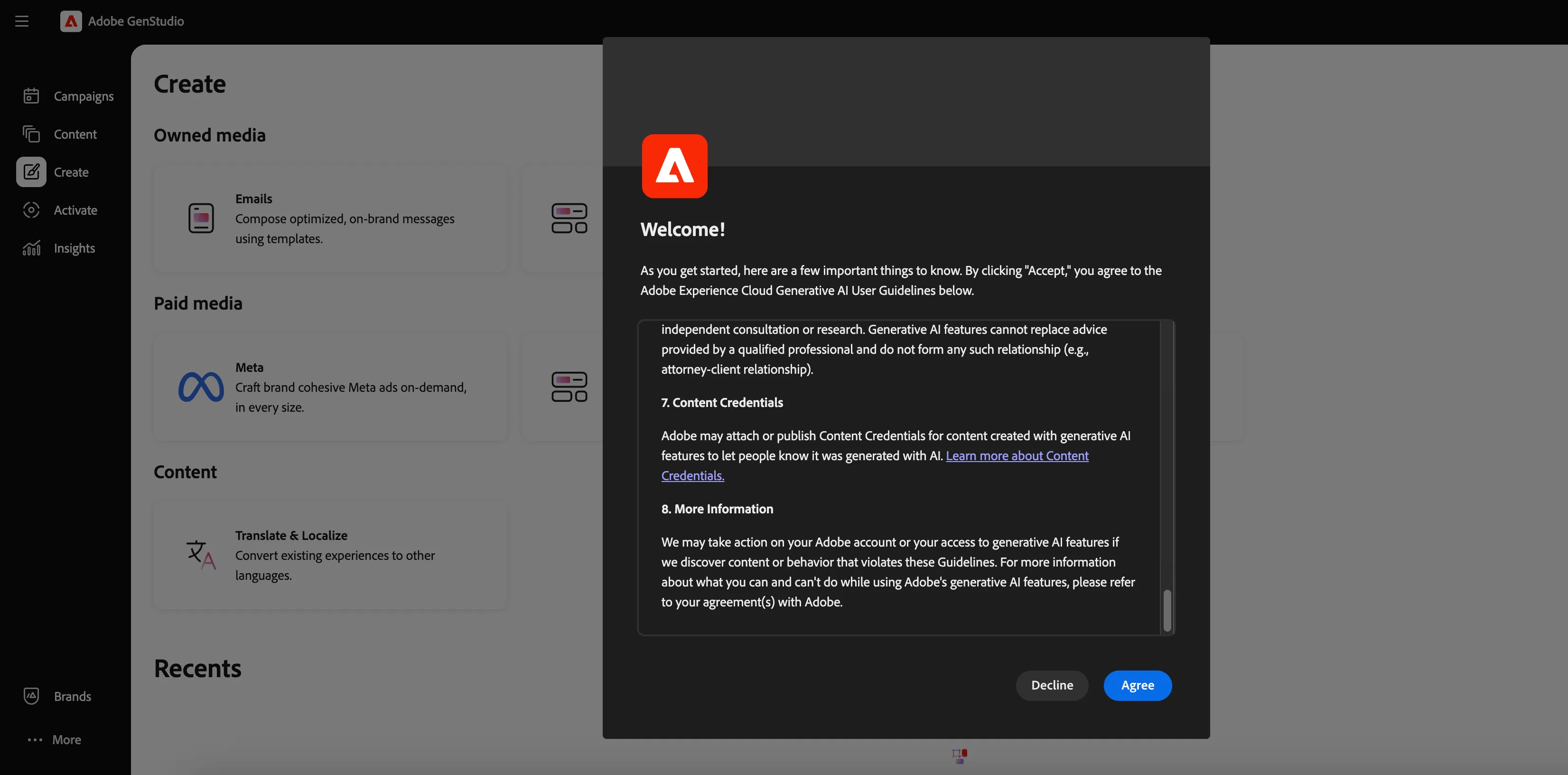
Accept the GenAI rider
Since genstudio is an AI-first application, we need to acknowlege and accept the rider. If the pop-up is displayed, scroll to the end and Agree to the guidelines.
Set language preferences
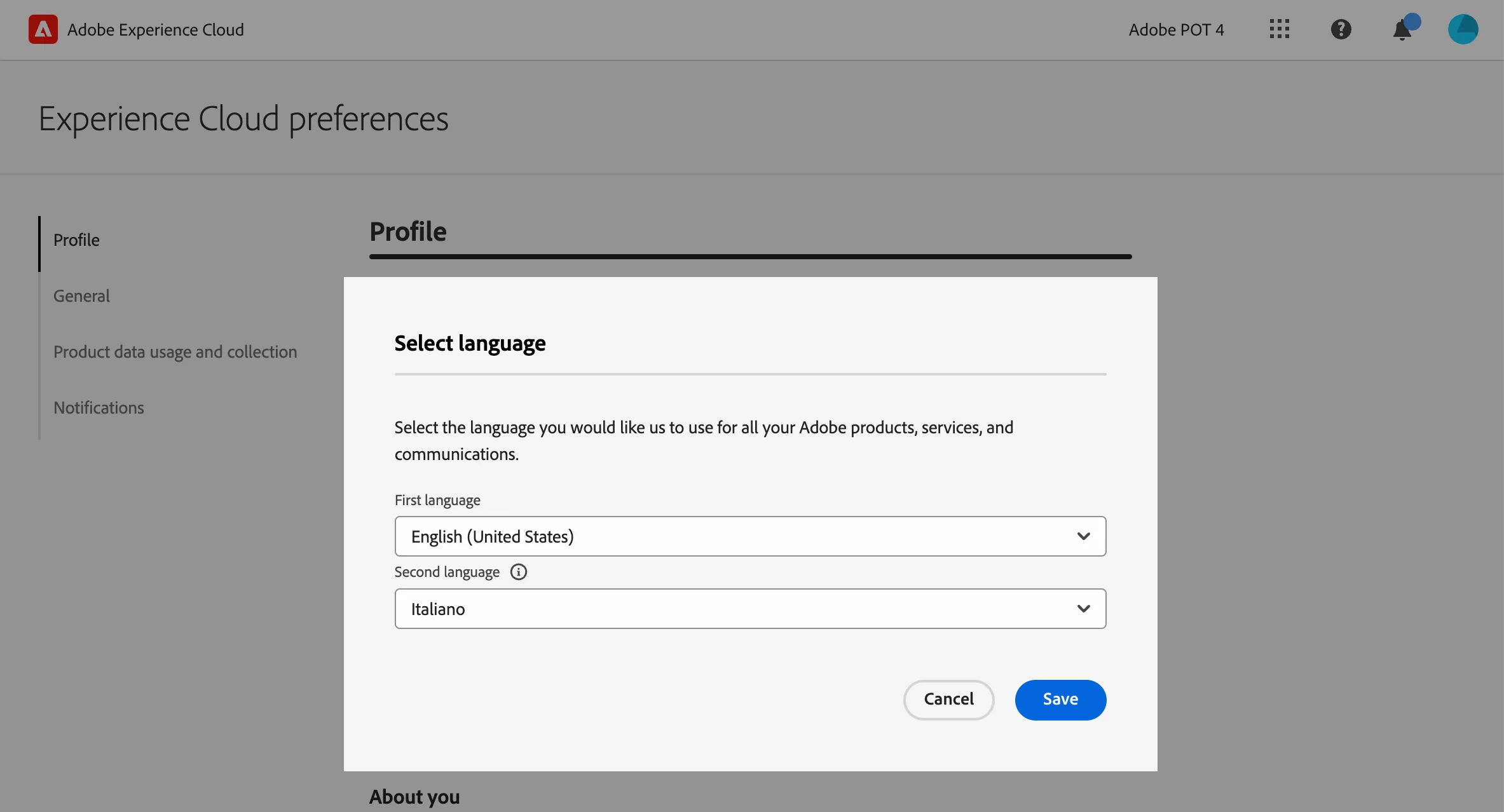
This guide is written in English and the screenshot are taken from a UI set for English language. If your UI is set to use other language, it can be difficult to recognise buttons, labels and text. We suggest you to switch your Adobe account preferred language to English.
To change the preferences:
- click on the profile icon on the top right corner;
- click on Preferences.
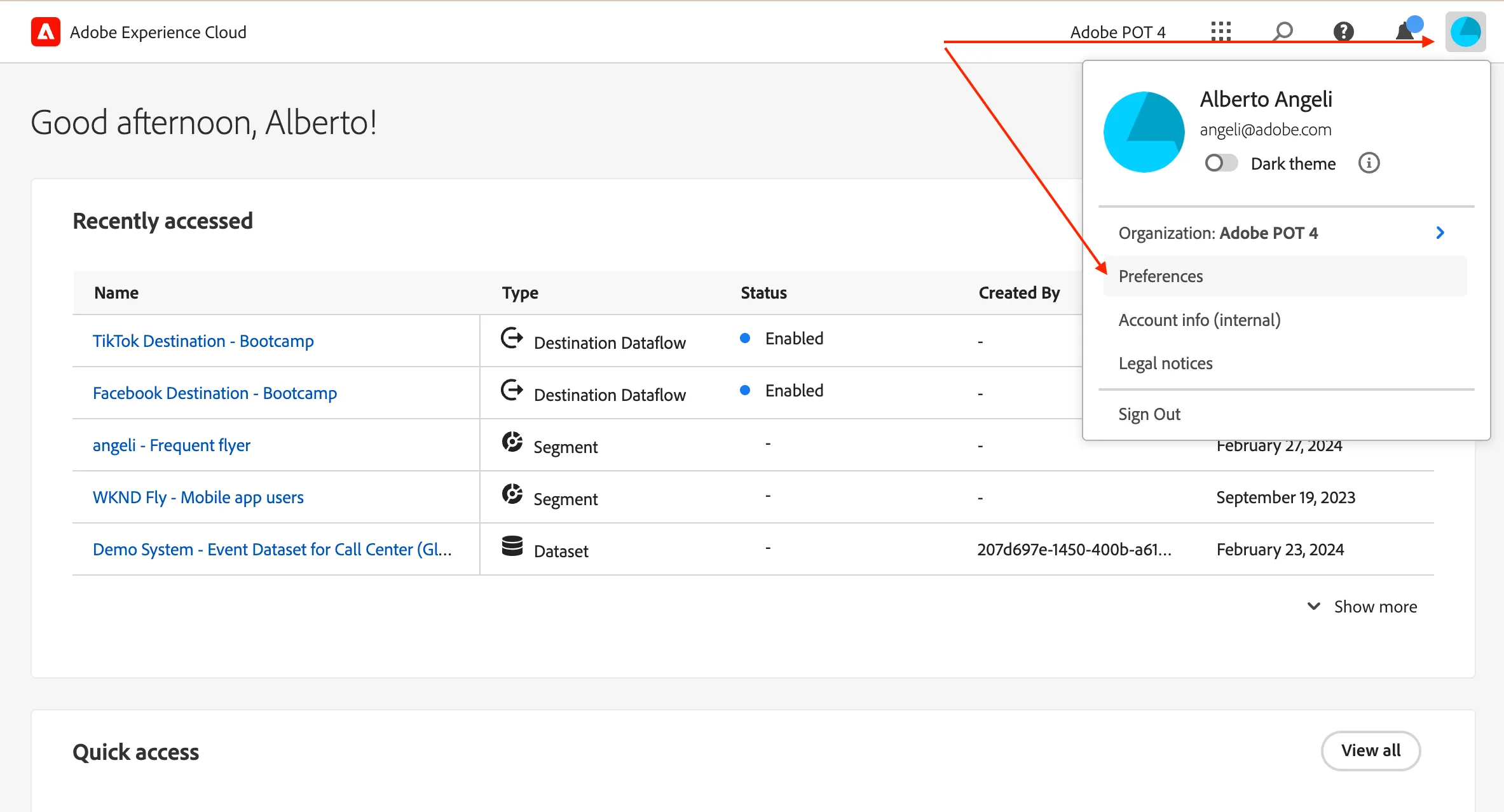
- Click on the language label just below your name.
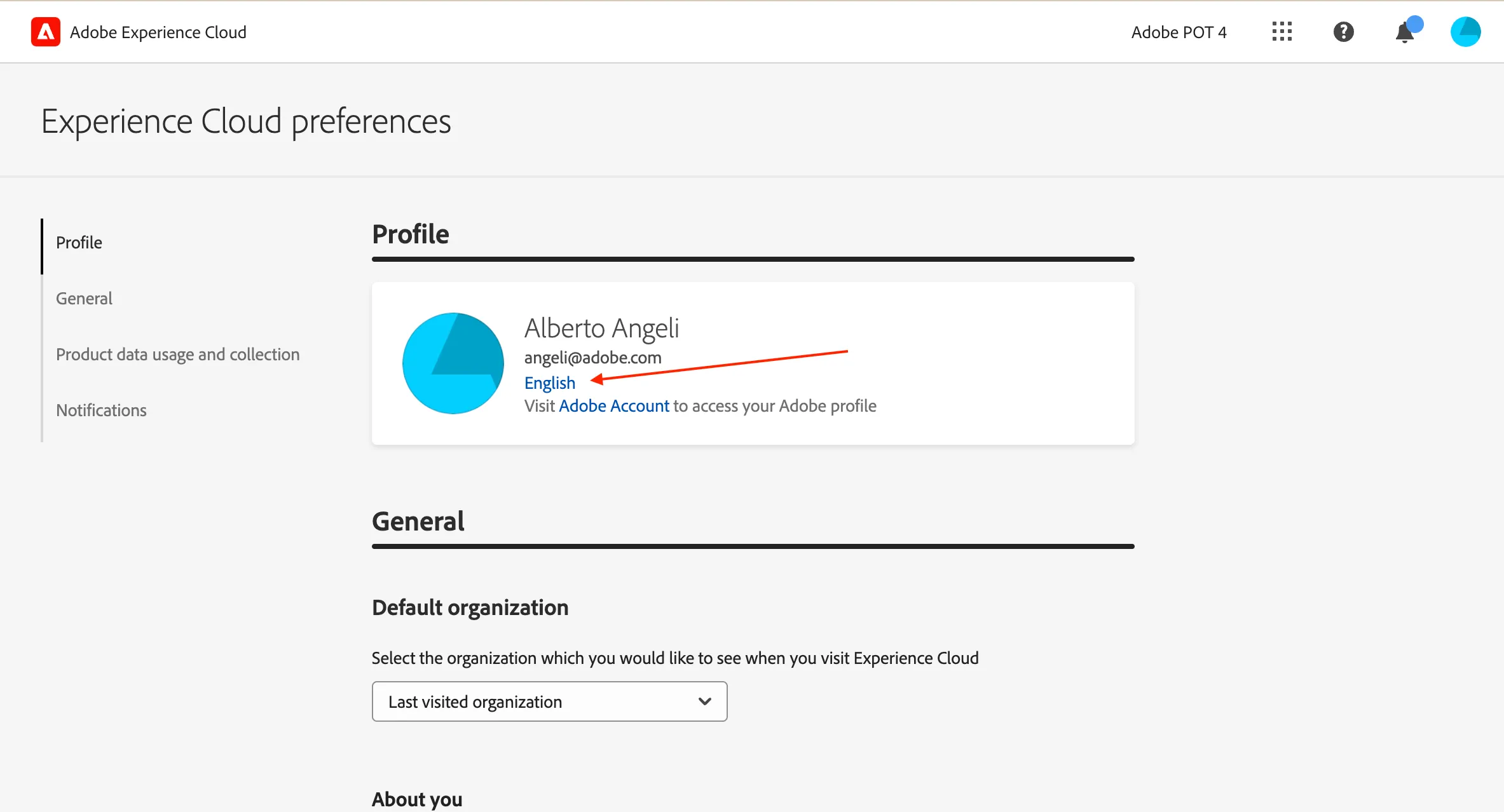
- Select English (United States) as First language;
- select your preferred language as Second language;
- click Save.