Using AI Assistant
Introduction
In this exercise, you'll use the AI Assistant in Adobe CX Enterprise to collaborate with agents to edit website content.
Go to AI Assistant
To log into Adobe CX Enterprise, refer to Logging into the platformLogging into the platform
Open the AI Assistant
Once logged in, you should land on the Homepage.
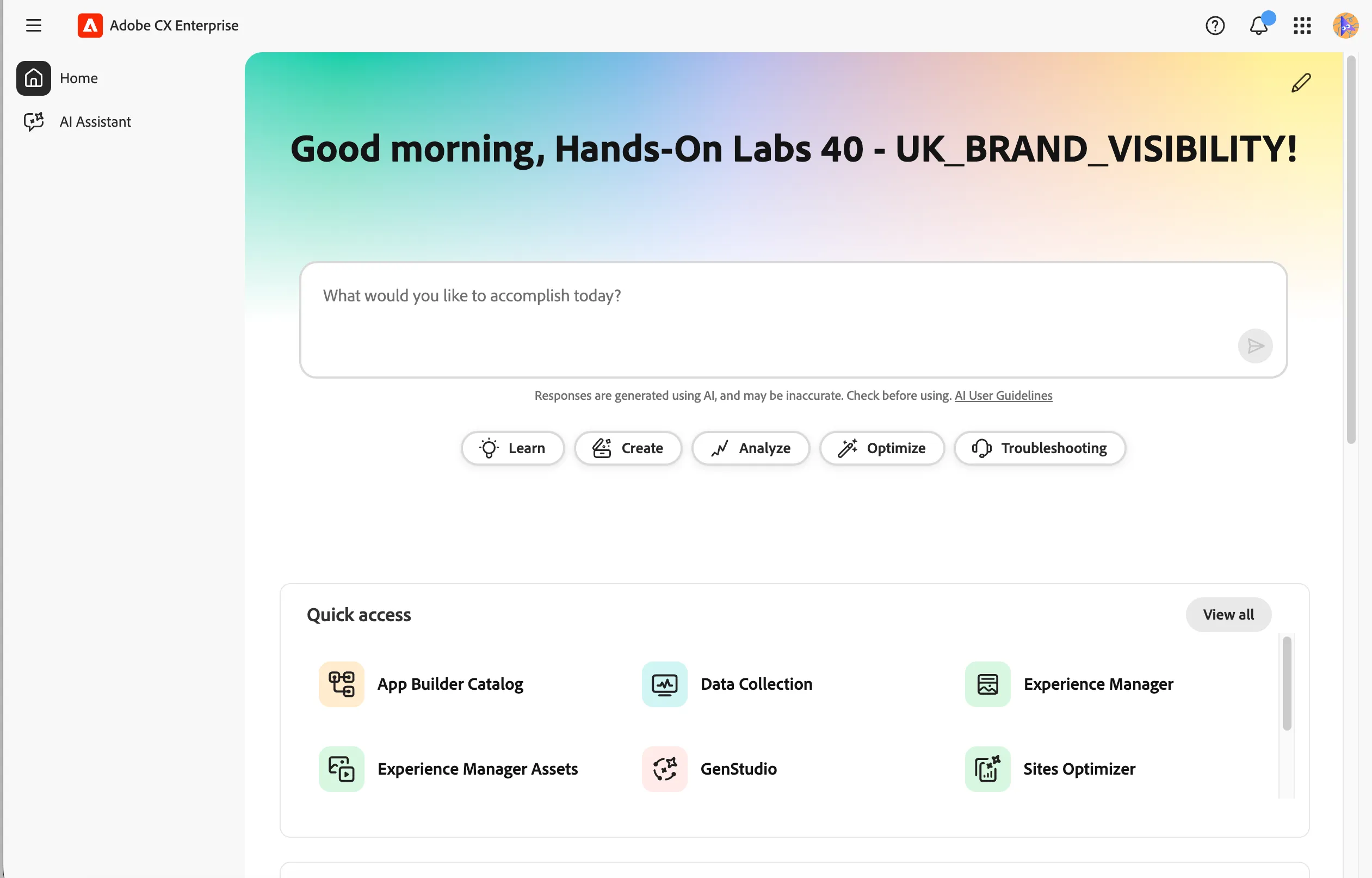
- Click on the AI Assistant tab in the left menu. This will open the AI Assistant chat interface.
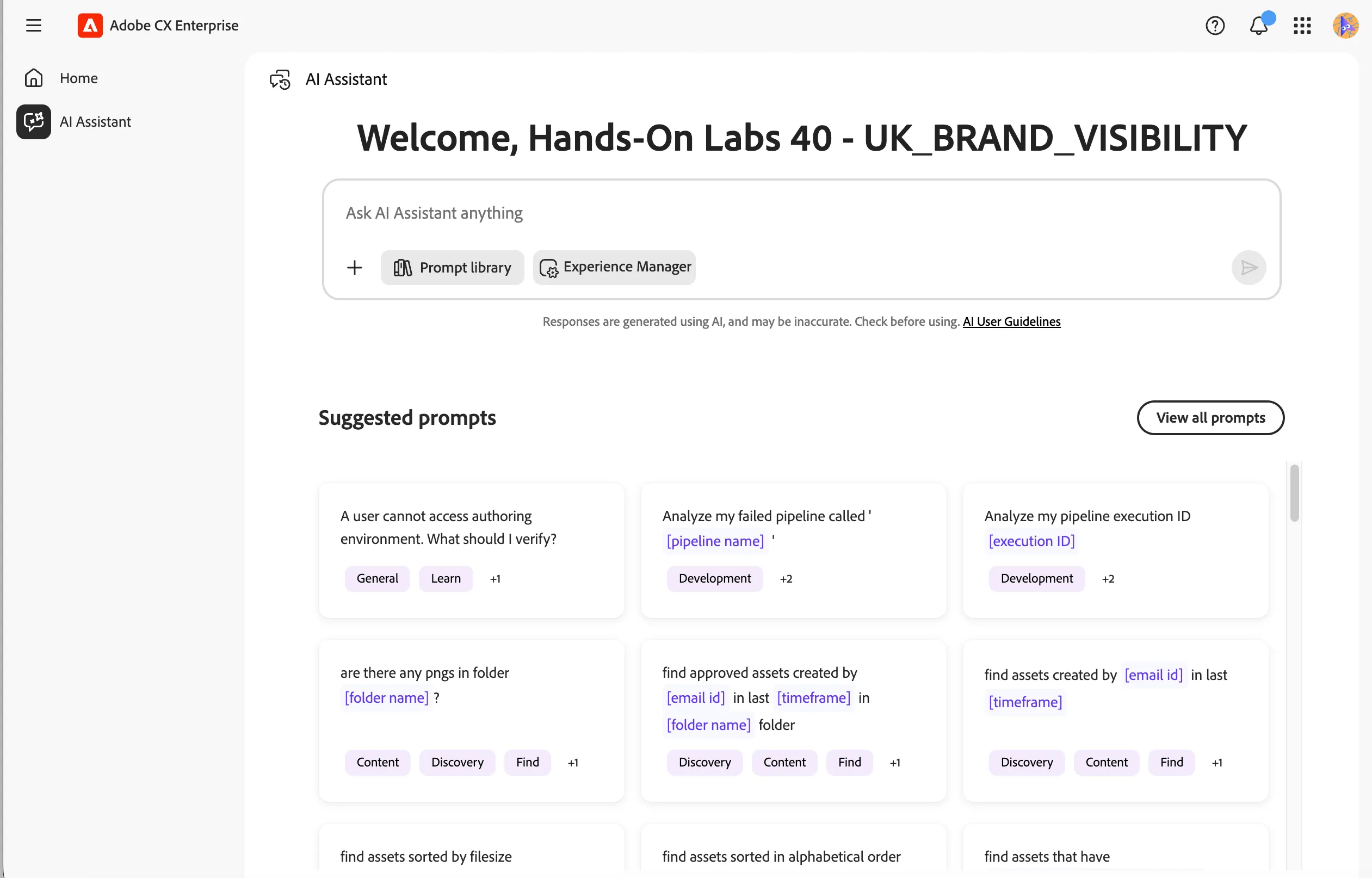
Set the Context
Before interacting with the AI Assistant, you need to set the context so the agent knows which product area to work within.
- Click on the Set Context icon.
- Select Experience Manager from the dropdown.
- Click the Set Context button.
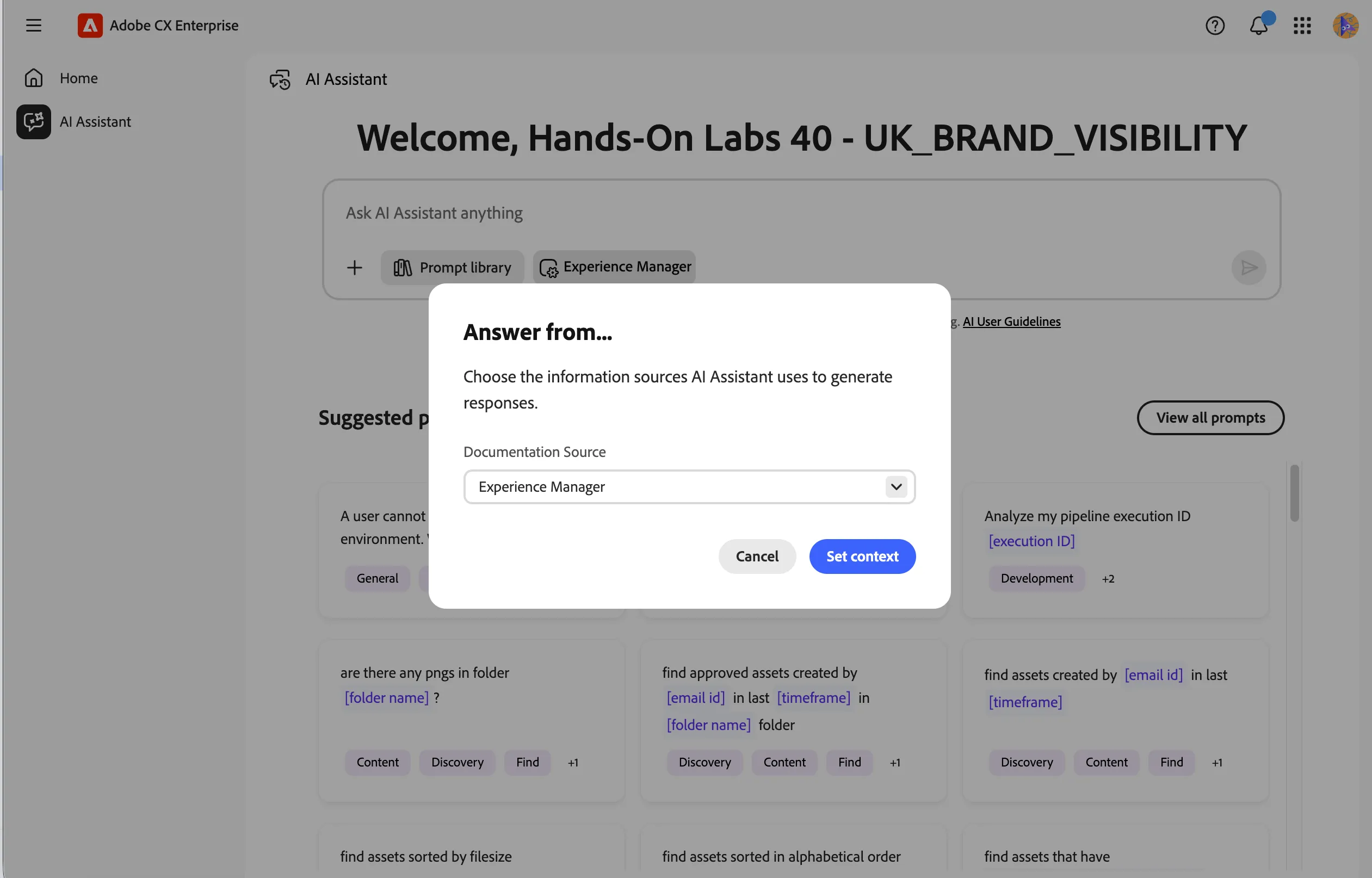
The AI Assistant is now ready to help you edit content within Experience Manager.
You have successfully opened the AI Assistant and set the context to Experience Manager. You are now ready to start collaborating with agents to edit your website content.