Insights
Description
Adobe GenStudio for Performance Marketing Insights provides advanced analytics and insights into content performance that can help you make data-driven decisions.
From the Insights dashboard, you can:
- Identify the most effective content: Pinpoint which content performs best for different audiences and tailor future content or campaigns for trending preferences.
- Optimize low-performing content: Find content that is not performing well and use the integrated generative AI to create variations immediately, potentially improving its effectiveness without starting from scratch.
- Revitalize high-performing content: Take successful content and tweak it to refresh the experience for the audience or adapt hero content for use in new campaigns, potentially extending its lifecycle and performance.
Content Performance
With the information about the upcoming campaign available you will now use metrics from past campaigns to inform the email marketing experiences you are about to create.
- Begin by navigating to the Insights area
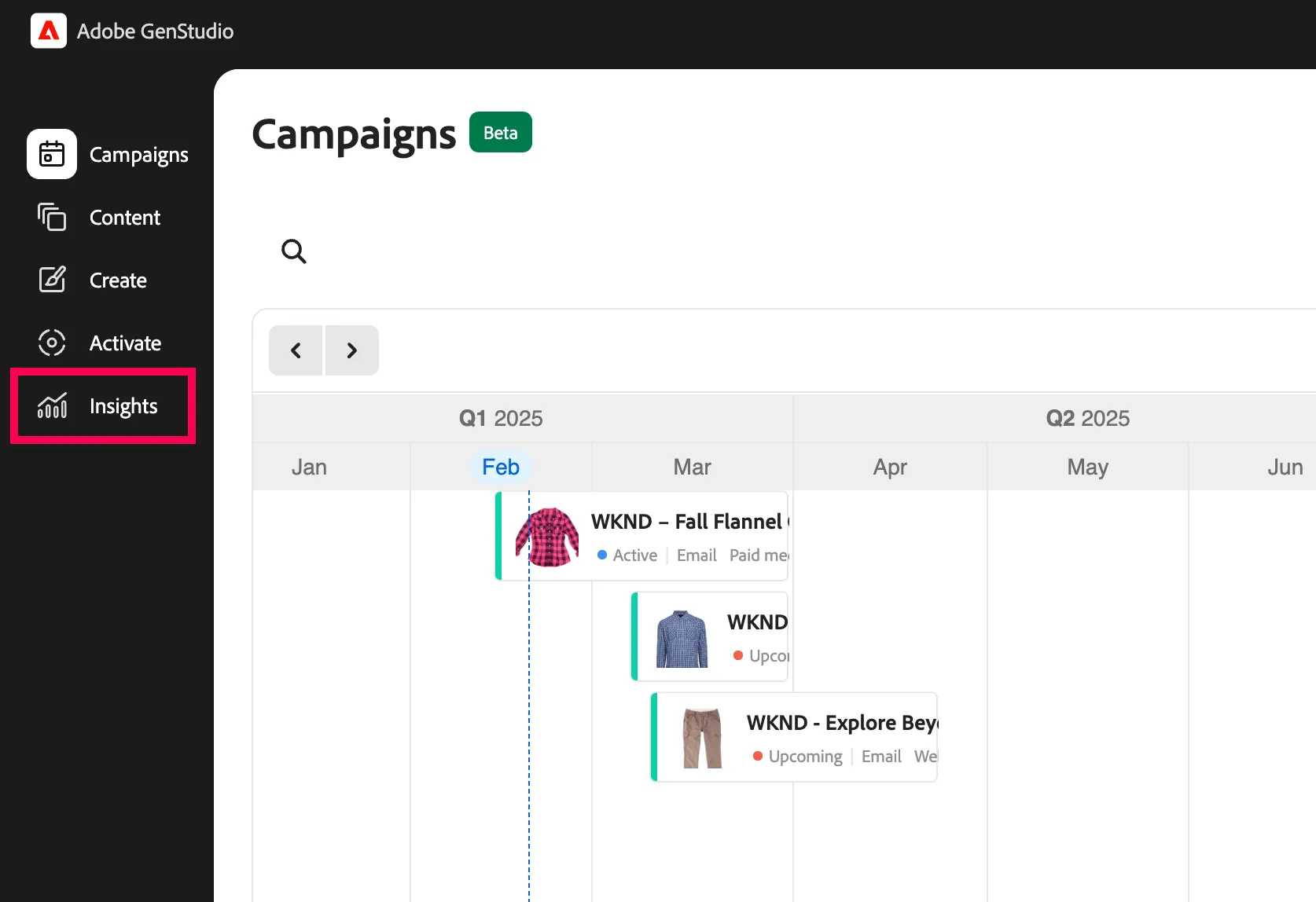
- Insights is divided into four main sections
- Channels
- Ads
- Media
- Attributes
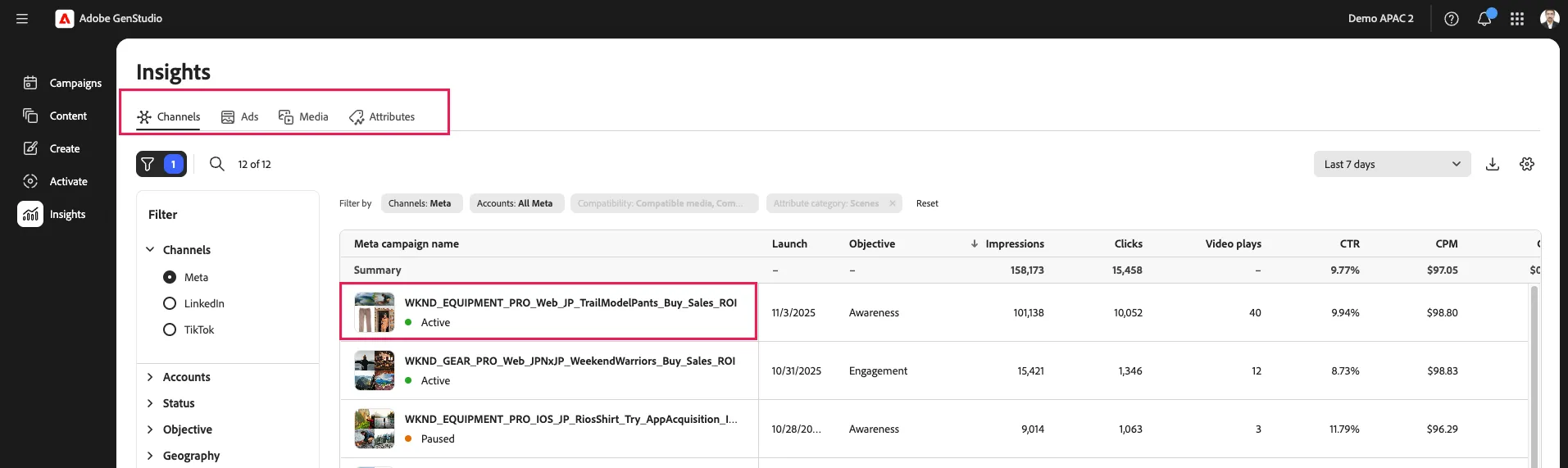
- In Channels select the Meta campaign name for WKND_EQUIPMENT_PRO_Web_JP_TrailModelPants_Buy_Sales_ROI which appears to be driving a high number of clicks
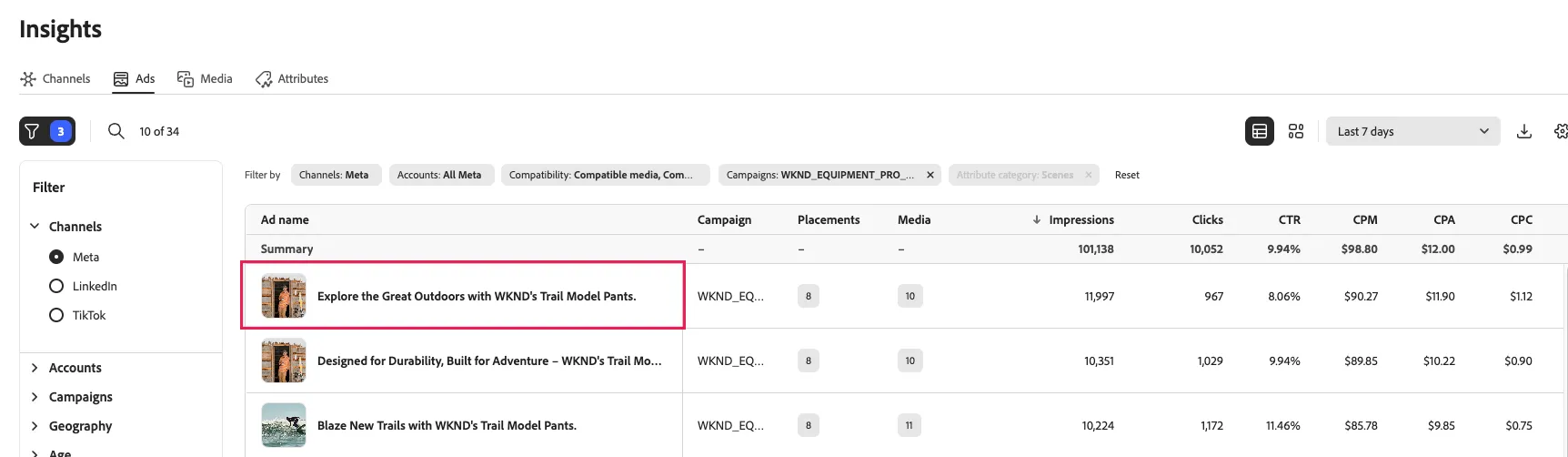
In this Ads section you can now see the experiences that have been generated for this Meta campaign.
- Click on the Explore the Great Outdoors with WKND's Trail Model Pants experience
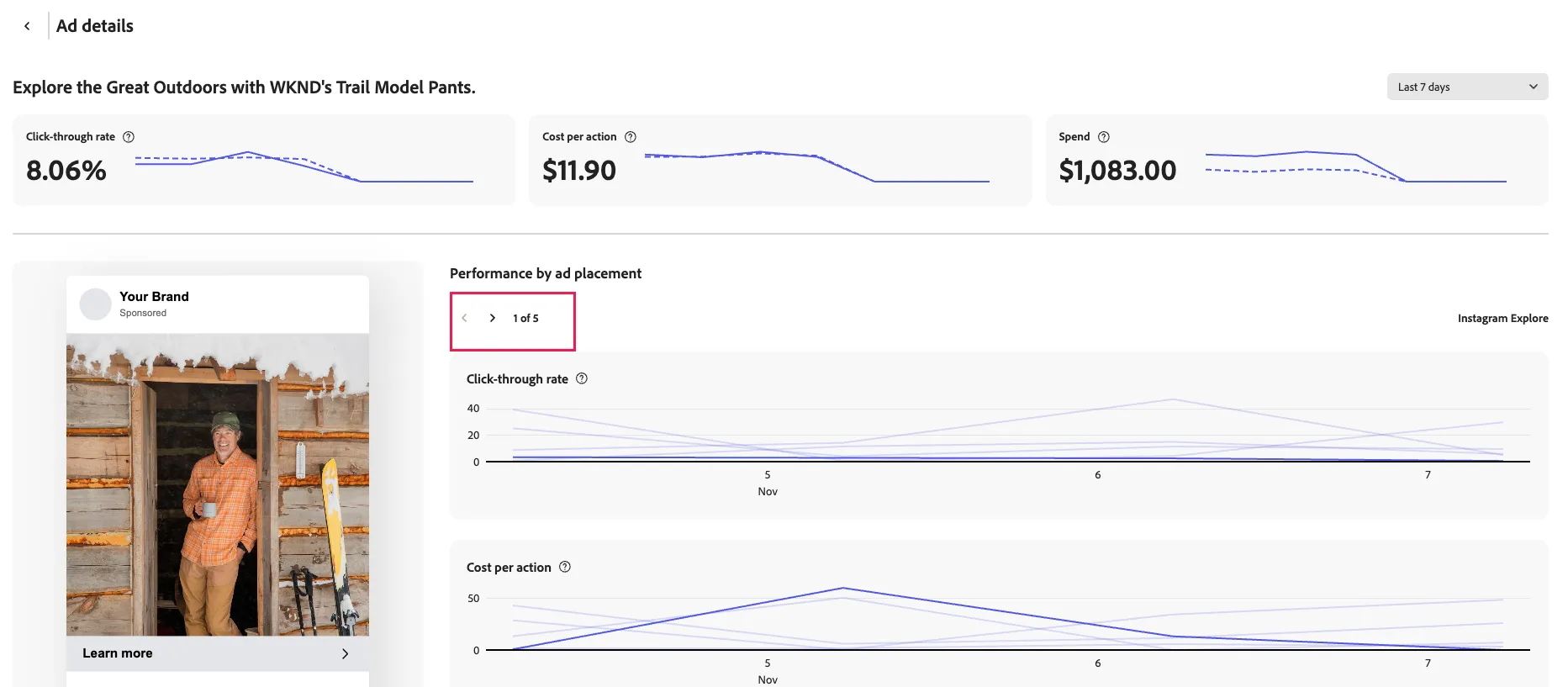
- You can now review the performance of this experience across different ad placements with the left and right arrows
You have now identified attributes for the experience you will be looking to create including tags such as explore and adventure, as well as inspirational tones.
Asset Attributes
Along with AI-tagged attributes being tagged to experiences, the same process occurs with assets. You will now view those attributes to identify the best assets to use for your new email marketing.
- Click the left arrow to exit this experience
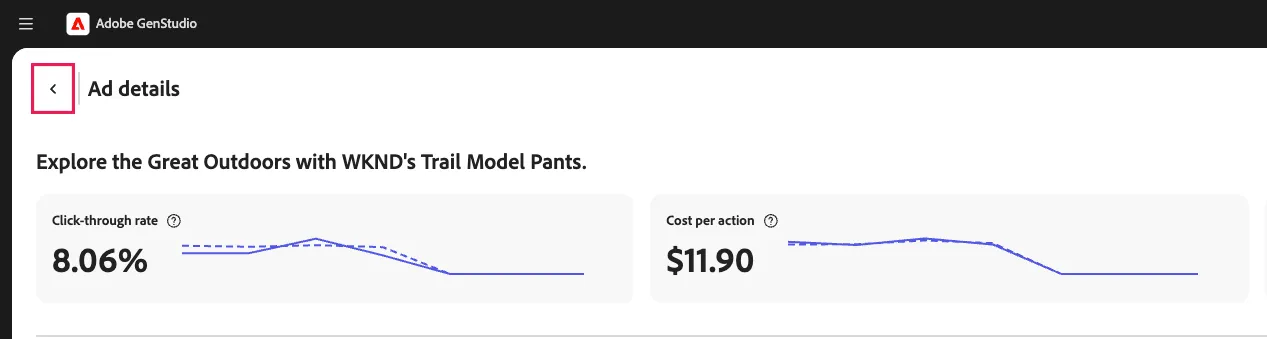
- Click on the Attributes section of Insights
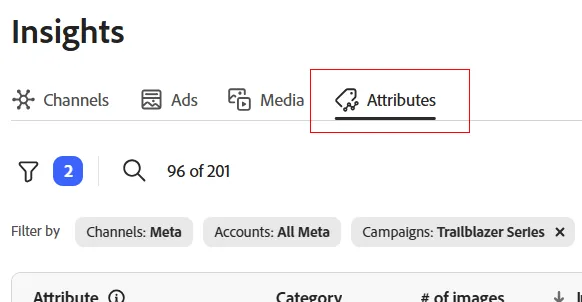
- Click on the filter icon to show the options
- Click on Show all in the Attribute category to show all the attribute categories.
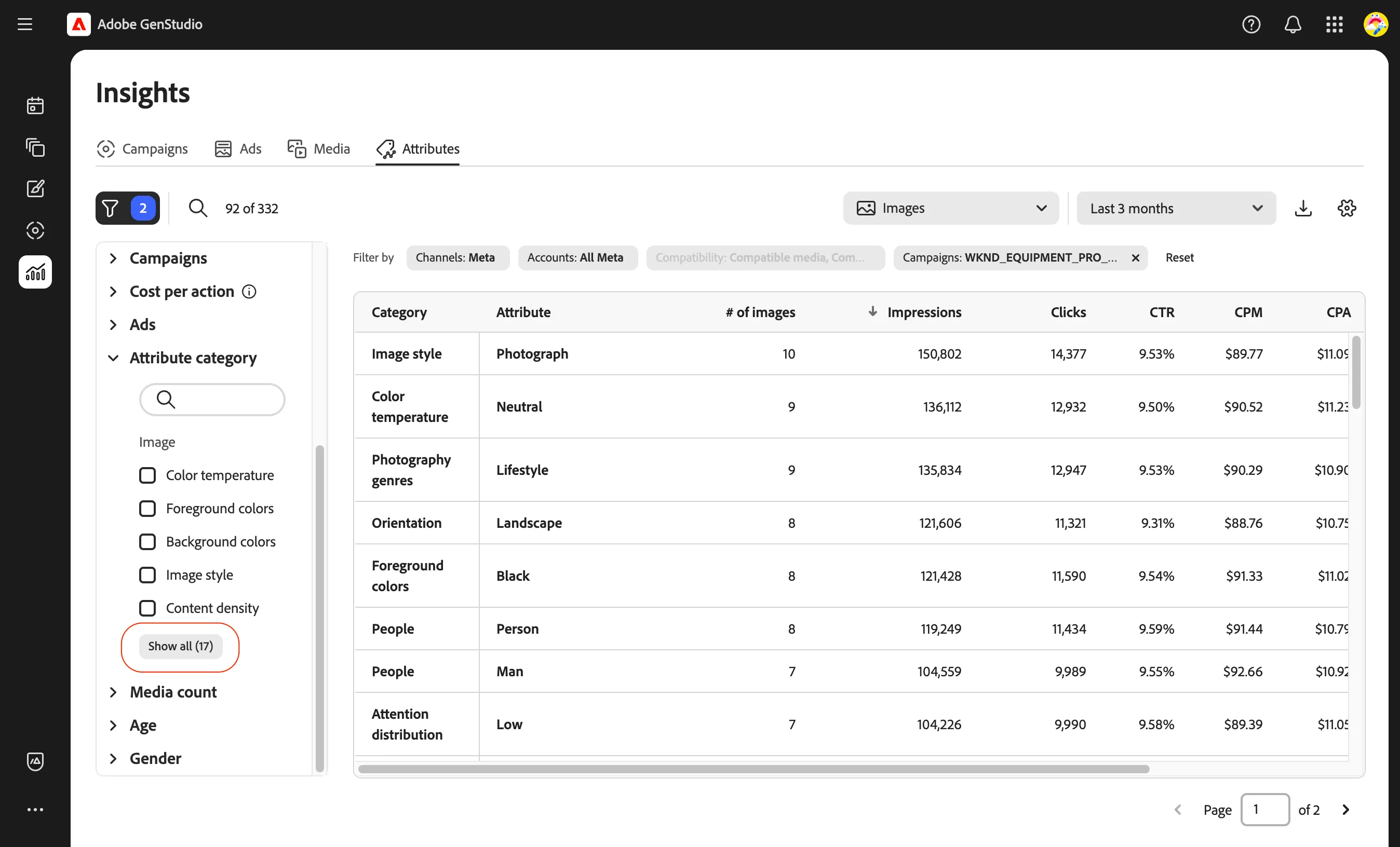
- Select the option for Scenes to filter out the scene attribute categories alone.
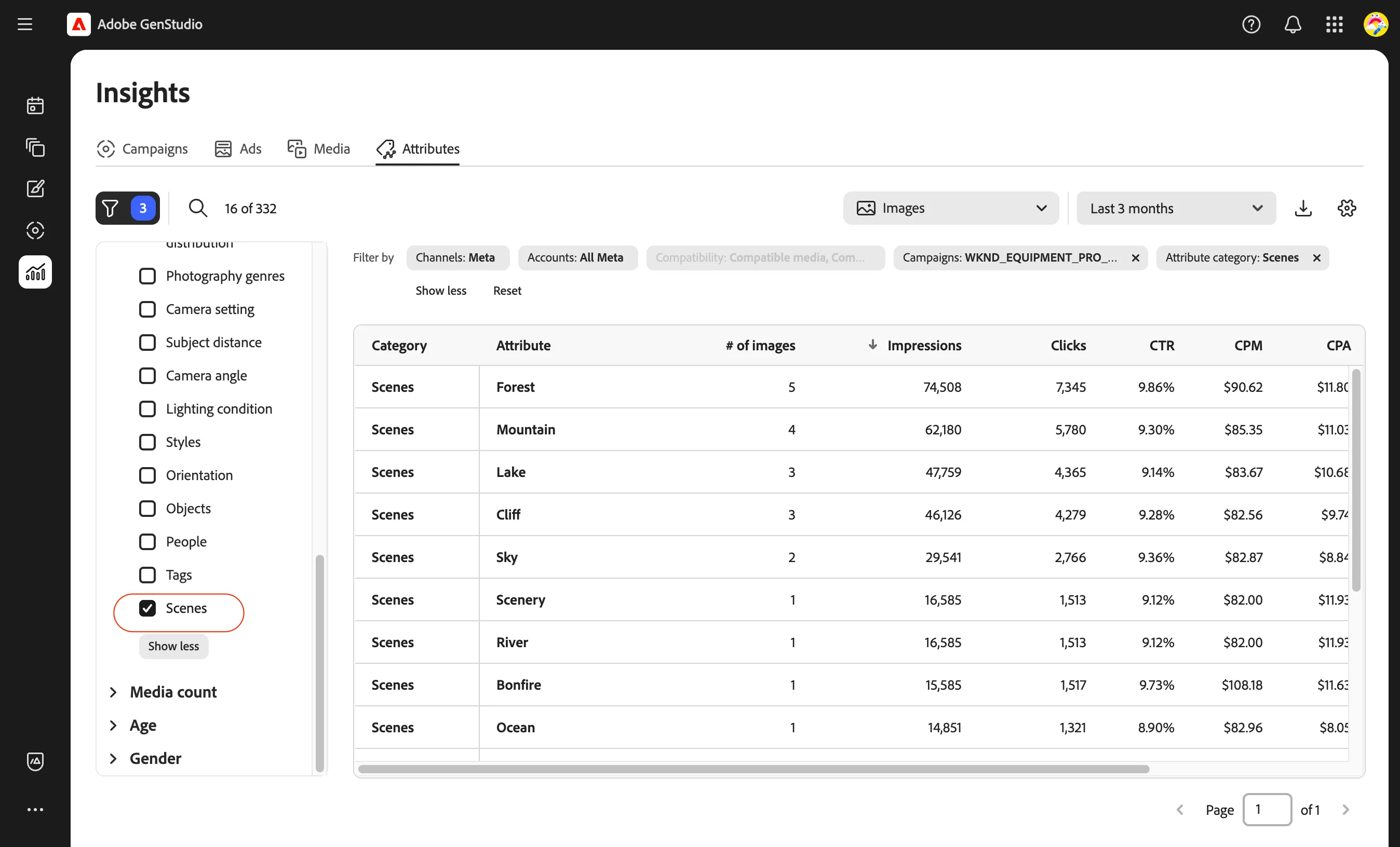
- Review the list of scene attributes
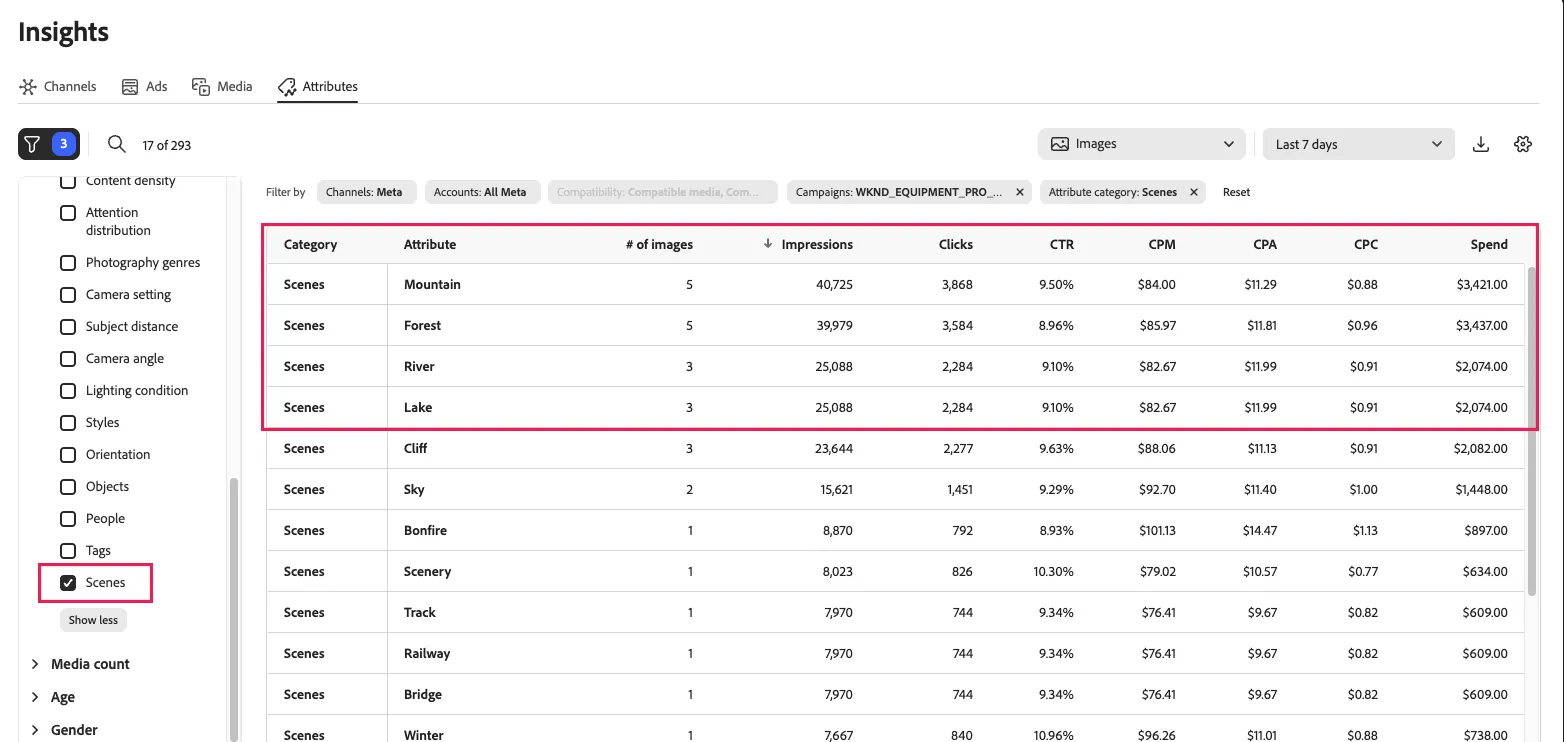
From this list, you can see that attributes such as mountain, forest, river and lake are driving engagement that you can use for identifying assets to use for your email campaign.