Adding ExD to Campaigns
4 min
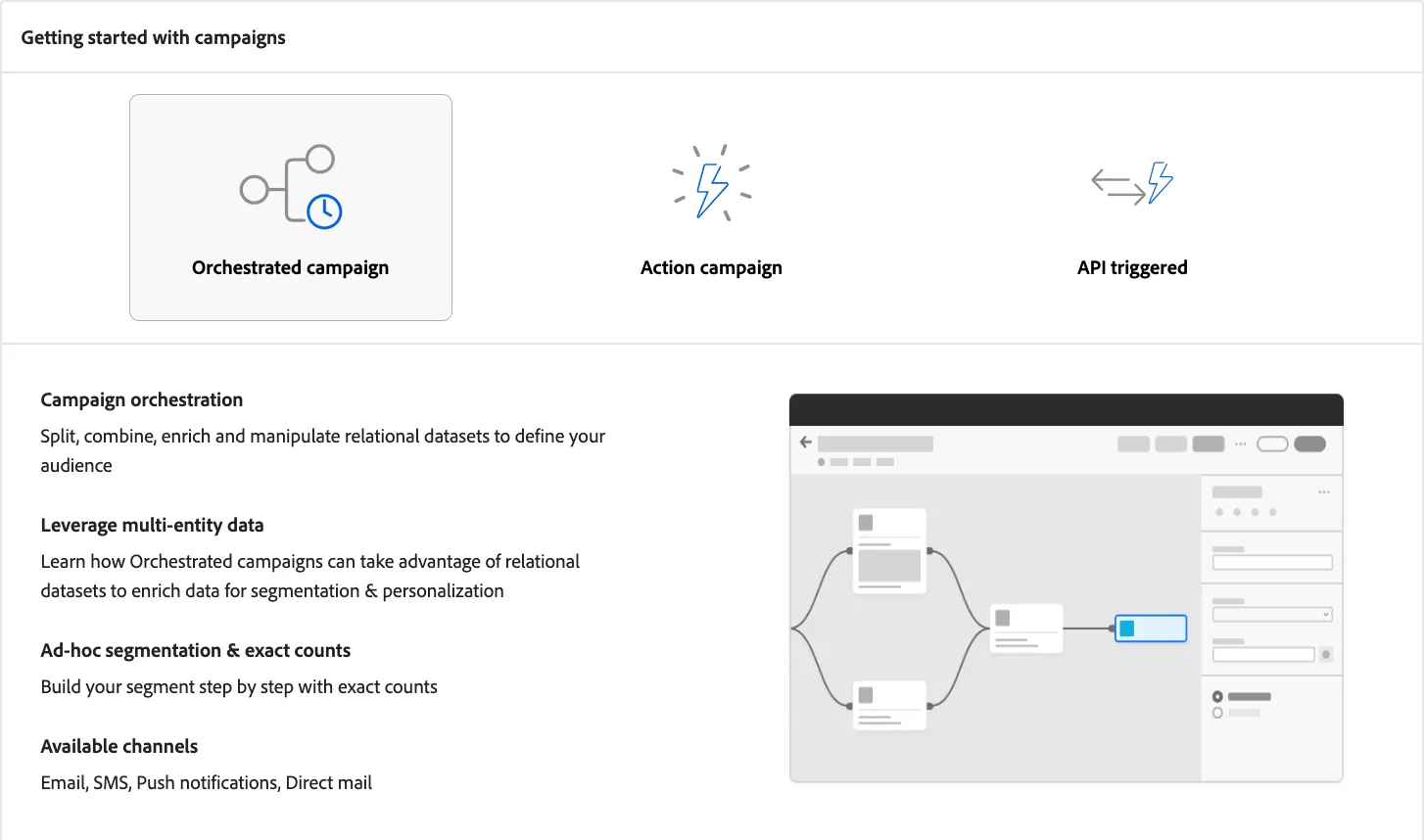
Experience Decision is supported on both Journey Optimizer Campaigns and Journeys. Both of them are capable of running Code-Base-Experiences and Email Channel.
Updating our Campaign for Decisioning
- On the Nav, click Campaigns, under Journey Management
- Search for the campaign you had already created
- Click on your campaign Name
- Click the pencil button under the Content Section
- Click on Broadscale Template Variant
- Enable the Toggle Enable Decisioning and click continue
- Click on Content Template and Select Apply Content (Broadscale Template)
- Click Confirm
- Click Edit Email Body
- Drag and Drop a 1:1 column Structure and place it above the Awards Section
- Click on Fragments, drag and drop April Offers into the above structure
- Break the inheritance so we can edit
- Click the fragment inside the email body in order to select it
- Click the Decisioning Icon (next to the left side of the code icon)
- Select Add New Policy
Creating a Decision Policy
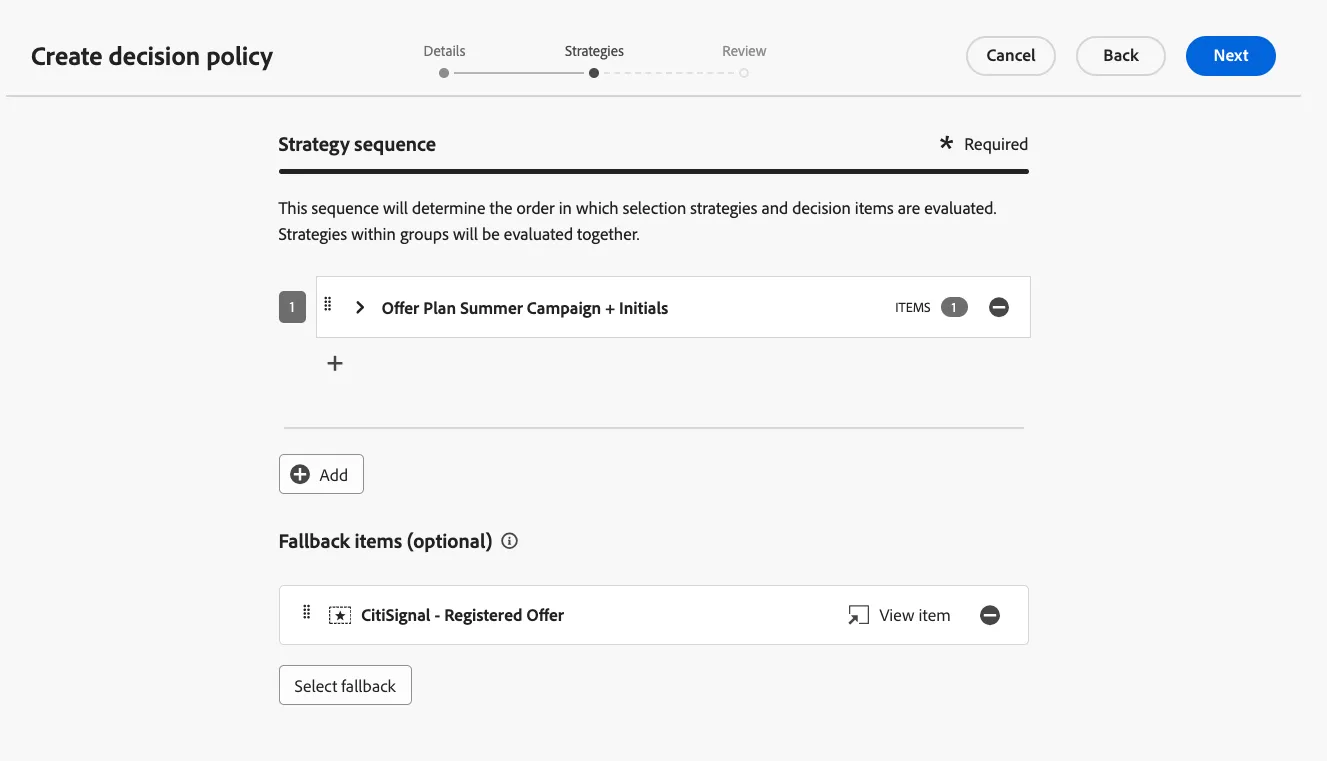
Decision policies are containers for your offers that leverage the Decisioning engine to dynamically return the best content to deliver for each audience member. Their goal is to select the best offers for each profile, while the campaign/journey authoring allows you to indicate how the selected decision items should be presented, including which item attributes to be included in the message.
- Give it a name: Broadscale Offer - Initials
- Number of items: 1
- Click Next.
- Select a your strategy sequence by click the Add button
- Select your strategy.
- Click Next. Click Create
Select Your Email Placement
- Click on Assign Placement
- Select your email placement
- Click Assign
Select Decision Policy Mapping
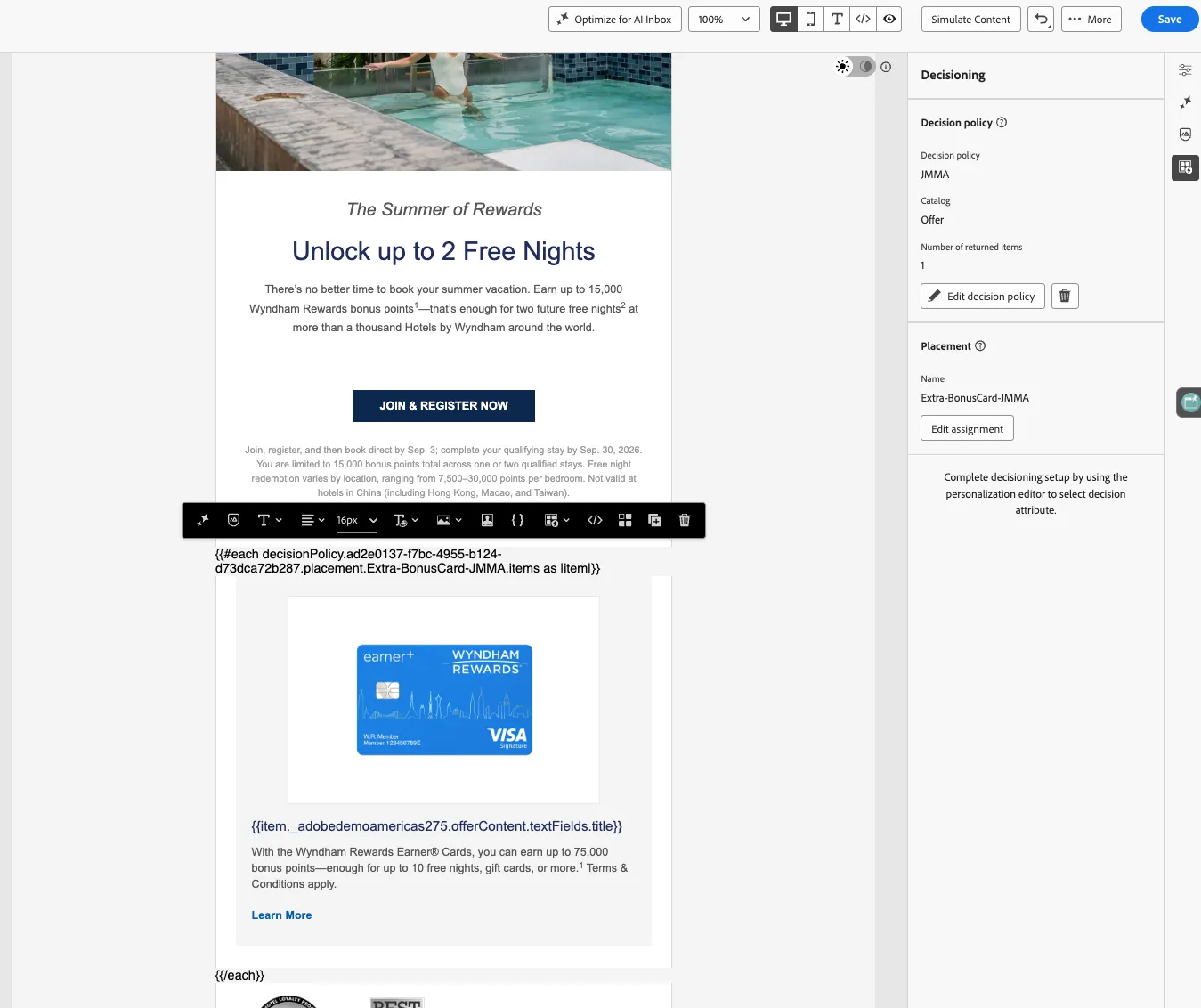
- Click the code icon
- Select Decision Policies
- Select your policy
- Click Insert Syntax
- CUT the HTML and PASTE inside the code that was printed.
- Replace the content with our Item Catalog attributes, for example:
- Replace the title with Click on _adobedemoamericas275 > Offer Content > Text Fields > Title
- Feel free to do all the attributes if you want.
- Click Save
Congratulations, this concludes the Experience Decision Labs, Next Offer Decision