Message Designer
6 min
Email Designer
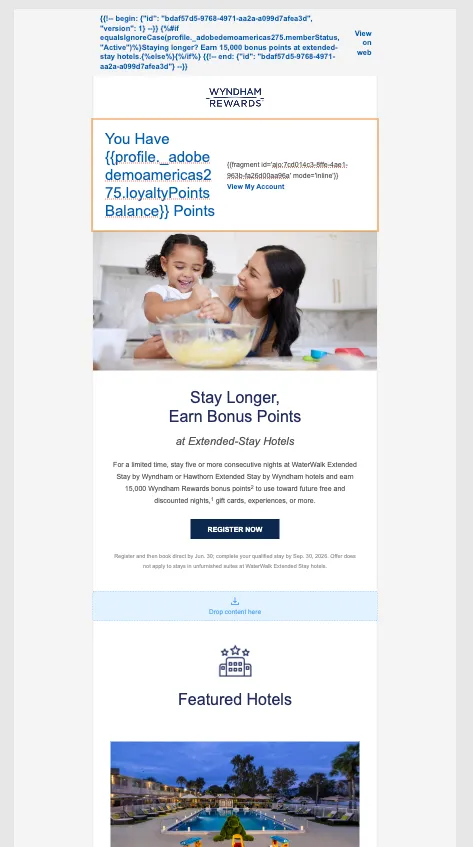
eNews Template
Action Configurations:
- Click on the eNews email node
- Click Configure Action
- Select Email Configuration: Email-Marketing
- Click Track Email Opens and Track Clicks
- Rule Set: Wyndham Message Rules
- Click On Edit Content
Using AI Assistant to craft an in brand Subject Line
- In the subject line field, click the AI assistant button.
- Use the following URL in the AI assistant as a reference.
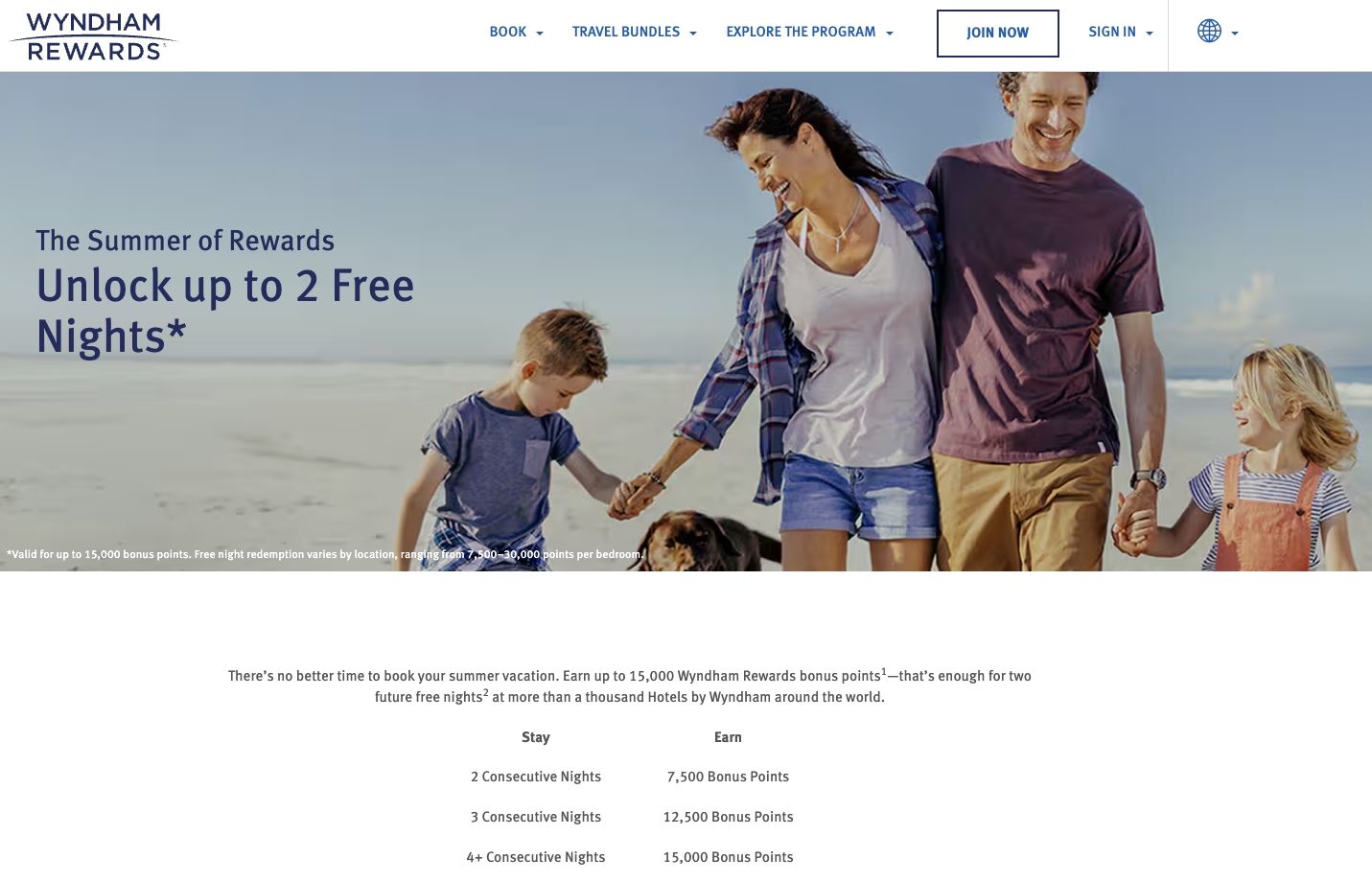
- Wait for it to set up.
- Use this prompt, then hit generate:
We advertising our 2 free night offer for our summer getaway campaign targeting families, with 5 catchy options under 50 characters.- Select your favorite.
Templates and Re-usable Fragments:
- Click on Content Template button
- Select Apply Content Template
- Select: Imported Wyndham Template - enews
- Click Edit Email Body
- From the left Rail, click on Fragments
- Drag and Drop Pre-header, Header, and Loyalty Balance Tracker onto their respective Drop Content Here blocks.
- Break the inheritance of the Loyalty Balance Tracker fragment
This is a good time to use brand guidelines to make sure we are in brand. Click the Brand Alignment Icon.
Breaking Inheritance from a Fragment
- This fragment is conditional. Let's edit the variant
- Click the Branch icon
- Create a new condition
- The condition must be member ID exists.
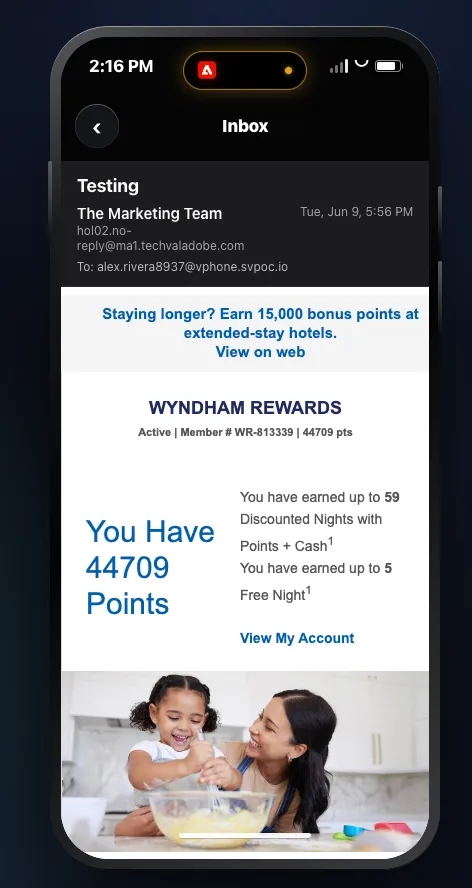
Personalizing an Email
- Click on the content itself, and click the code icon
- Add the Loyalty Points Balance in the profile and replace the placeholder with it
Using Re-usable Expression Fragments
- Click on Fragments
- Click the 3 dots under Points Tracker Expression
- Click View Fragment
Expression Fragments via AI Assistant
- Click the AI Assistant button
- Use this prompt:
Using the profile field profile._adobedemoamericas275.loyaltyPointsBalance, create a personalization expression that:
1. sets the points balance to 0 if the field is null,
2. calculates discounted nights as loyaltyPointsBalance divided by 750 and rounded down to a whole number,
3. calculates free nights as loyaltyPointsBalance divided by 7500 and rounded down to a whole number,
4. outputs:
"You have earned up to {discountedNights} Discounted Nights with Points + Cash1"
and
"You have earned up to {freeNights} Free Night1"
- Insert the generated Fragment into the canvas
- Click Ok or Save.
- Click Content Templates
- Click Save Template and use you name or initials
- Click Save and go back to the journey.
Mobile RCS Designer
- Click on SMS Node.
- Click on Configure Action
- Select RCS marketing Configuration
- Select Rule: Wyndham Message Rules
- Click Edit Content
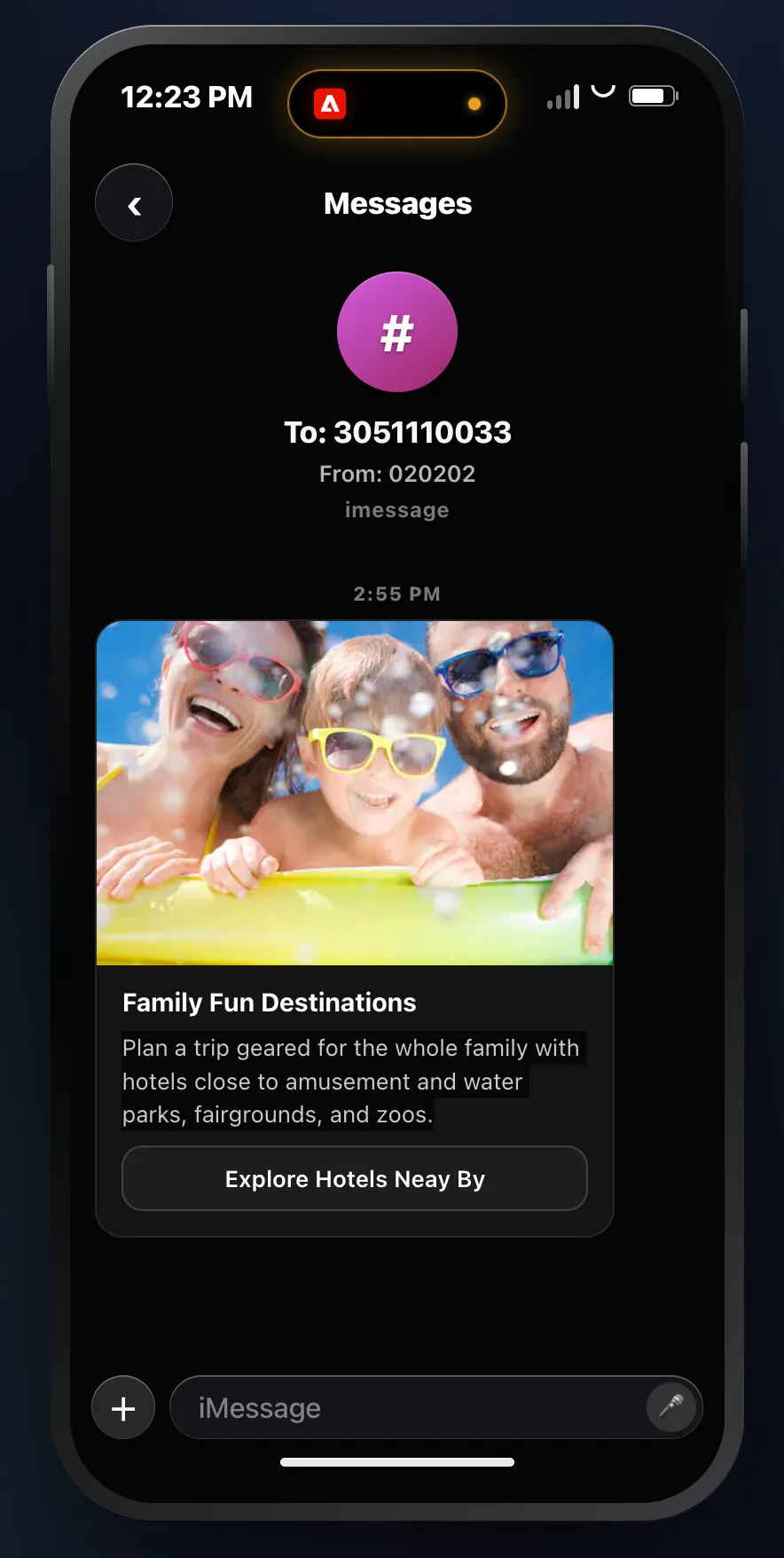
- Select the Card - Rich Card with Media option
- Add a Title: "Family Fun Destinations"
- Add a description: "Plan a trip geared for the whole family with hotels close to amusement and water parks, fairgrounds, and zoos."

- Media Height: "Medium"
- Suggested Actions' label: "Explore Hotels Near By"
- Open URL: "https://demo.wyndham.com"
- Use your Title and your description as the fallback text.
- WebView mode leave empty.
- Click Save.
- Go back to your Journey.
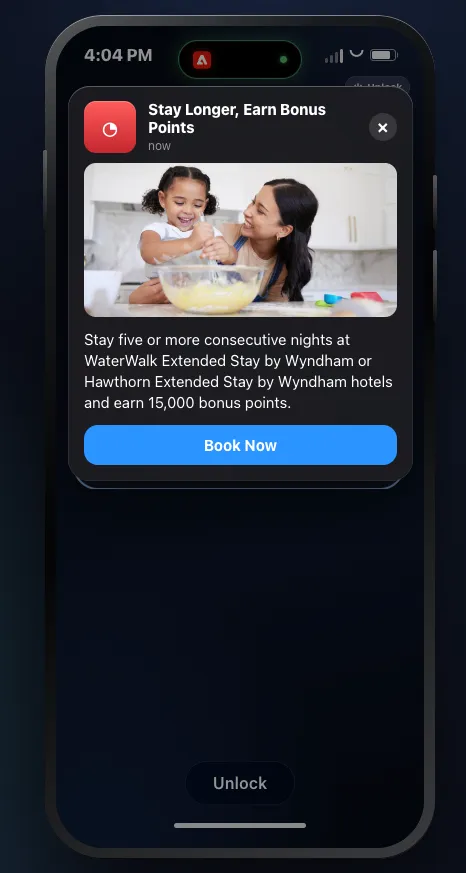
Push Message
- Click on the Push Node
- Click Configure Action
- Select Push as the Channel Configuration
- Select the Rule Set: Wyndham Message Rules
- Click on Send Time Optimization
- Send within the next 6 hours
- Click Edit Content
- Click Content Template
- Click Apply Content Template
- Select the Push Template