Audience Publishing
Publishing audiences provides a clear way to activate and to take action on insights found within Customer Journey Analytics. These actions might include:
- Using the audience for a journey in Adobe Journey Optimizer.
- Exporting the audience to a 3rd-party through a CDP destination.
- Enriching the Real-time customer profile with useful attributes derived from event-based data in Customer Journey Analytics.
The audiences you create in Customer Journey Analytics do not have to be based on datasets enabled for profile. You can ingest historical data into Experience Platform without enabling associated datasets and schemas for profile. Then use these datasets to discover relevant audiences in Customer Journey Analytics and publish these audiences to Real-time Customer Profile in Experience Platform for activation purposes.
- Looking at the fallout report from the previous exercise, we can see the number of people who fell off the journey at step 2.
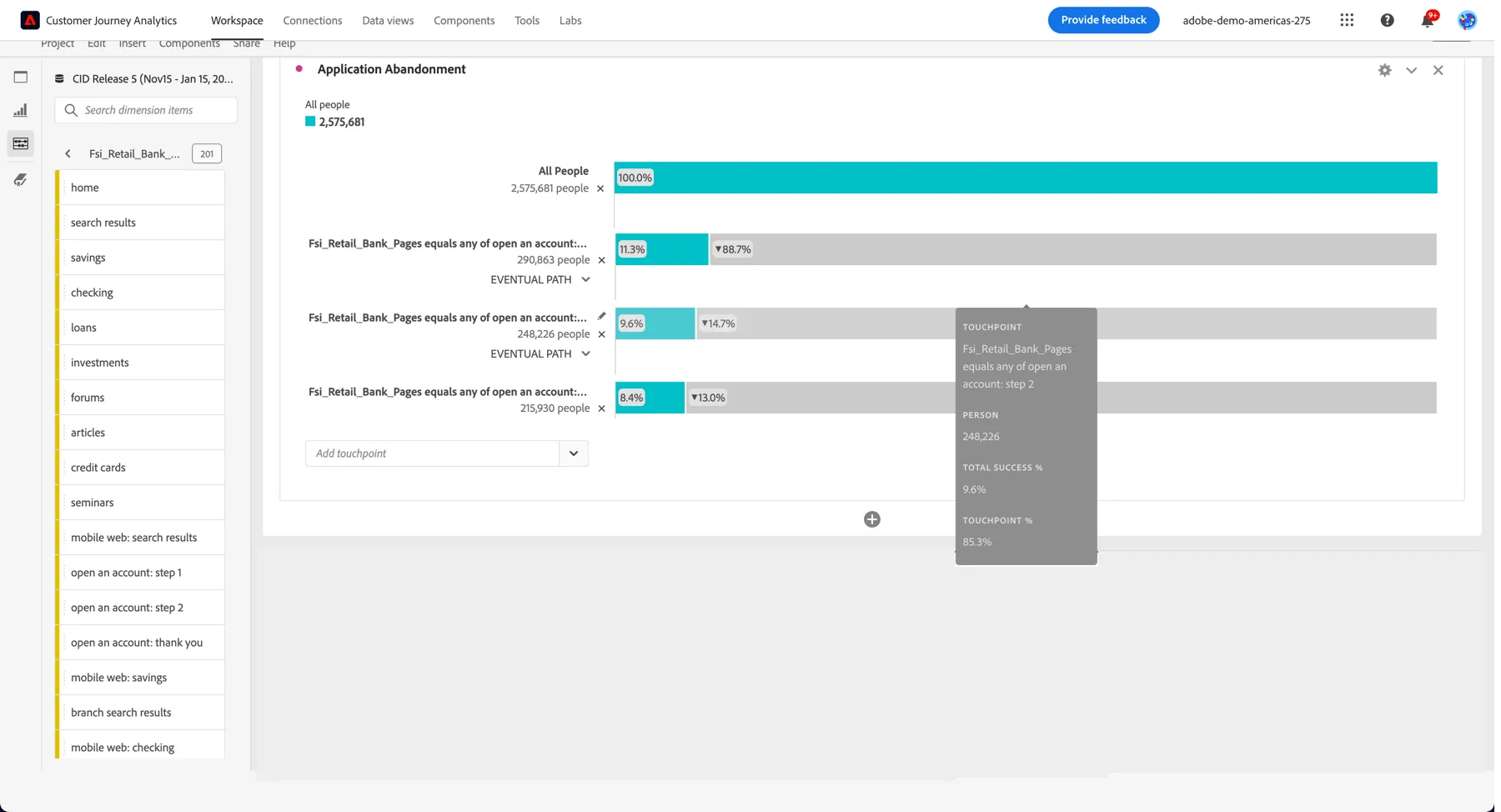
2. Right click on the fallout and select to Create an Audience from Selection
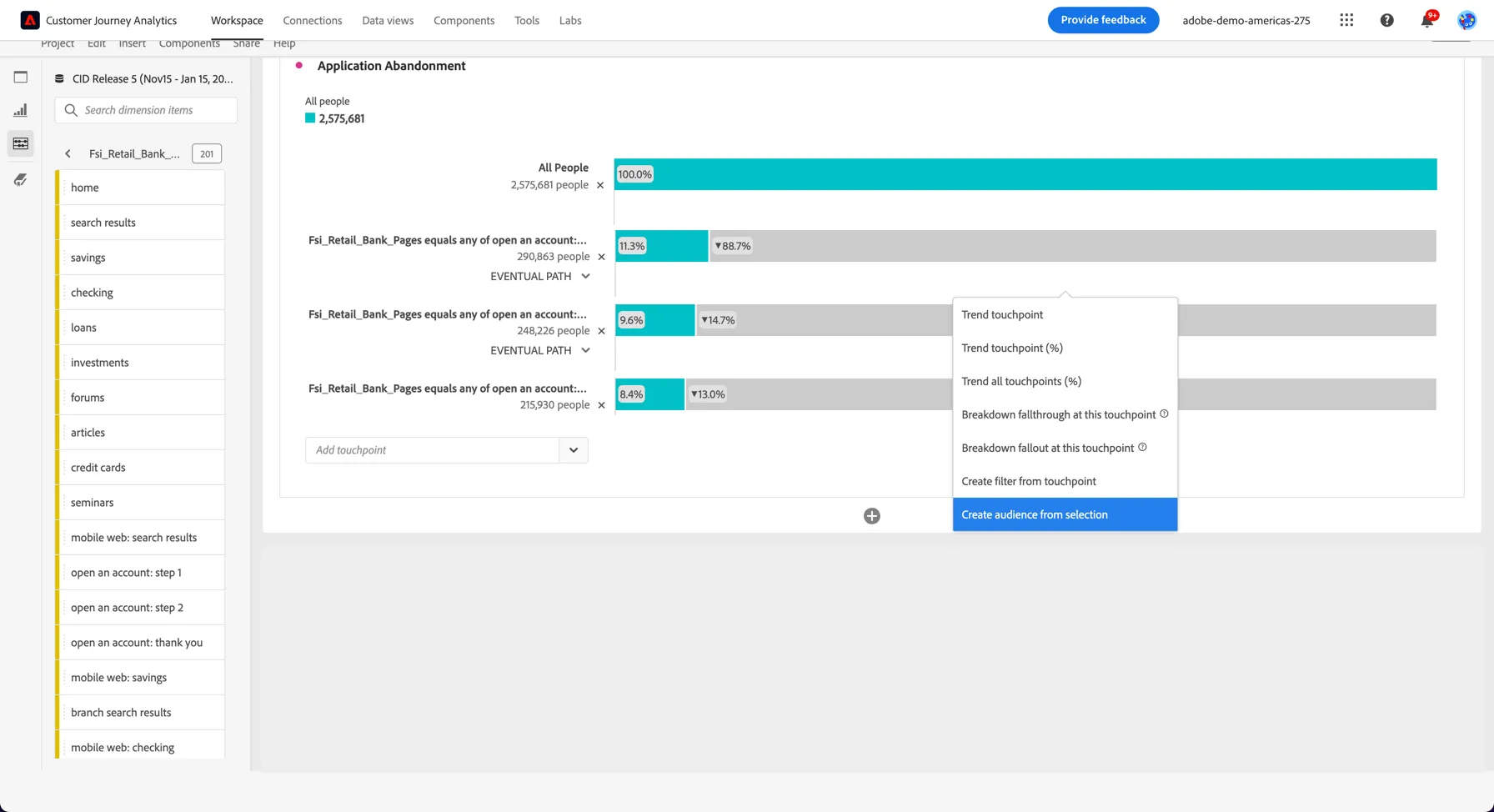
3. Give your audience a name - include your initials so you can recognise it. You can see the estimated number of profiles on the right.
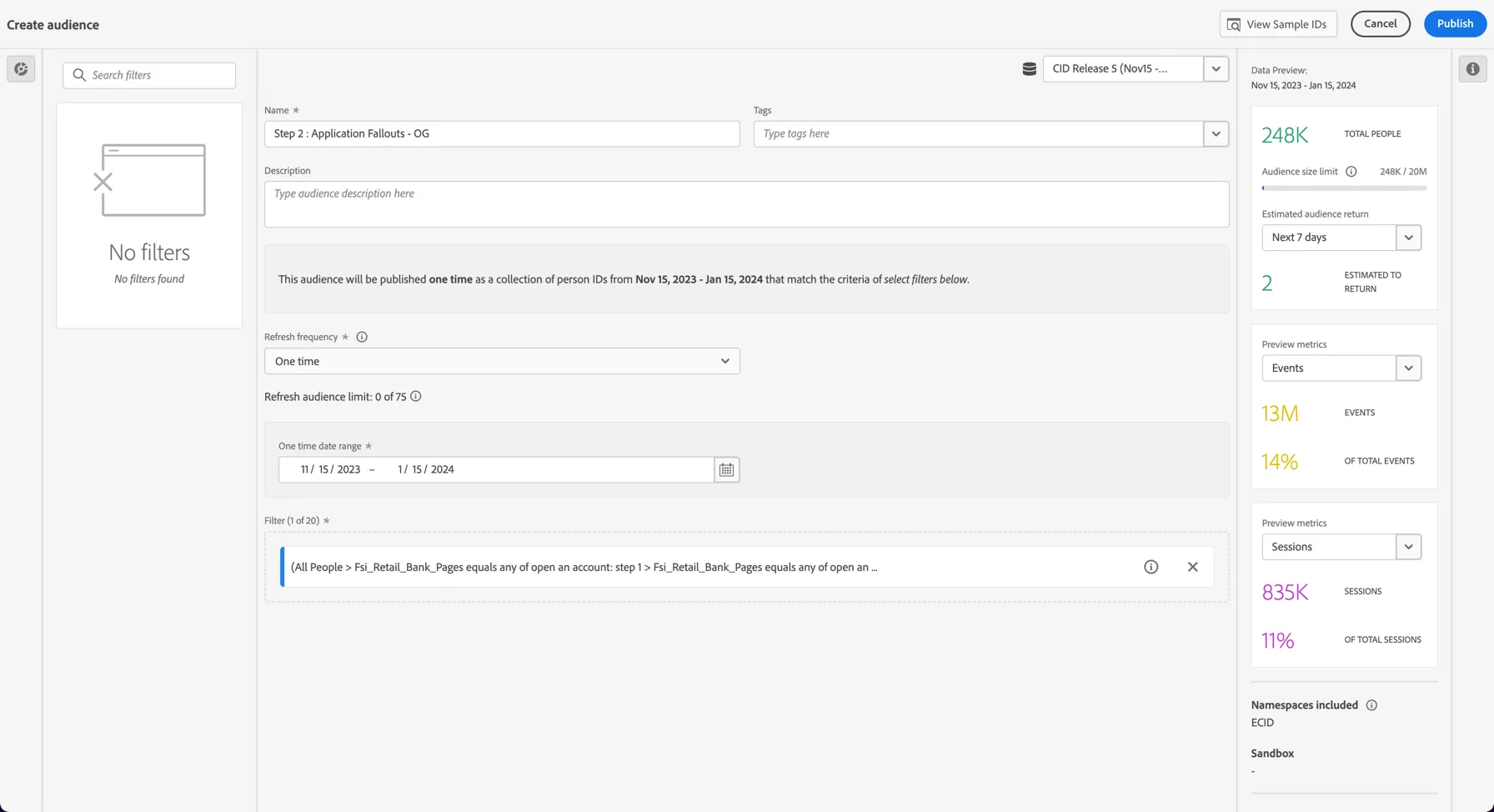
4. Finally, click Publish.
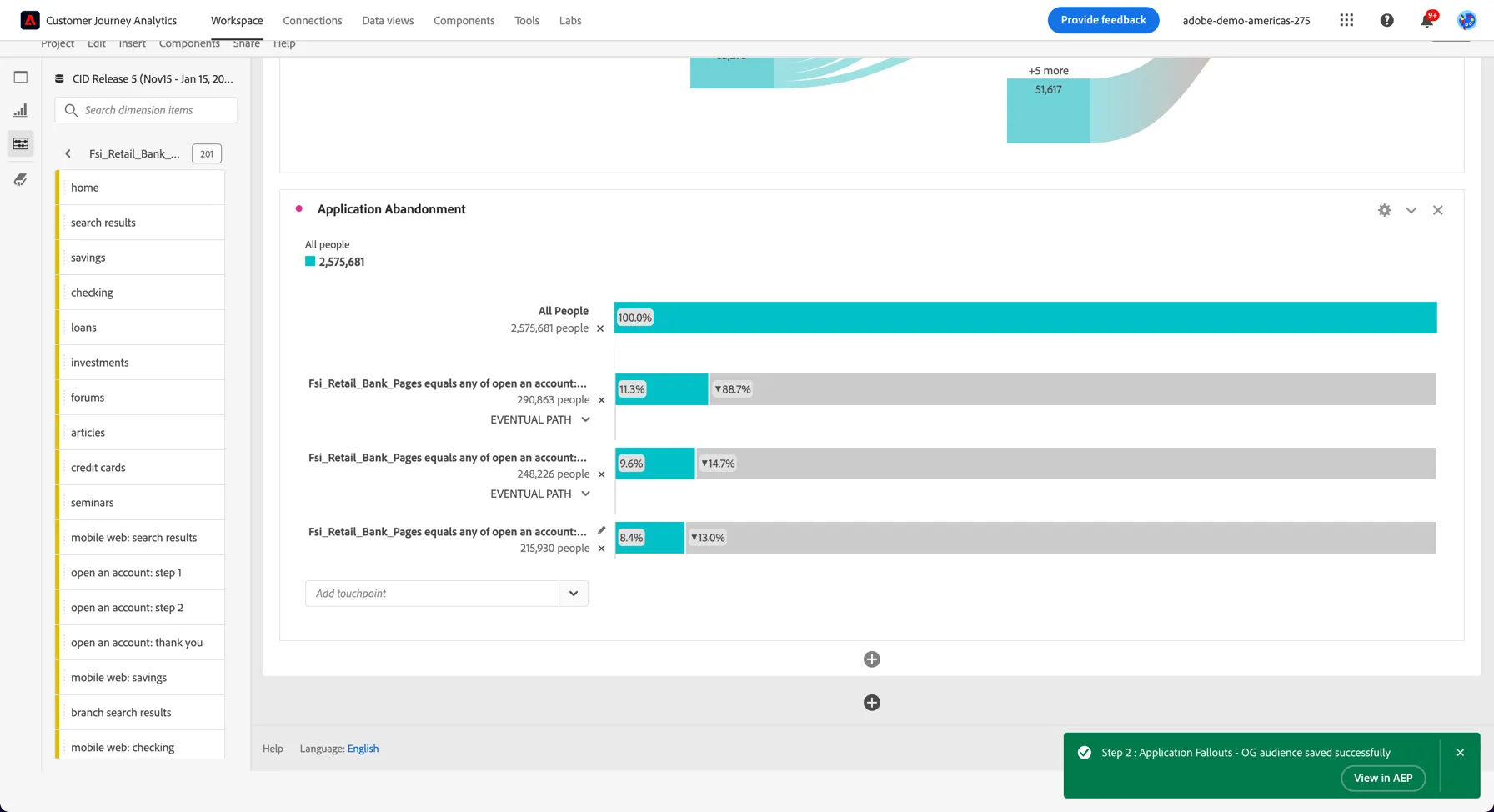
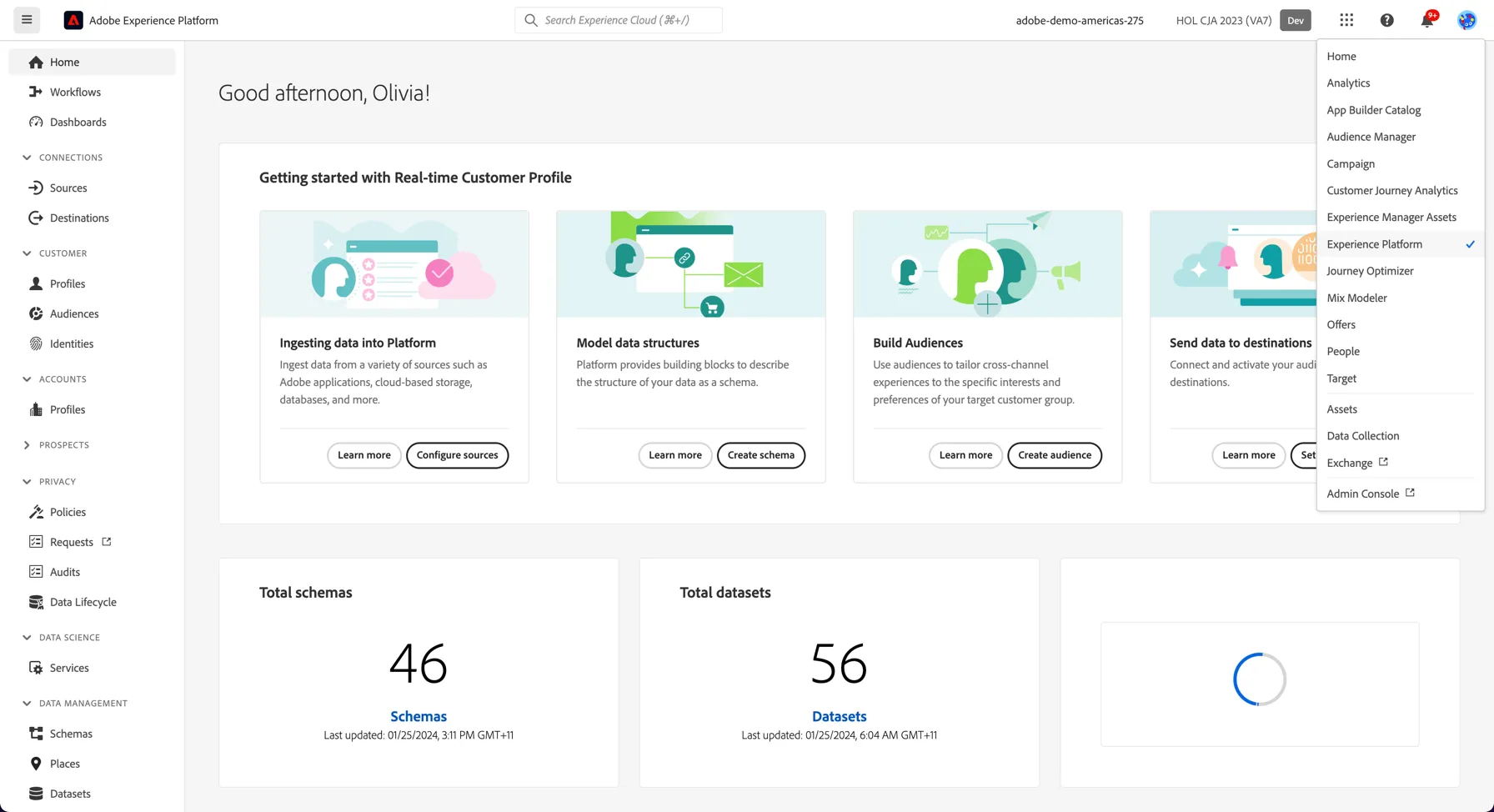
5. Return to Adobe Experience Platform by clicking the application selector. Change Sandboxes to HOL CJA 2023 (this is the sandbox where the CJA data was loaded).
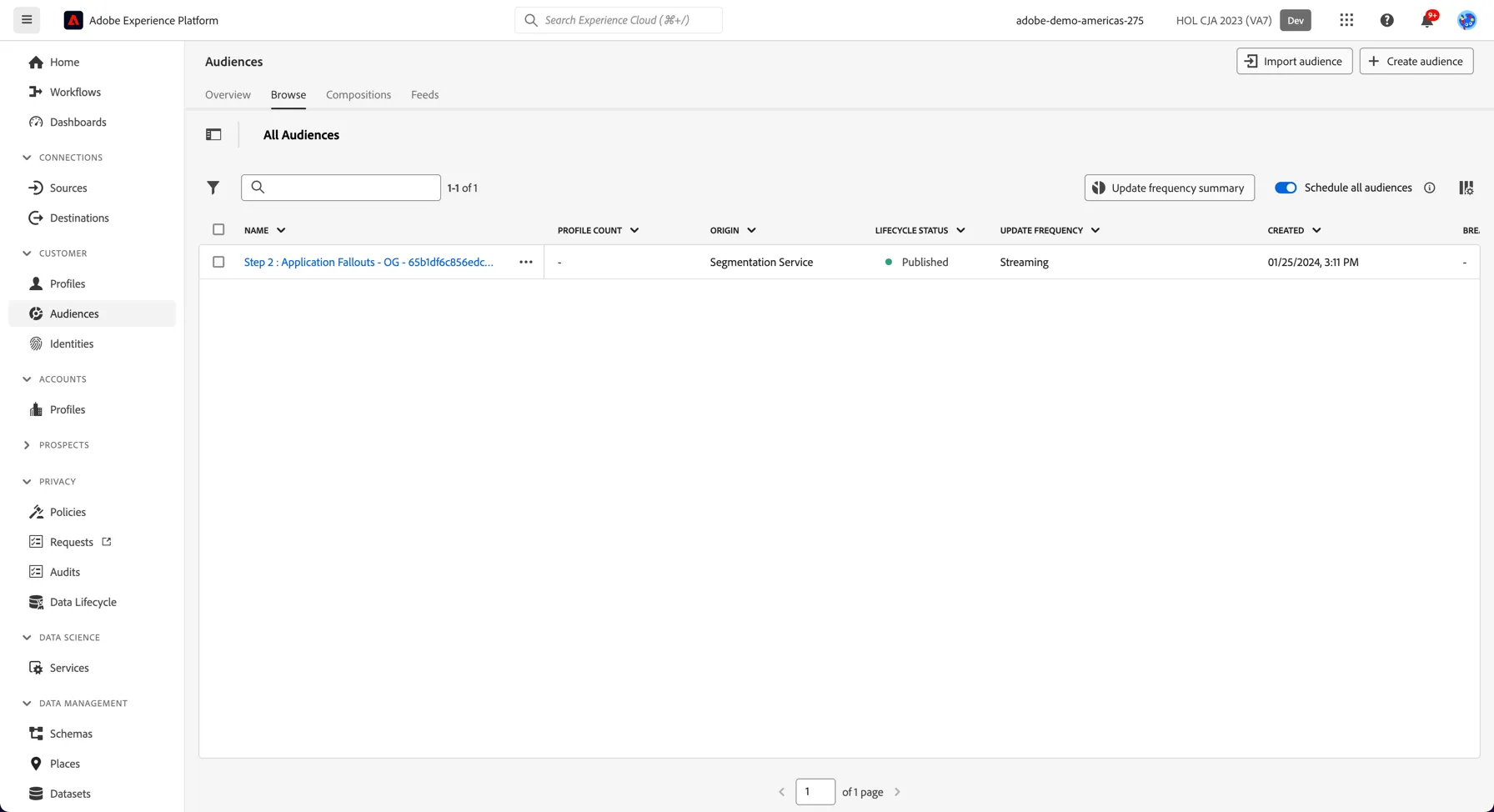
6. Your audience is now visible in the Audiences Screen and ready to activate via a CDP Destination or in a Journey or Campaign from Adobe Journey Optimizer.
You have now seen how insights determined from looking at historical behaviour in Customer Journey Analytics can also be used to activate across your marketing destinations and channels.