Lab: Creating an Offer
5 min
Create a Personalized Offer
Create an Offer
Click on “Offers” from the Left Menu
Click on Create Offer
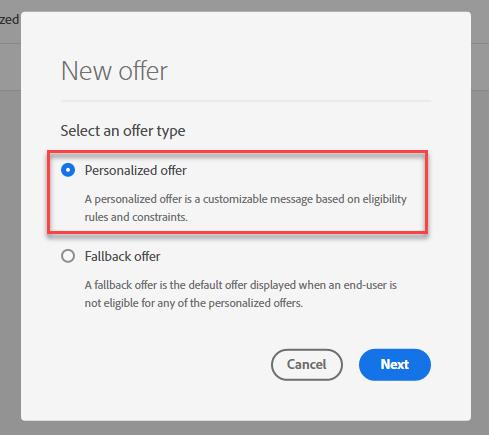
Select “Personalized Offer”
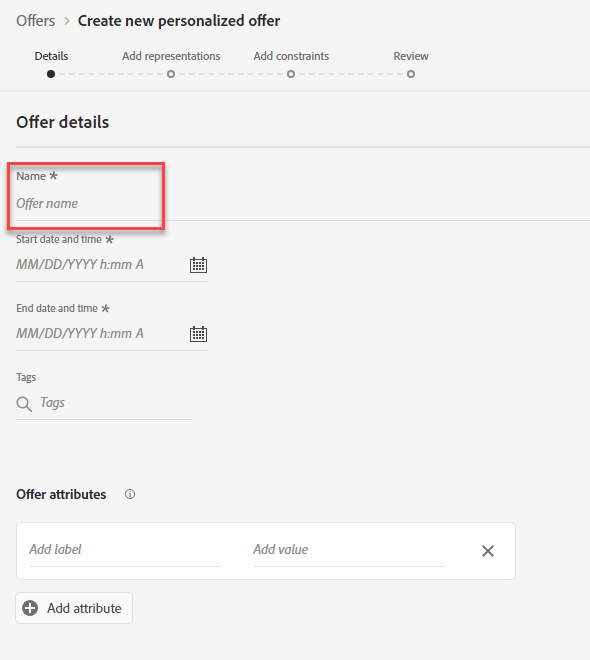
Define Offer Details
For name of Offer, type “Apple Device - Initials”.
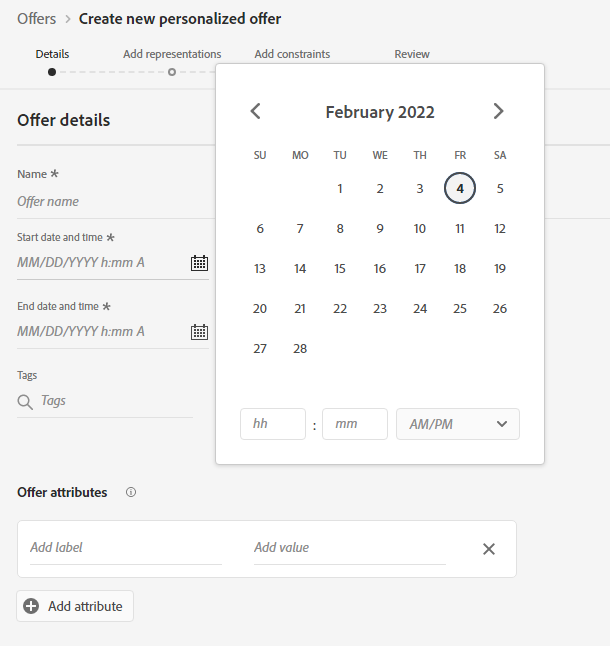
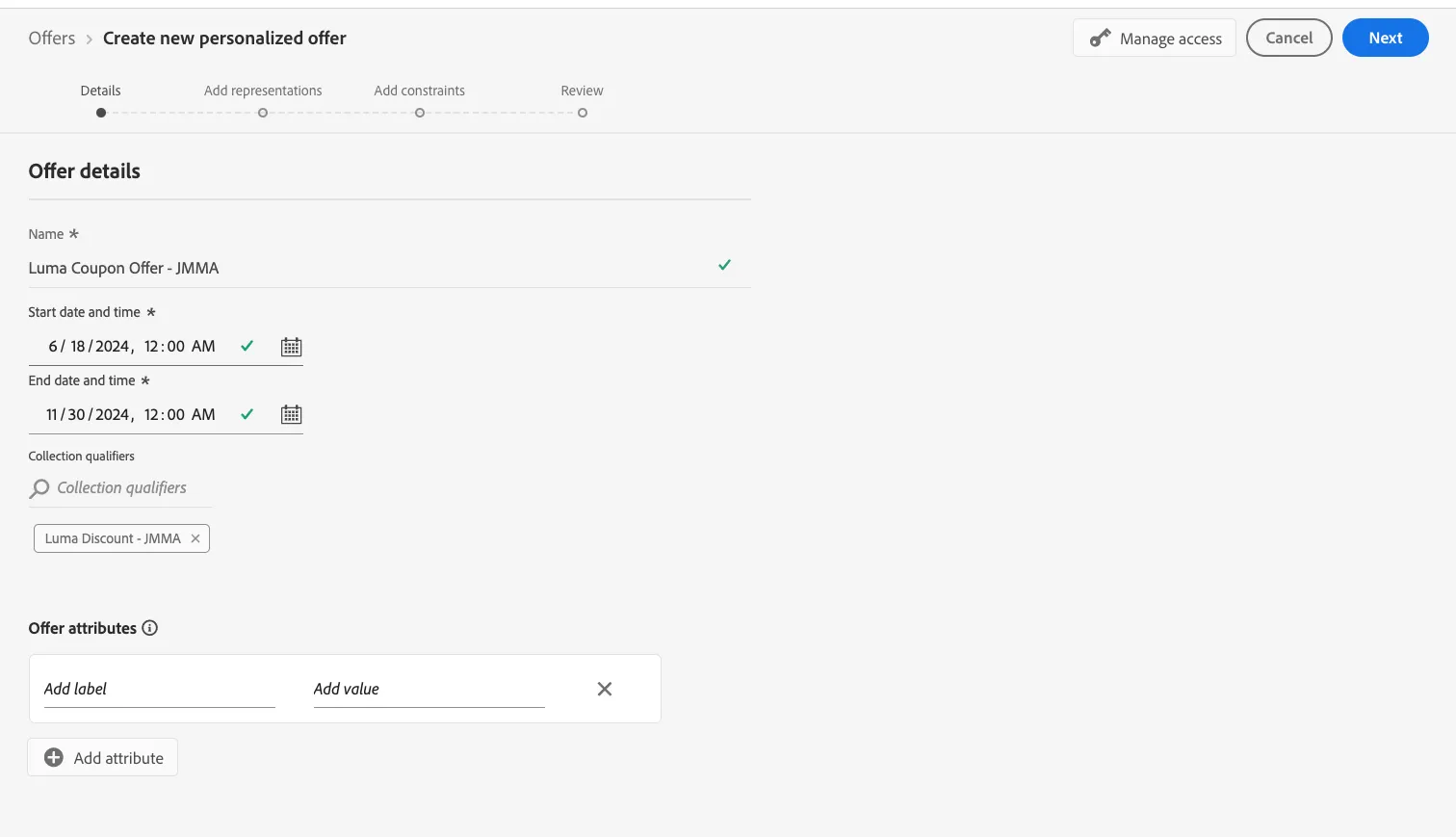
Populate the date ranges for Start and End Dates
Add your collection qualifier by search by your initials.
Add Representations
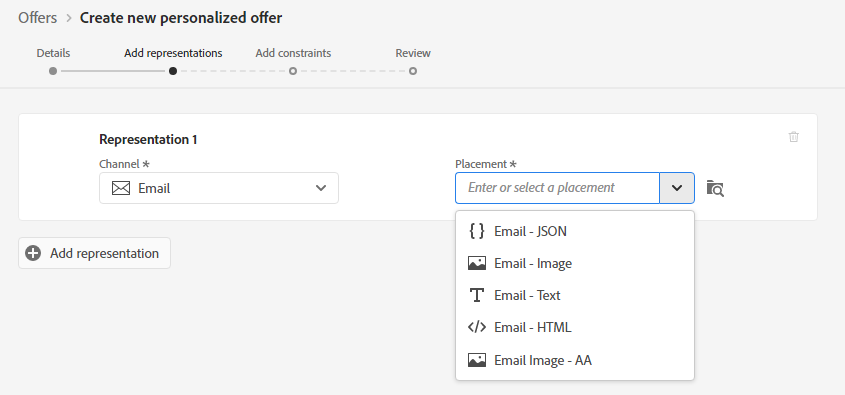
Select Email as your channel.
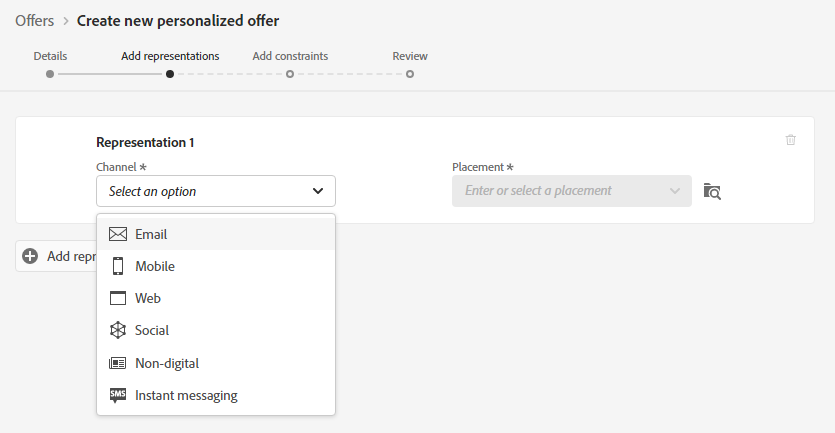
- Select the "Image" as your placement
-
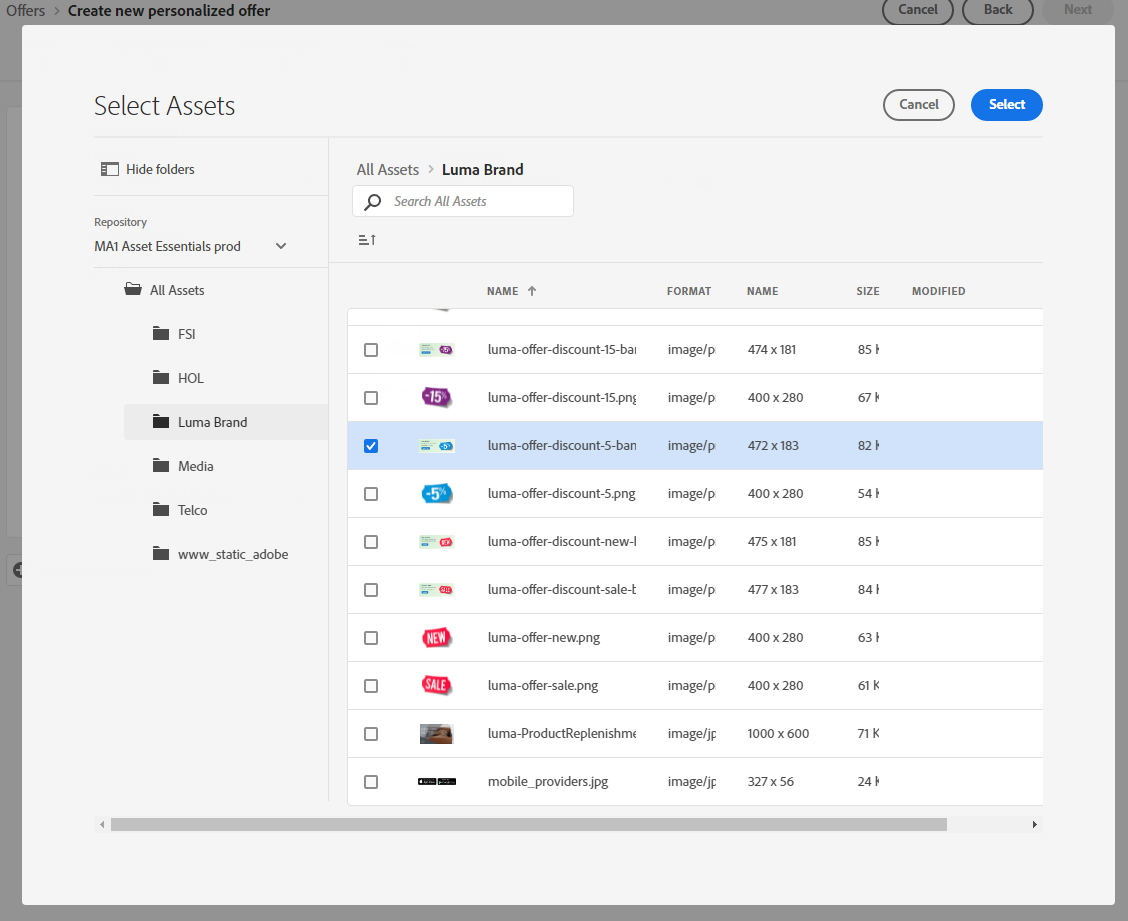
- Click on Custom and add this public location: https://dsn-upload.s3.us-east-2.amazonaws.com/projects/citi-signal/62e7b8751ef784d6
- Otherwise, use an image from the library:
-
Provide the Destination Link: "
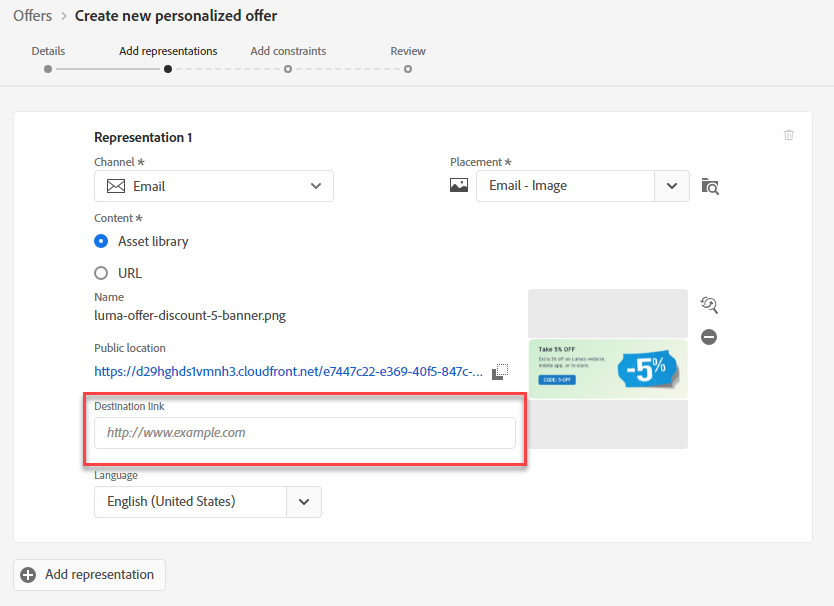
- Click on Add Representation
- Select Email as the channel
- Select BriefMessage as the placement
- Select Custom
- Type in the editor: The iPhone 16 Pro brings innovation and sophistication to the next level, pushing the boundaries of smartphone design and technology.
- Click Next
Add Constraints
Set Offer Eligibility. Select Visitors who fall into one or multiple segments
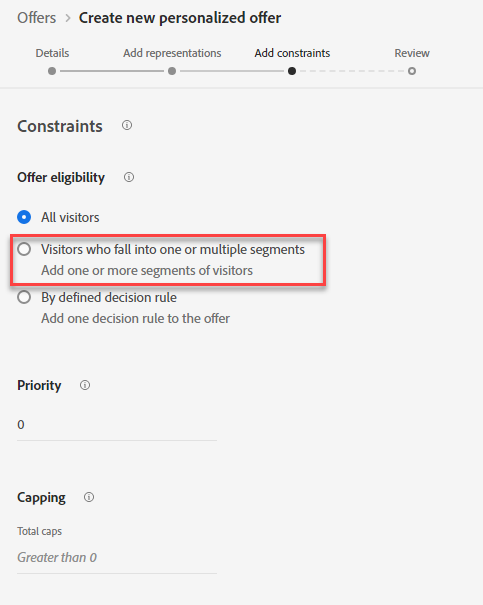
- Drag on the segments: Citi Signal - Interested in Apple Products
- Set Priority: 0. Do not Set Capping. Click Next
- Review your Offer Details. Click Finish and Save and Approve
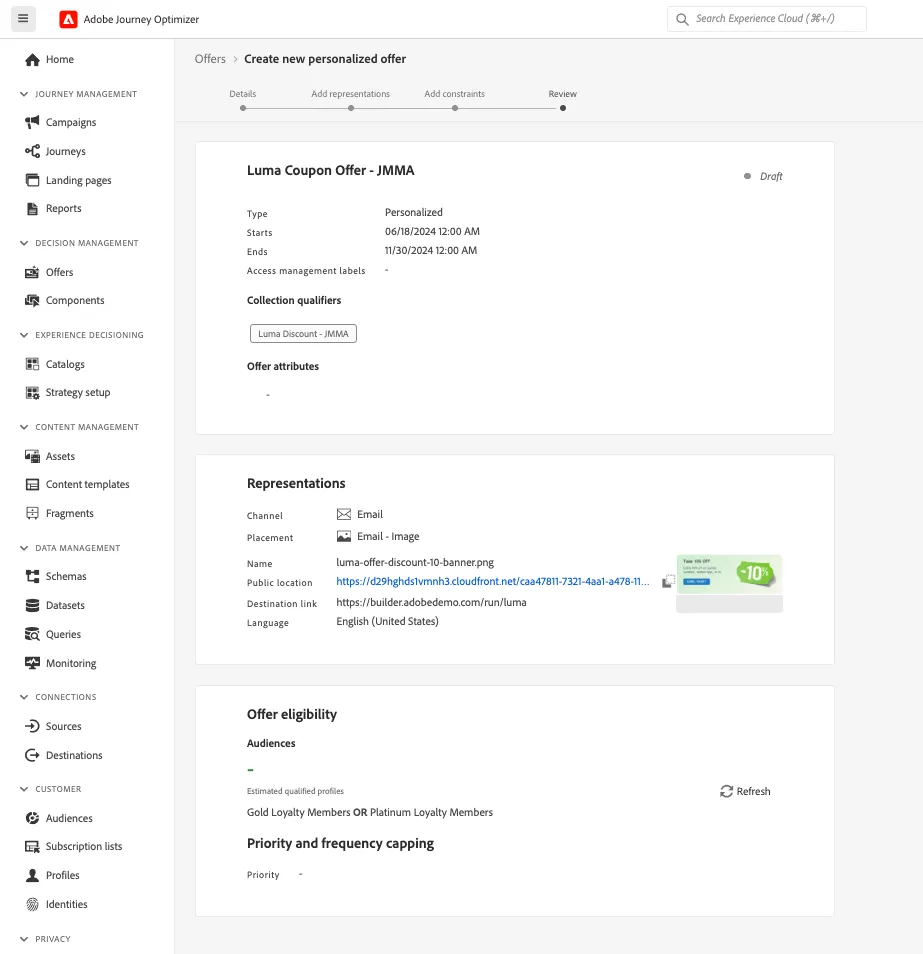
Your offer should look like this: