Real-Time Customer Profile
4 min
Exploring an existing profile in Adobe Experience Platform
- Navigate to Profiles from the left-hand navigation bar.
- Click on the Browse tab.
- Search for 'Email' under namespaces.
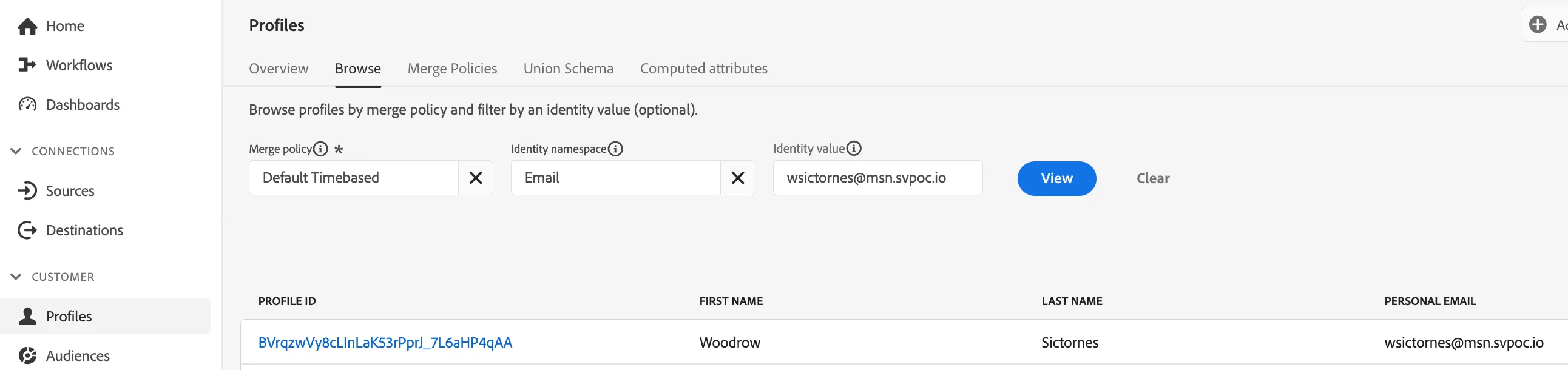
Profile Look Up
5. Click View
6. Now click on the Profile Id to exlore the profile tied to '[email protected]'
7. Review the profile for
- Basic Attributes
- Profile Attributes
- Channel Preferences
- Identity Graph
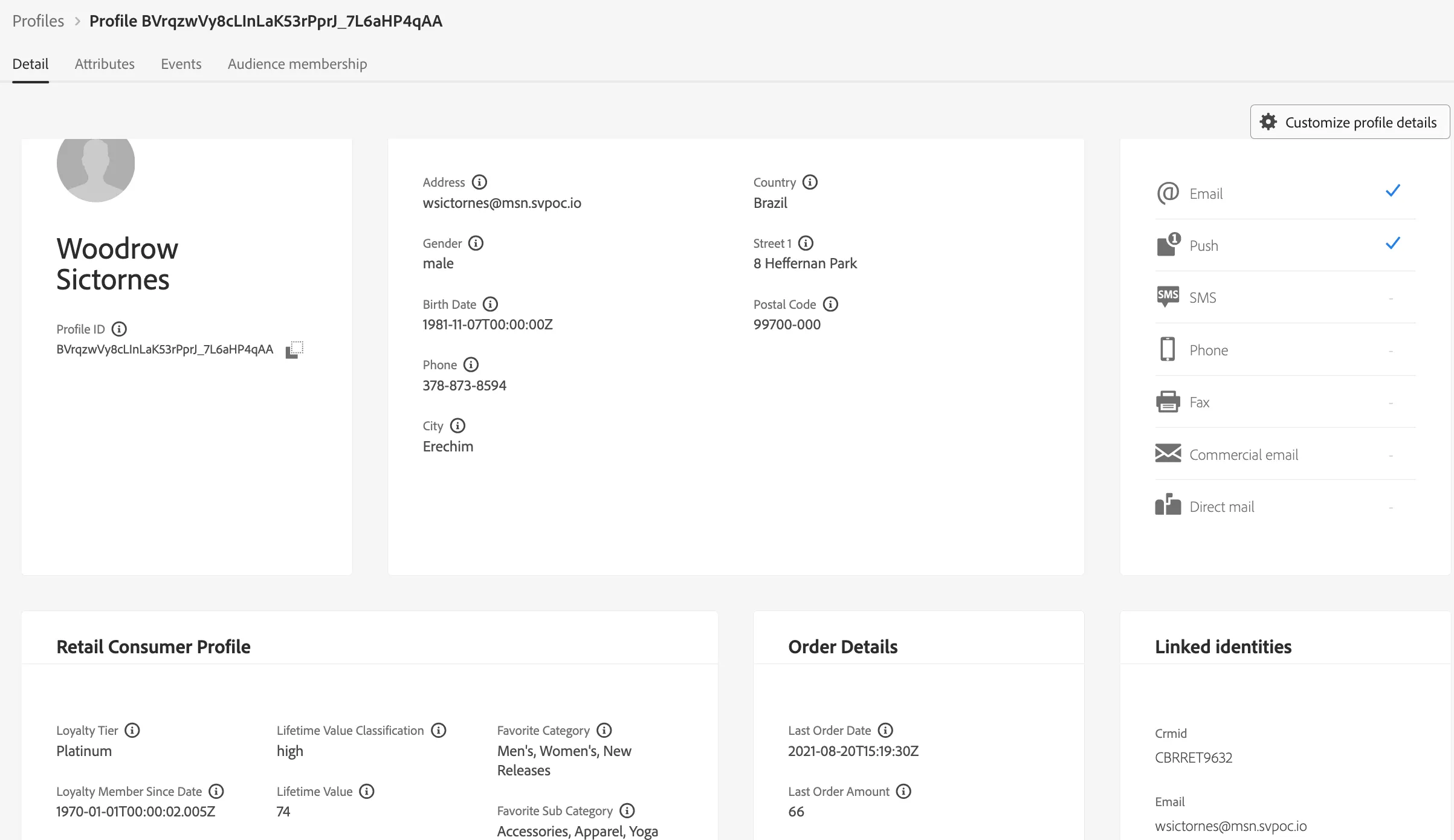
Sample Profile View
8. This dashboard provides information that has been onboarded for the profile, including:
- CRM attributes
- Events and Interactions
- Audience Memberships
Profile Stitching - Web to CRM via onsite authentication
- Follow the instructor as they log-in to a demo site using the email address value above resulting in a real-time profile stitch of their pseudonymous online profile and your known CRM profile.