Project Automation
Description
To efficiently manage the delivery of creative assets, Claire uses Workfront Planning automations to create a campaign project from a standardized template. This automation ensures that all tasks are pre-defined, assigned to the right team members, and scheduled with appropriate deadlines and approval steps. By streamlining project creation, Claire reduces setup time, maintains consistency across deliverables, and enables real-time visibility into progress.
Planning Automations
- Click on the three ellipsis next to the Campaigns header, then select the Manage Automations in the menu.
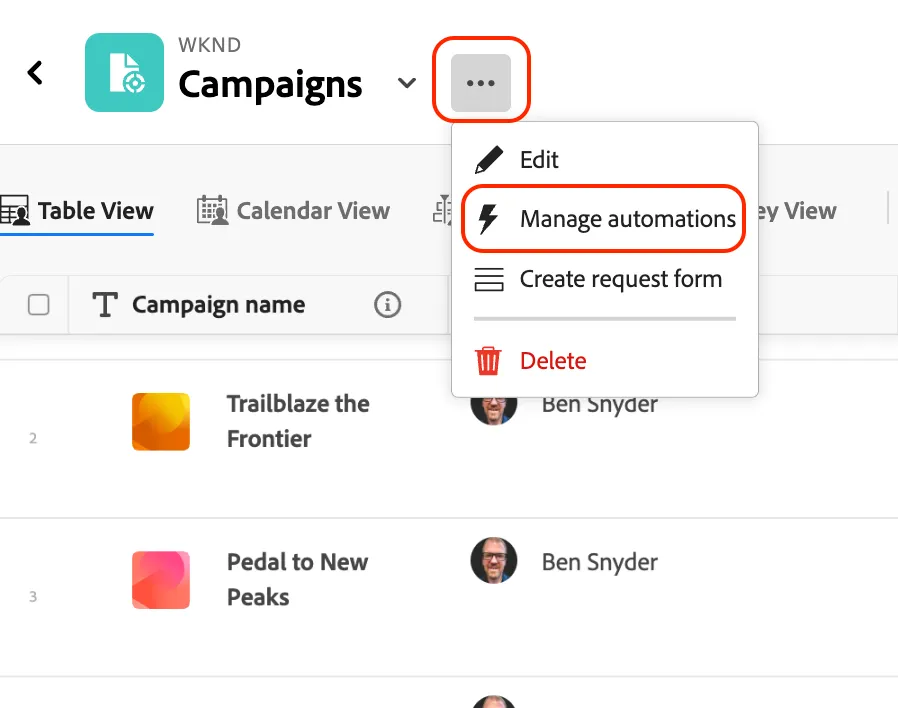
This is where a manager of the Planning workspace can create and store automations. These automations are indicated by the thunderbolt icon.
- In the list of automations, click on the three ellipses next to Project Creation, and choose the Edit option in the menu.
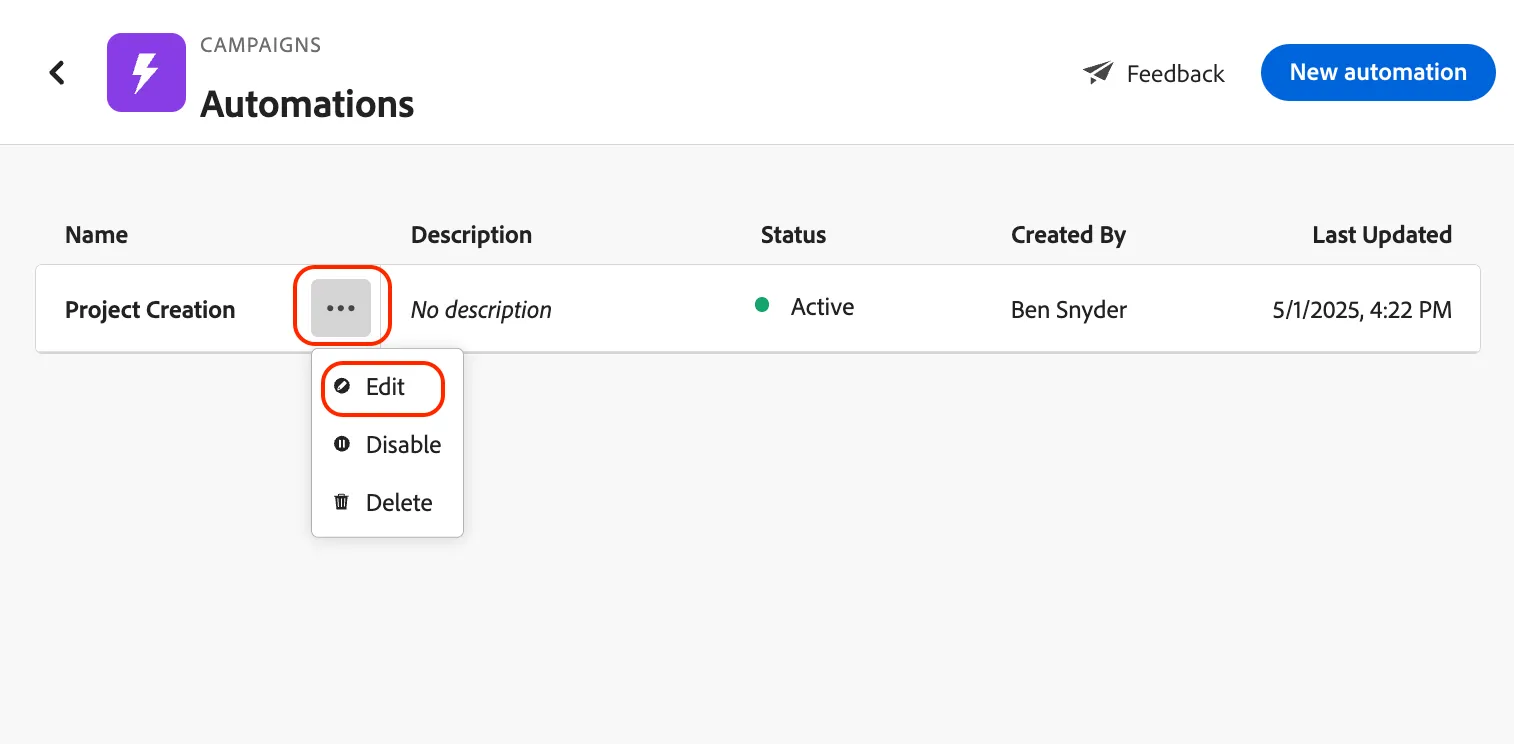
Review the Trigger which kicks off the automation, and then the action, which in this case creates a project using the WKND Creative project template.
- Click the Cancel button to exit this configuration screen.
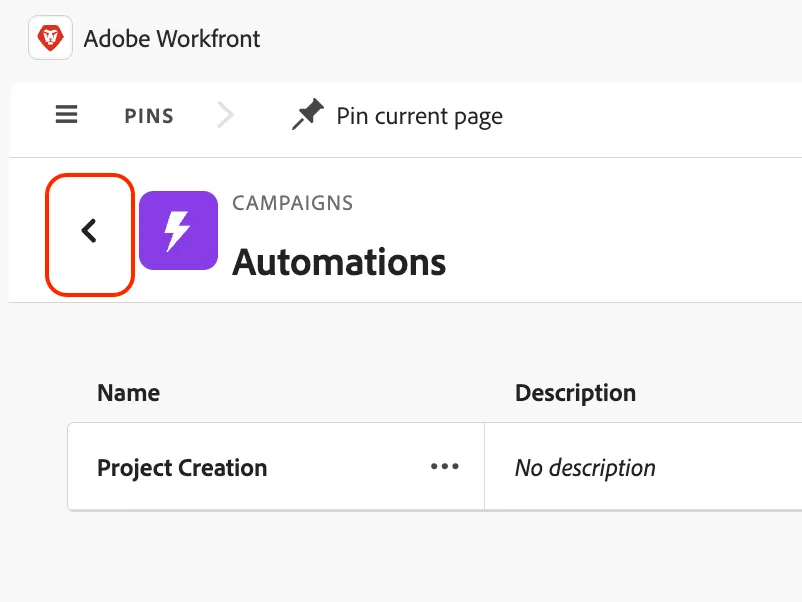
- Click on the left arrow next to Automations to exit back to the previous screen.
Project Creation
- Hover over and click on the selection box next to your firstname - Freedom to Roam campaign record.
- A blue pop-up menu will appear at the bottom of your screen. Click on Project Creation.
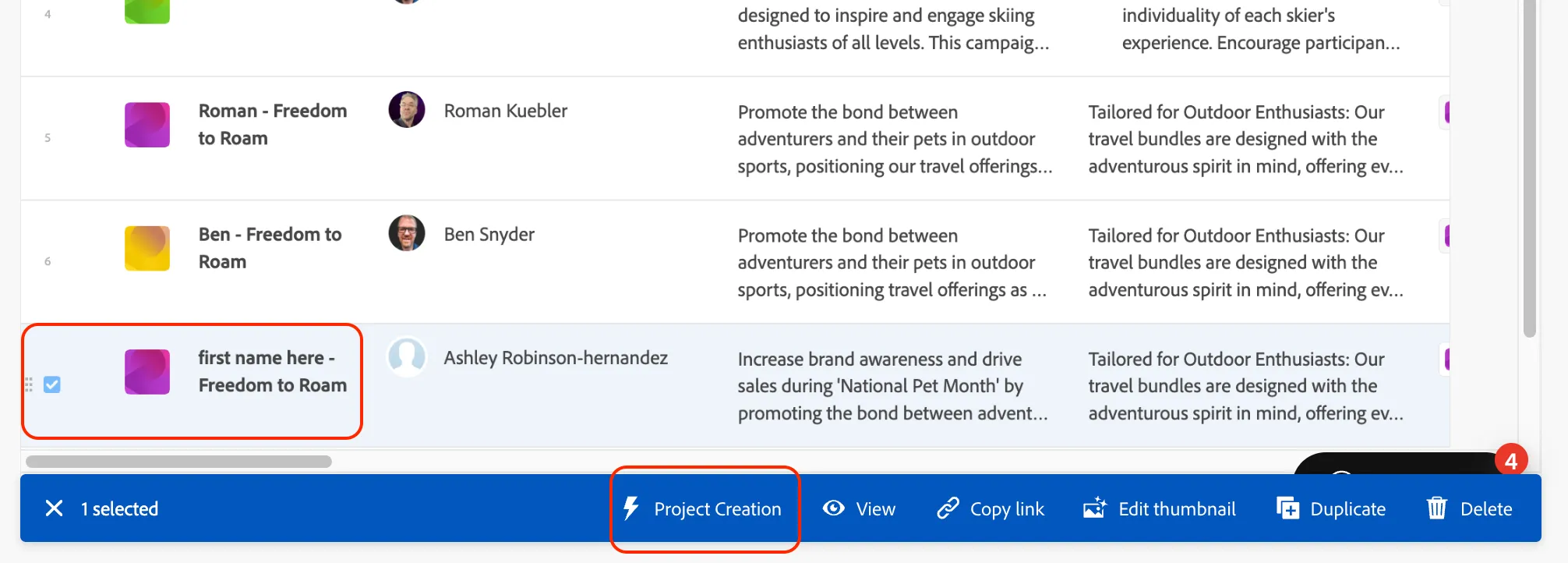
You will receive a notification in a green pop-up at the bottom of the screen notifying you that the project has been created with this campaign record.
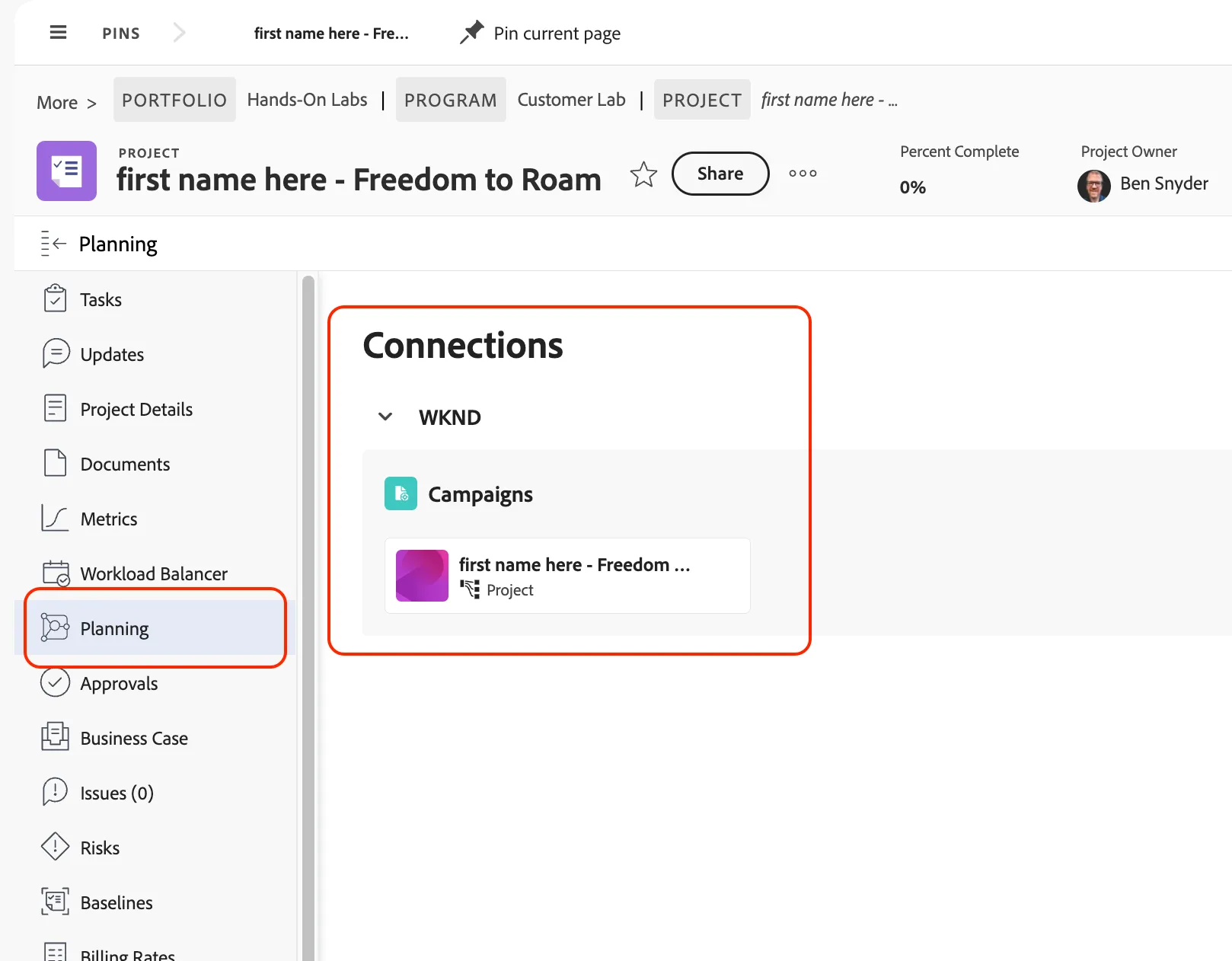
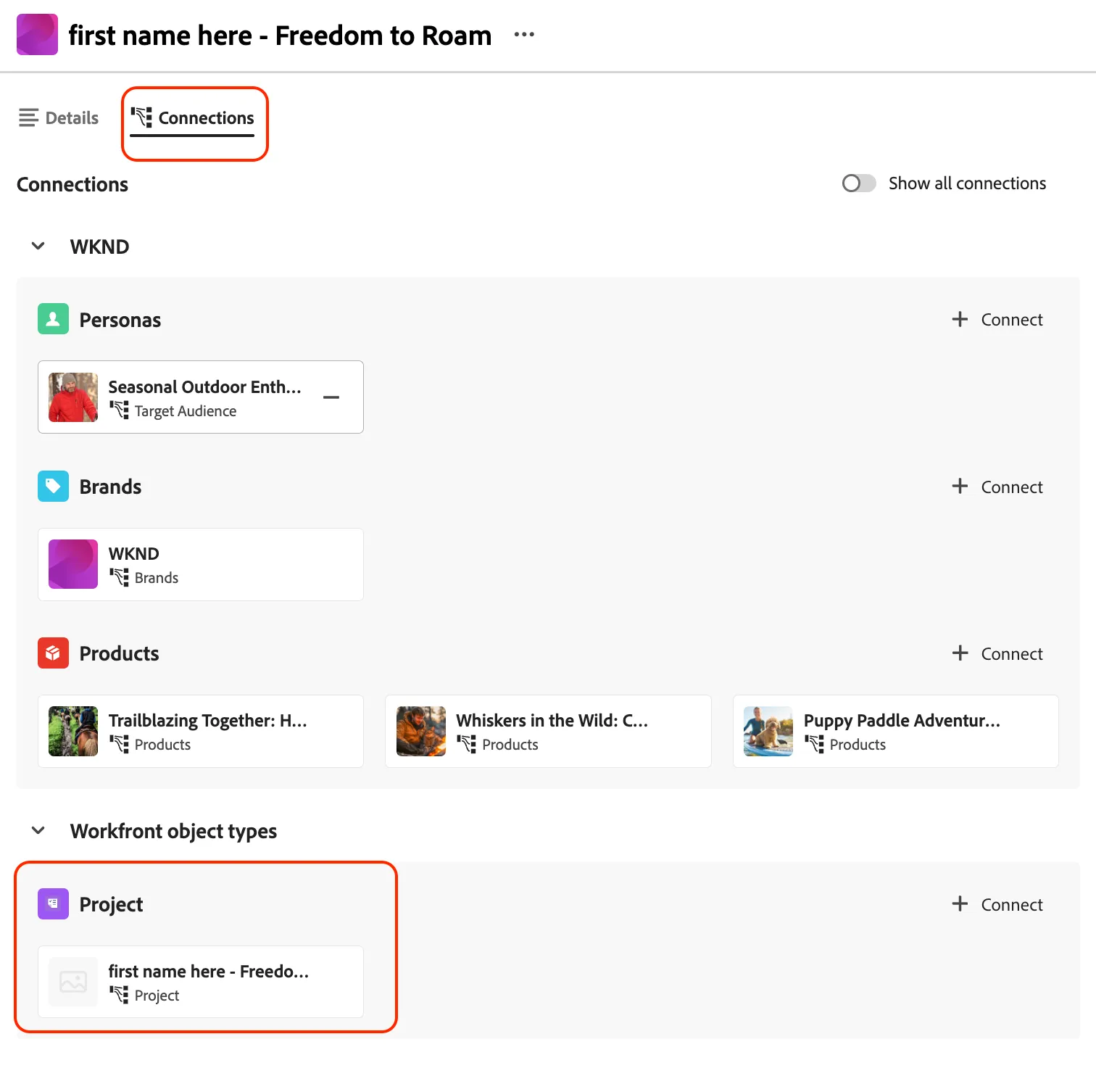
- Click on your firstname - Freedom to Roam campaign, and navigate to the Connections tab at the top to view the newly created Project record.
- Click directly on firstname - Freedom to Roam Project connection to leave the Planning interface and view the project in Workfront.
- Now you will see the firstname - Freedom to Roam project created with the WKND Creative template.
- Along the top of the screen click the Pin current page button.
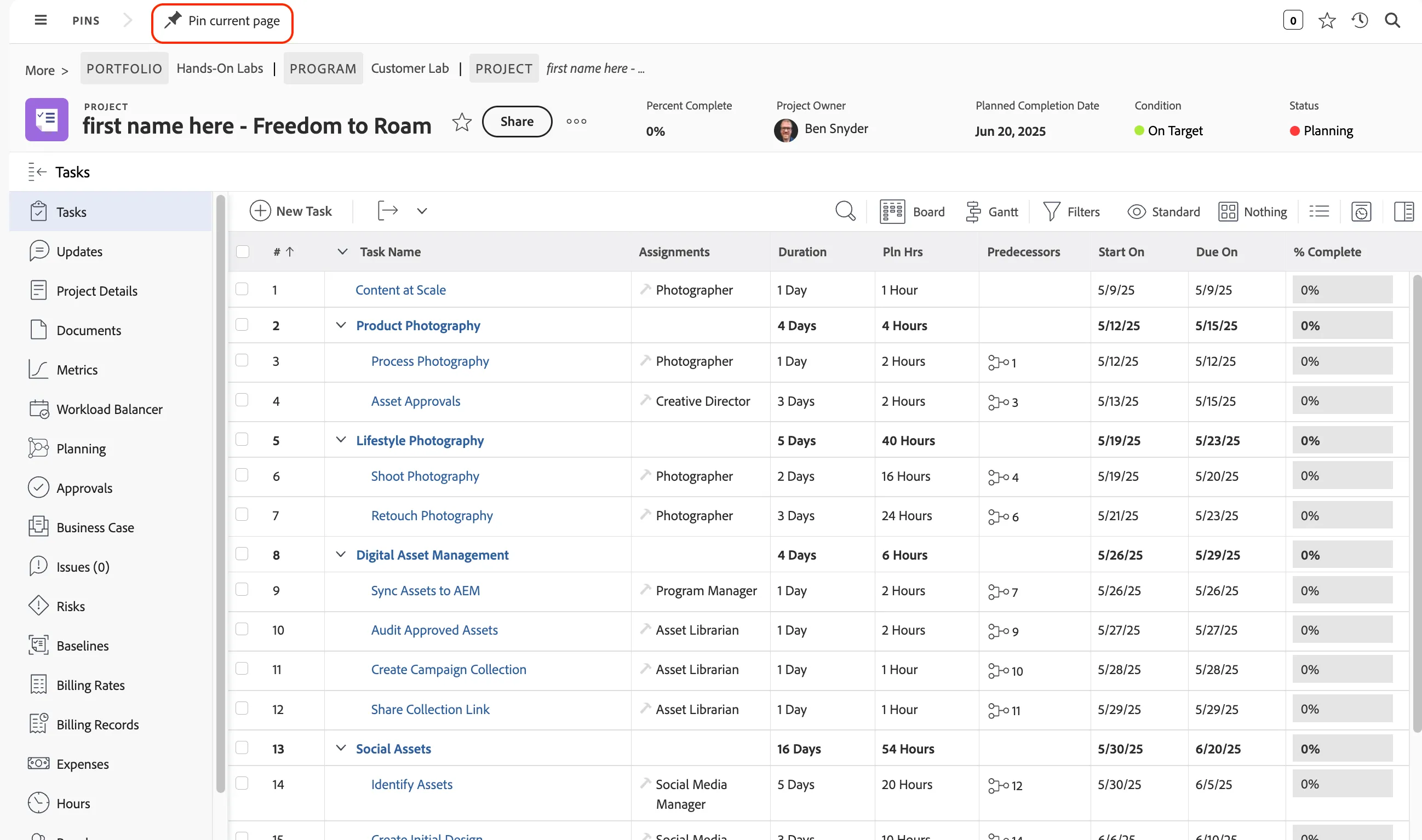
- In the left sidebar of the project, click on Planning to view your linked campaign record.