Basic Journey
6 min
We are going to create a Journey for Life Insurance Abandoners who do not currently have a Insurance. We will use the previously created audience of Life Insurance Abandoners. The channels used in the Journey will be Email, SMS and Push in Adobe Journey Optimizer.
NOTE: Some exercises may vary during the actual Hands on Lab versus what is listed in the Archbee Page, due to industry setup and / or Presenter preferences.
Create a Journey
- Navigate to Journeys
- Click on “Create Journey”
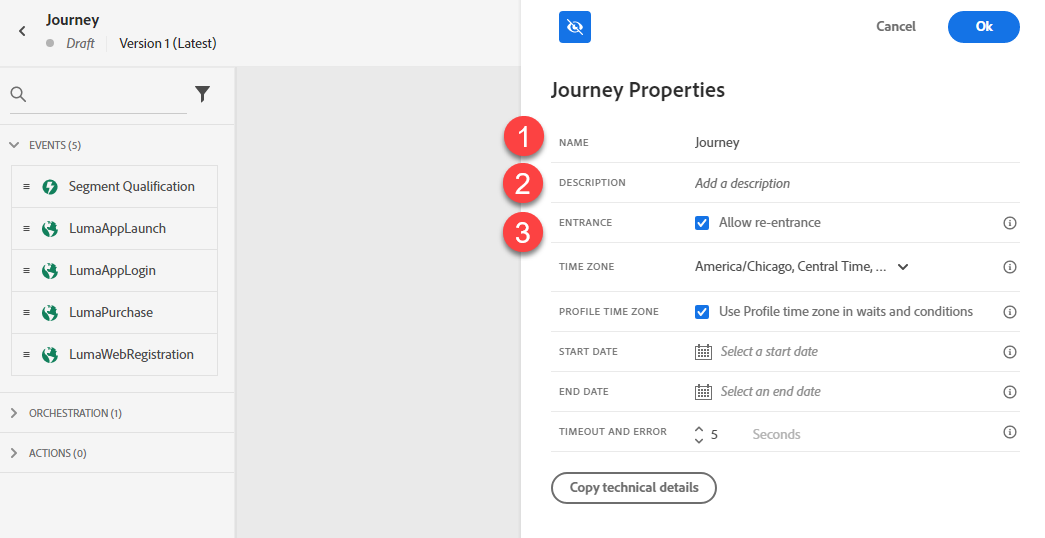
- Provide a Name and Description: Life Insurance Abandoners - PM
- Unclick “Allow Re-Entrance.” Click Save.
Define the Audience
- Under Event Node, drag the “Audience Qualification” onto the Canvas.
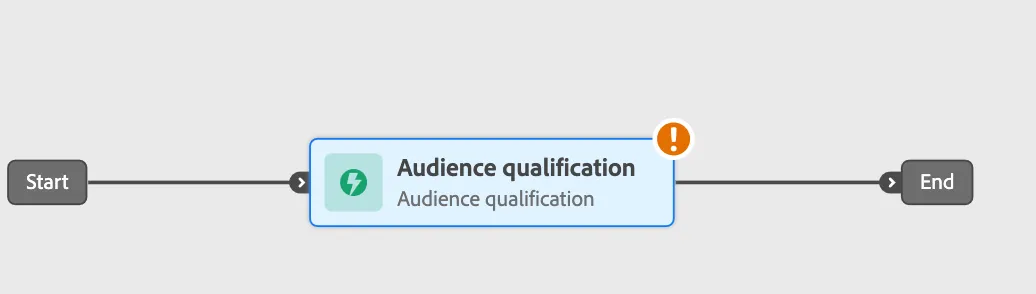
- Change the label to “Life Insurance Abandoners”.
- In Audience select “Life Insurance Abandoners”.
- In Namespace select ECID
- Click Save.
Setup Branching
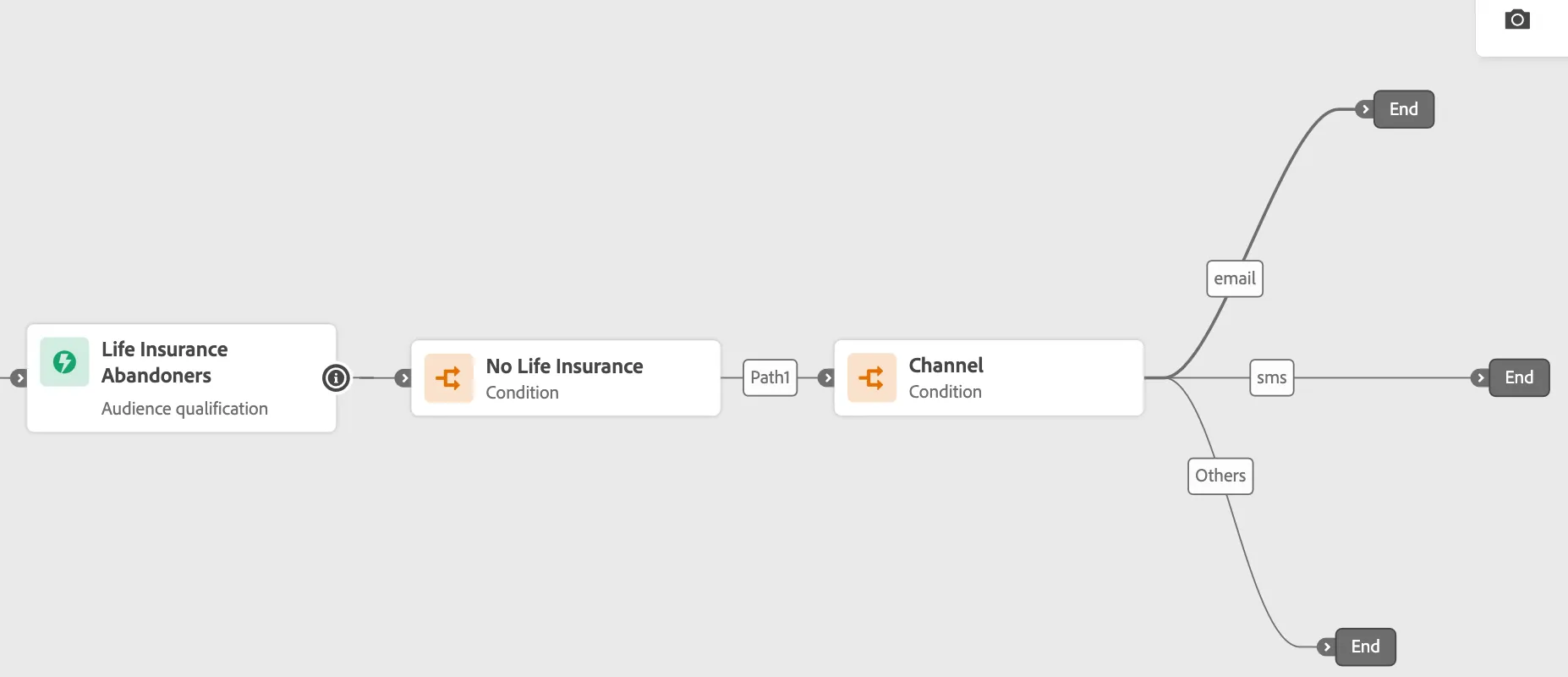
- Under Orchestration Node, drag the “Condition” after the Segment. Select: Data Source Condition, in expresion, select Audiences and then select "No Life Insurance " and Save.
- Add other condition after this first condition to select the preferred channel.
- Add the label “Channel”. Set Type to “Data Source Condition”. Click on “Add a Path”
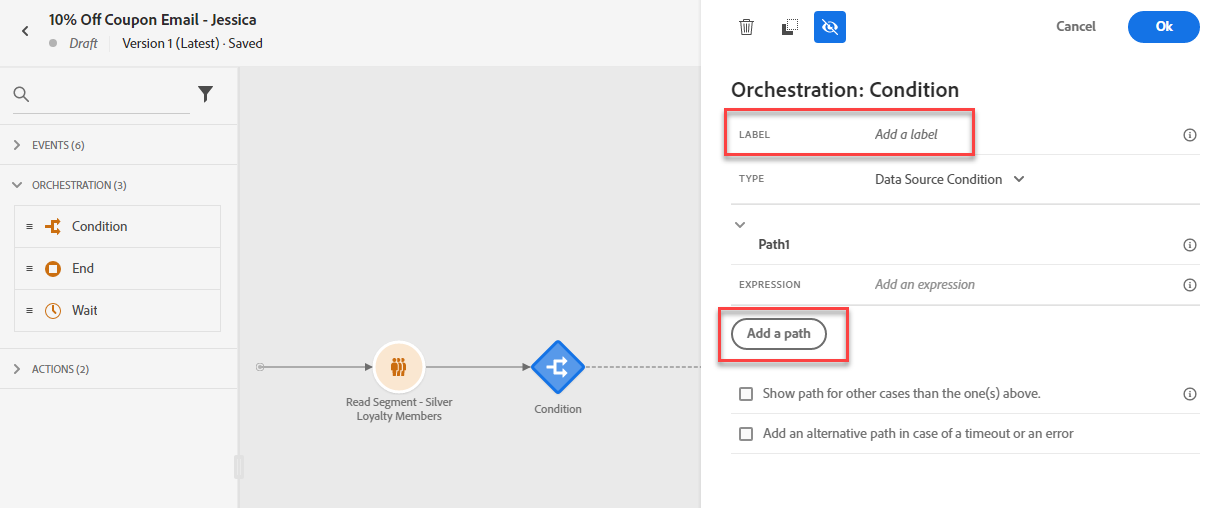
- Click Path1 and rename as "Email".
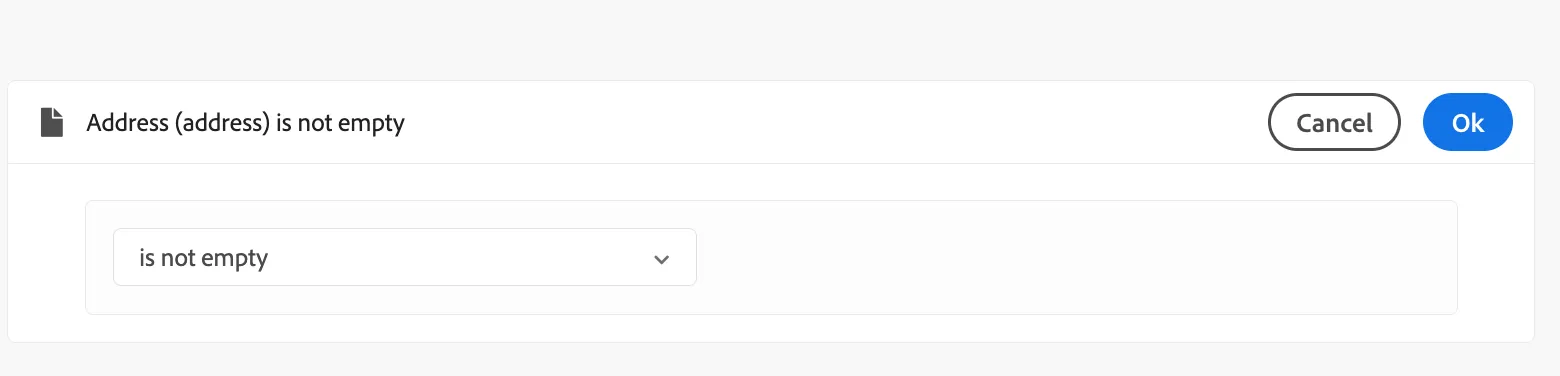
- Clic en edit (pencil) and look for address.
- Select address is not empty
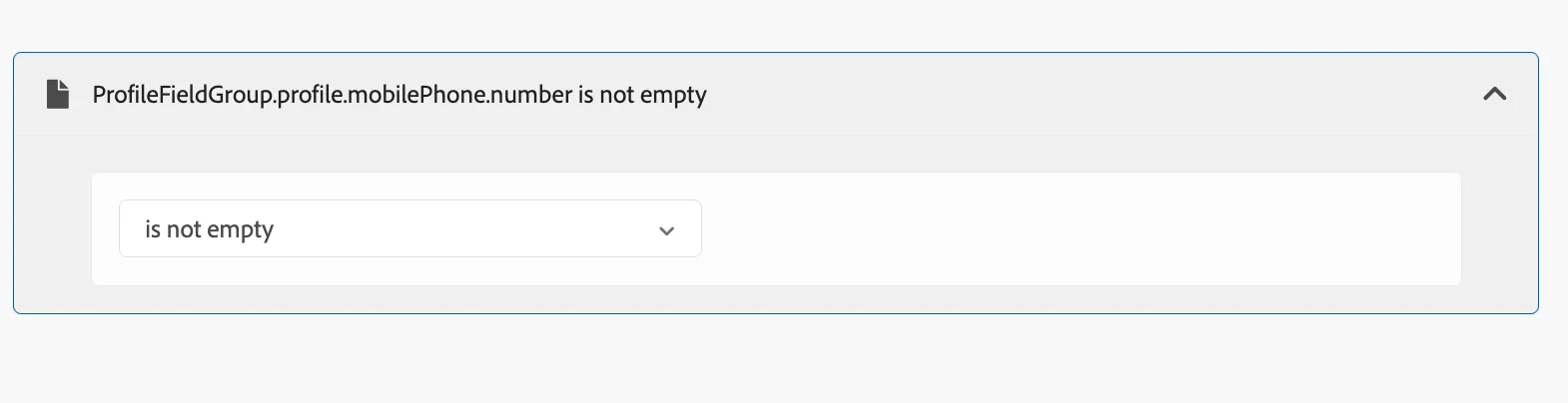
- Click Path2 and rename as "SMS"
- Look for Phone number and select is not empty
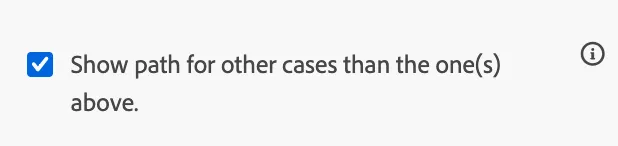
- Select show rest in other path
- Click save
Add Messages
- Under Actions, drag the Email Action onto the Canvas on Email path and clic save; then drag SMS Action onto the SMS path and clic save and, drag Push in others and clic save.
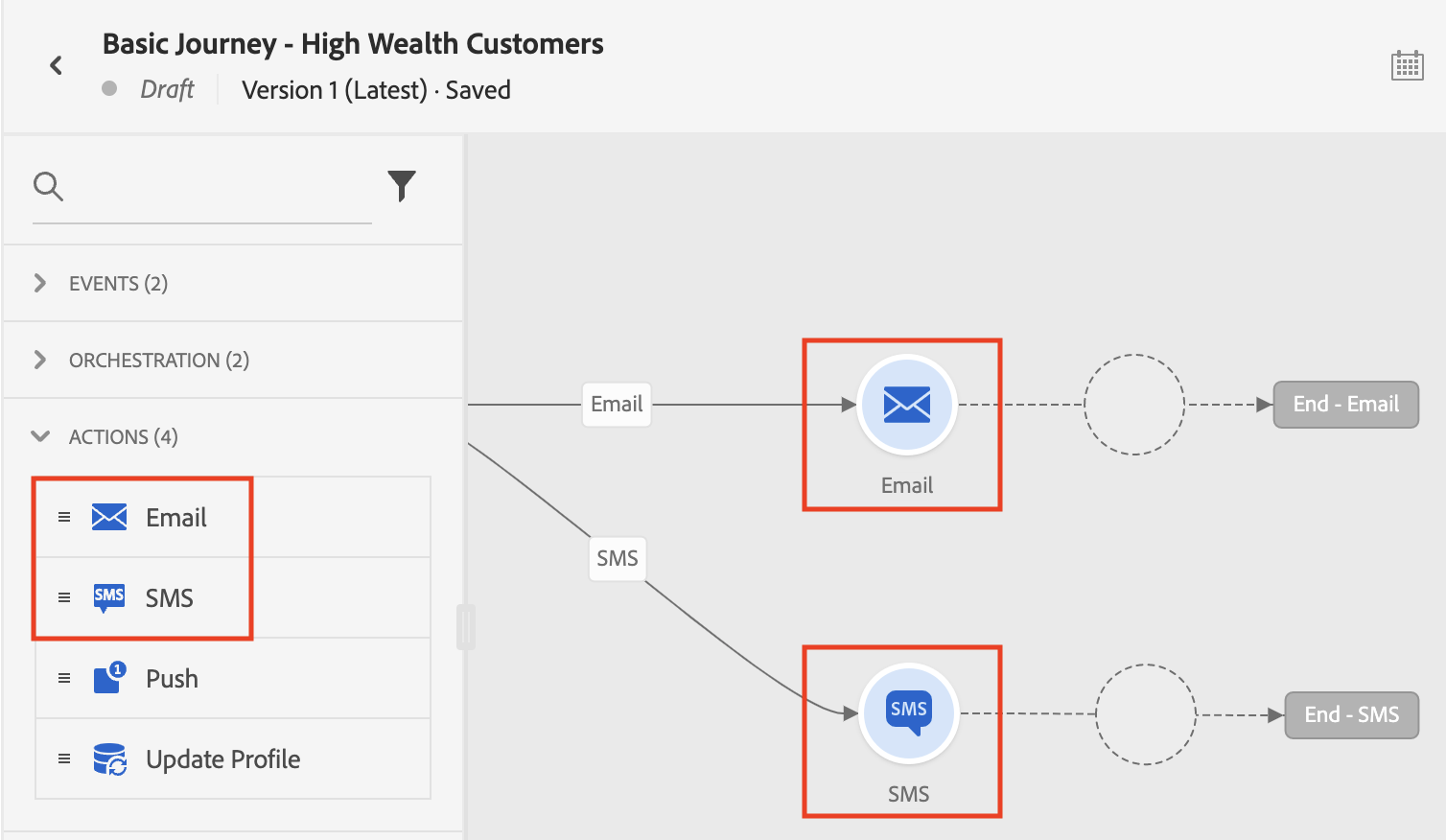
- Next, we will design the Email, SMS and Push messages.