Campaigns
1 min
In this section we are creating a campaign to encourage the use of the checking account among customers who have it active.
NOTE: Some exercises may vary during the actual Hands on Lab versus what is listed in the Archbee Page, due to industry setup and / or Presenter preferences.
- Navigate to Campaigns
- Clic on Action
- Click on Create Campaign
- Select Scheduled Marketing and Confirm
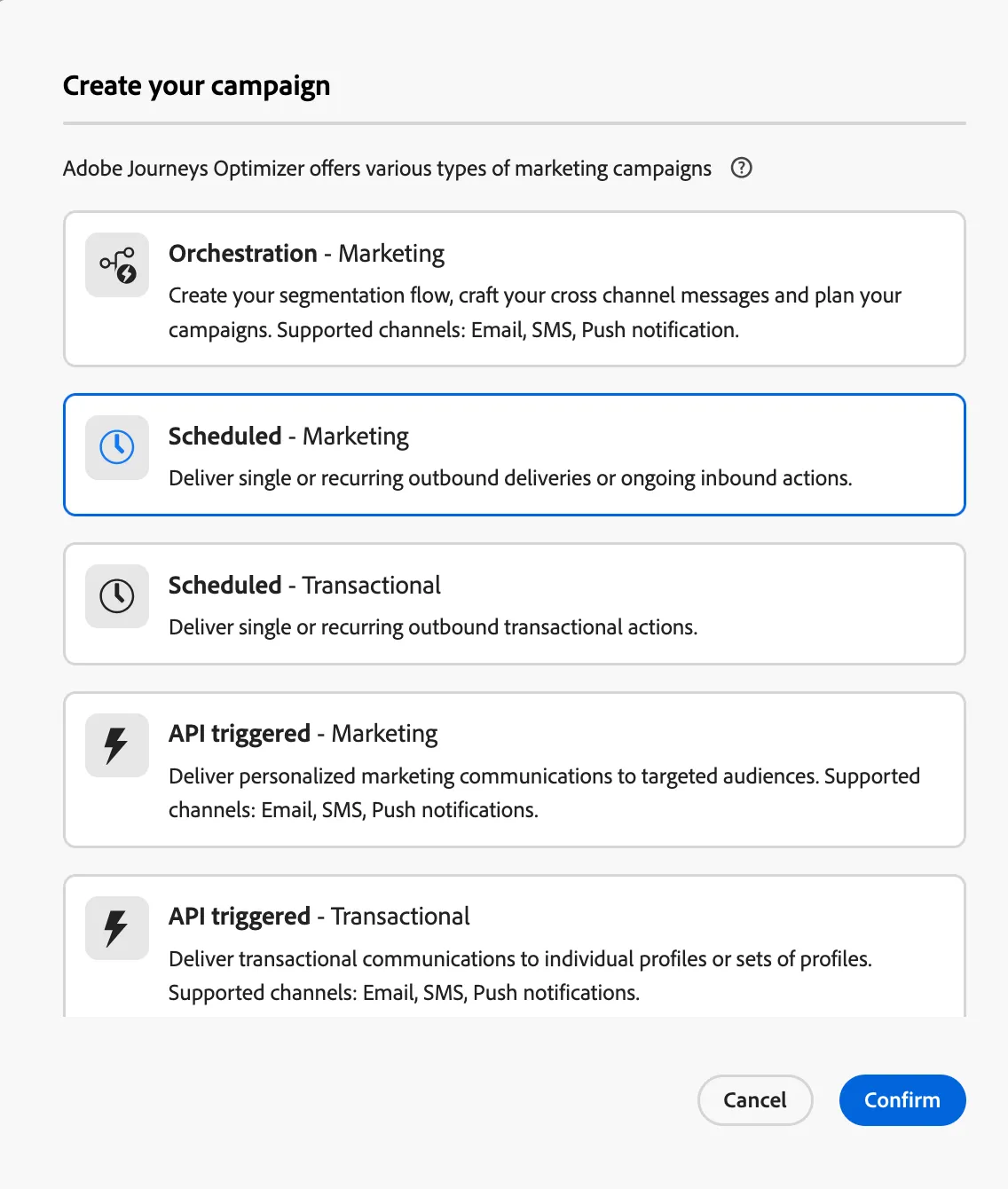
- Give the name "Usage Checking - (Your Initials).
- Go to Actions
- Select Push
- Go to Content
- Clic in the Gen AI Icone

- In Brand select your brand
- In prompt write "promo usa tu checking account y gana puntos"
- Check Title, Message, Image.
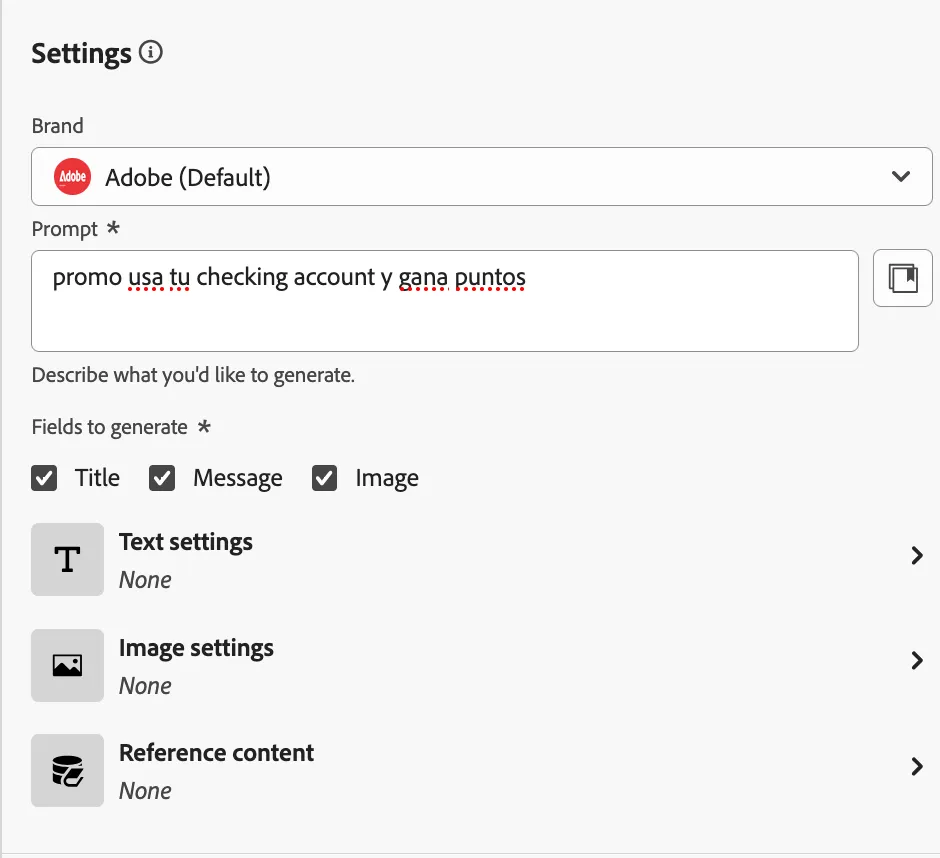
- Clic in Generate
- Select one of the variations and clic to apply
- Go to Audiences
- Select your audience "Has Checking ccount - (Your initials)"
- Go to Schedule and review the options
- Clic Review to Activate