Build Federated Audience
[Hands on keyboard!]
Create a Federated Audience Composition
Luma Air wants to send out a message to travelers that have an international flight coming up but have a passport that expires within 6 months to prevent the traveler from not being able to board the flight and minimize the disruption to Luma Air staff.
In this exercise, you will build an audience to qualify travelers that have a passport that expires within 6 months and has an international flight.
Travelers with an international flight with an expiring passport
In the Customer > Audiences portal, click the Federated compositions tab.
Click Create composition.

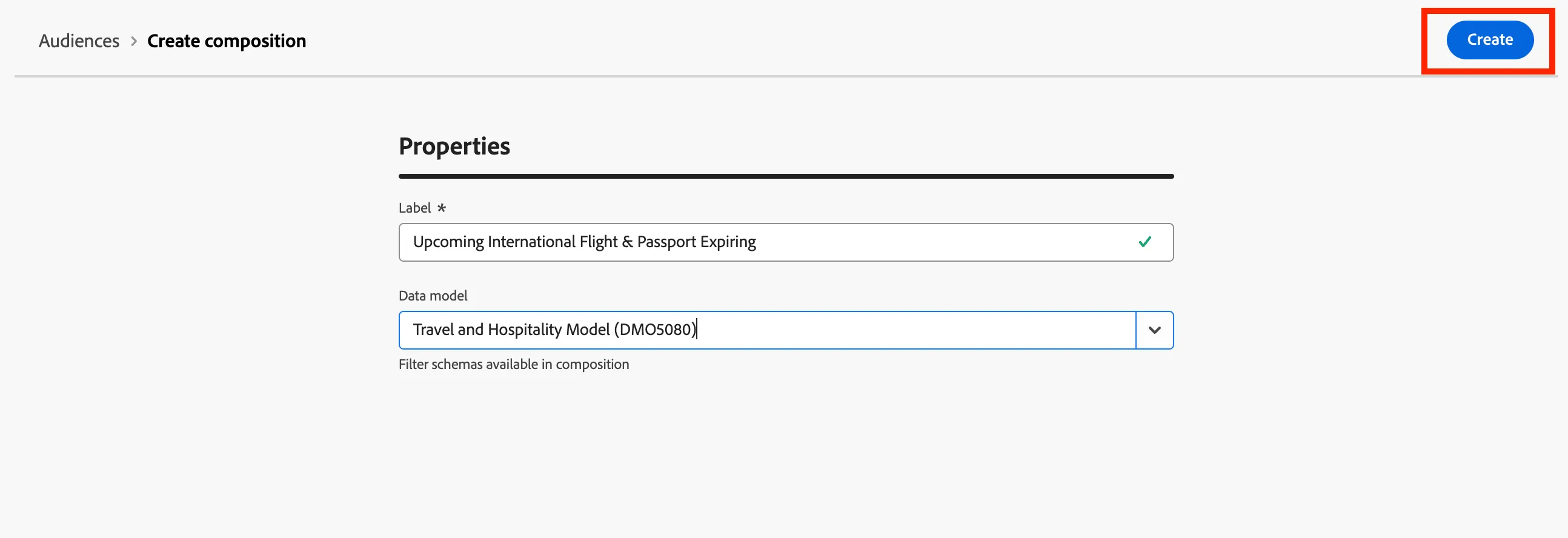
Label your composition Upcoming International Flight & Passport Expiring + add your initials. Click Create.
Click the + button in the canvas and select Build audience. The right-hand rail should appear.
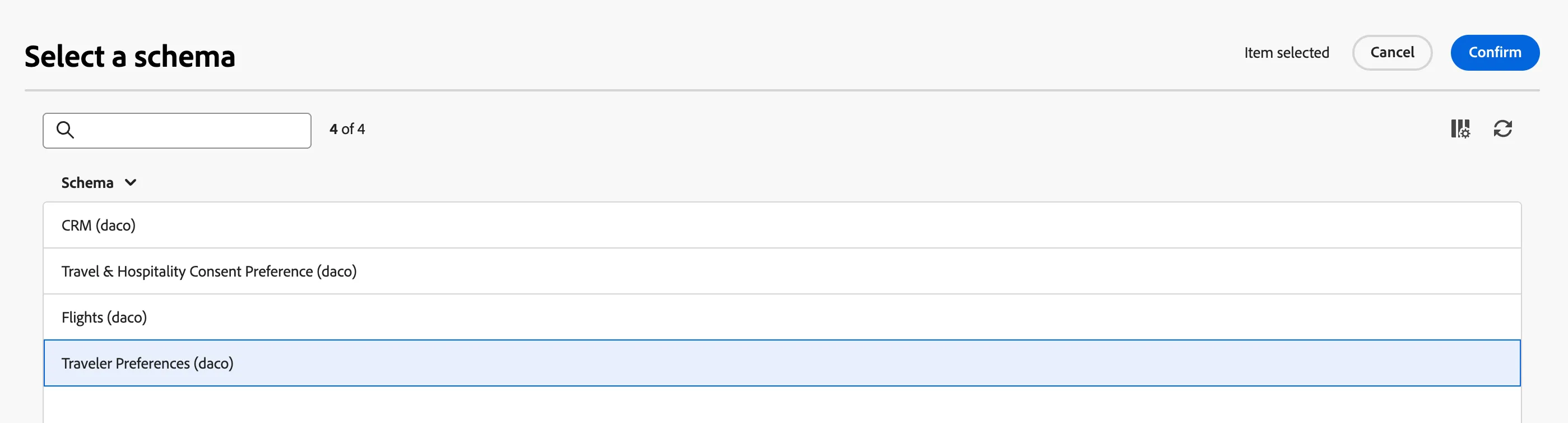
Click the schema folder to find and select the Traveler Preferences schema then click Confirm.
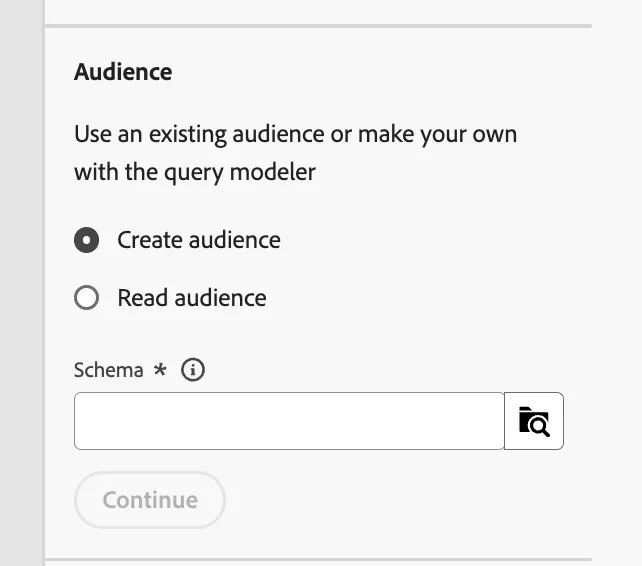
Click Create audience. The query builder window should load. Now, click the + button and then Custom Condition.
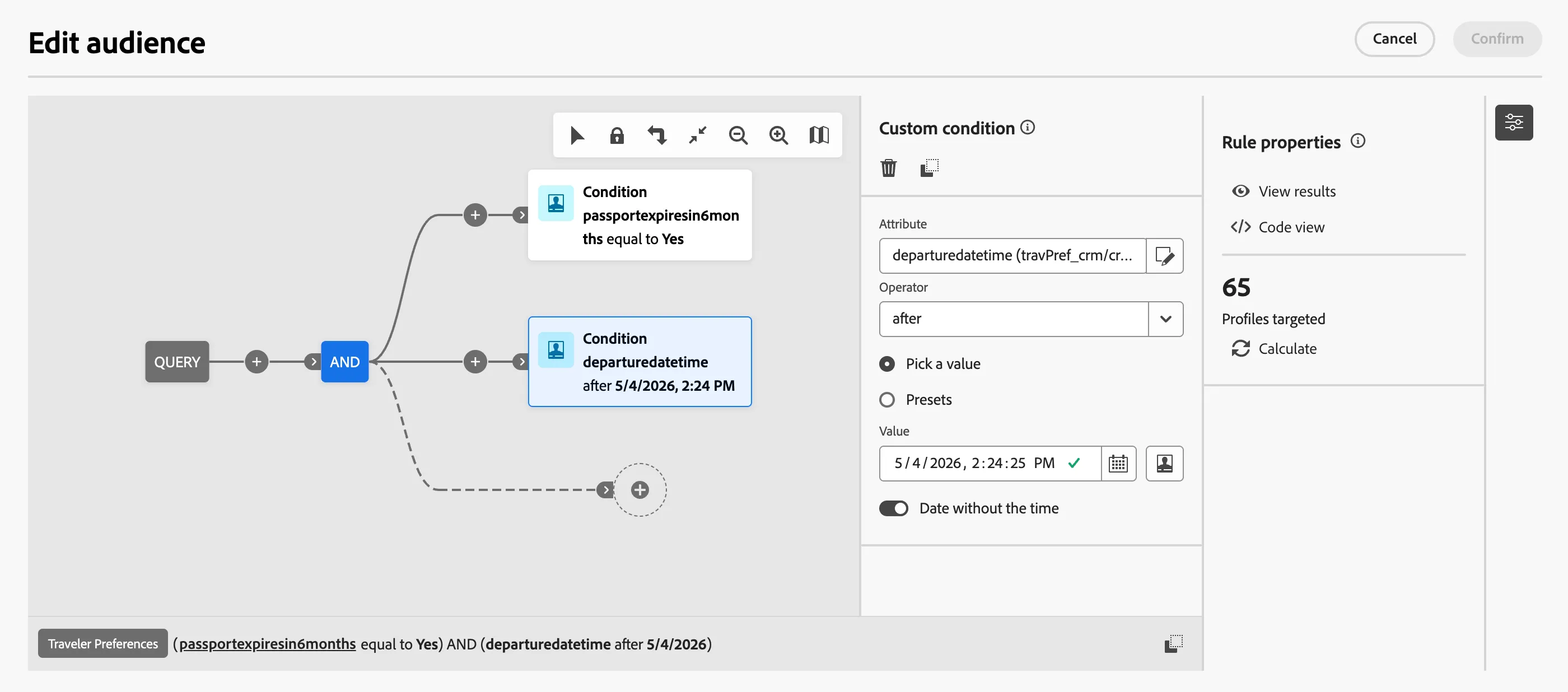
Create the following condition:
passportexpiresin6months equal to Yes
AND
departuredatetime after 5/4/2026
Your query should now look as follows:
Click the next + button then click Save audience.
Label this step Upcoming International Flight & Passport Expiring + your initials. We will use the same value as the audience label, however, any name can be used.
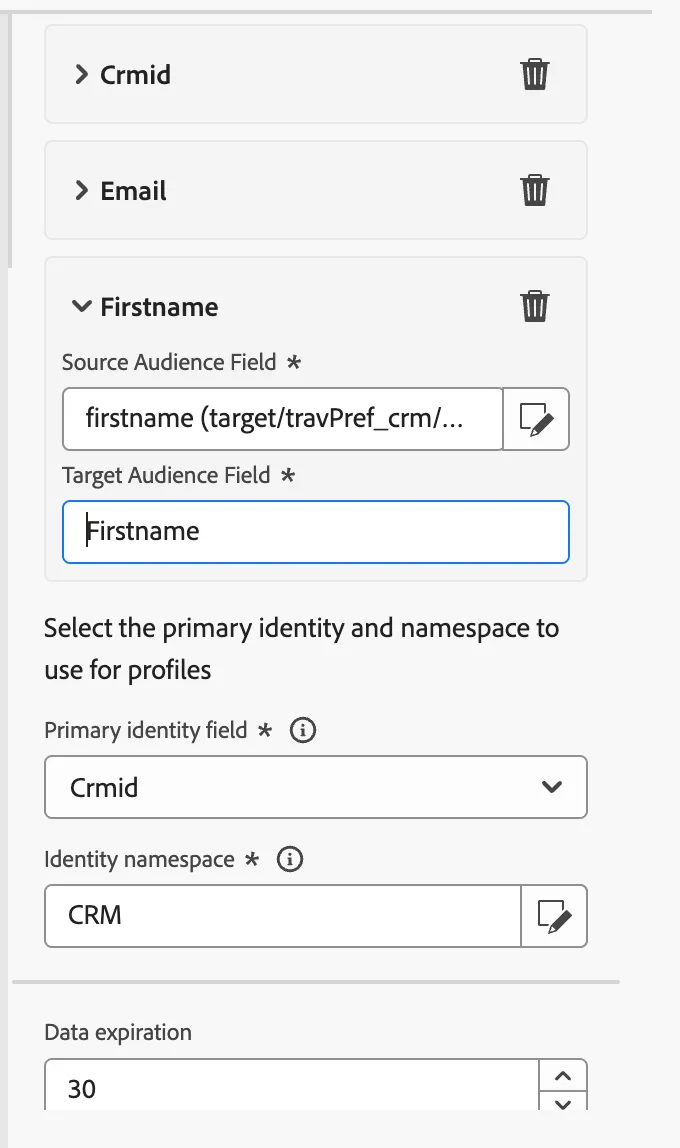
Add the following audience mappings:
Source Audience Field: CRMID
Source Audience Field: EMAIL
Source Audience Field: FIRST NAME
Select the primary identity and namespace to use for profiles:
Primary identity field: CRMID
Identity namespace: CRMID
Click Save and then click Start, to run the query of the composition you just built.