Creating a Journey
3 min
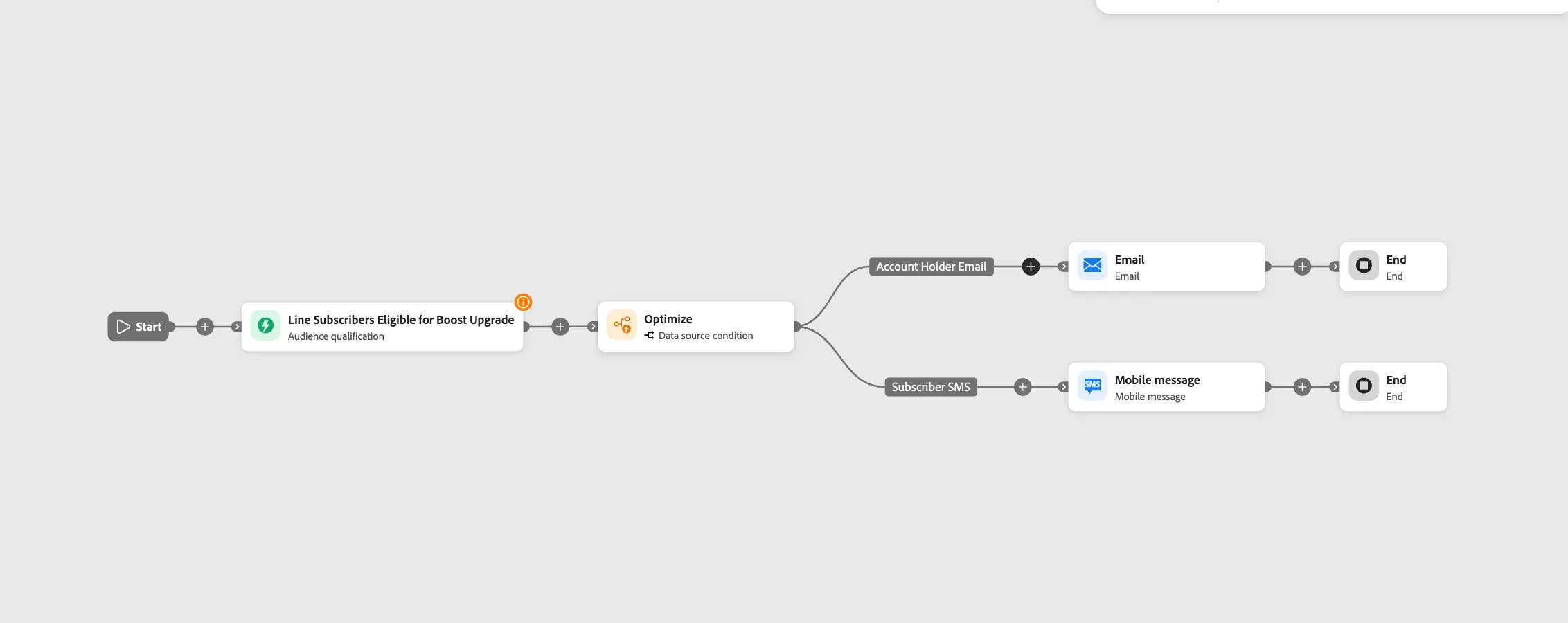
We are going to create a Journey for customers who are eligable for an upgrade for a new phone. The primary account holder will receive an email while all other line subscriber will receive a SMS message.
NOTE: Some exercises may vary during the actual Hands on Lab versus what is listed in the POC Documentation Page, due to setup and / or Presenter preferences.
Create a Journey
- Navigate to Journeys
- Click on “Create Journey”
- Provide a Name and Description: "Upgrade Phone Journey + Your Initials"
Define the Audience
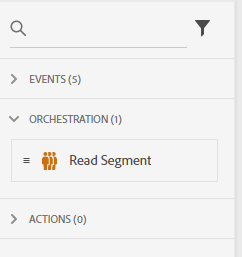
- Under Orchestration Node, drag the “Read Segment” onto the Canvas.
- Select “Line Subscribers Eligible for Boost Upgrade”.
- Under namespace select B2B Person
- Click Save.
- Add Optimization
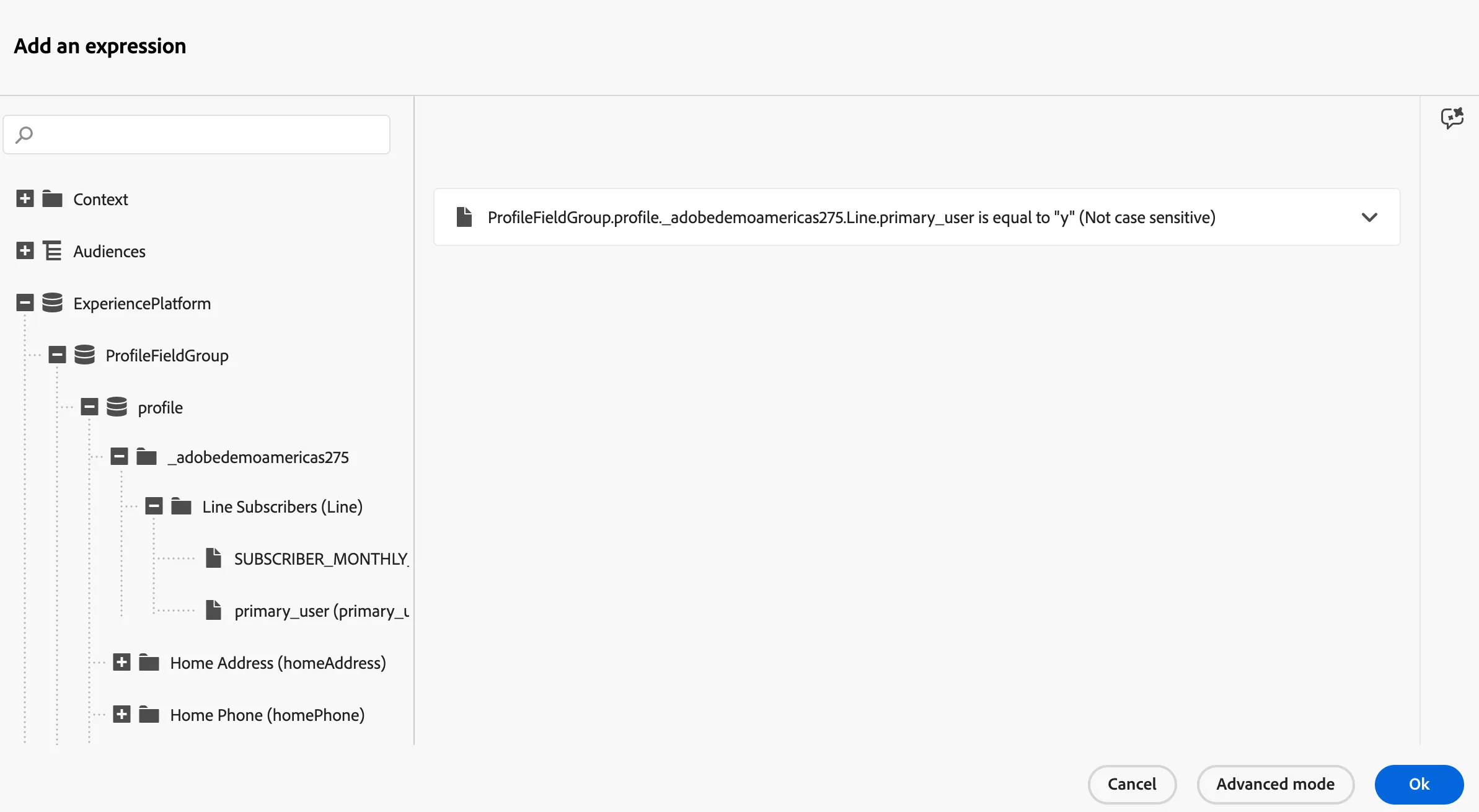
- Path 1: Account Holder Email
- Select Primary_user where it equals 'Y"
- Add Action and select Email
- Select a Template and update for the use case
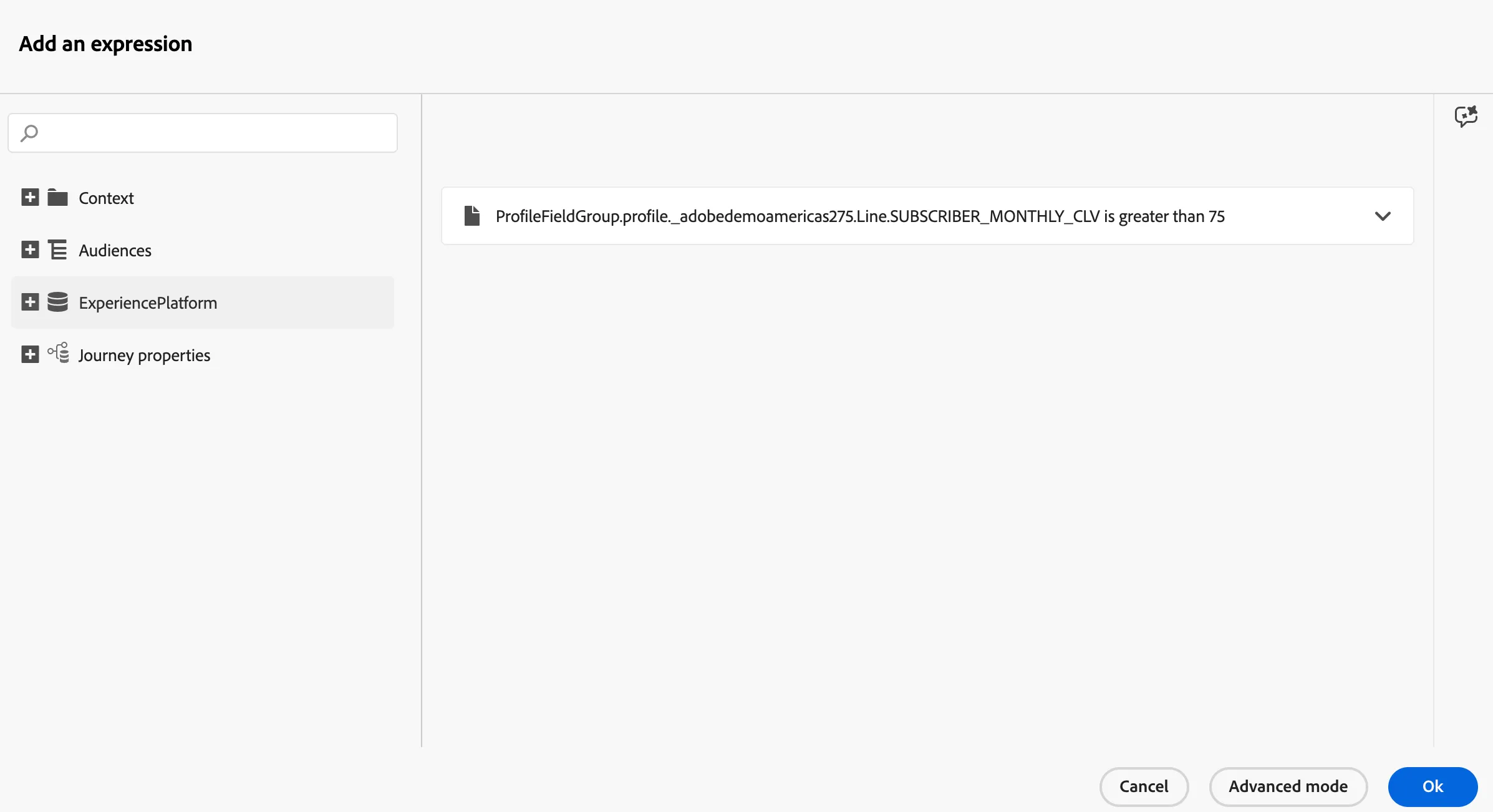
- Path 2: Subscriber SMS
- Select SUBSCRIBER_MONTHLY_CLV is Greater Than 75.
- Add Action and select SMS
- Select a Template and update for the use case