Real-Time Customer Data Platform Profile
Profile Overview
Adobe Experience Platform enables you to coordinated, consistent, and relevant experiences for your customers no matter where or when they interact with your brand. With Real-Time Customer Profile, you can see a holistic view of each individual customer by combining data from multiple channels, including online, offline, CRM, and third party. Profile allows you to consolidate your customer data into a unified view offering an actionable, timestamped account of every customer interaction. This overview will help you understand the role and use of Real-Time Customer Profile in Experience Platform.
Account profiles enable you to unify account information from multiple sources. This unified view of an account brings together data from across your many marketing channels and the diverse systems that your organization is currently using to store customer account information.
Exercise
In this section, we will perform a series of steps to do the following:
- Explore an existing profile
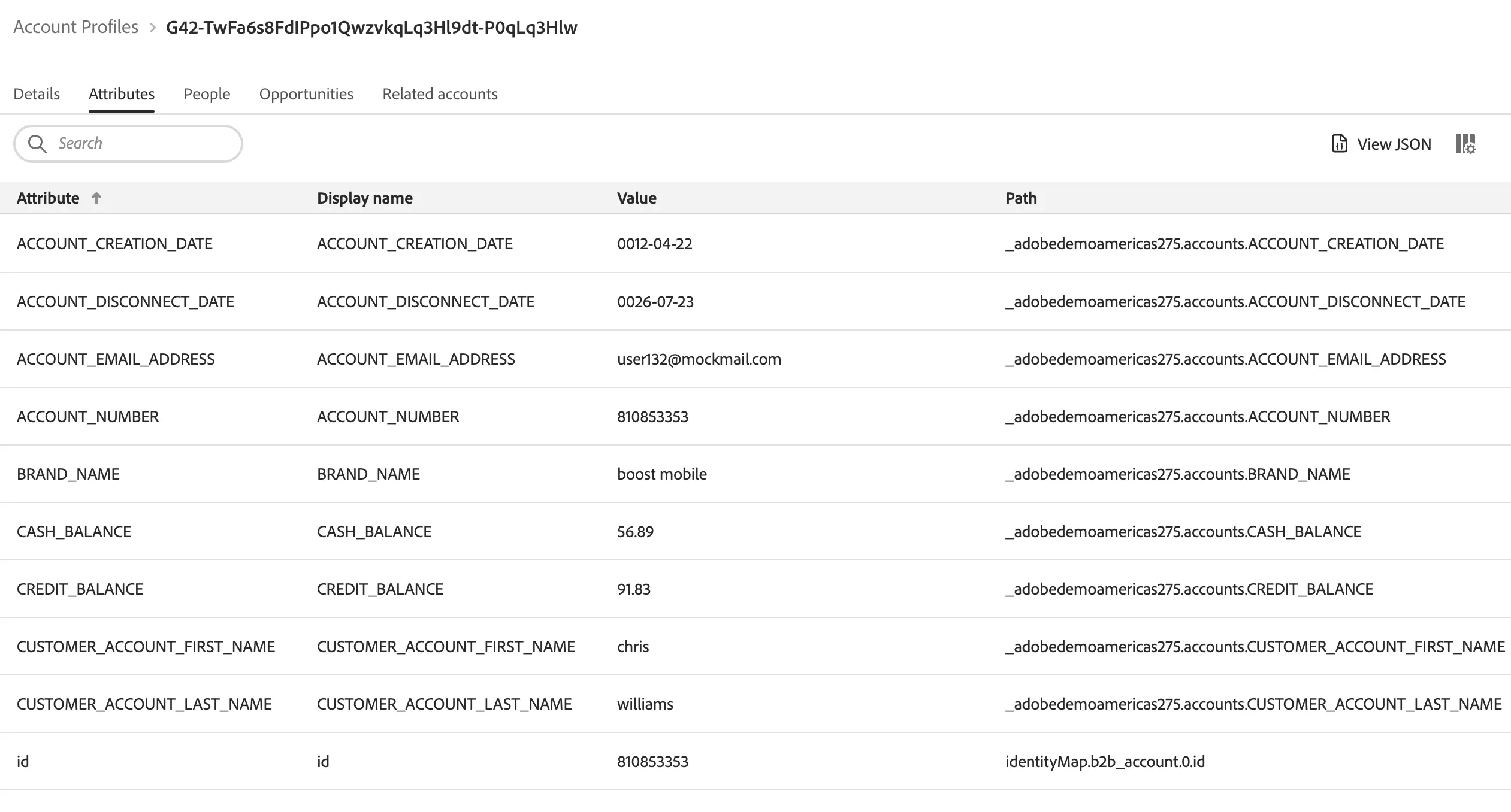
- Explore an existing account profile
Objective: In this exercise, we will look up customer profiles to view profile attributes identities. We will also look at the account profile that is associated with the customer profile.
Instructions:
View Customer Profile:
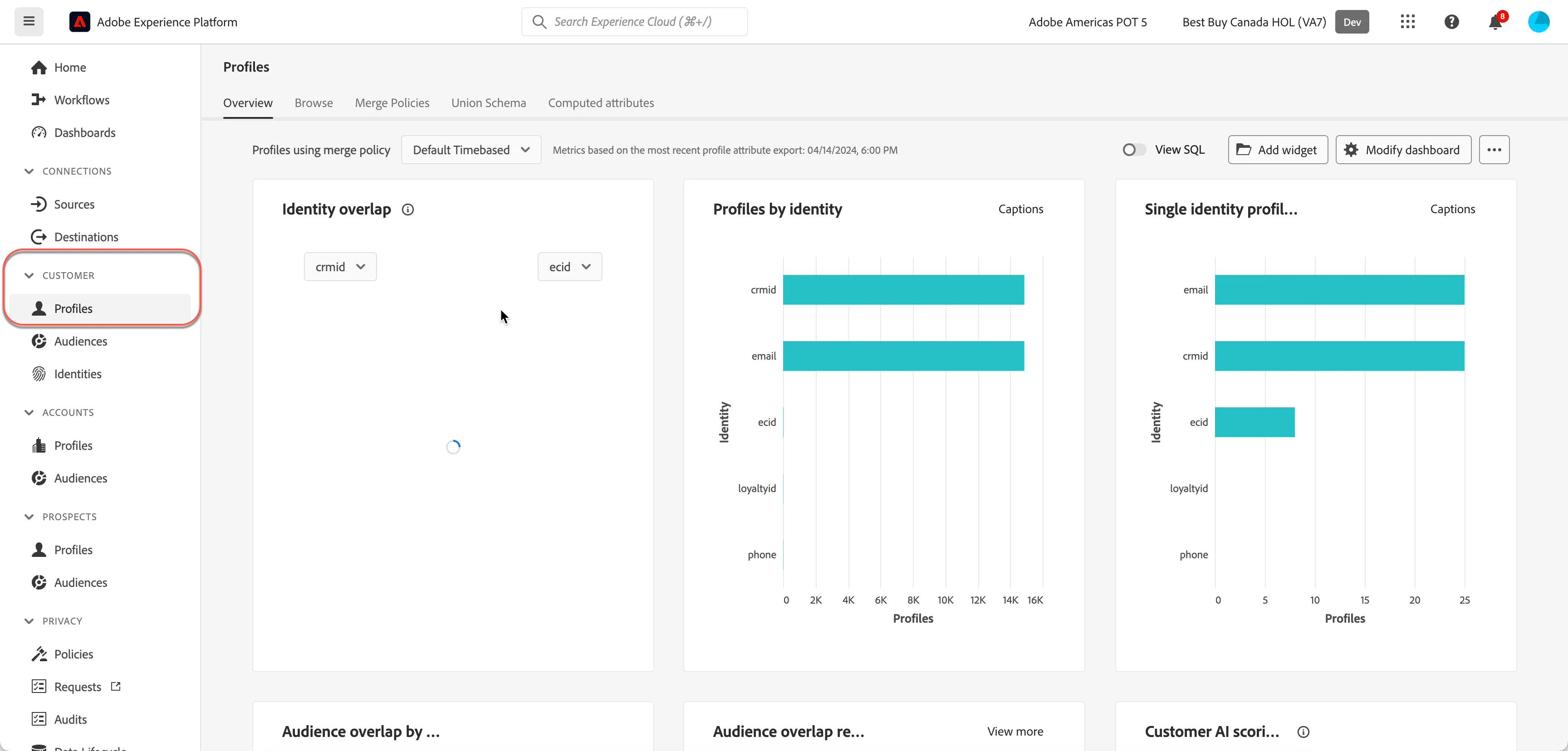
- Open AEP UI and navigate to Customer > Profiles page
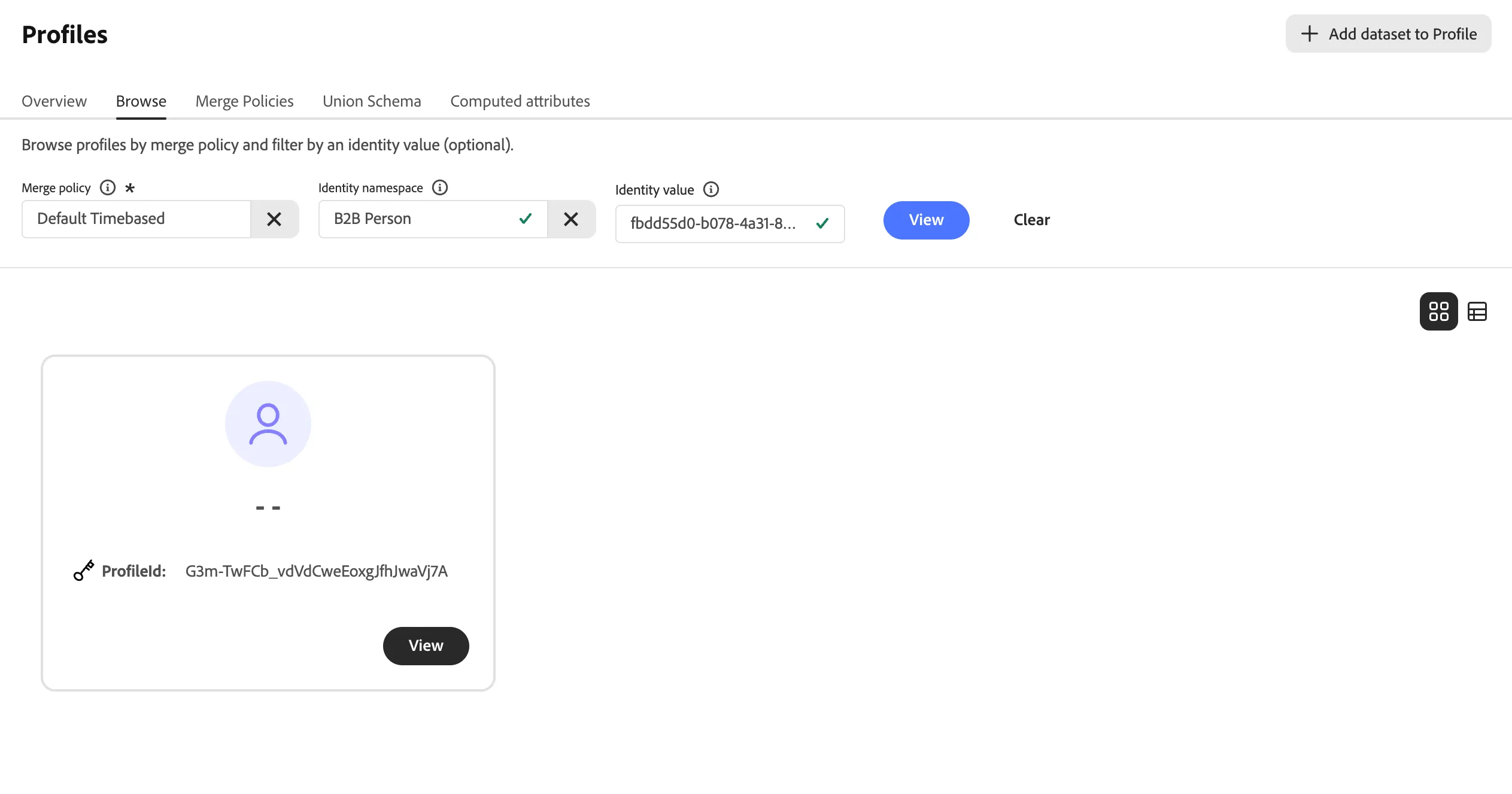
- Open the Browse tab. Search and select the B2B Person namespace. Enter fbdd55d0-b078-4a31-8097-e12706958fb0 to view the profile
- Click on Accounts
View Account Profile:
- Open AEP UI and navigate to Account > Profiles page
- Open the Browse tab.
- Search and select the following:
- Browse By: Others
- Source Name: SourceX
- Source Instance: SourceX1234
- Account ID: 810853353