Creating a Point of Interest (cloned with children)
3 min
Adobe Places Service is a geo-location service that enables mobile apps with location awareness to understand the location context to create a more personalized and engaging experience.
Creating a Point of Interest
POI Management
To get an overview of all Points of Interest:
- Click on and navigate to Adobe Experience Platform.
- In the menu on the left side, click on Places. You will be taken to the POI Management interface.
- Filter the interface by clicking on the filter icon and set the library to emea.
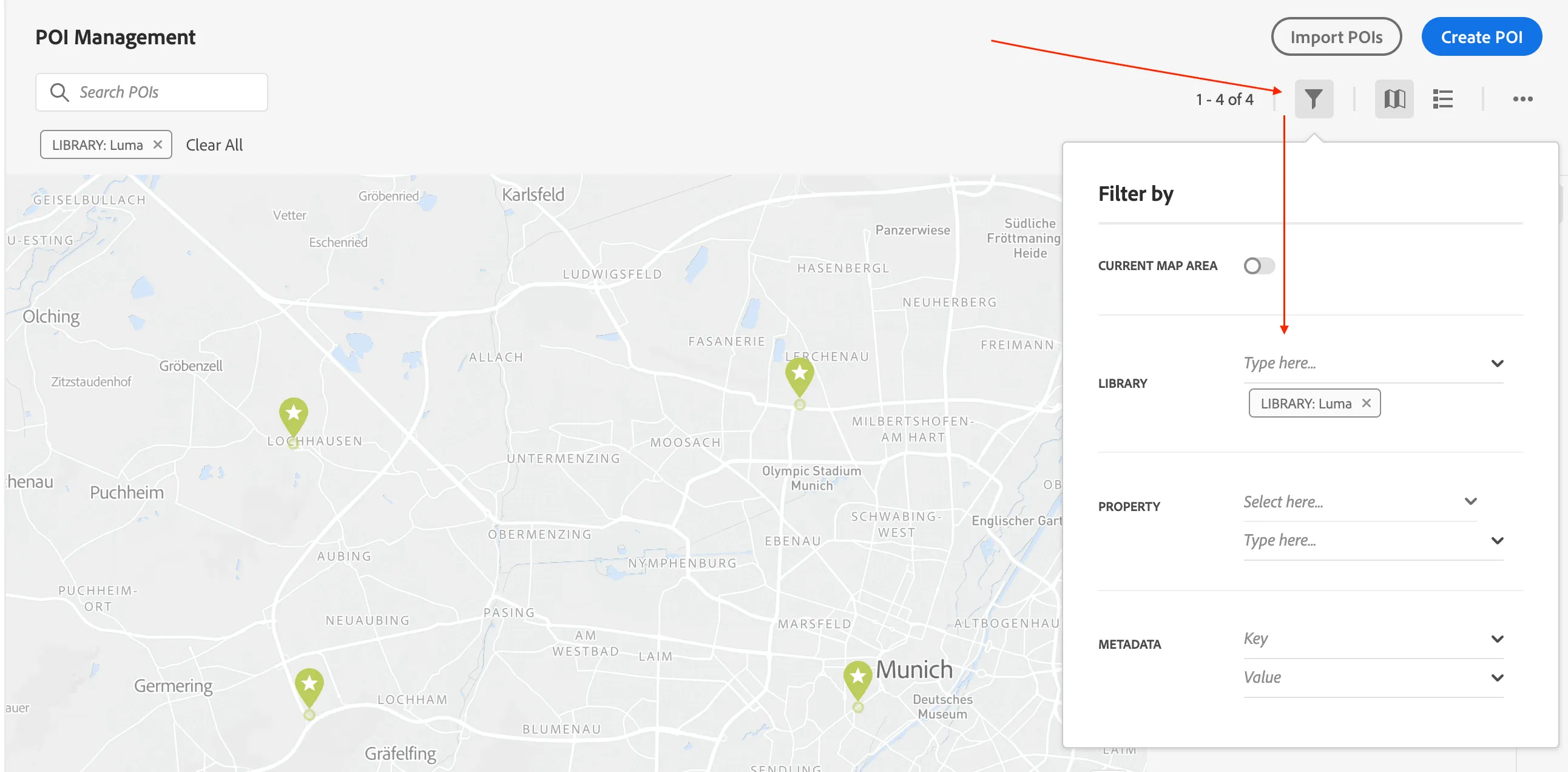
Creating a Point of Interest (POI)
We'll be creating a POI for a new Luma store so we can use it's geolocation to trigger our journey if a customer enters it.
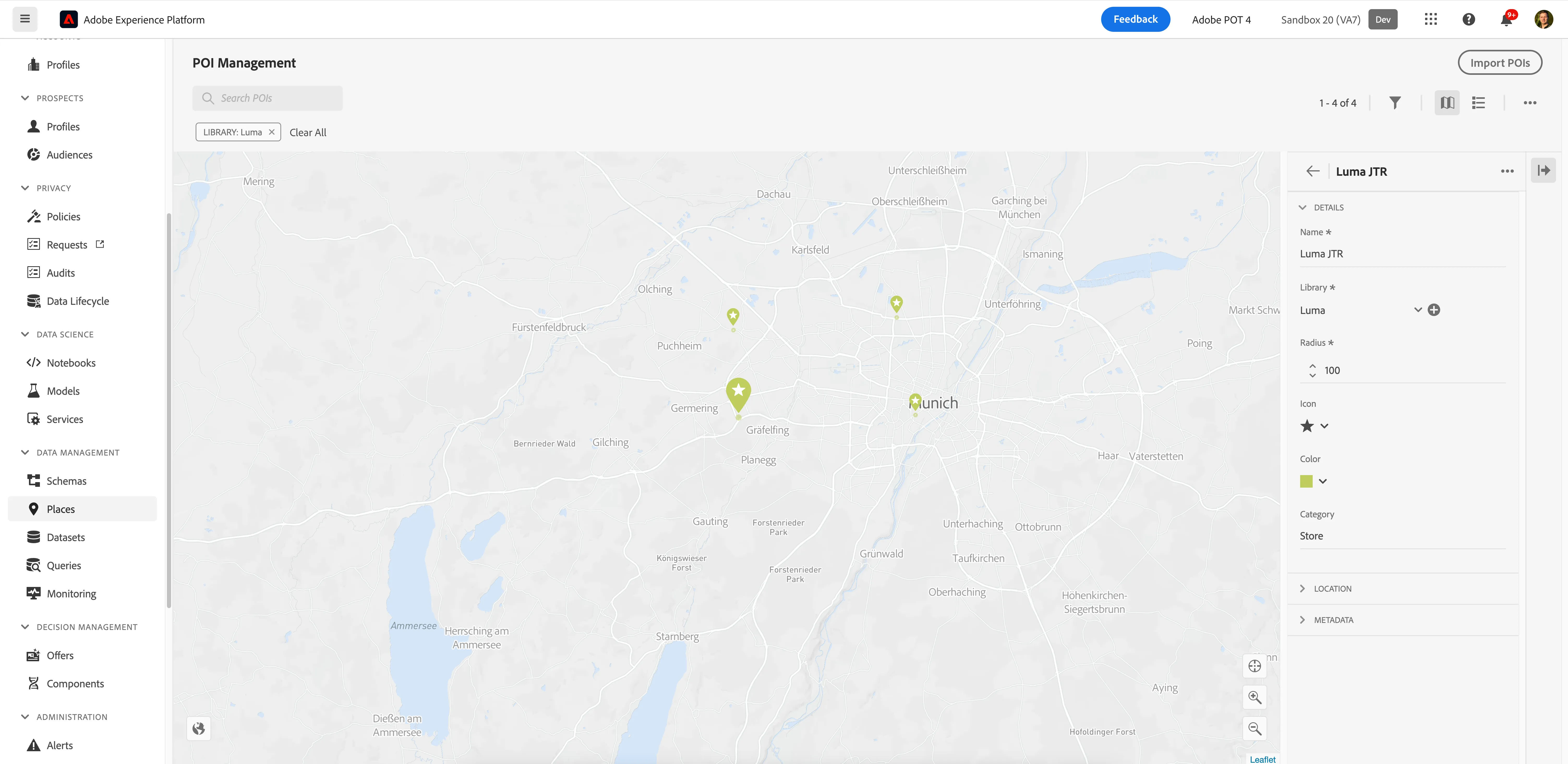
Click on Create POI. A menu will open on the right side.
- Give your store a name like [your name] My Luma Store.
- Make sure the Library is set to emea.
- Leave the radius at 100. This setting defines how large the POI is (in meters).
- Set the Icon to whatever you prefer.
- Set the Color to lightgreen.
- Set the Category to Store.
- Unfold Location, scroll down and click Drop Pin on Map. This will allow you to click anywhere on the map to place your POI. Choose a location and drop your pin. You'll know you did it right if the latitude and longitude become populated.
- Click Save to create your POI.
You're now finished creating your POI. Click on nine-dots icon on the top right corner and navigate back to Journey Orchastration.