Testing the journey
If you didn't finish your Journey, you can still test an example journey.
Duplicate the [Example] Engage - Delivery notification Journey and replace the entire name with [{{LASTNAME}}] Engage - 2 weeks before 1st loan repayment.
In Adobe Journey Optimizer you can run journeys in test mode to test if the outcome of your journeys aligns with your requirements.
To enable test mode, click on Simulate on the top right of your journey.
Select then Test mode and confirm
While in test mode, you can not make changes to the journey. You'll also notice that the left menu is replaced with the Test mode panel.
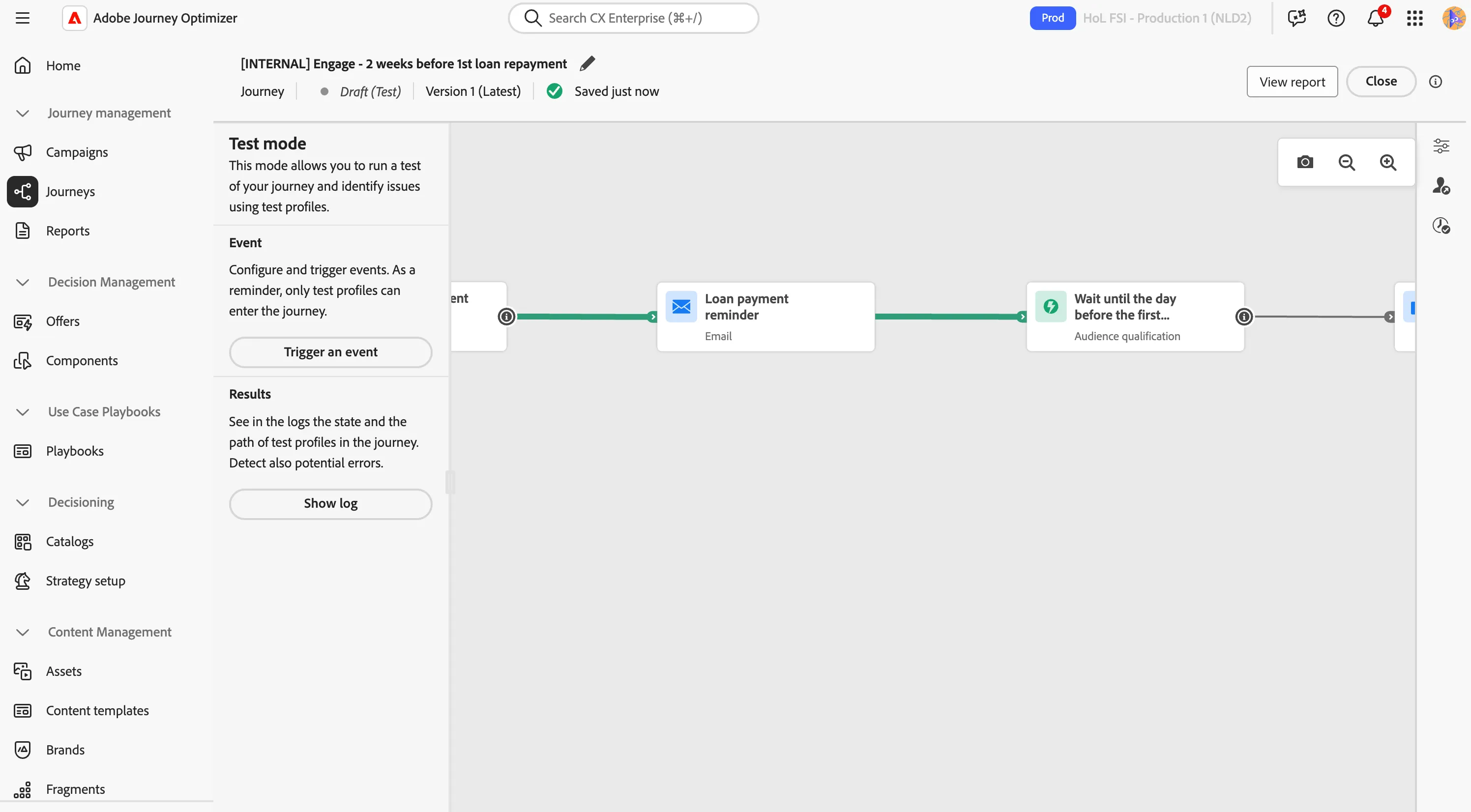
- Set the Wait Time to 10 seconds. This feature overwrites any wait-activities or timeouts with the given value. This will mean you do not have to wait 3 days for the wait conditions.
- Click on Trigger an event. This will open a window. In this window you can enter your ECID as the Profile identifier*.
- Click Send to start the test.
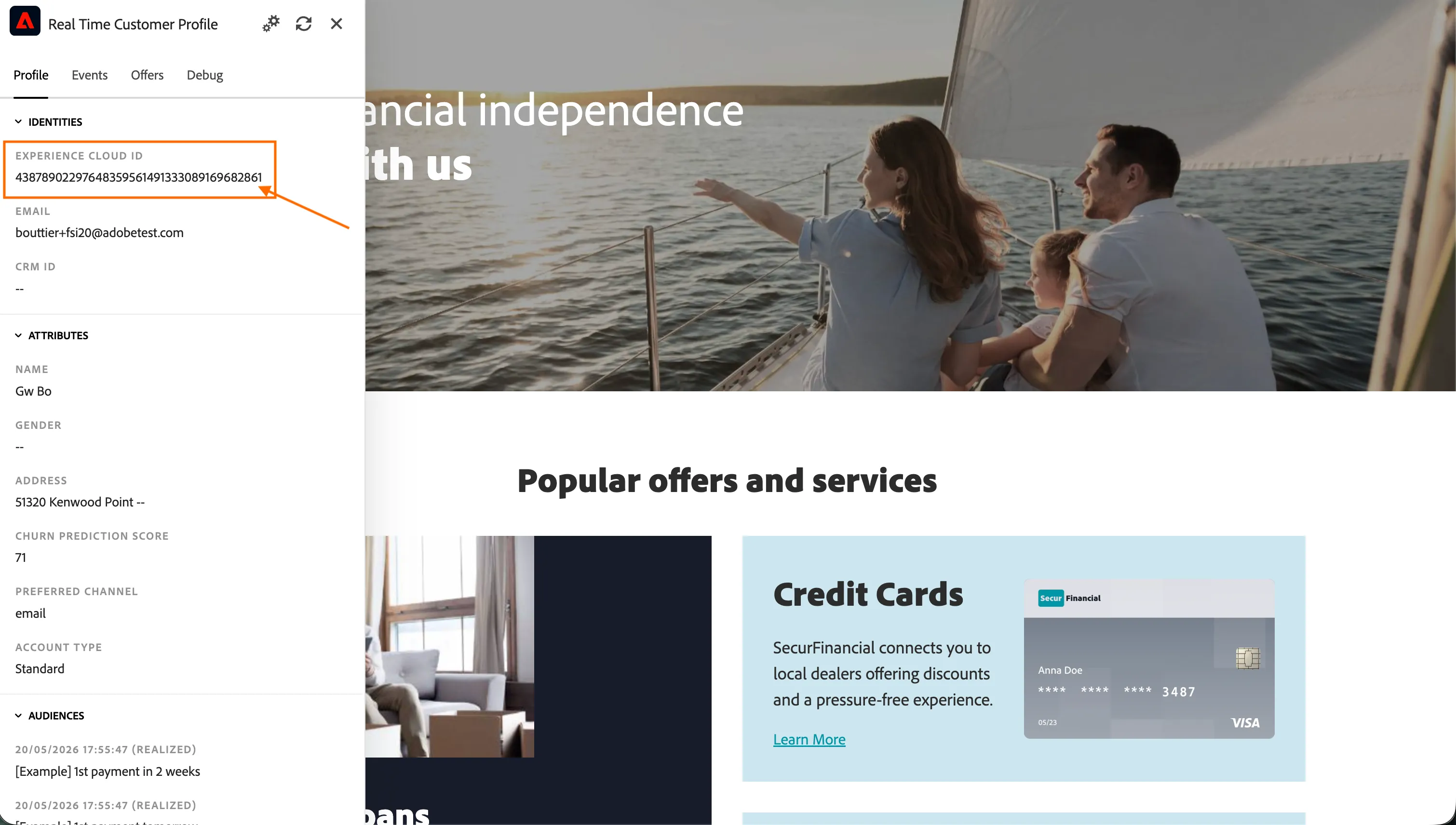
If you don't remember ECID:
- open the Luma website.
- Click the icon
 to open the Profile Viewer.
- In the Identities section you can find the Experience Cloud ID (ECID).
This way the profile used for the test will have your email and you can receive the communications.
*For the Profile Identifier, please use the same email address you've been using for the previous Labs if you want to receive the test emails.
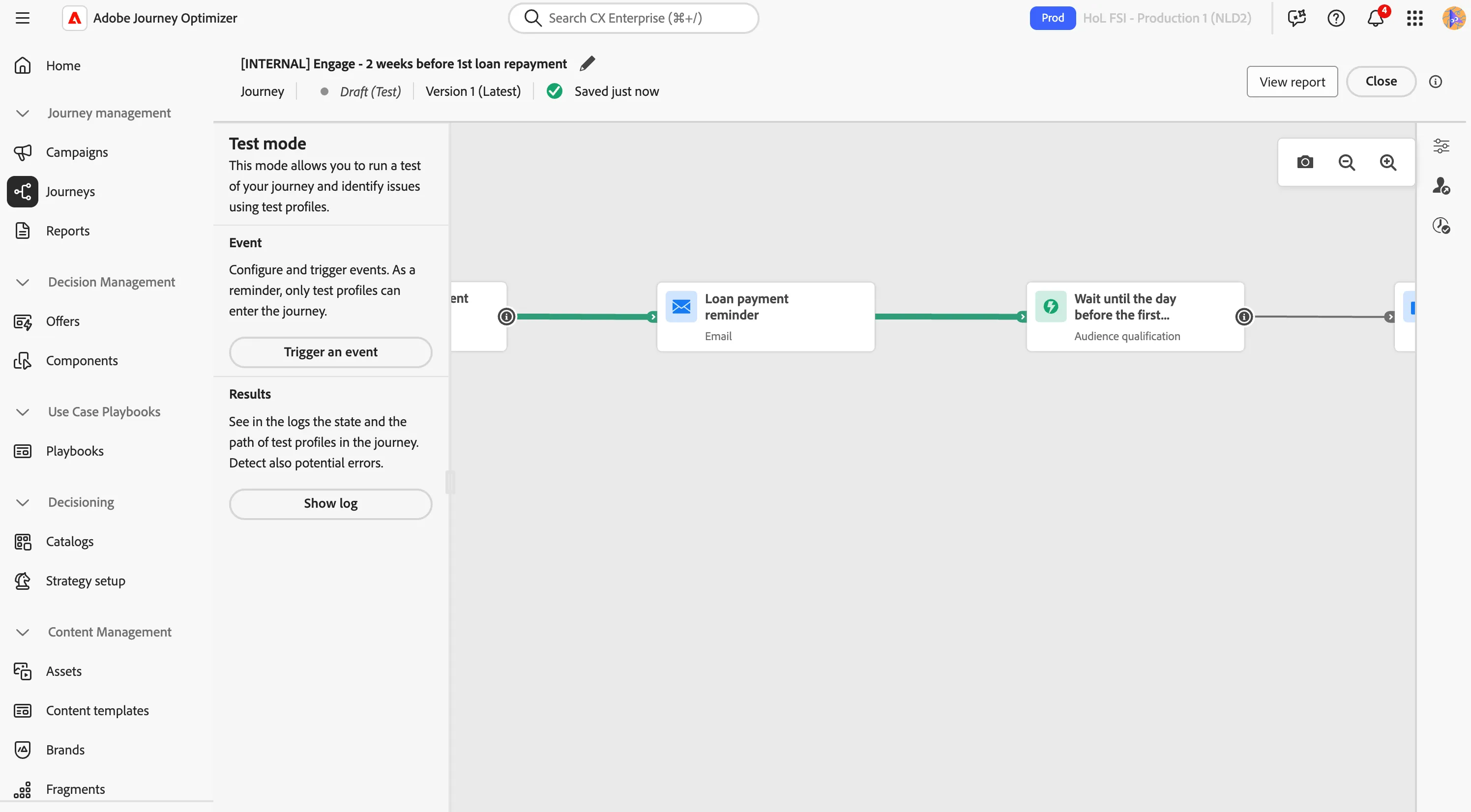
The window will close and the test will now start. In a few moments you'll see more arrows turn green. This is your test profile moving through the journey. You will receive the email(s) within the next minute. Your screen should look like this:
You've now tested your journey.
- Turn off test mode by clicking Close in the top right corner.
- Click the < in the top left to navigate back to the Journeys overview.
Recap
Well done! With the Engage section you have explored how Adobe Journey Optimizer delivers personalised experiences at high-intent moments:
- Offers and decision policies to recommend the most relevant content to each customer in real time.
- Audience-triggered journeys with send-time optimisation and conditional actions.
- Custom actions to integrate external systems — like a call-centre platform — directly into the journey flow.
In this section the customer, waiting to pick up the yoga mat in store, received a timely delivery notification enriched with personalised post-sale offers. And if the order had not been collected in time, the call centre would have stepped in to close the loop. With the order almost in the customer's hands, the next section, Experience, focuses on the in-store moment itself.