Understand the targeted audience
In this exercise, you’ll understand how the Customer qualified for a premium Loan subscription can be contacted. Audience has been created by making use of Adobe Experience Platform’s Audience Builder. This is a rule-based audience in AEP.
Audience Overview
To log into the Adobe Experience Platform, check the Environment & AccessEnvironment & Access page.
To get an overview of available audiences in Adobe Experience Platform:
- In the menu on the left side, click on Audiences. You will see a dashboard overview with information on a specific audience.
- Click on Browse at the tab bar. You will see an overview of all existing Audiences.
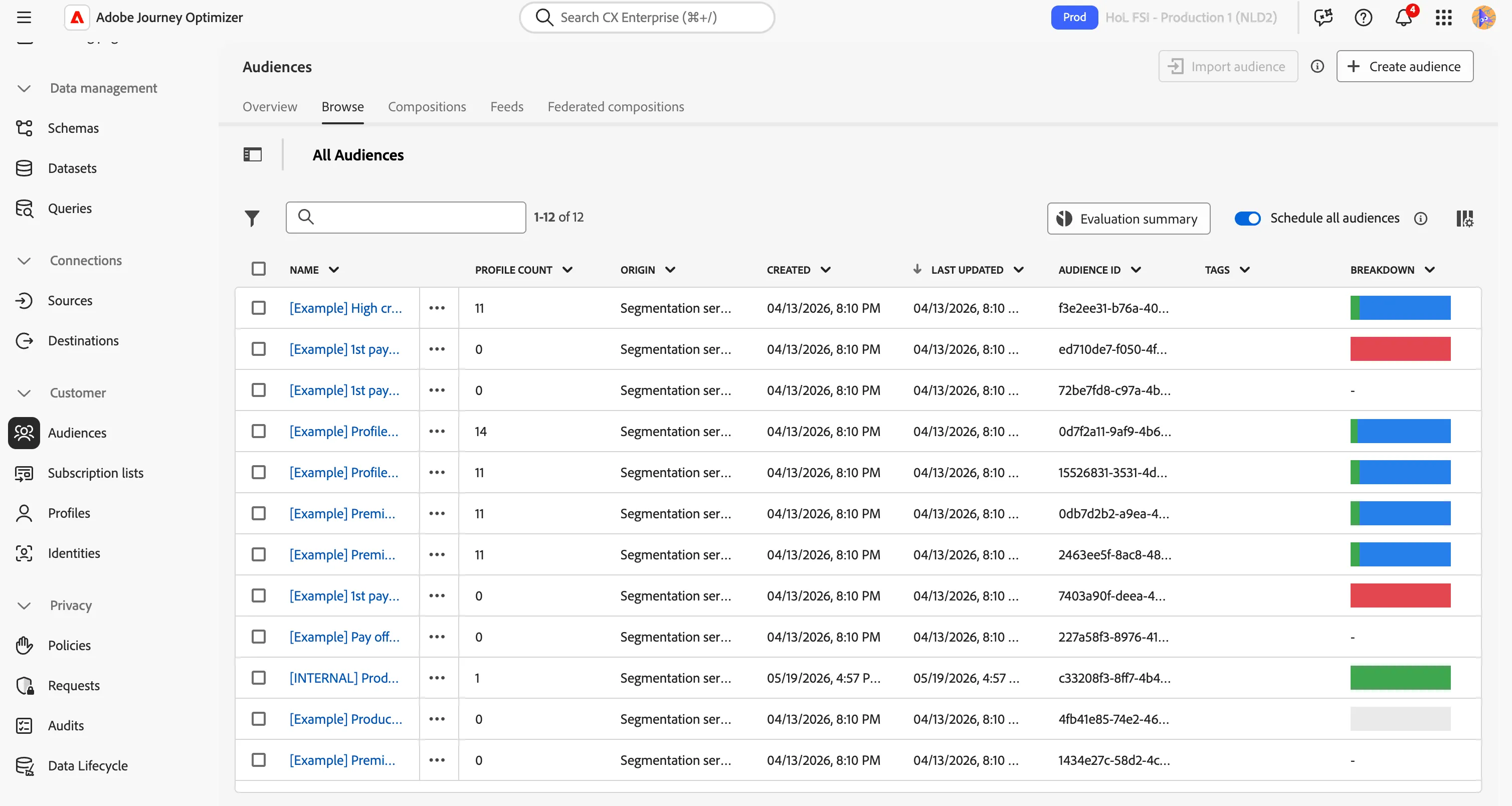
- Click on the [Example] Premium Loan Qualifiers audience to open it
- In the top-right corner, click on Edit audience to enter the audience builder section.
- Observe how the house hold income is leveraged in a condition.
- Open the drop-down menu for the Credit Classification attribute and look at the different values available.
- Do the same for the Checking Account Type
- On the right-hand side, click on the Refresh estimates button and look at the number of profiles currently in this audience.
You now understand how AI score can be leveraged within an audience using the Adobe Experience Platform Audience Builder.