Testing the Journey
Testing the journey
If you didn't finish your Journey, you can still test an example journey.
Duplicate the [Example] Experience - Enter bank Journey and prepend the name with [{{LASTNAME}}].
If you want to fully experience this journey, make sure to have the Secur Financial demo app installed on your phone and linked to your test profile.
A guide on how to do this can be found under Introduction > Mobile App.
In Adobe Journey Optimizer you can run journeys in test mode to test if the outcome of your journeys aligns with your requirements.
To enable test mode, click on Simulate then on Test mode on the top right of your journey.
While in test mode, you can not make changes to the journey. You'll also notice that the left menu is replaced with the Test mode panel.
- Click on Trigger an event.
- Set Event Type to location.entry
- Set Core to your ECID.
- Set the POI name to the name of the bank you are passing by (ex: SecuFinancial).
- Set the POI type to bank.
- Click Send to start the test.
If you don't have your test profile's ECID at hand, you can find your test profile in AEP using your email address.
Otherwise you can open the Profile Viewer in the Secur Financial website.
The window will close and the test will now start. In a few moments you'll see more arrows turn green. This is your test profile moving through the journey. You will receive the push notification within the next minute. Your screen should look like this:
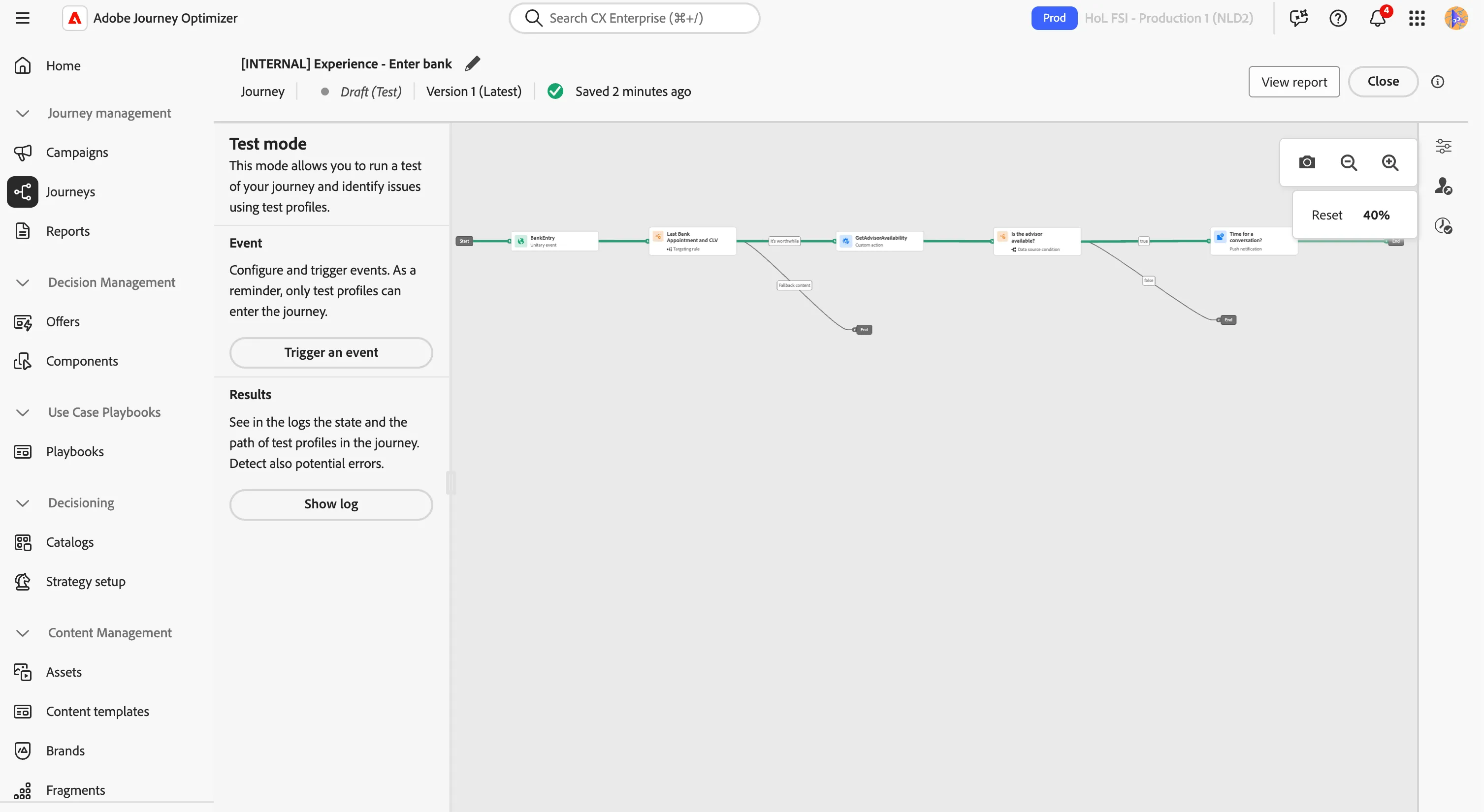
You've now tested your journey.
- Turn off test mode by clicking Close in the top right corner.
- Click the < in the top left to navigate back to the Journeys overview.
Recap
Well done! With the Experience section you have explored how Adobe Journey Optimizer triggers contextual experiences based on real-world signals:
- Points of Interest to map physical locations and detect when customers are nearby.
- Location-based journeys triggered by geofence entry events.
- Custom actions and data source conditions to enrich the journey with real-time information, like store opening hours.
In this section the customer, walking past a Secur Financial bank, received a push notification about the availability of an advisor.The relationship with Secur Finacial is only just starting: the next section, Grow, focuses on evoling the relationshipterm members.
You have just completed the Experience section, let's now move on to the Grow section!