Schemas: in-Platform Walkthrough
Note: This portion will be a demo. Follow the instructor as they proceed to review an existing Schema
A schema is a set of rules that represent and validate the structure and format of data. At a high level, schemas provide an abstract definition of a real-world object (such as a person) and outline what data should be included in each instance of that object (such as first name, last name, birthday, and so on).
In addition to describing the structure of data, schemas apply constraints and expectations to data so it can be validated as it moves between systems. These standard definitions allow data to be interpreted consistently, regardless of origin, and remove the need for translation across applications.
Review an existing Individual Profile Based Schema
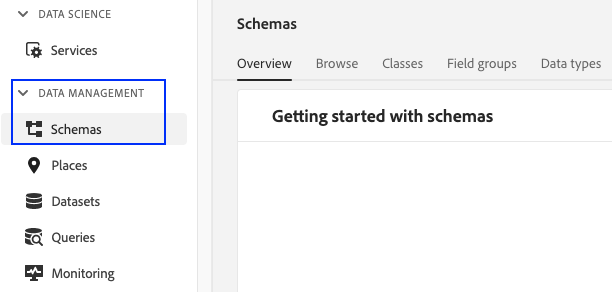
- Navigate to Schemas under Data Management in Adobe Experience Platform UI
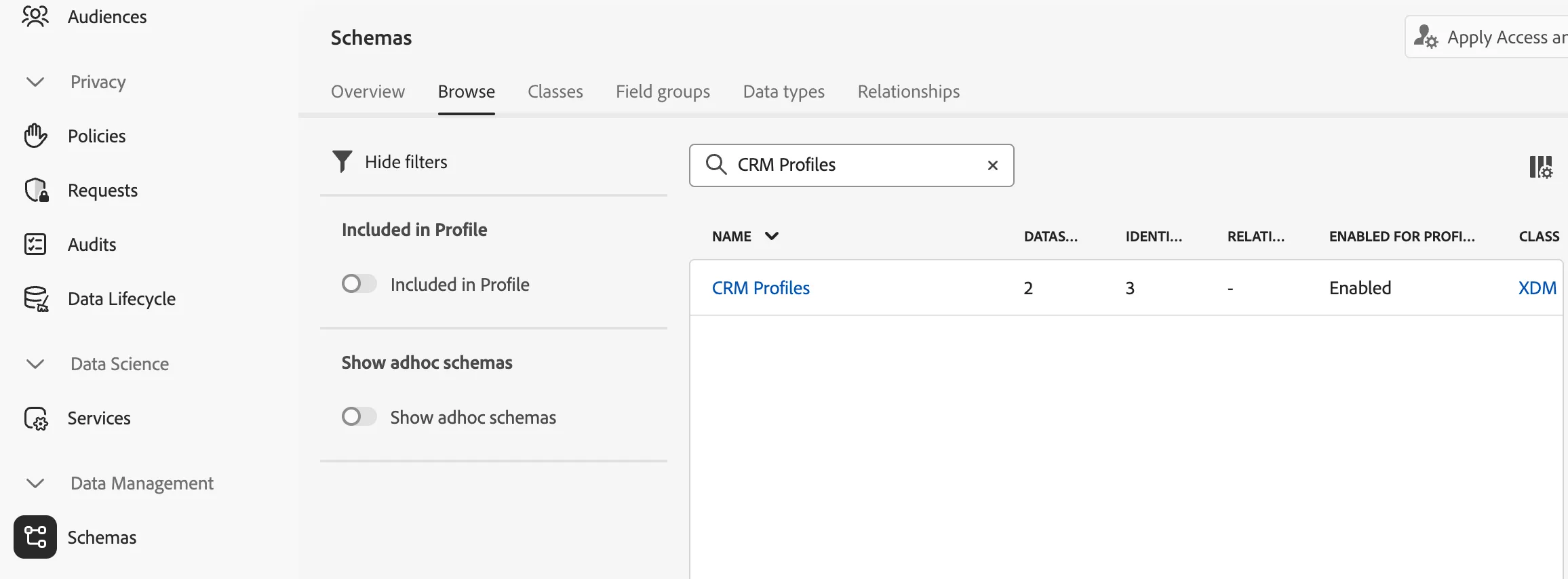
2. Click on the Browse tab. Search for CRM Profiles. Click on the schema name to explore this schema
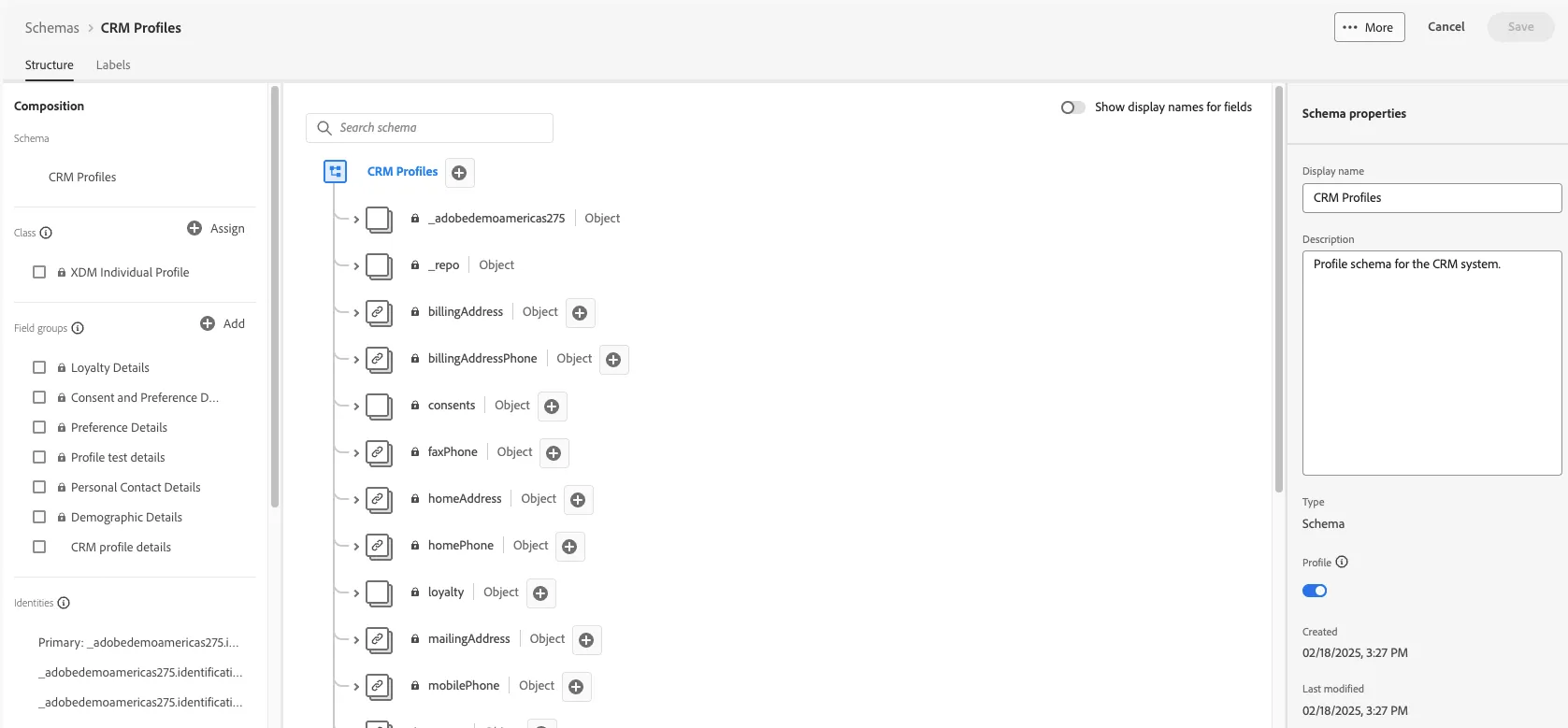
3. Review the following components within the schema
- Class
- XDM (Experience Data Model) structure of the schema
- Field Groups
- Identitites
- Profile button