Sharing Filters from CJA to CDP
Objective
Create and publish audiences identified in Customer Journey Analytics (CJA) to Real-Time CDP (RTCDP) in Adobe Experience Platform for customer targeting and personalisation.
Create audience
- To create audiences, you have three ways to get started:
- Build the audience of your choice with the method of your choice - for option 1 above, it would look like this:
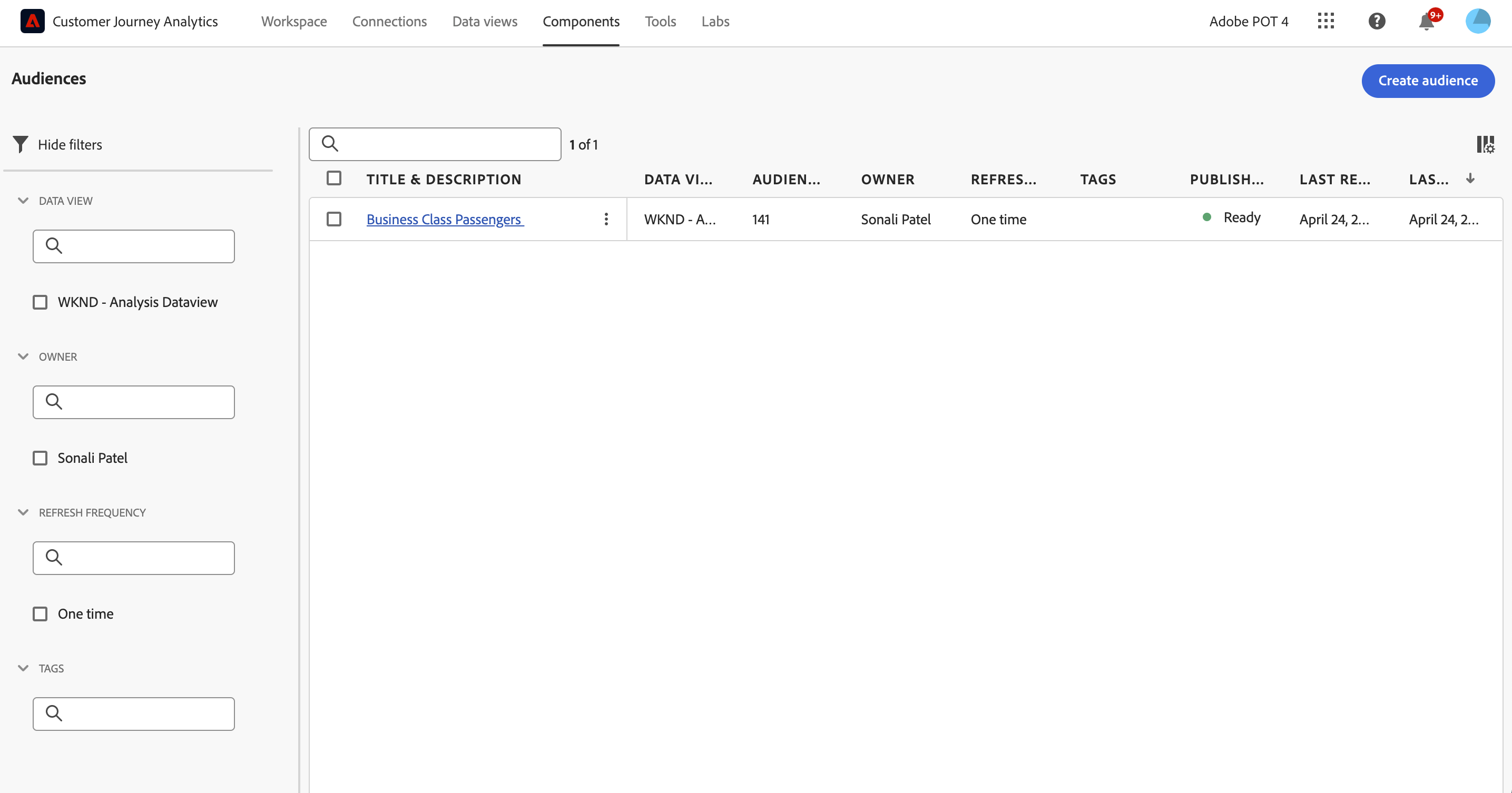
- Interpret the data preview. The audience preview appears in the right rail. It allows for a summarised analysis of the audience you have created.
- Double-check your audience configuration and click Publish.
- Click View audience in AEP within the same message and you will be taken to the Segment UI in Adobe Experience Platform.
What happens after an audience is created?
After you have created an audience, Adobe creates an Experience Platform streaming segment for each new CJA audience. An AEP streaming segment will only be created if your organization is set up for streaming segmentation.
- The AEP segment shares the same name/description as the CJA audience, but the name will be appended with the CJA audience ID to ensure that it is unique.
- If the CJA audience name/description changes, the AEP segment name/description reflects that change as well.
- If a CJA audience is deleted by a user, the AEP segment is NOT deleted. The reason is that the CJA audience may later get undeleted.
Use CJA audiences in Experience Platform
CJA takes all the namespace and ID combinations from your published audience and streams them into Real-time Customer Profile (RTCP). CJA sends the audience over to Experience Platform with the primary identity set, according to what was selected as the Person ID when the connection was configured.
RTCP then examines each namespace/ID combination and looks for a profile that it may be part of. A profile is basically a cluster of linked namespaces, IDs and devices. If it finds a profile, it will add the namespace and ID to the other IDs in this profile as a segment membership attribute. Now, for example, [email protected] can be targeted across all their devices and channels. If a profile is not found, a new one is created.
You can view CJA audiences in Platform by going to Audiences > Create audience > Audiences tab - your CJA Audience will now be combined with the other segments in AEP.