Placements, Collection Qualifiers, and Collections
4 min
These are the building blocks of your offer. They define the channel and the type of content. The combination of a Collection Qualifier and a Collection allows for dynamic organization of offers, so automatically are catalogued and queued for decisioning once active.
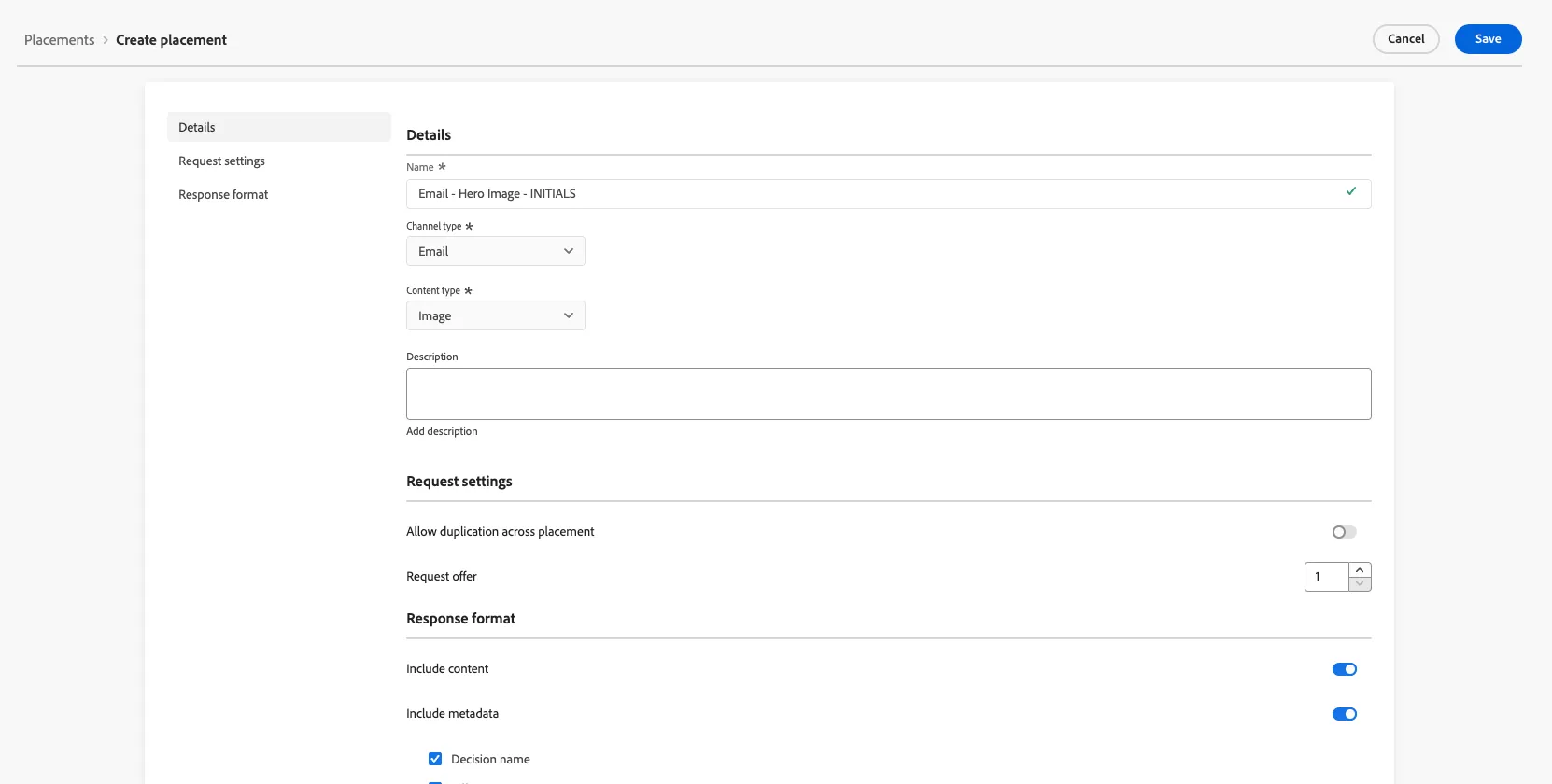
Creating Placements
- Navigate to Components under Decision Management.
- Click the top right button Create Placement
- Name your placement as "Email - Hero Image - INITIALS"
- Select the channel email and content type image.
- Click Save.
Collection Qualifiers
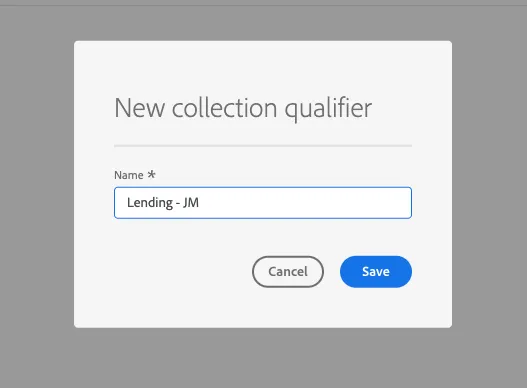
- Click on the Collection Qualifier Tab
- Click the button top right: Create collection qualifier
- Add a lable: "Lending + INITIALS", Click save
Collections
- Navigate to Decision Management --> Collections
- Click on the top right corner button "Create collection"
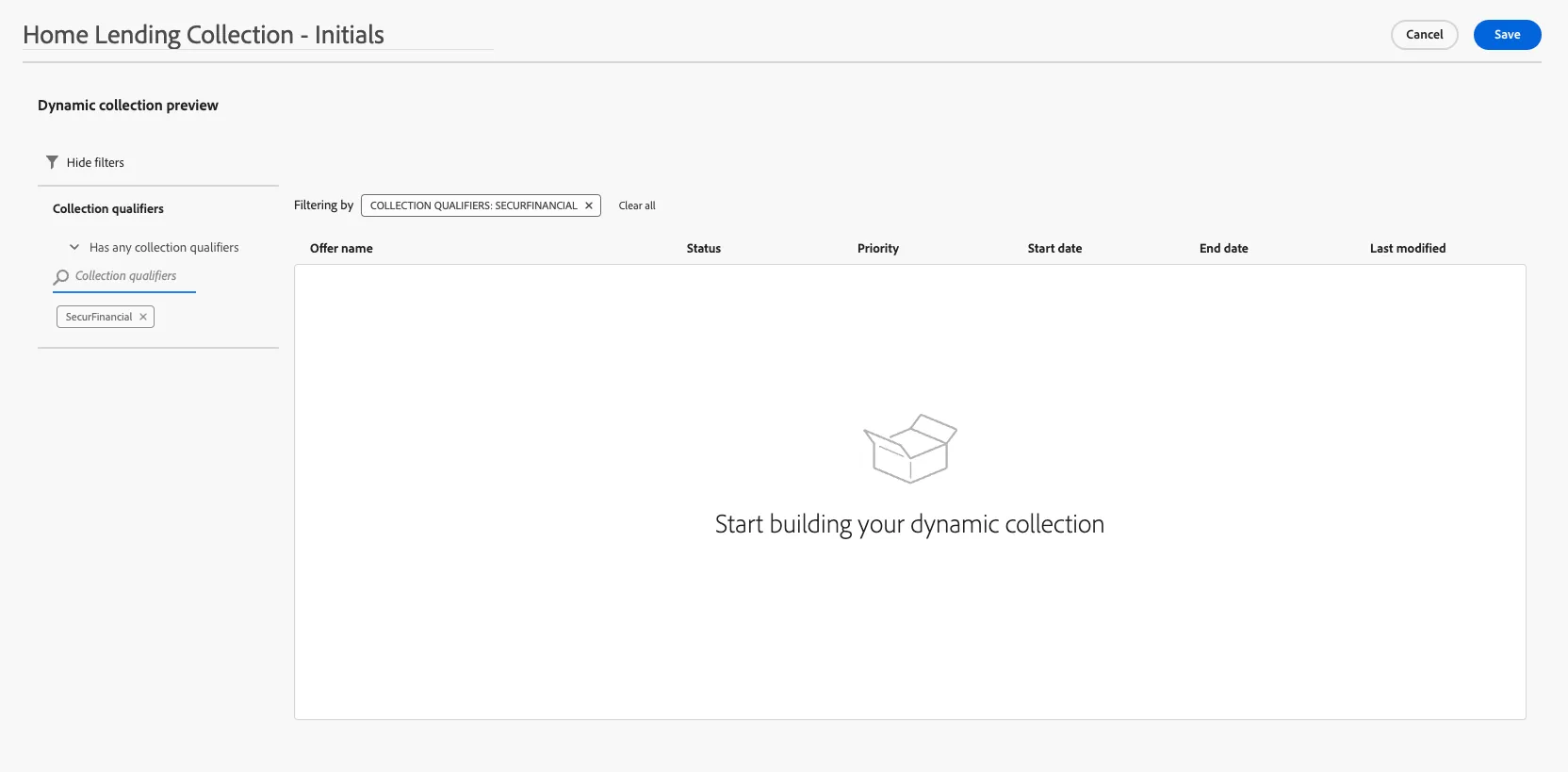
- Give a name such as "Home Lending Collection - Initials"
- Select Create Dynamic collection
- Click Next
- Under the collection qualifiers (On the left hand side). Search your initials. And select them.
- Click Save.
Congratulations, you are ready to start creating your first personalized offer.