Engage
Experience Overview
You’re the demand marketer tasked with targeting relevant content to target audiences for the Coca-Cola Real Magic campaign. Use AI Assistant in Adobe Journey Optimizer to assemble an email targeting Coca-Cola consumers. Discover how easy and fast it is to deliver on-brand content to targeted audiences across channels.
The Booth Experience
Step 1 : Explore Canvas
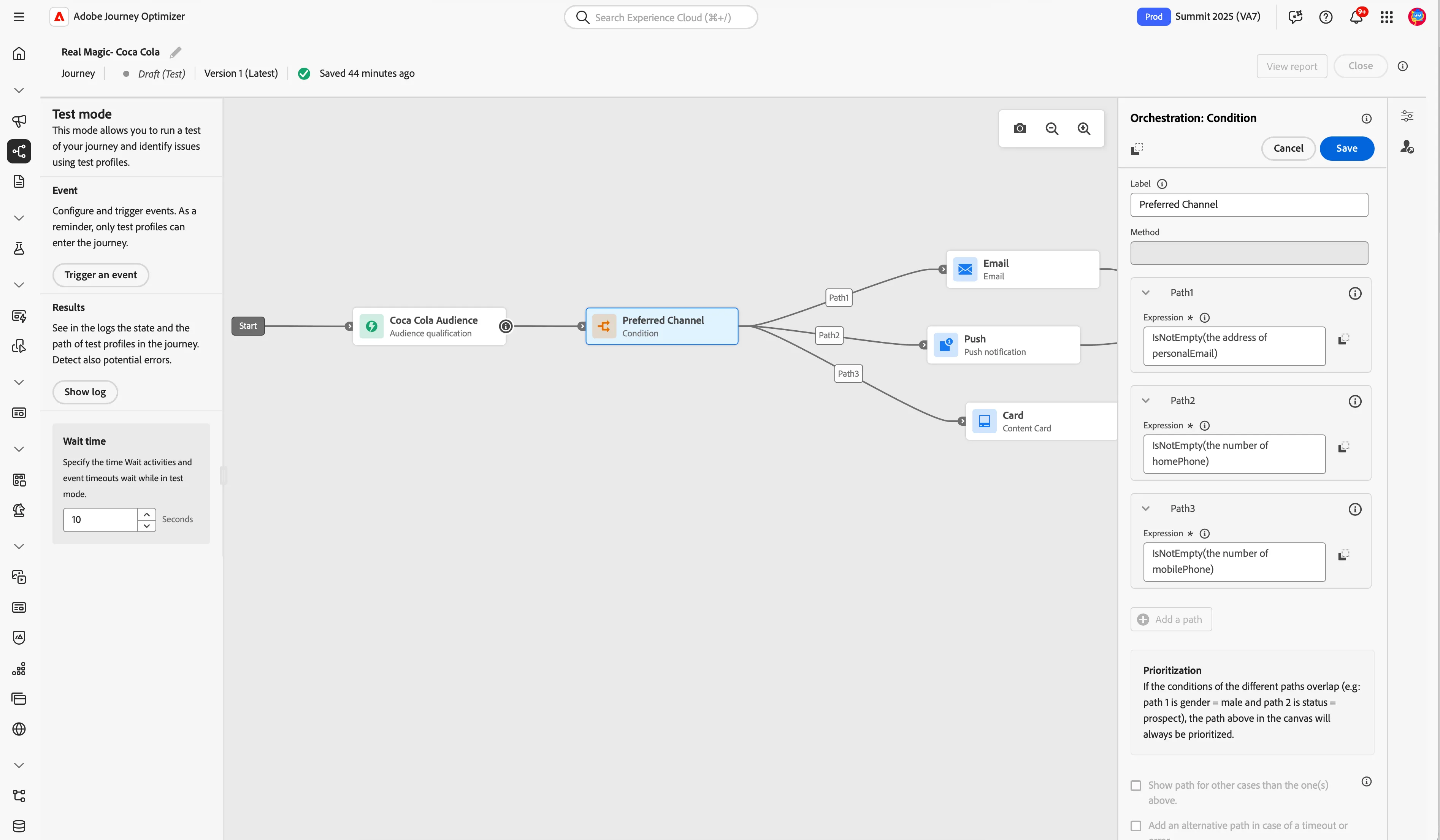
Adobe Journey Optimizer includes an omnichannel orchestration canvas which allows marketers to harmonize marketing outreach with one-to-one customer engagement. The user interface allows you to easily drag and drop activities from the palette into the canvas to build your journey.
In this journey we are starting with an audience and then sending content to the preferred channel.
Step 2: Edit the Email channel
Use AI Assistant in Journey Optimizer to generate engaging text content that resonates with your audience. Whether you need to enhance email copy, create compelling web content, craft persuasive landing page text, write push notification messages, or compose SMS messages, AI Assistant helps you deliver impactful text.
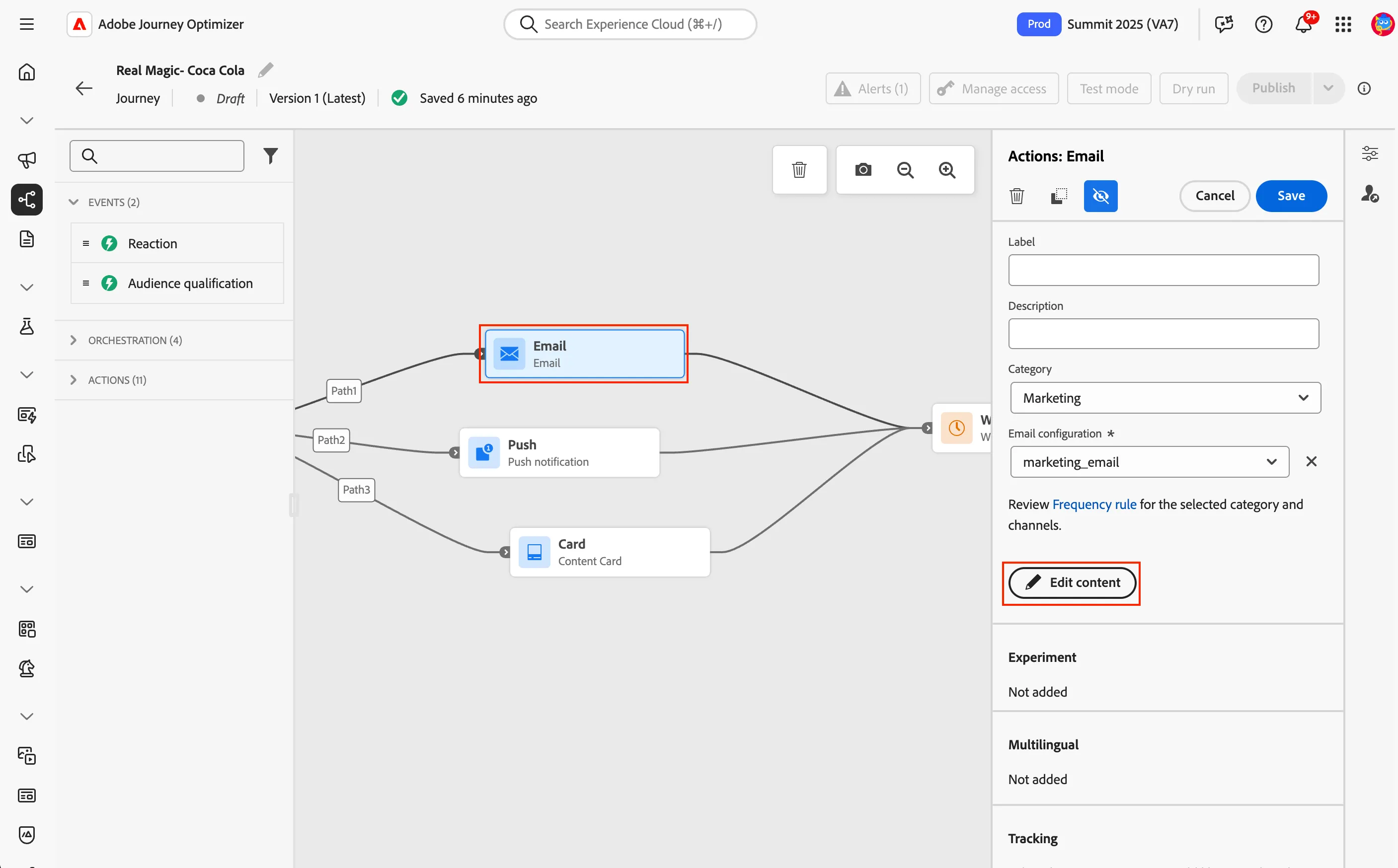
- Click the Email channel in the canvas and then click Edit content.
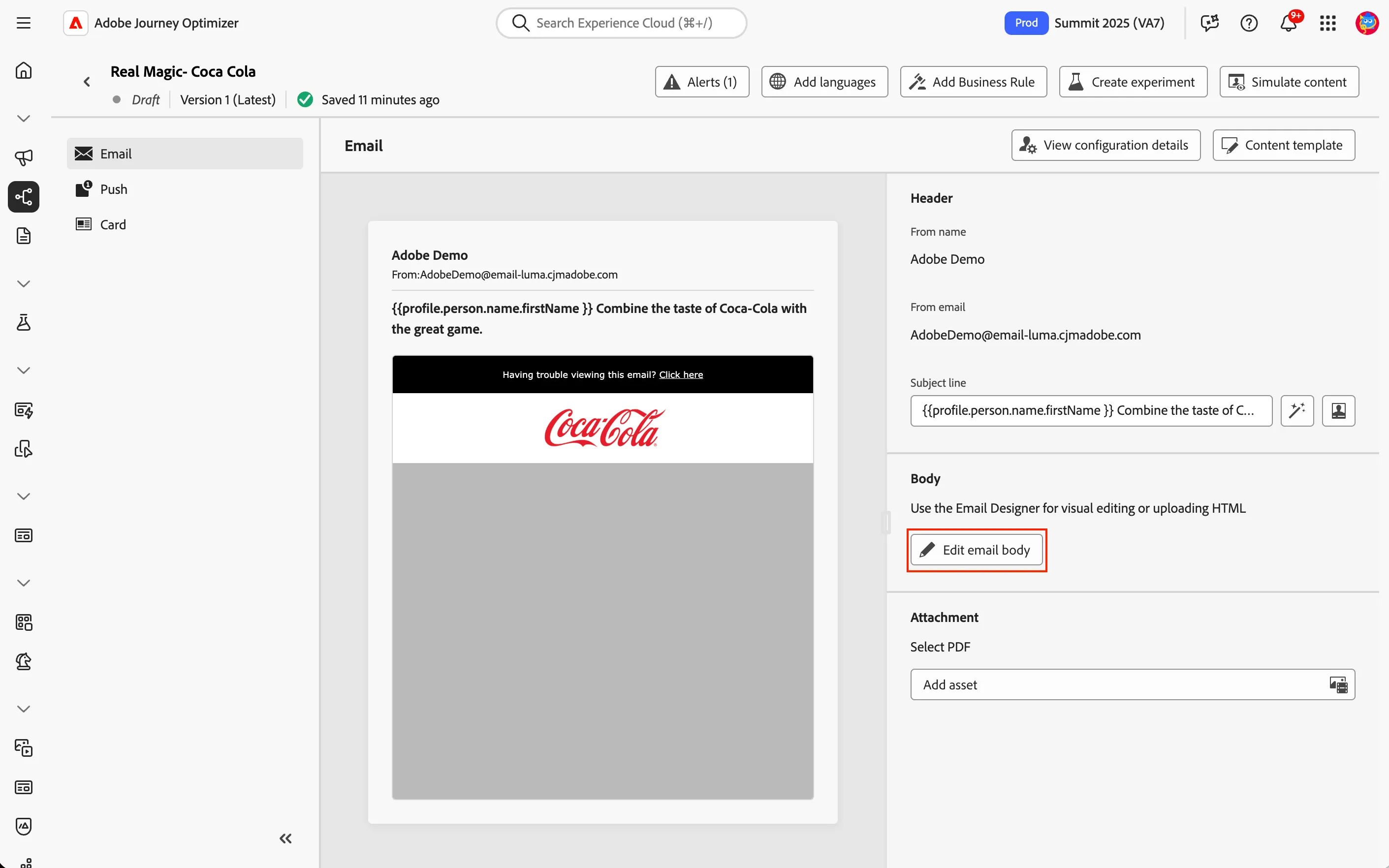
- Click Edit email body.
- Select the Between chicken wings and laughter, Coca-Cola is part of the game. Share every moment and make it unforgettable.
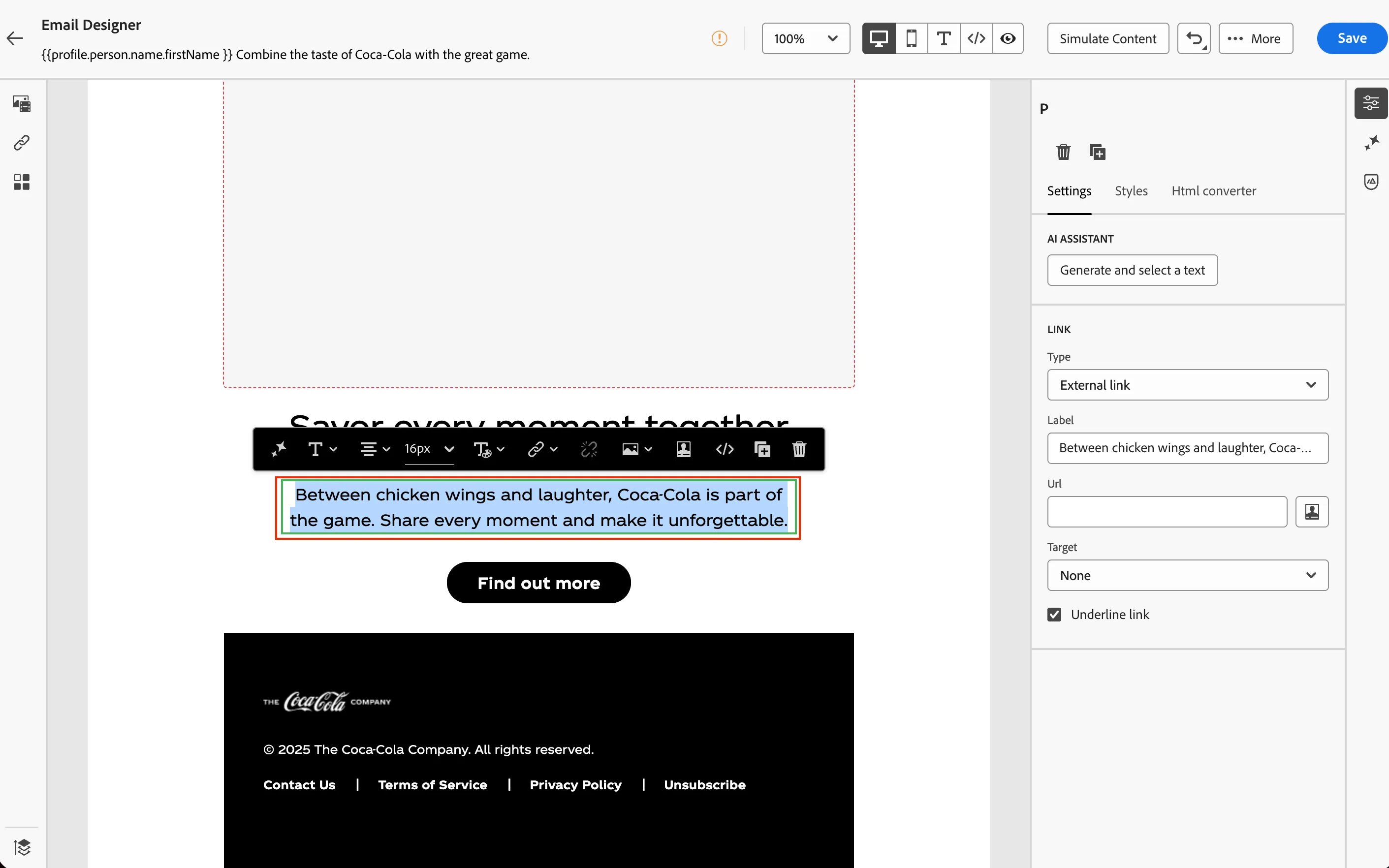
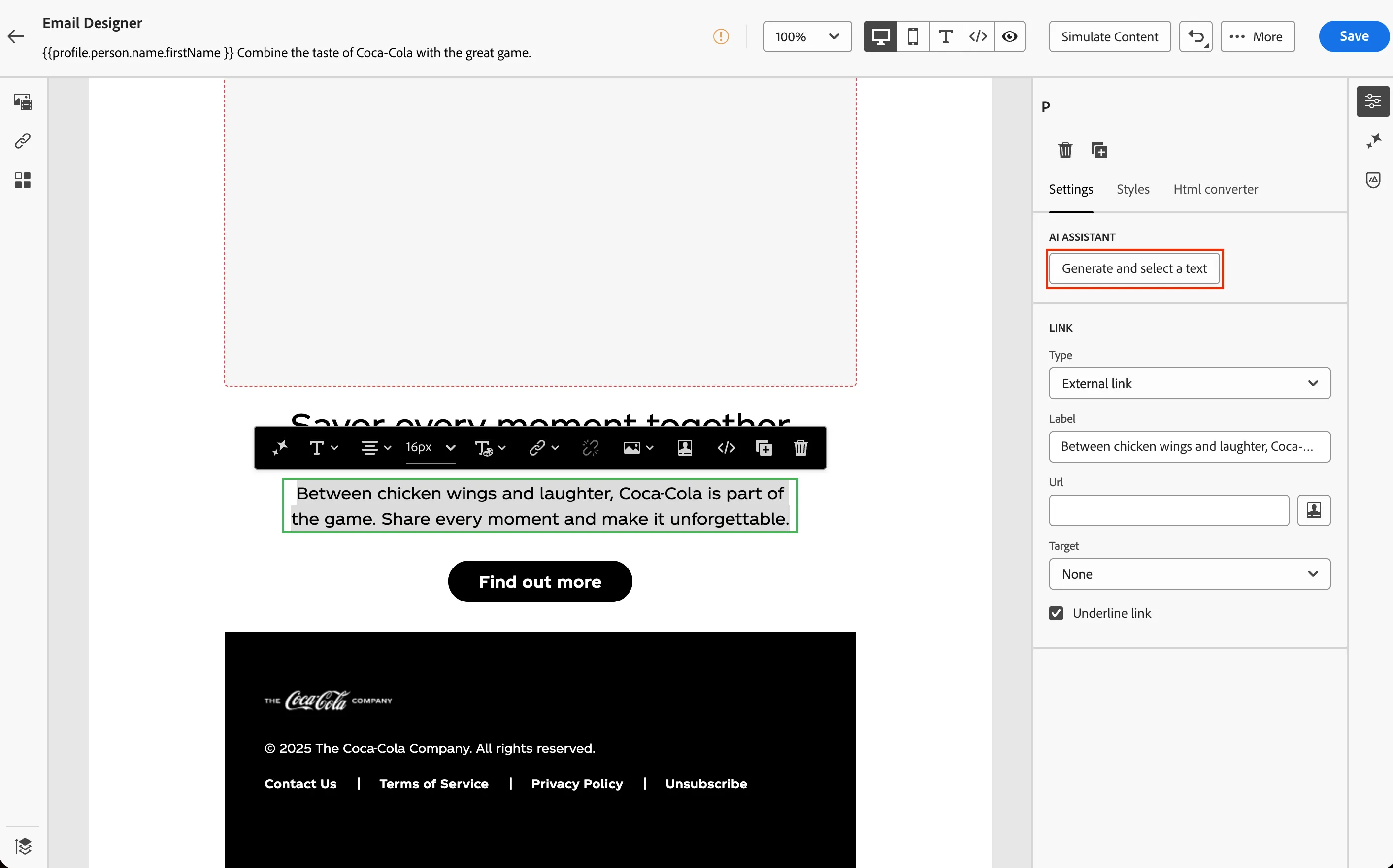
- Click Generate and select a text.
- Enter a prompt or click the prompt library icon to select from a premade prompt.
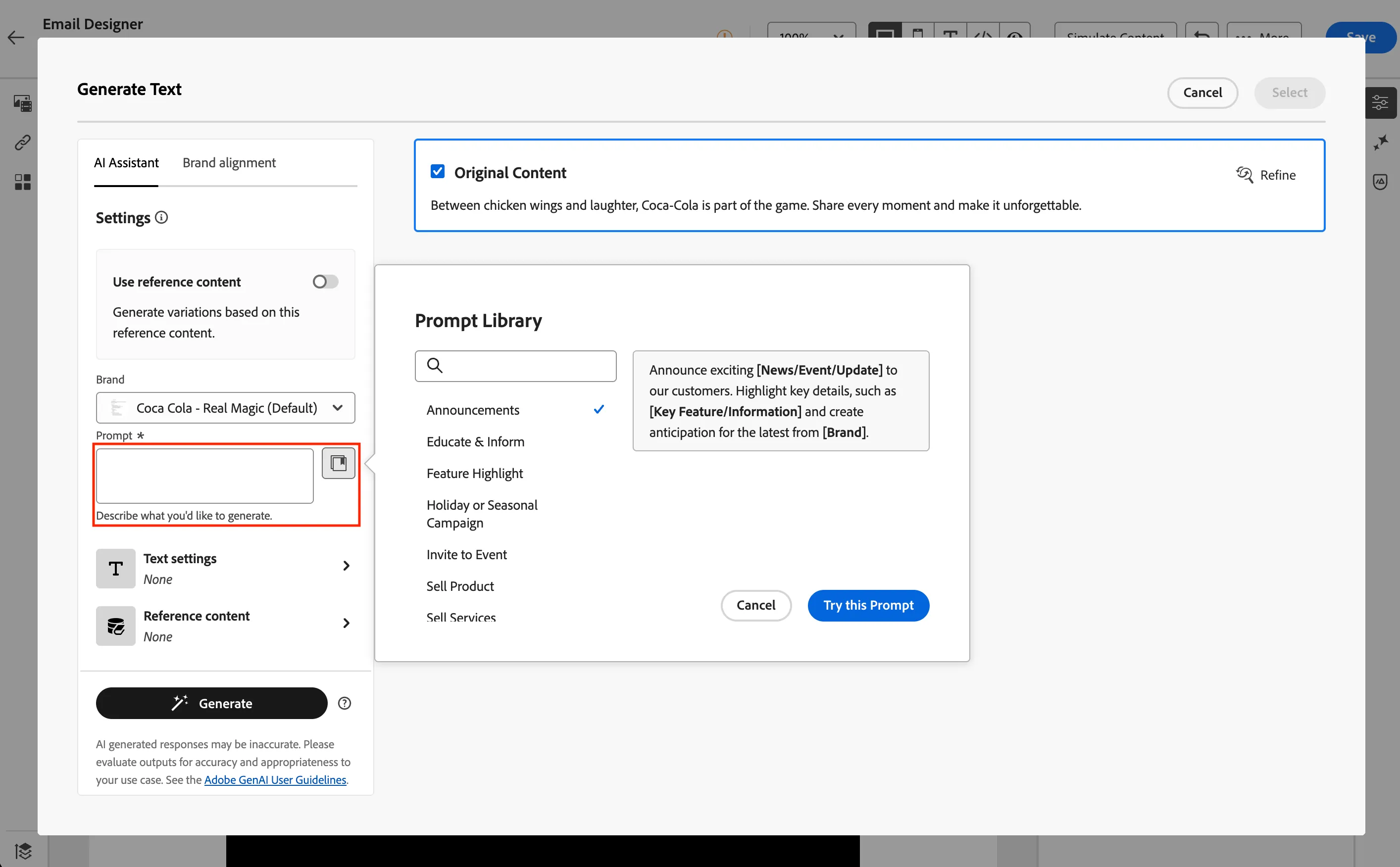
- Click Generate to create the variations.
- Review the variations created with AI Assistant.
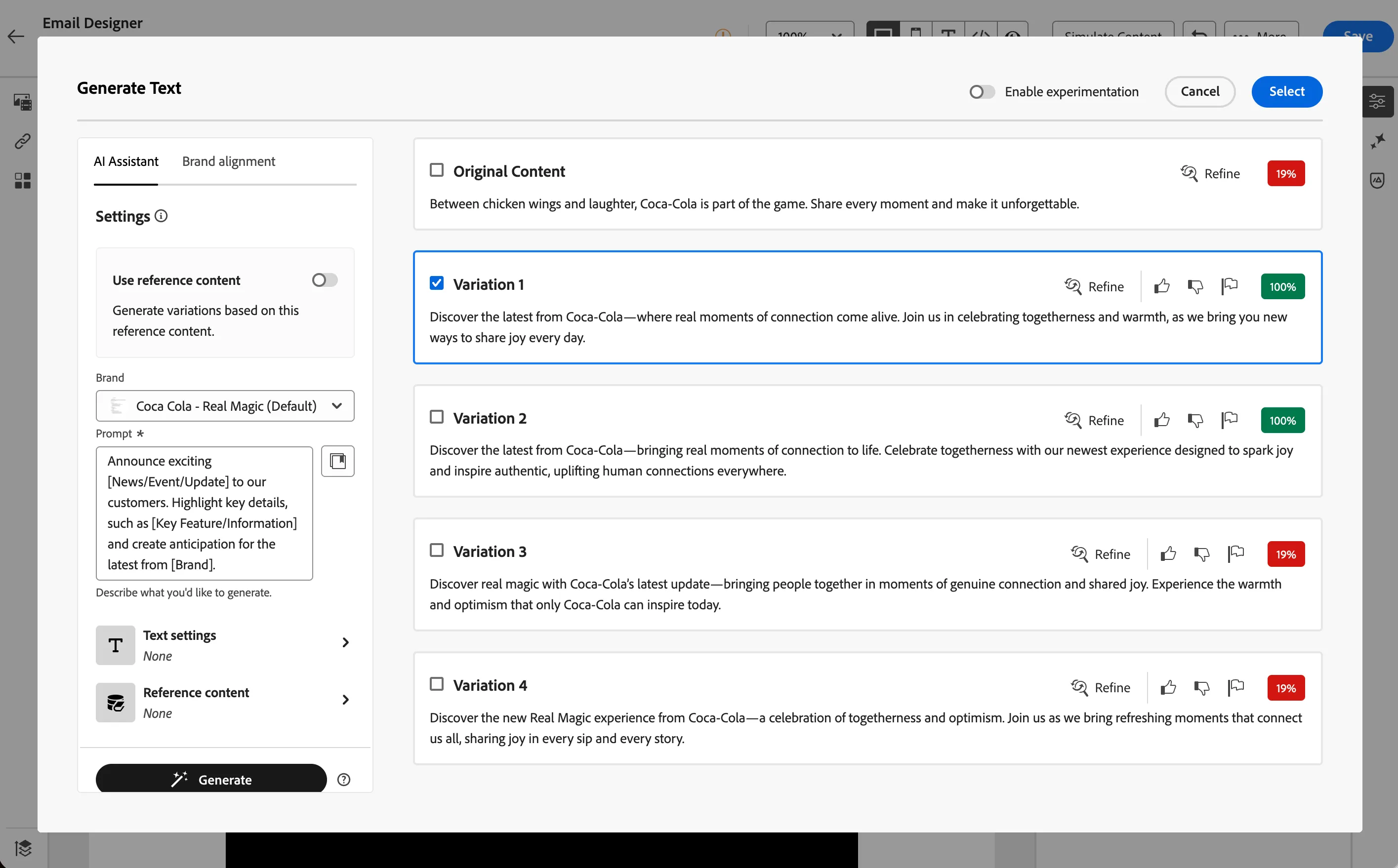
- Select a variation and then click Select.
- Review the variation in the email.
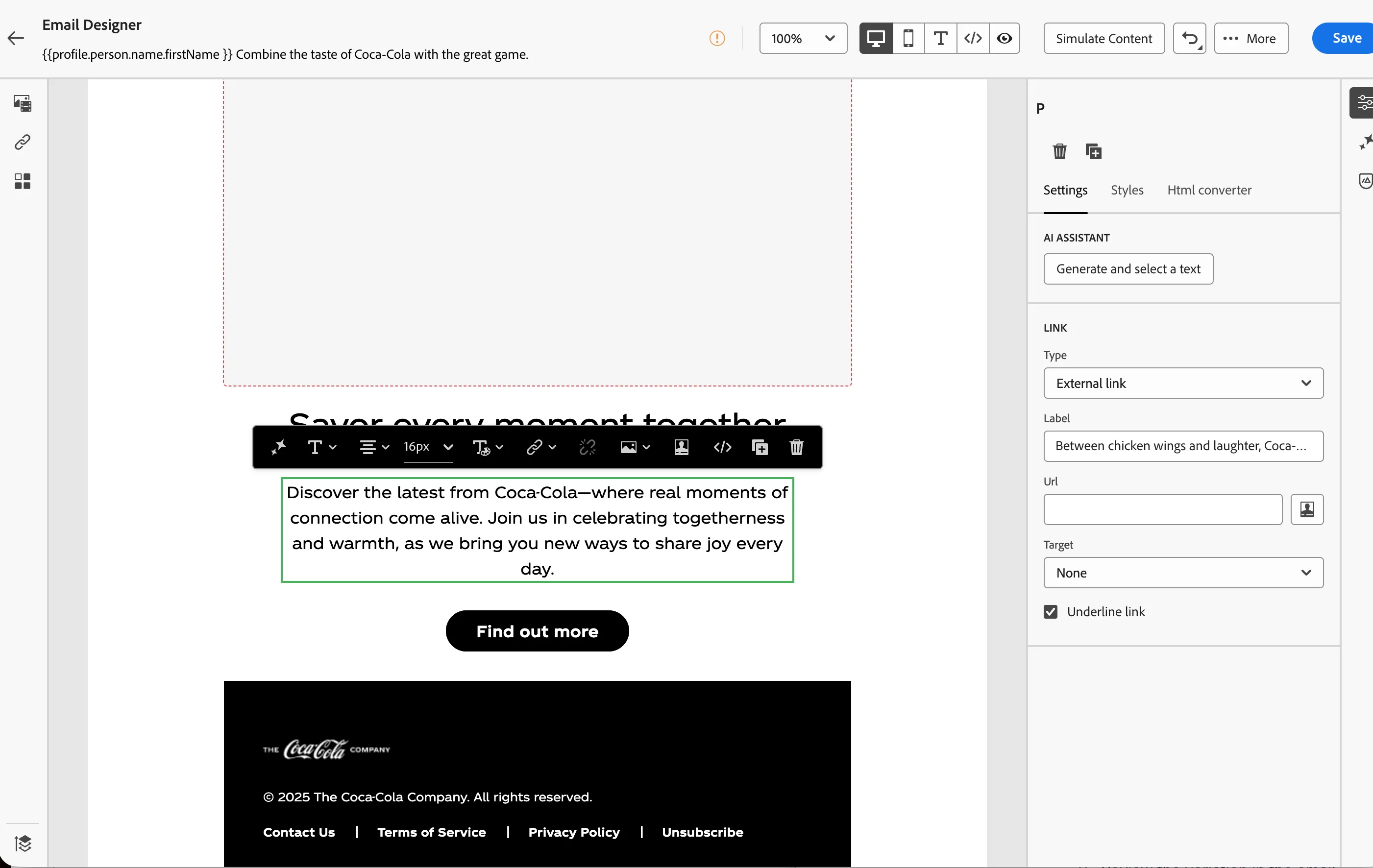
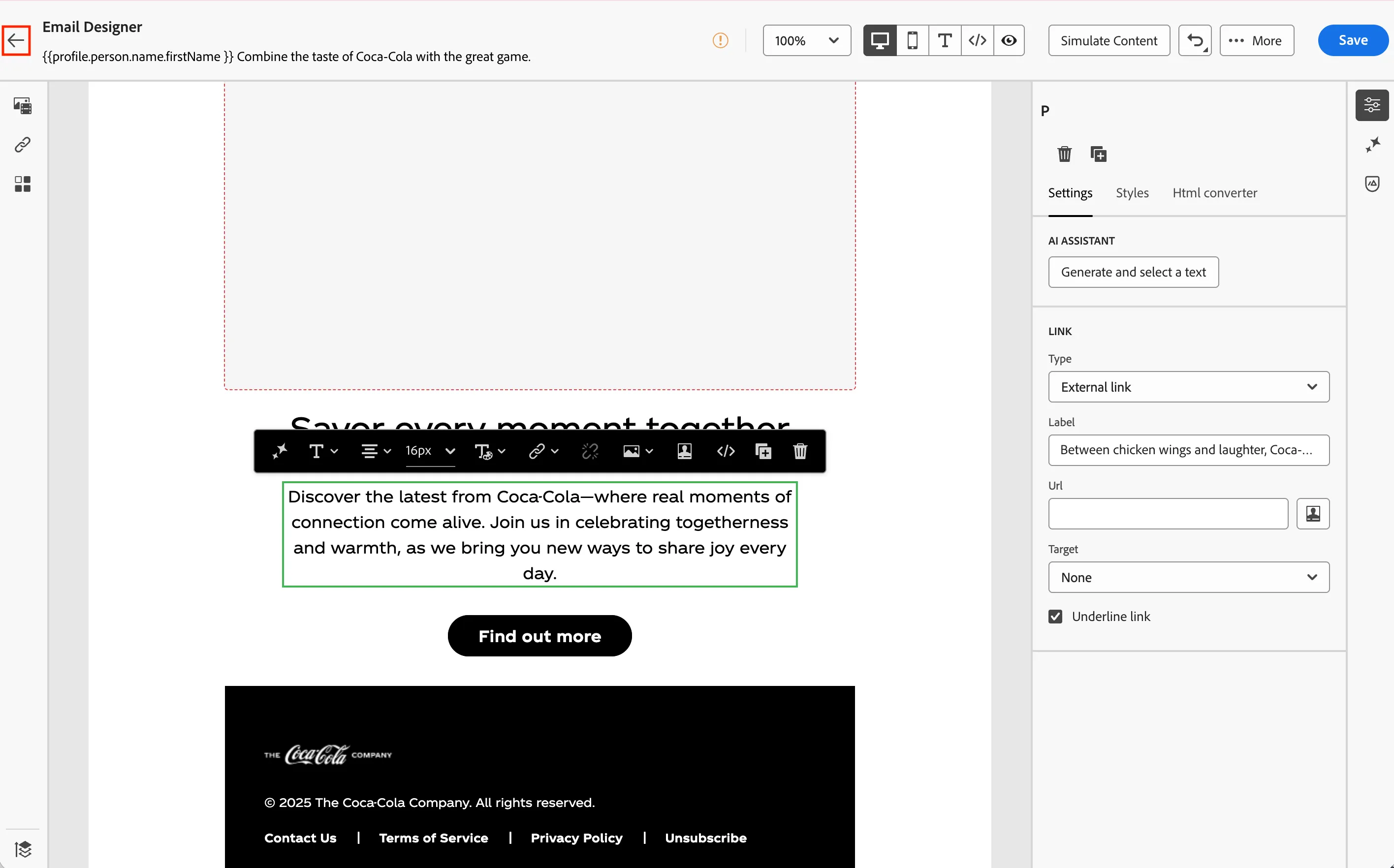
- Click the back arrow in the upper left.
- Click Close without saving in the dialog.
Step 3: Edit the Push channel
In this step you will generate new push content with AI Assistant.
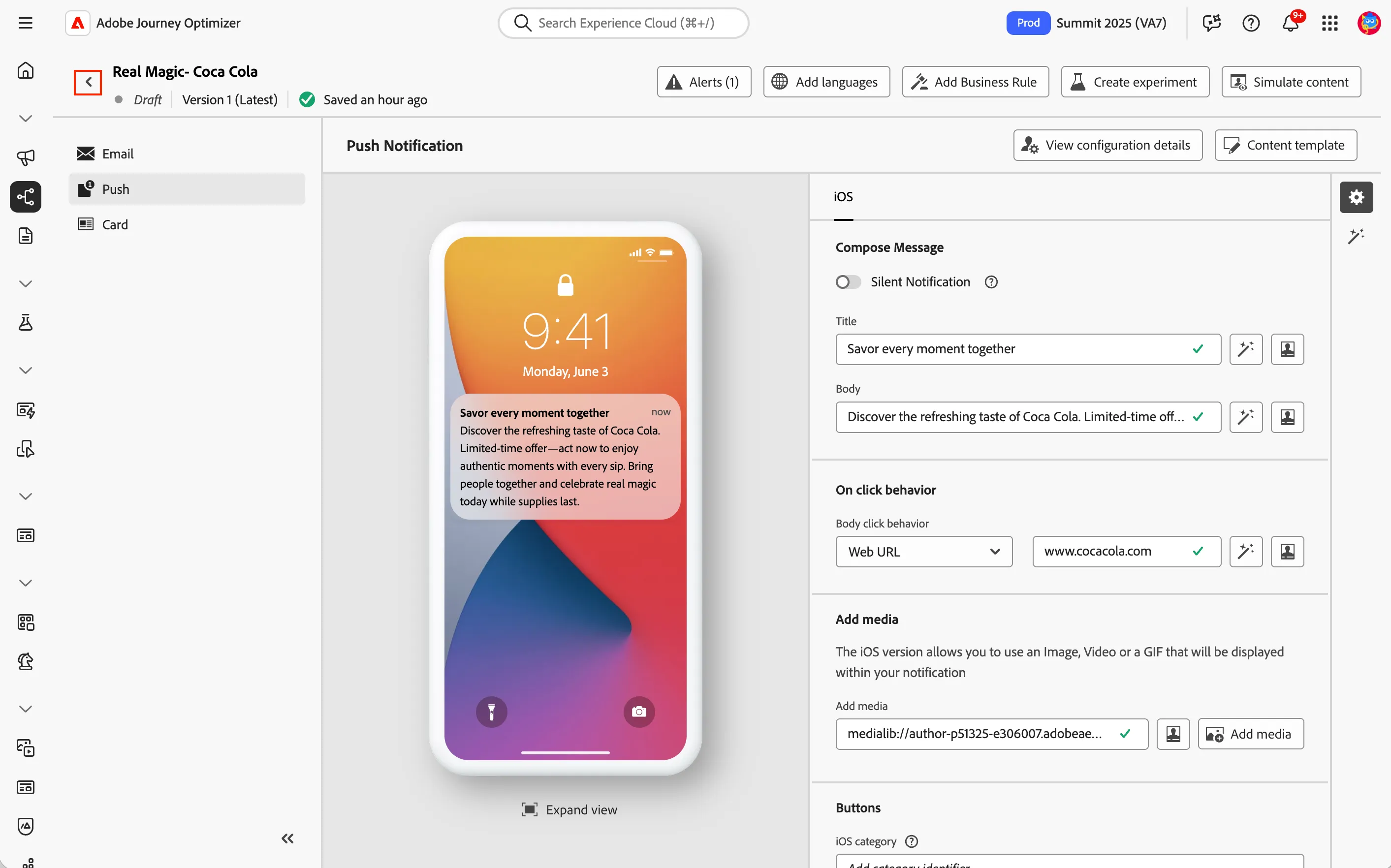
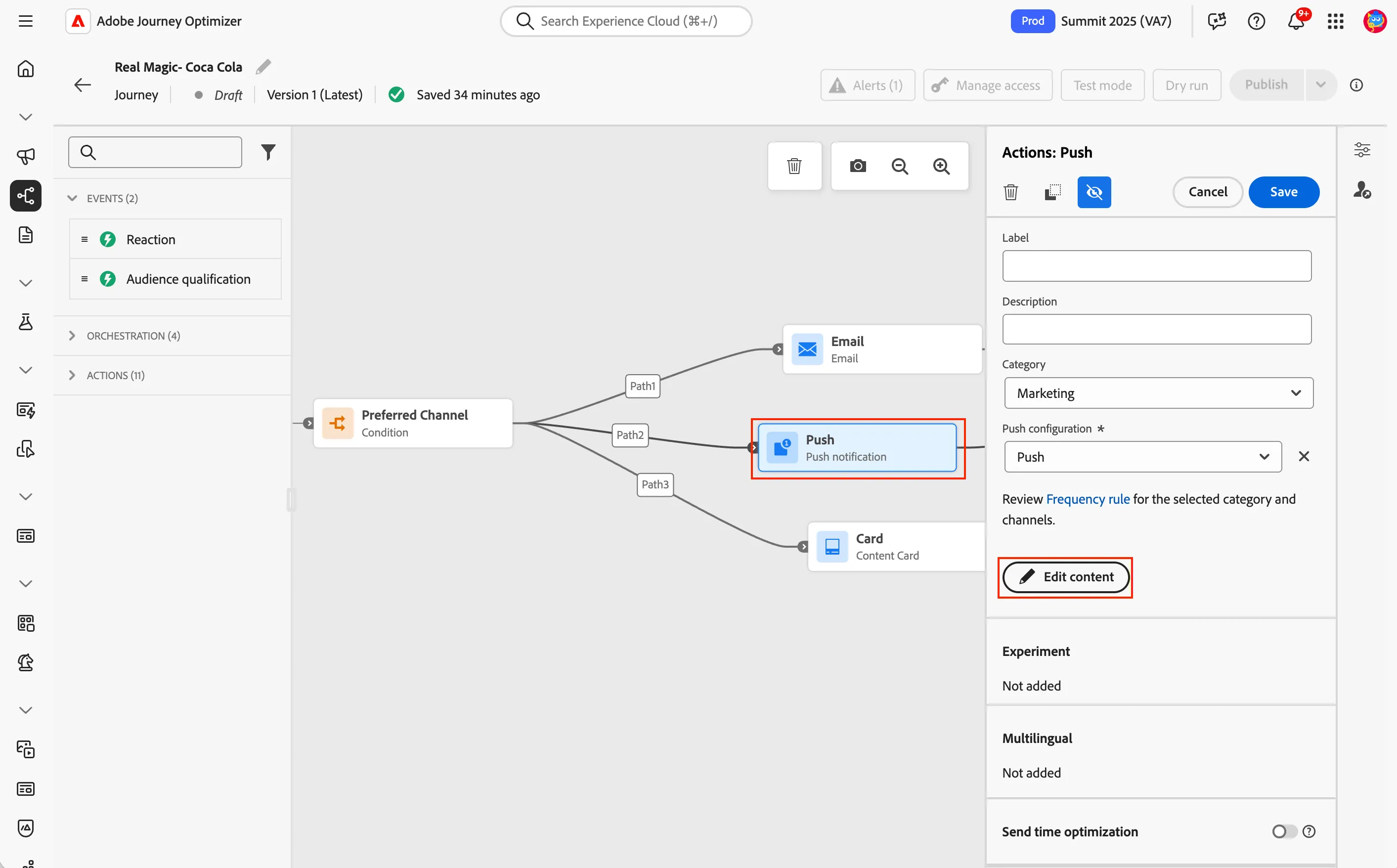
- Click the Push channel and then Edit content.
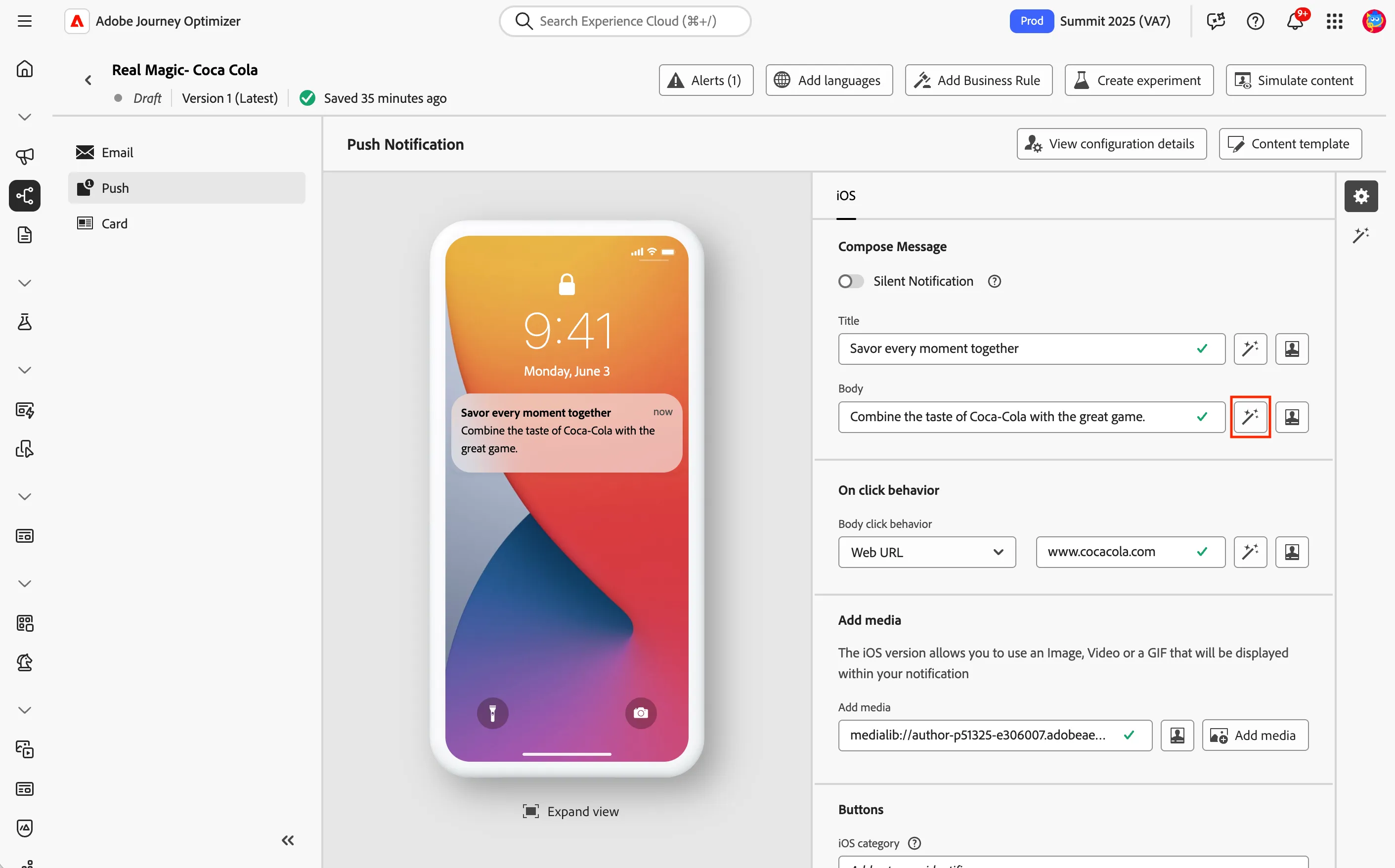
- Click the AI Assistant button next to the Body.
- Enter a prompt or click the prompt library icon to select from a premade prompt.
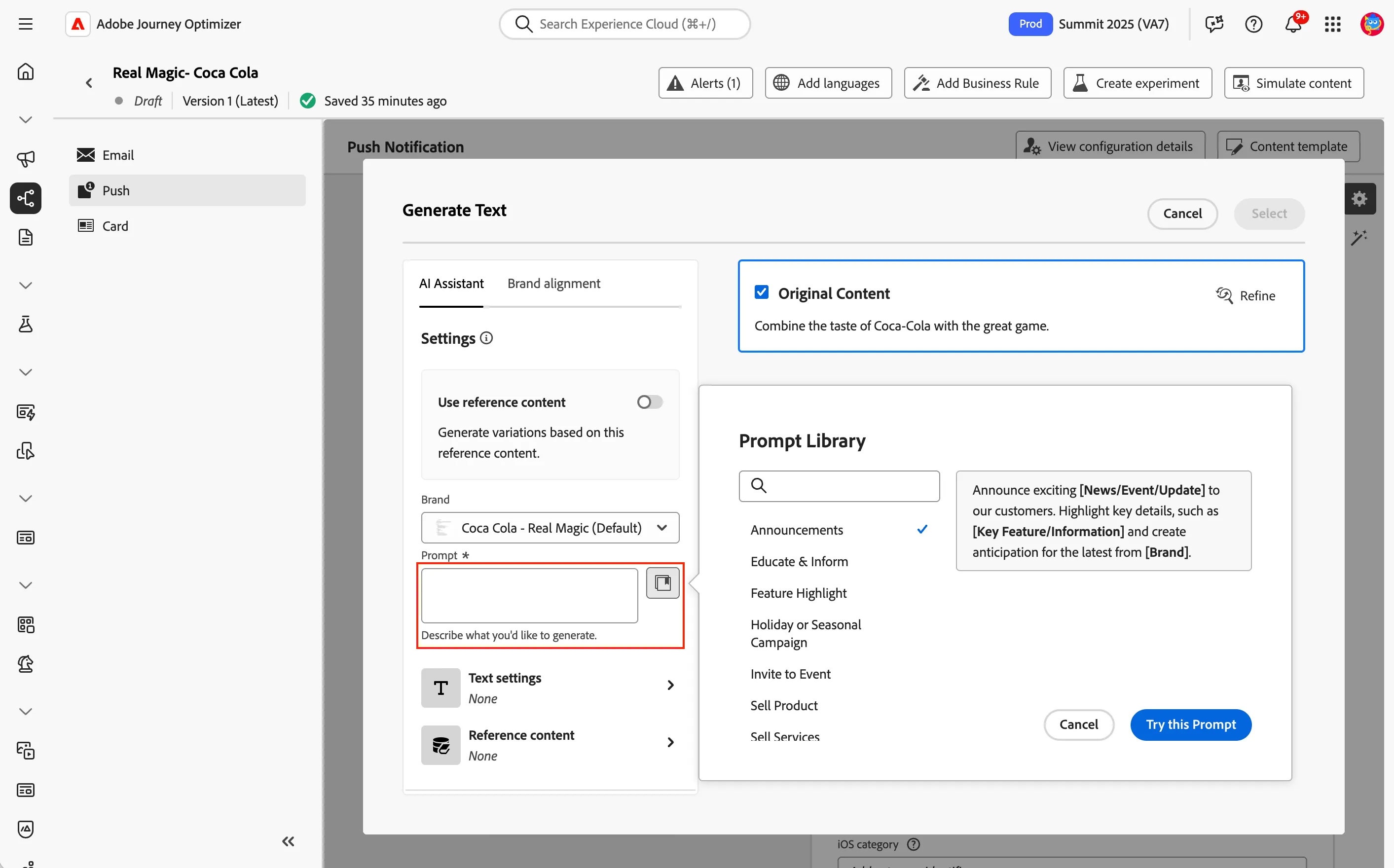
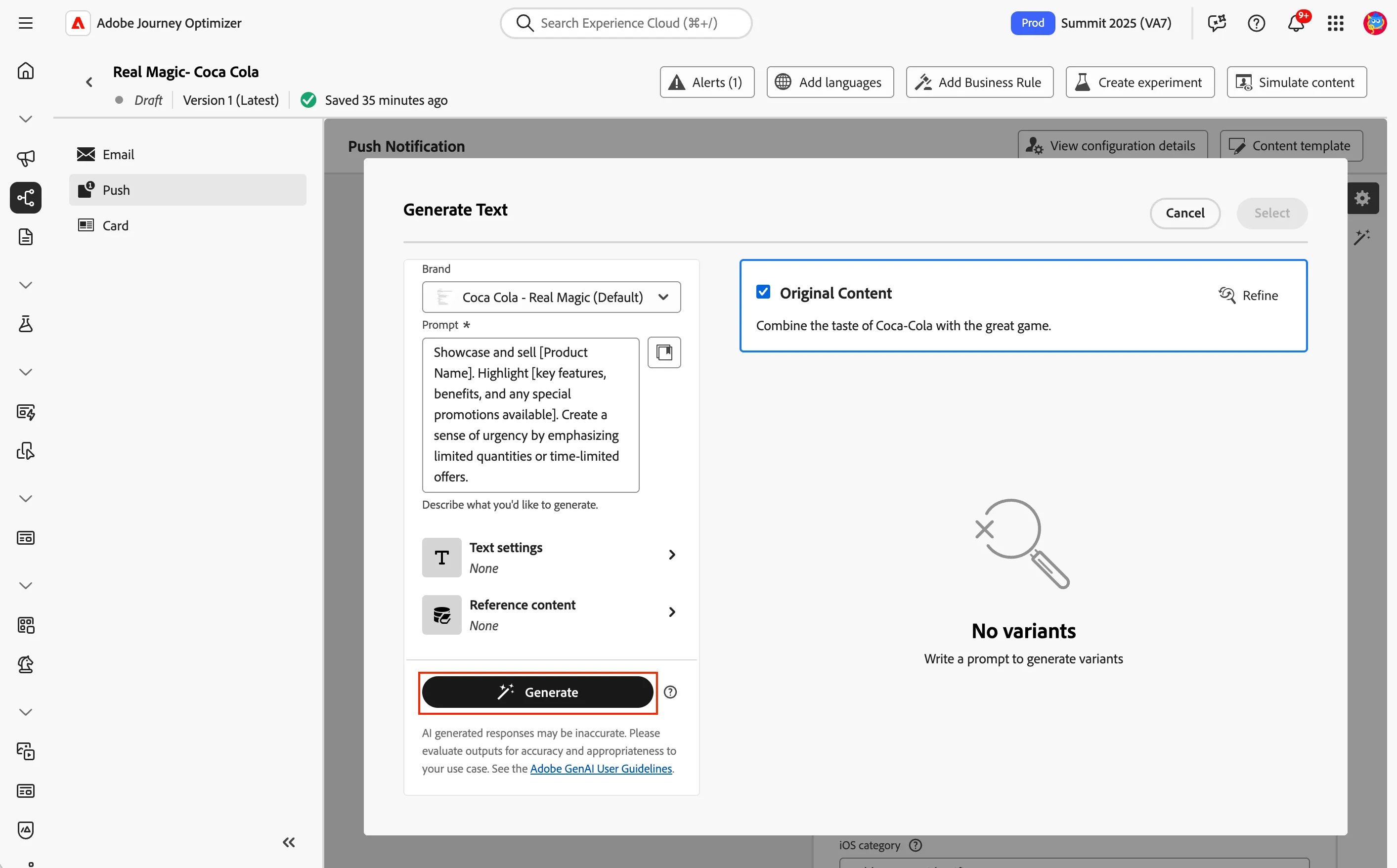
- Click Generate to create the variations.
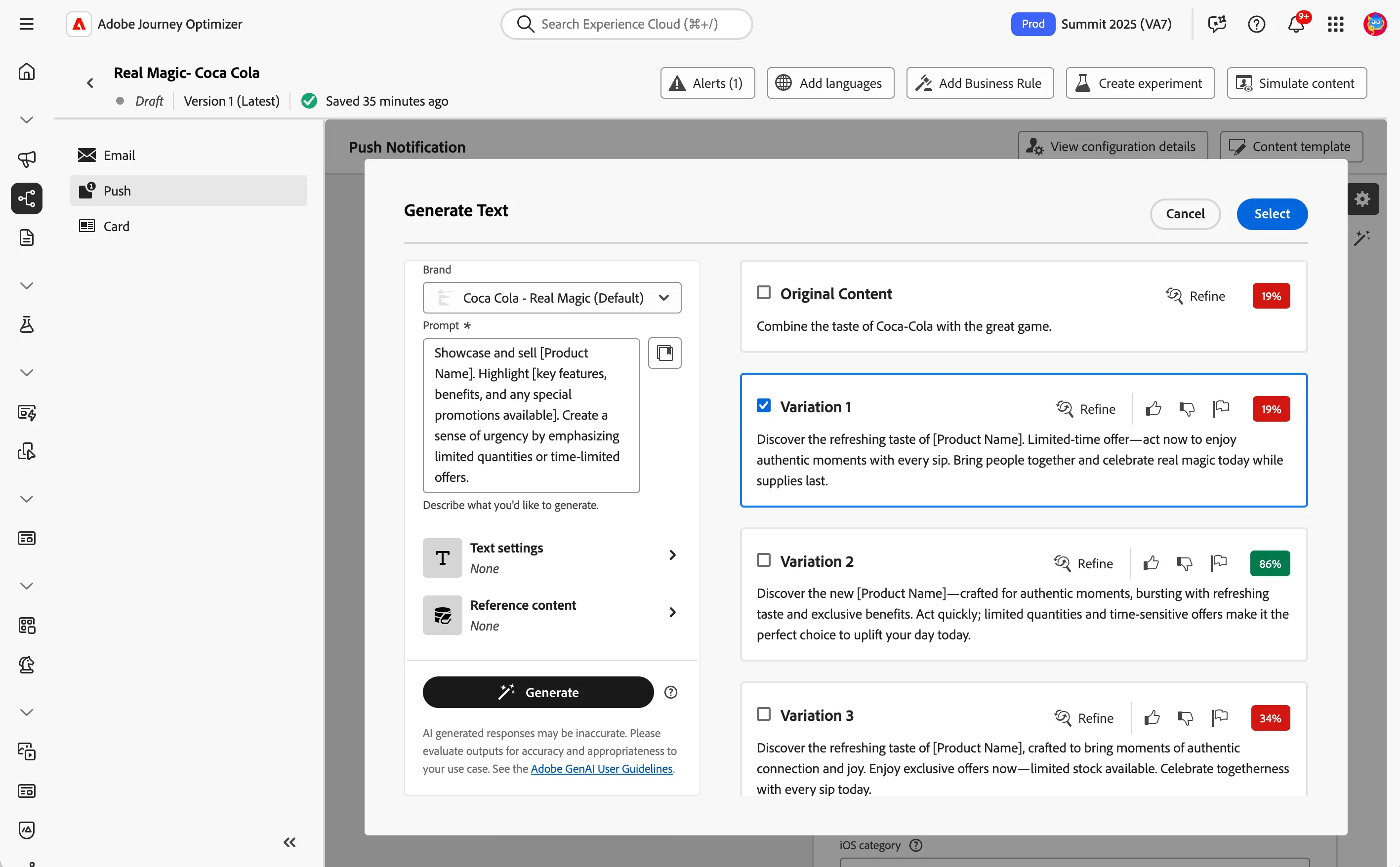
- Review the variations created with AI Assistant.
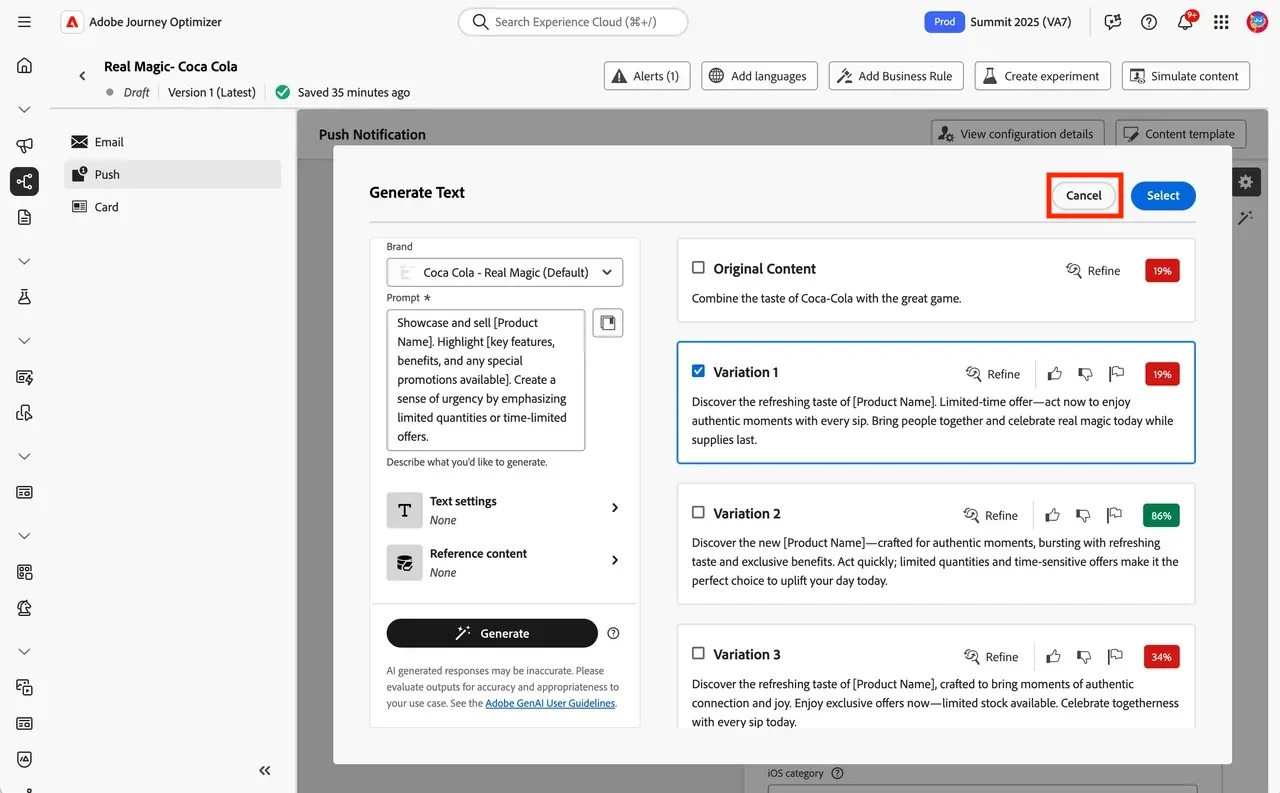
- Click Cancel to close the dialog.
- Click the back arrow in the upper left.