Plan
10 min
Experience Overview
You’re the marketing manager tasked with creating the Coca-Cola Real Magic campaign project plan. Using Workfront, upload a PDF document to generate branded Workfront campaigns and projects, along with a list of Adobe Experience Platform audiences to target. See how quickly and easily you get from presentation to project plan.
Mobile Experience Plan Demo Flow
The Booth Experience
Step 1: Open the AI Assistant
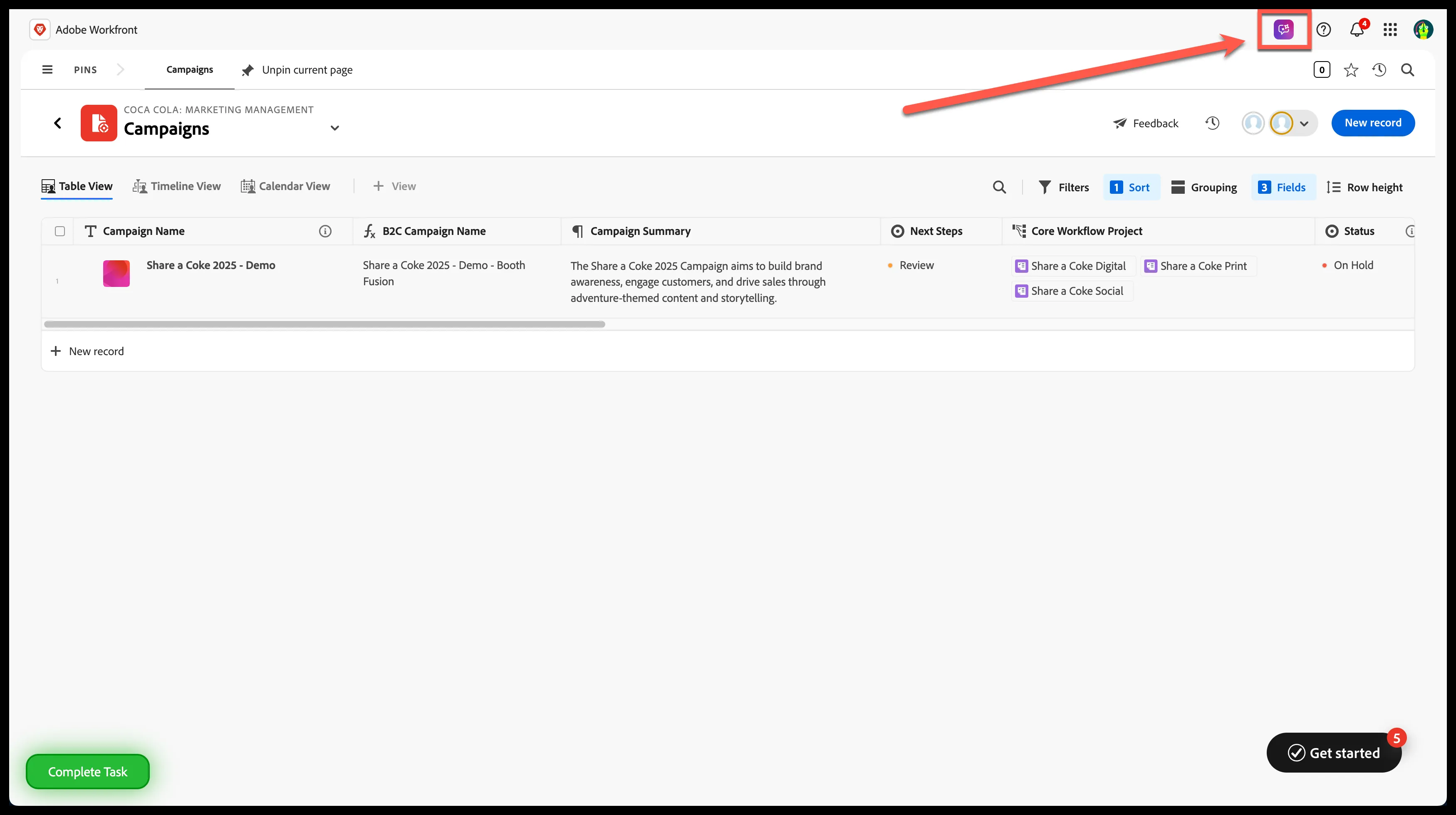
Get ready to elevate your campaign planning! On the Campaign List page, kick things off by selecting the AI Assistant icon in the top right corner of the screen—it’s your gateway to smarter, streamlined workflows in Workfront Planning.
Workfront Planning Campaign List
Step 2: Upload the 'Campaign Brief' document
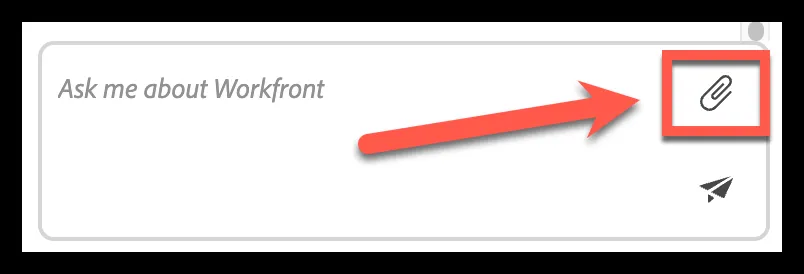
Click the attachment icon:
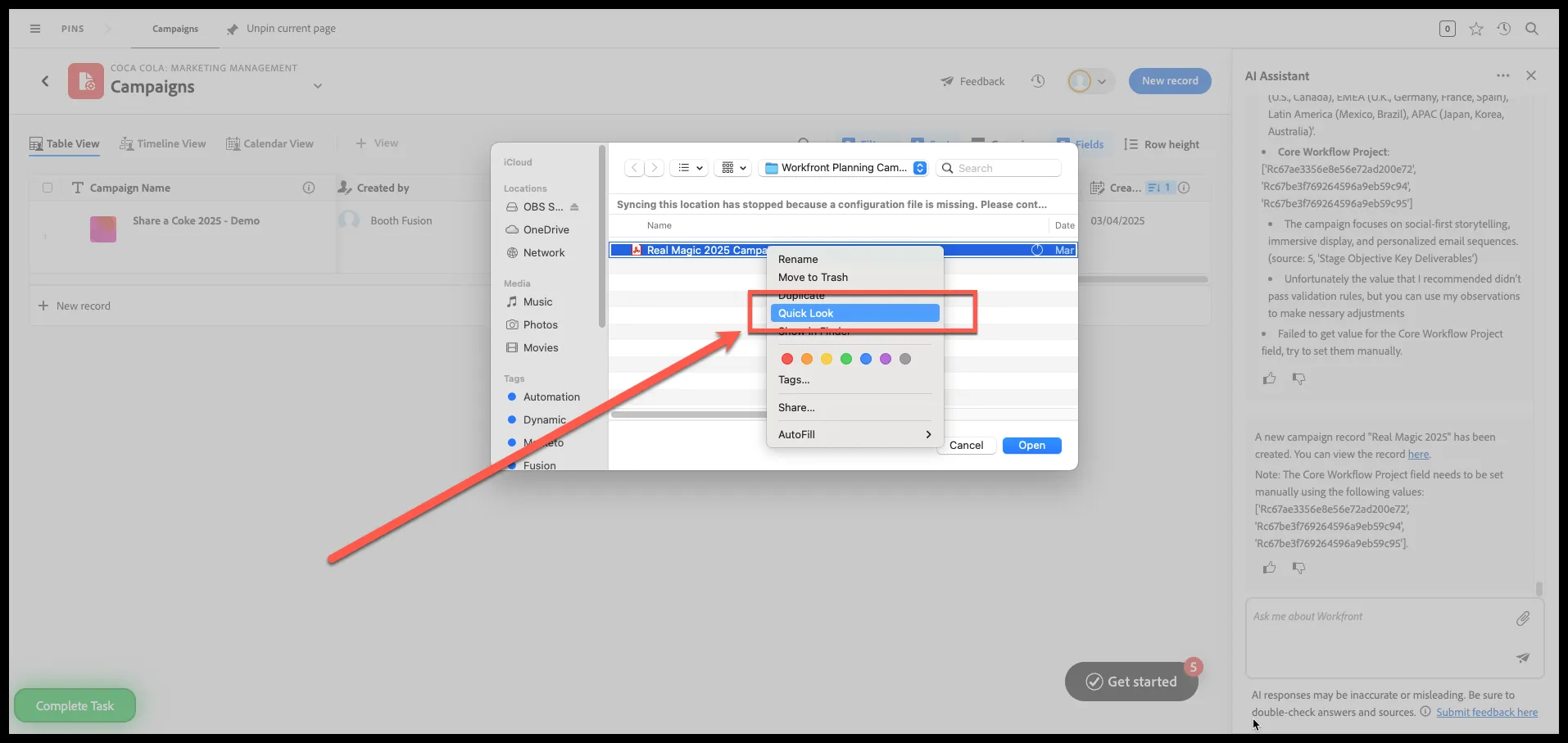
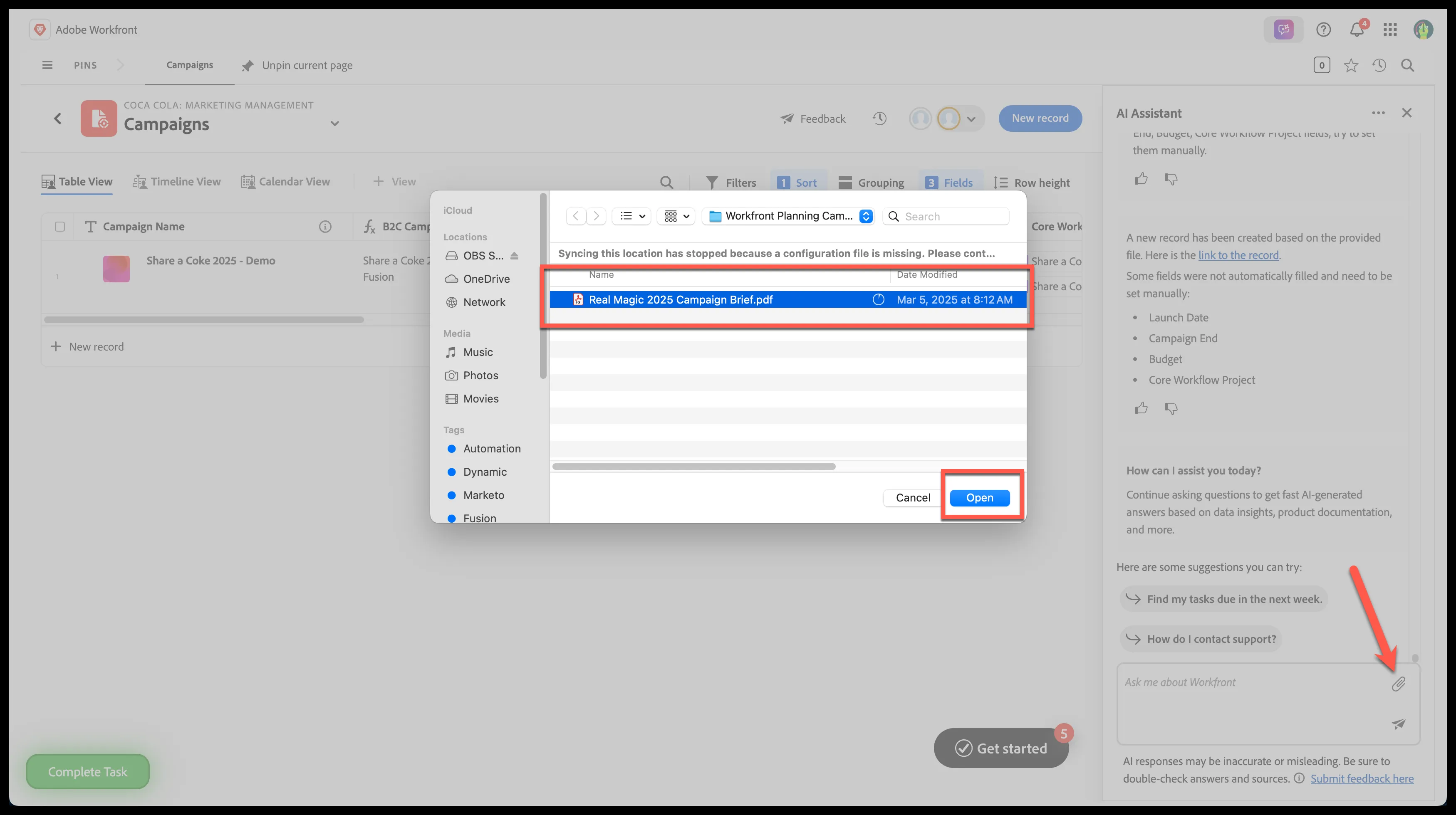
- Select the 'Real Magic 2025 Campaign Brief.pdf' document
- Right Click and select 'Quick Look'
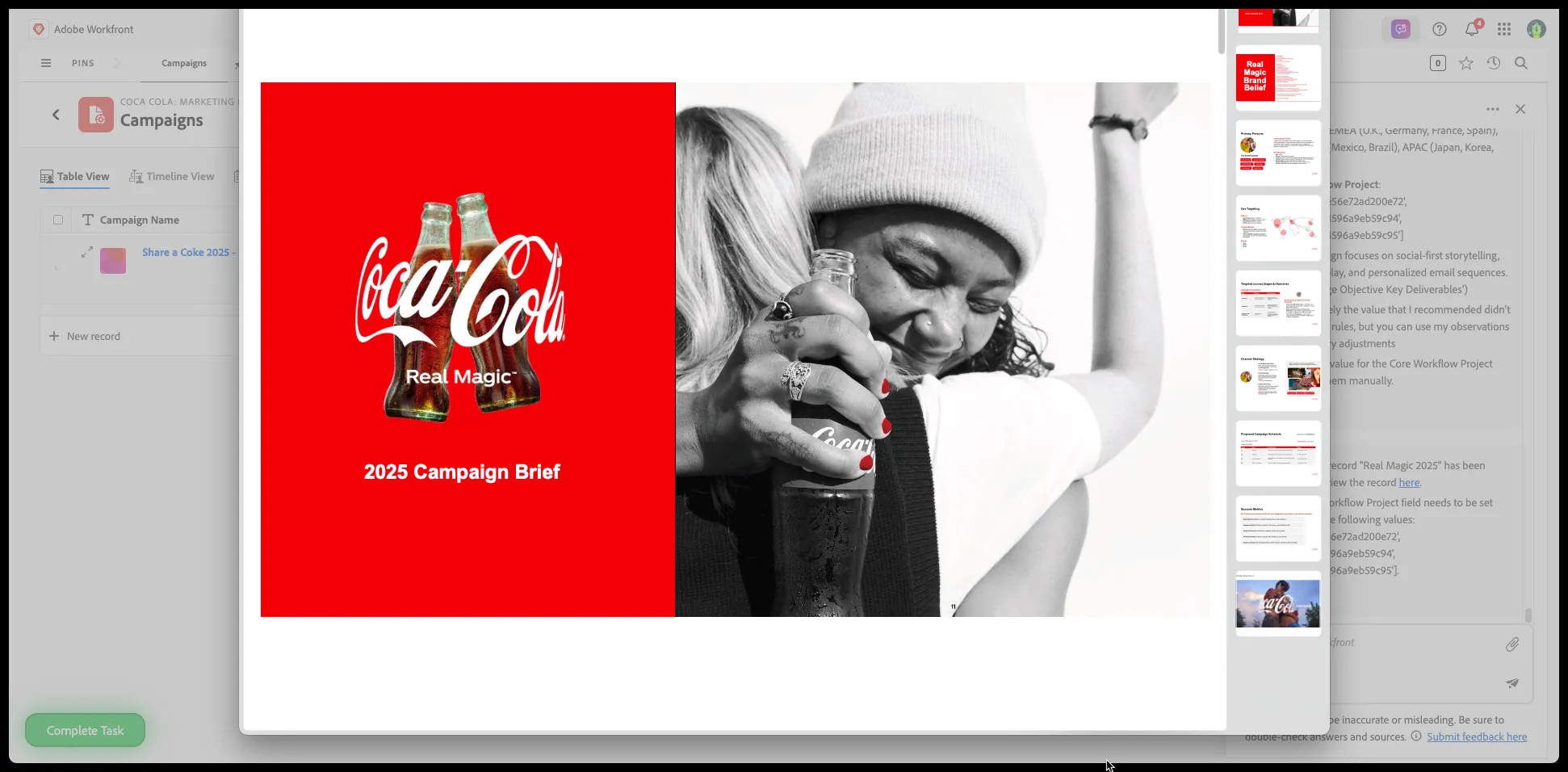
Quick Look Preview
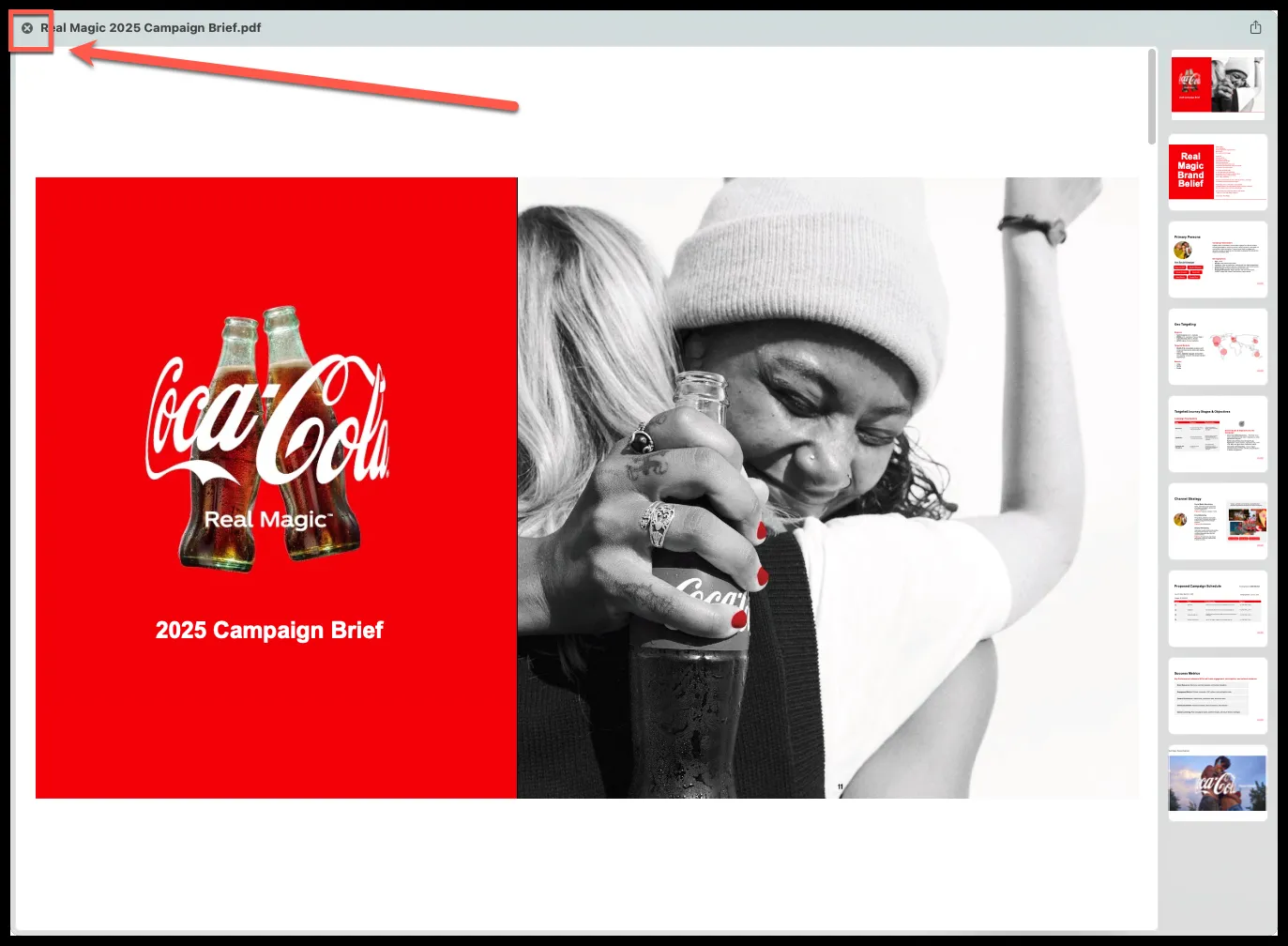
Close preview
- Click 'Open'
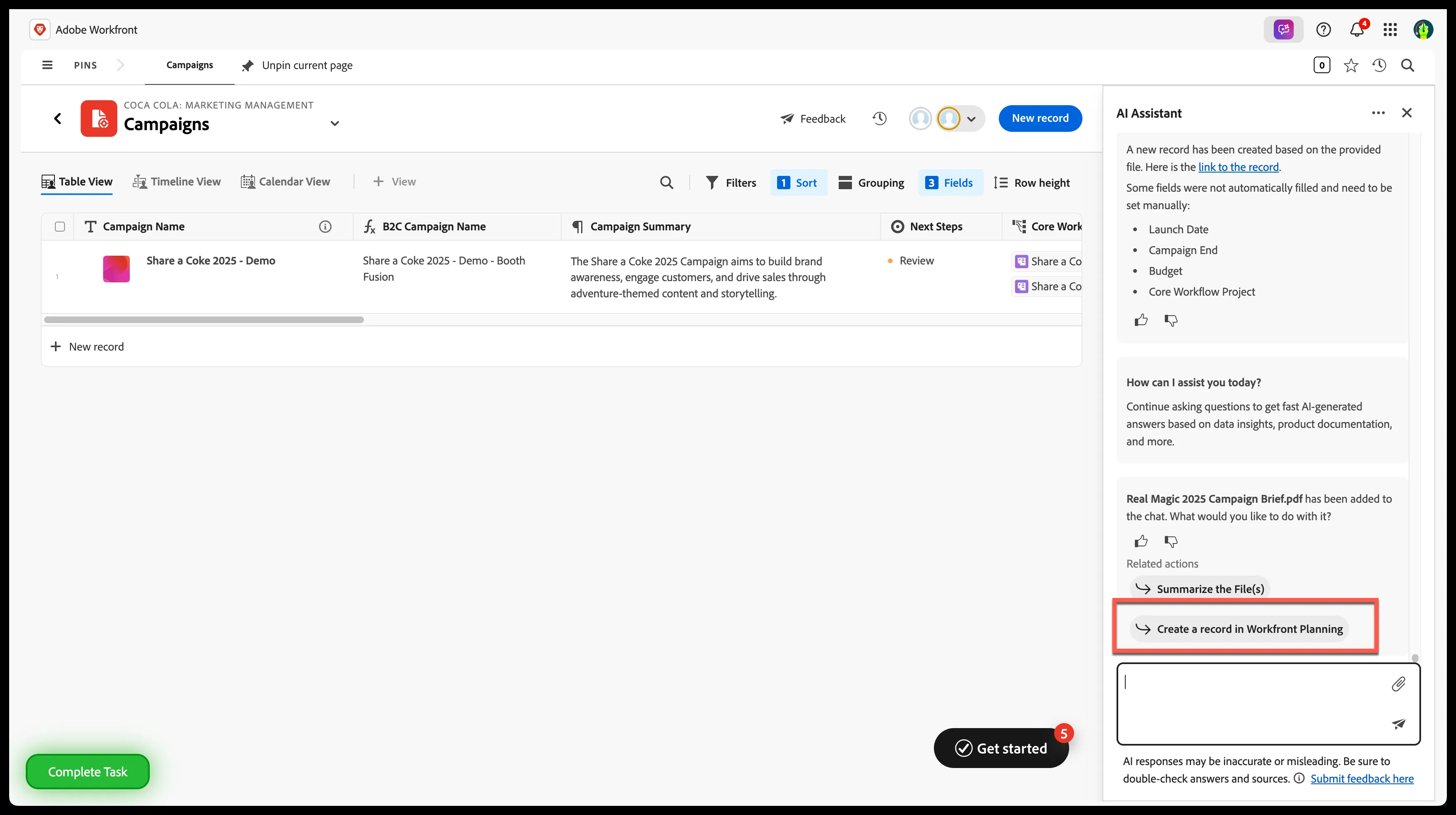
Step 3: Create a campaign record with AI
Select 'Create a record in Workfront Planning'
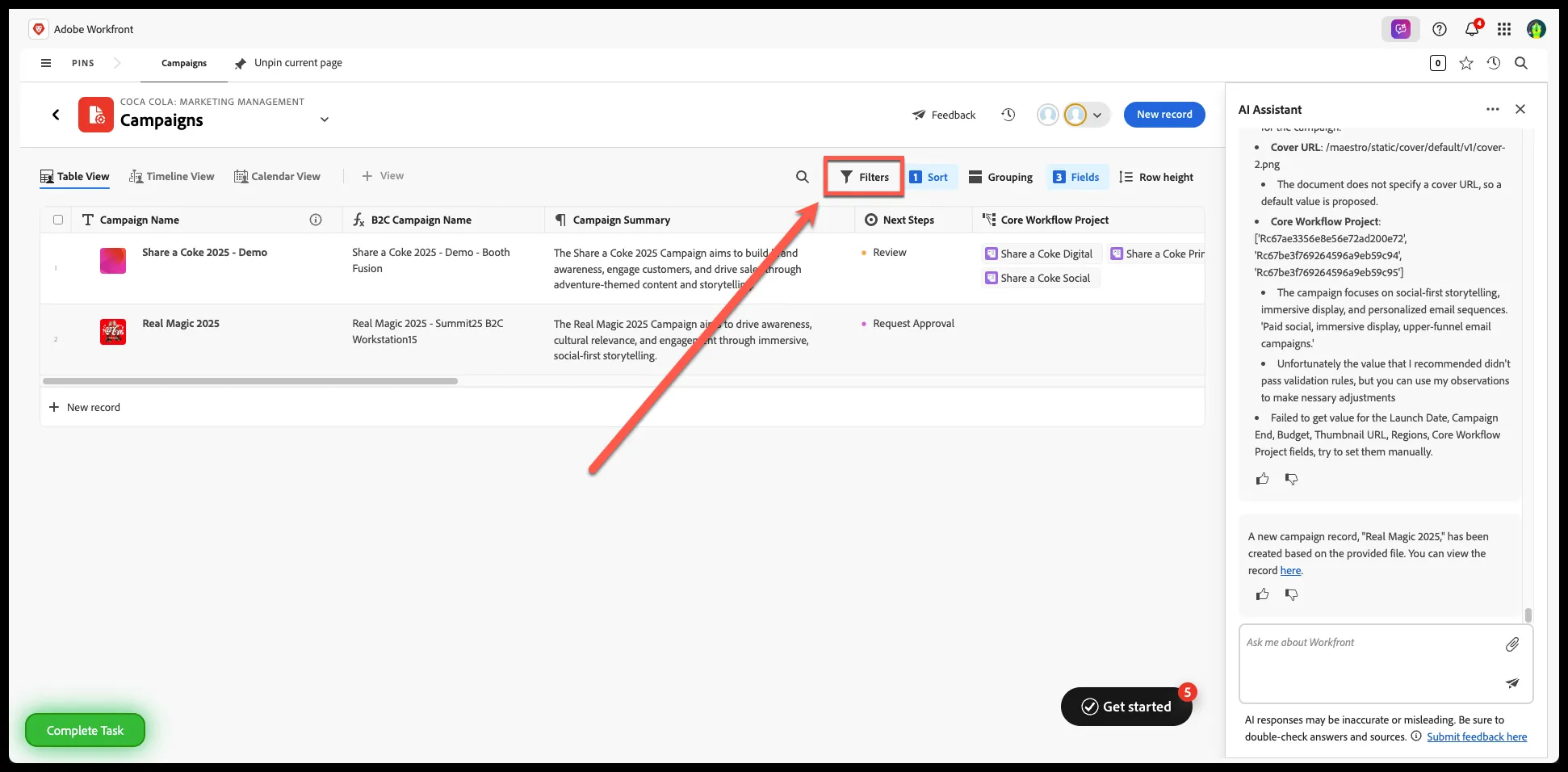
Step 4: Create Filter for Campaigns View
Click 'Filters'
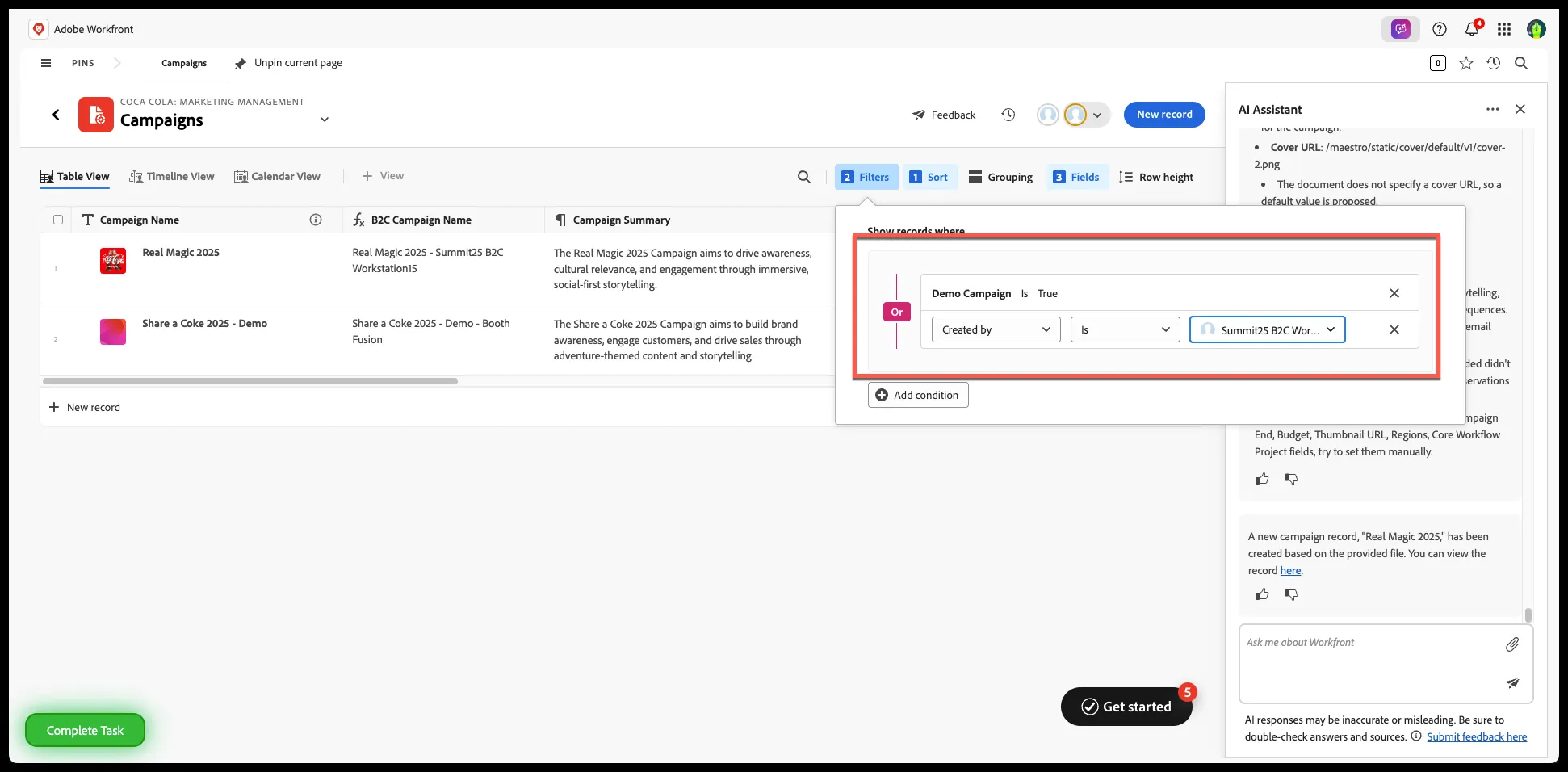
- Select 'Demo Campaign' is 'True'
- Select 'Created By' is 'Summit25 B2C Workstation##'
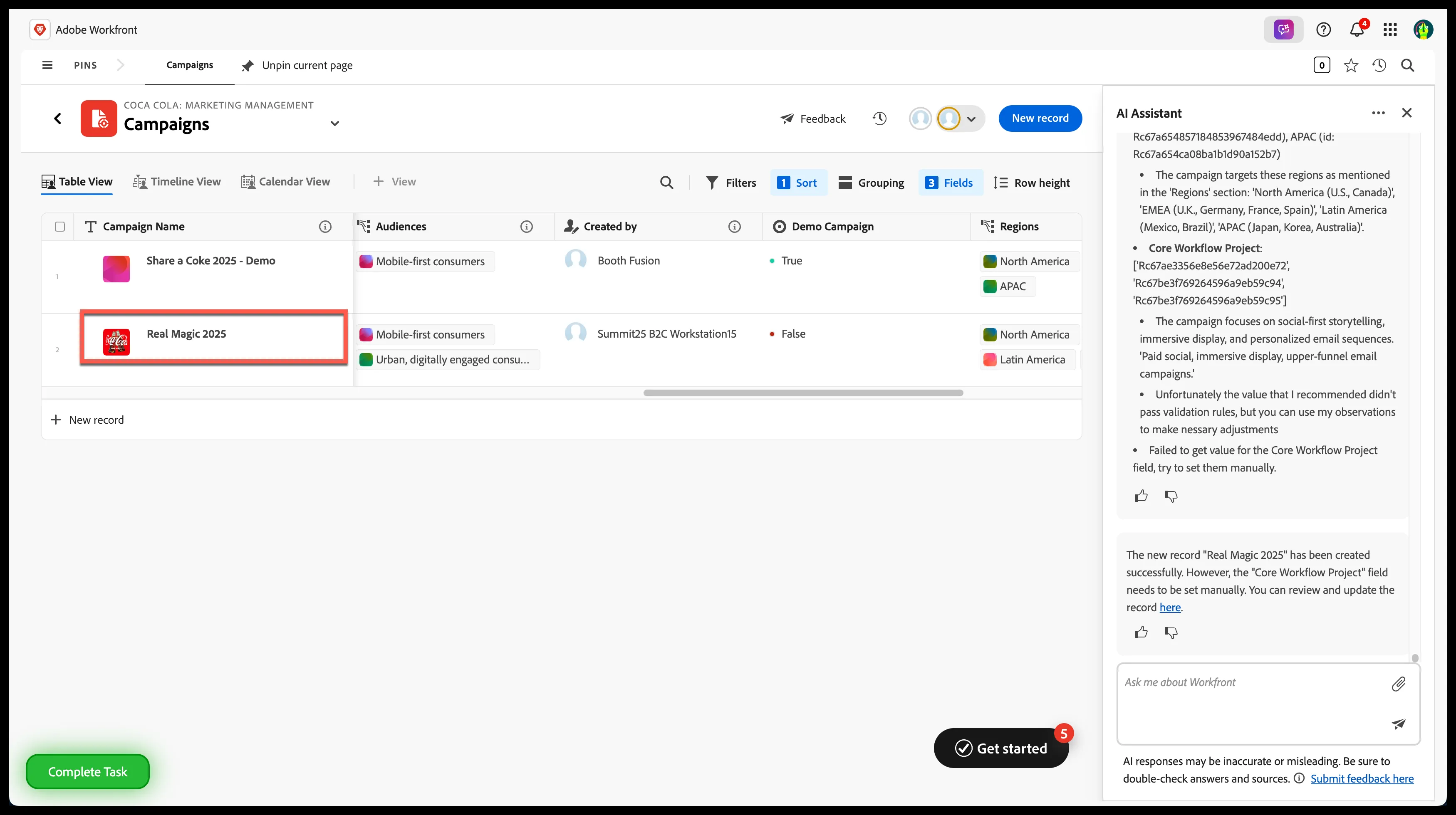
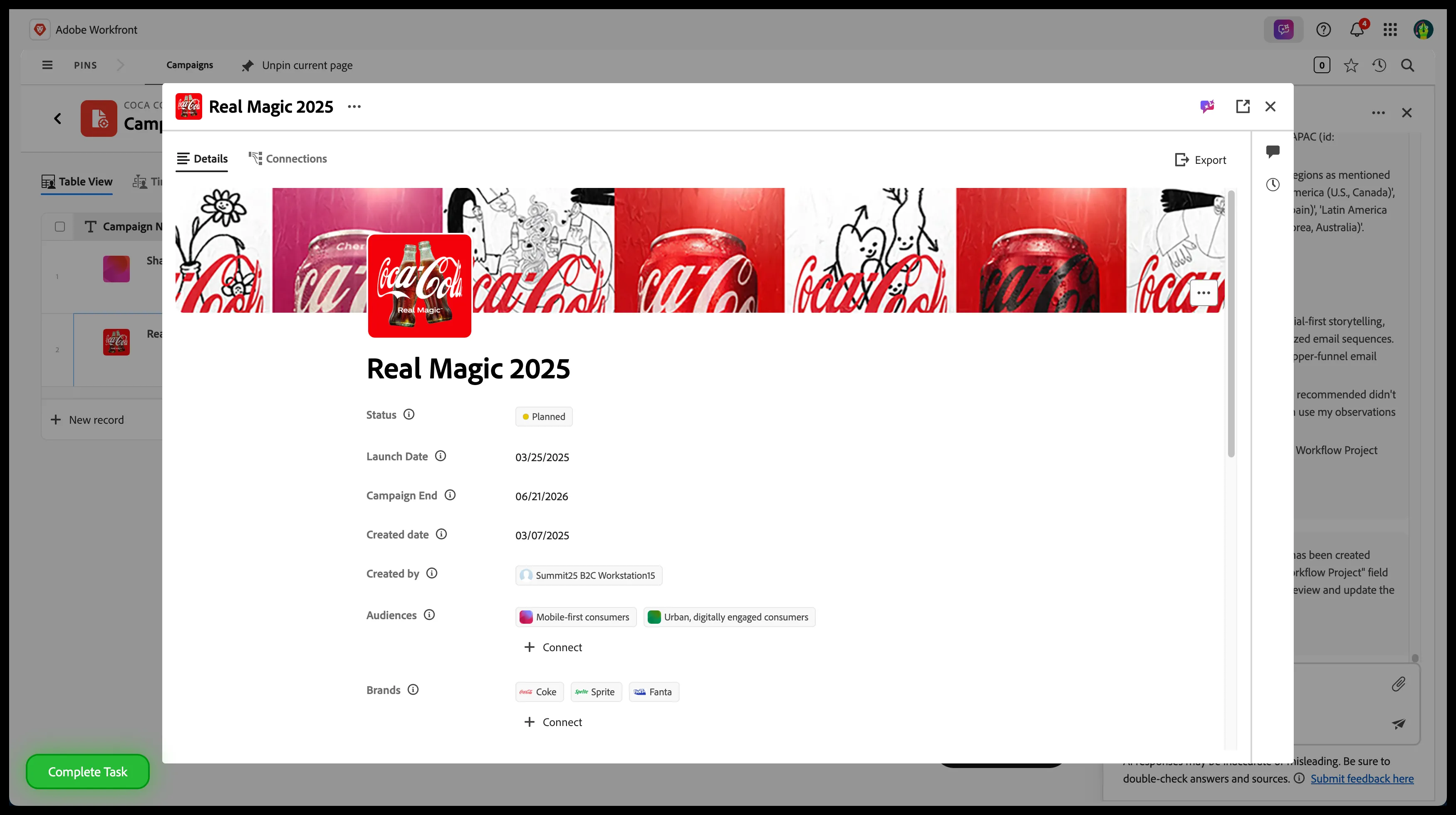
Step 5: Access 'Real Magic 2025' campaign Details
Click 'Real Magic 2025' campaign name
Step 6: Initiate Project Creation
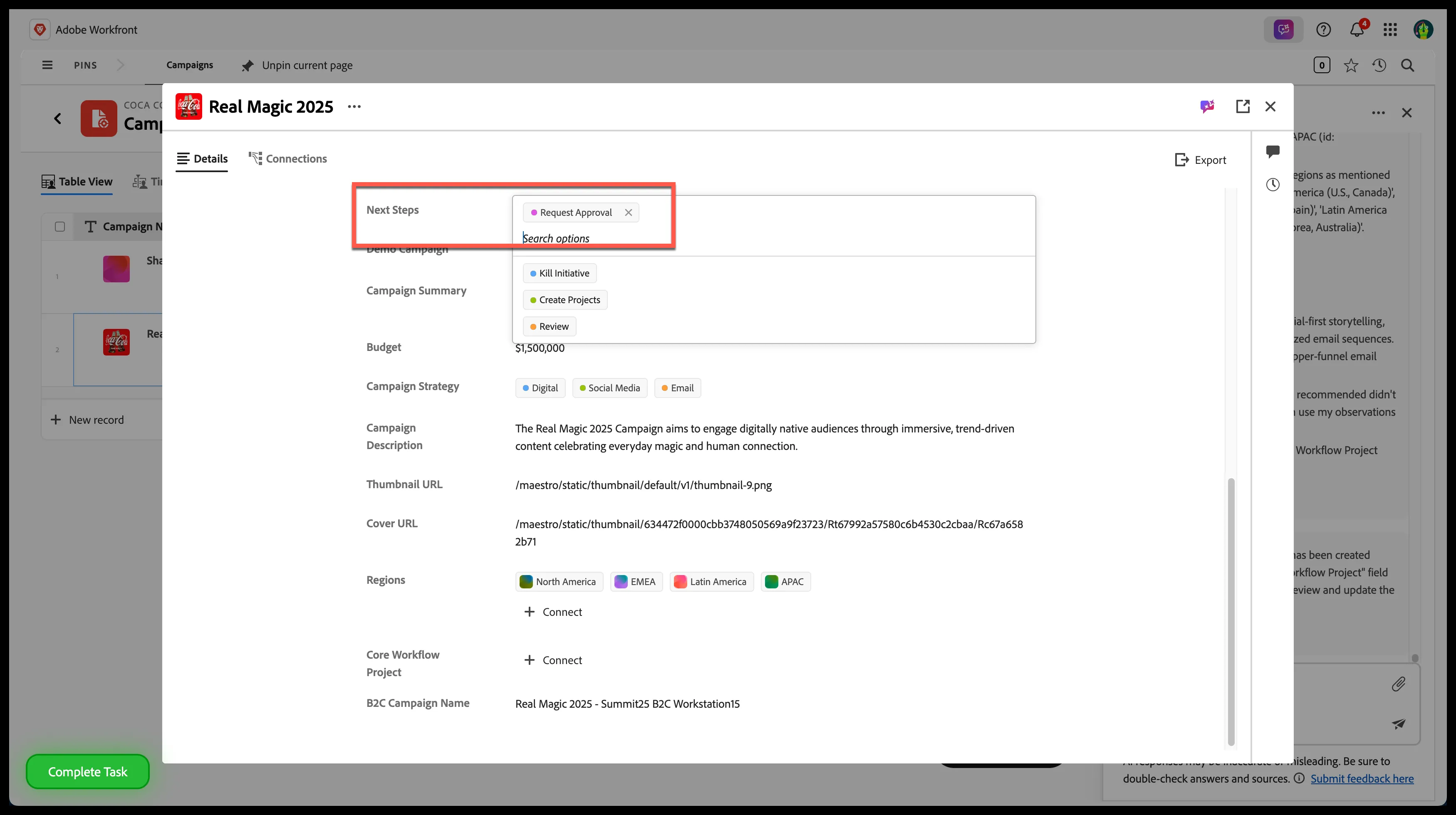
- Click on the 'Next Steps' option
- Select 'Create Projects'
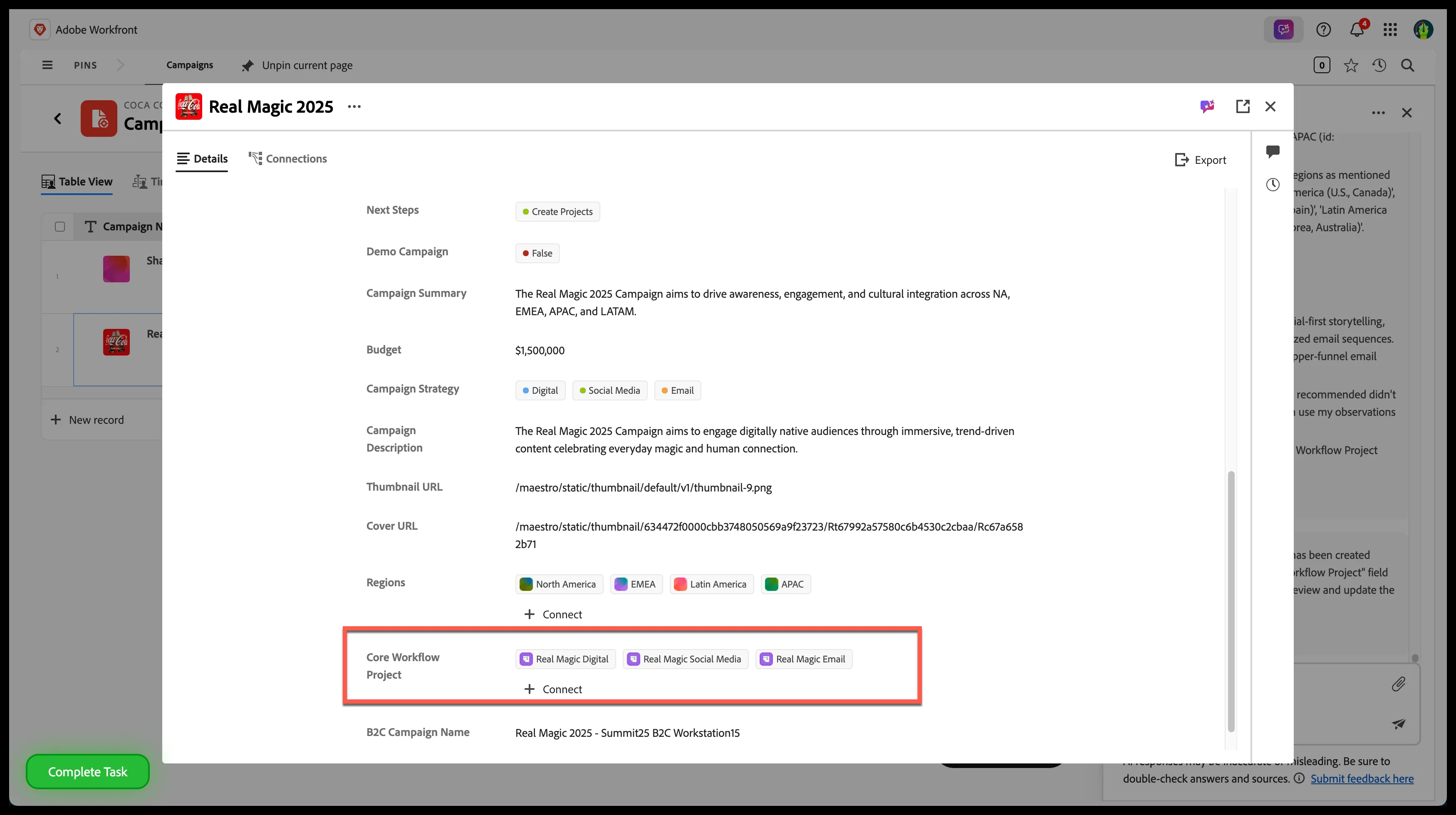
Review Projects
Step 7: Explore & Experience Workfront Planning
/video
Step 8: Exit Planning Pillar