Create composite images
Agent name: Content Optimisation Agent
Agent capabilities: Personalizes and adapts visuals, images, and videos for different channels, improving engagement and conversion across the experience lifecycle.
Documentation: Content Optimisation Agent
Introduction
In this exercise, you'll use the Content Optimisation Agent to generate a composite image by combining multiple approved assets using the power of Adobe Dynamic Media.
If you have not completed the previous exercise, follow the setup steps in Using AI AssistantUsing AI Assistant before continuing.
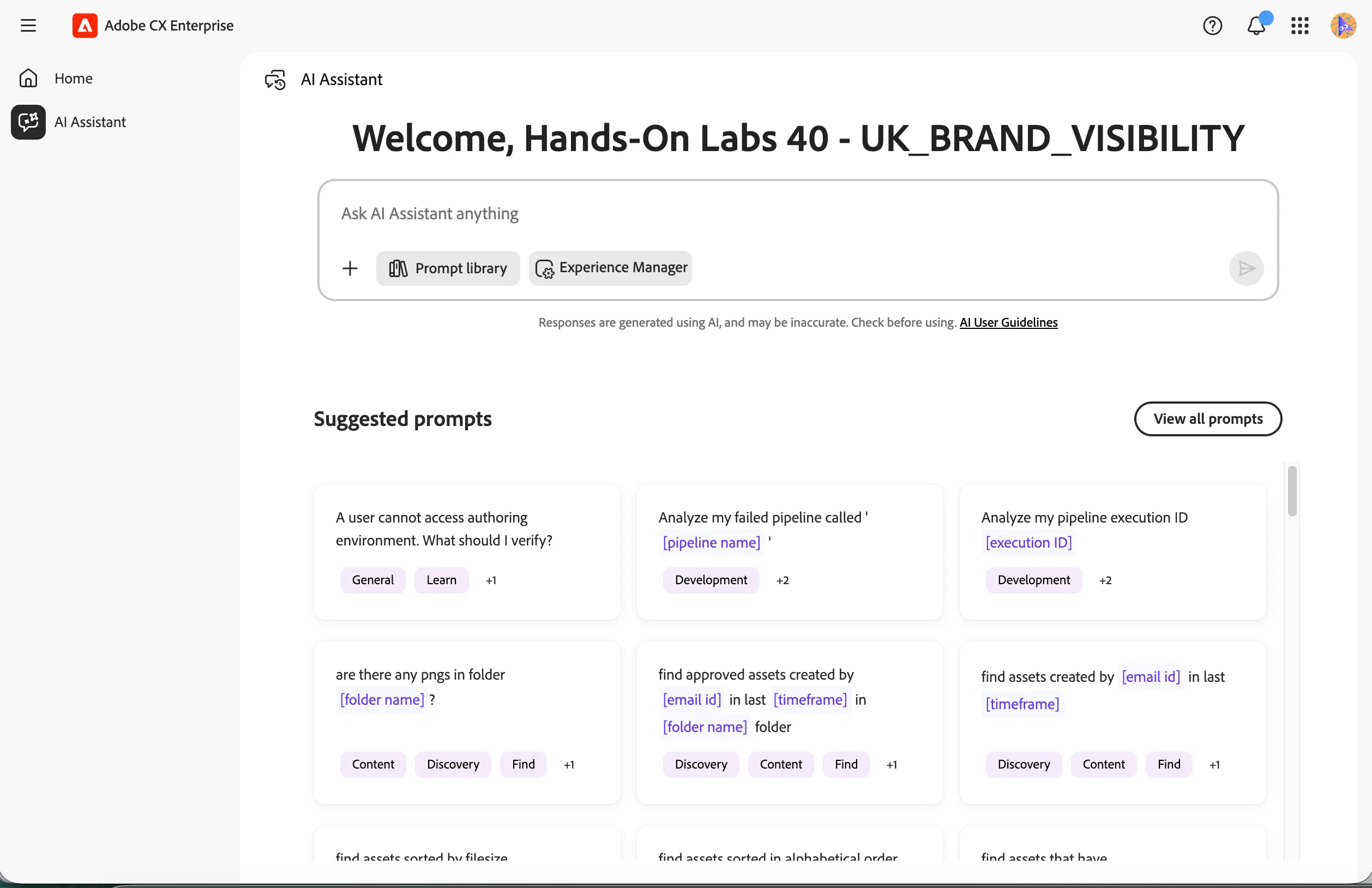
Once you have the AI Assistant open, you should see the screen below.
Find a product asset
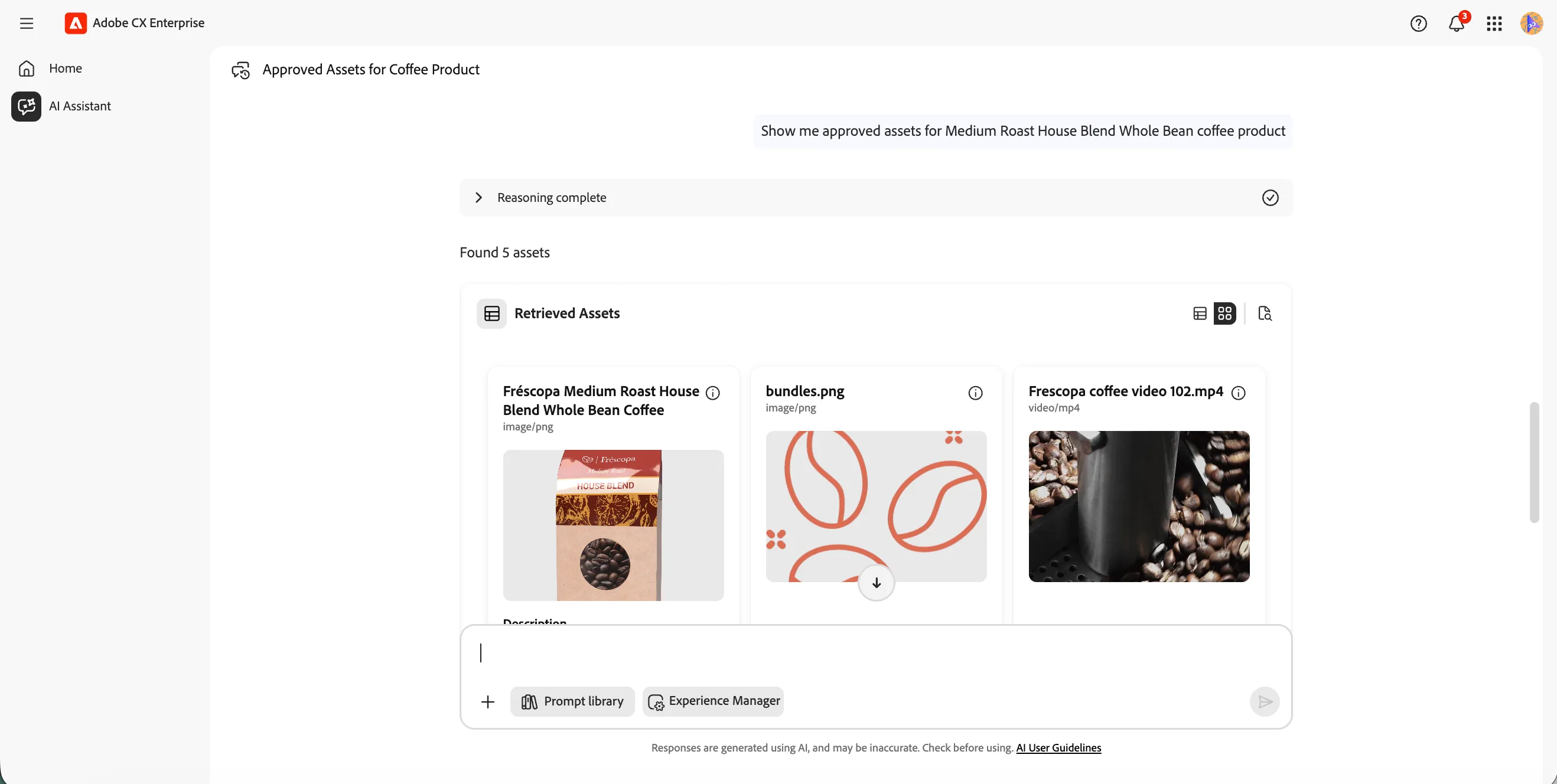
We'll first use the Discovery Agent to locate the base product image we want to use in the composite.
- Type the prompt below into the AI Assistant and click the Send icon.
Show me approved assets for Medium Roast House Blend Whole Bean coffee product
The agent will return a list of approved assets matching your search.
Find an offer sale card
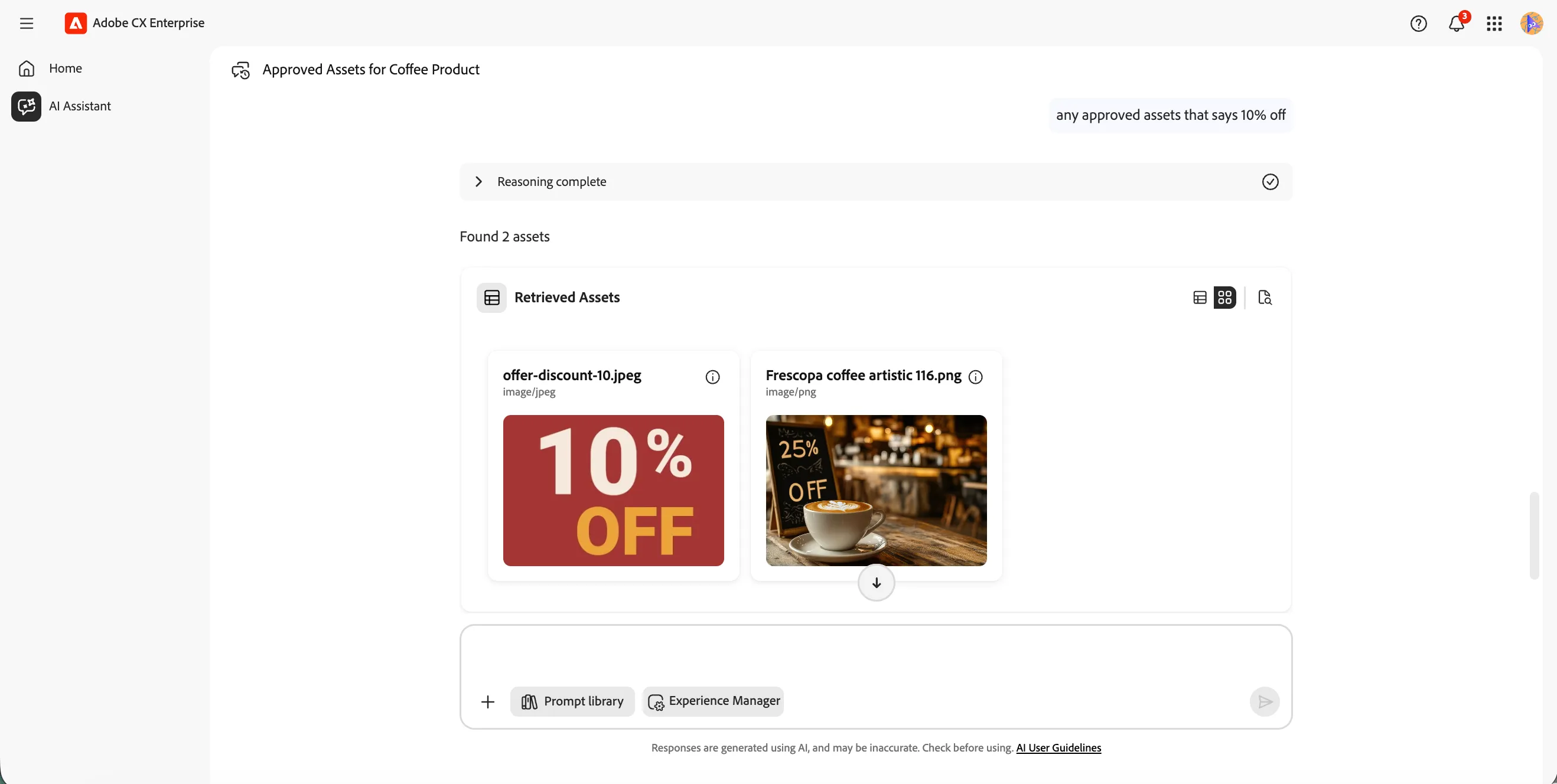
Now we'll locate the overlay asset — a sale card — to position on top of the product image.
- Type the prompt below into the AI Assistant and click the Send icon.
retrieve approved assets that says 10% off
The agent will return a list of approved assets matching your search.
Create the composite image
Now that we have both assets, we'll use the Content Optimisation Agent to overlay the sale card onto the product image at a precise position.
- Type the prompt below into the AI Assistant and click the Send icon.
Overlay first image on an approved Medium Roast House Blend Whole Bean coffee product image on the top left 15% from left edge and 10% from top edge. Use assetIDs
The agent will generate a composite image using Adobe Dynamic Media, positioning the sale card overlay exactly as specified.
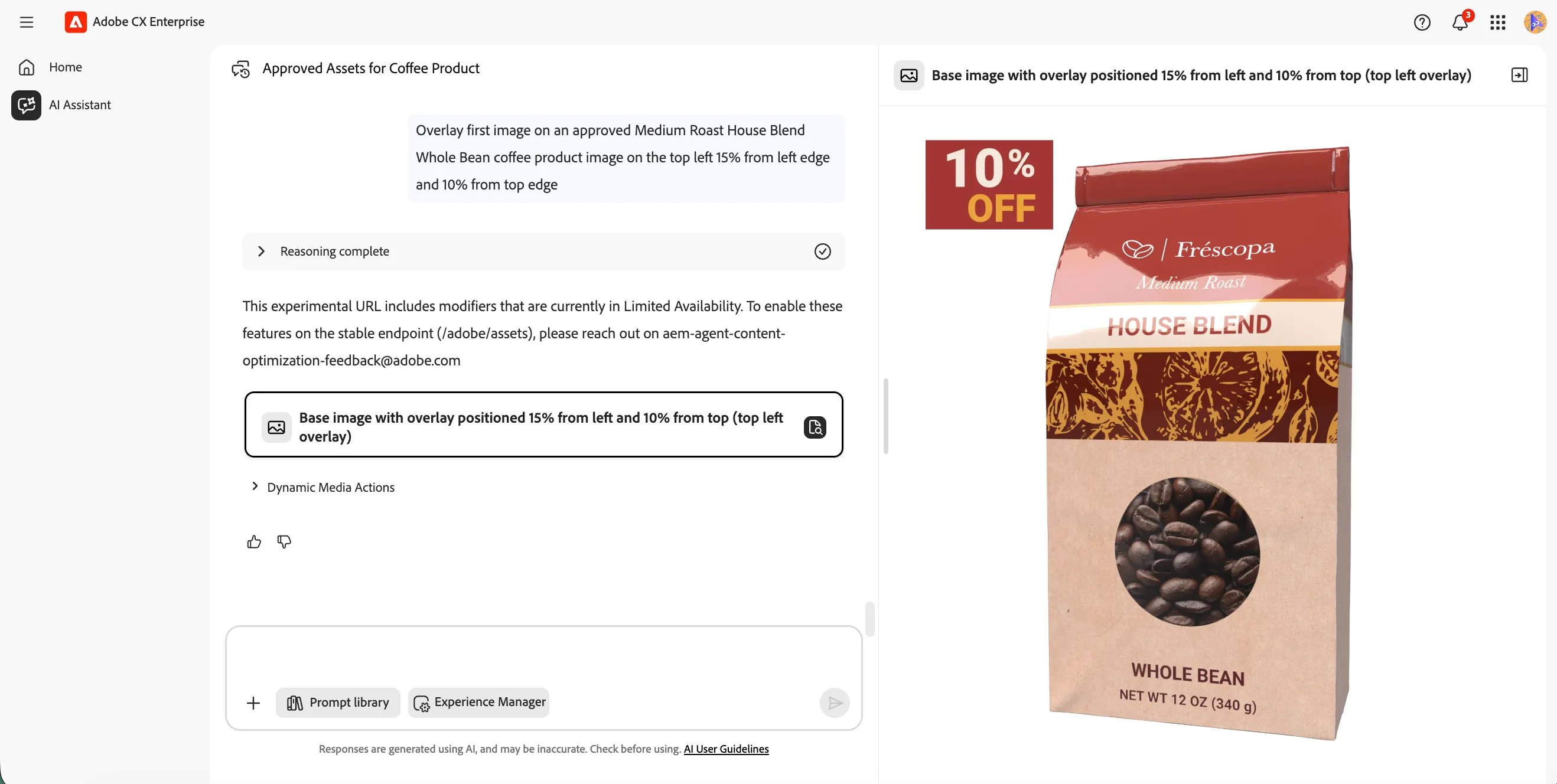
You can adjust the overlay position by modifying the percentage values in your prompt. For example, try 20% from left edge and 5% from top edge to reposition the sale card.
You have successfully used the Content Optimisation Agent to generate a composite image using Adobe Dynamic Media.