CRM and Survey Data - Predict & Stop High Value Churn
In this exercise we'll look at how we can pro-actively identify at risk customers combining attributes like their NPS score and loyalty level with their behavioural data both on and offline.
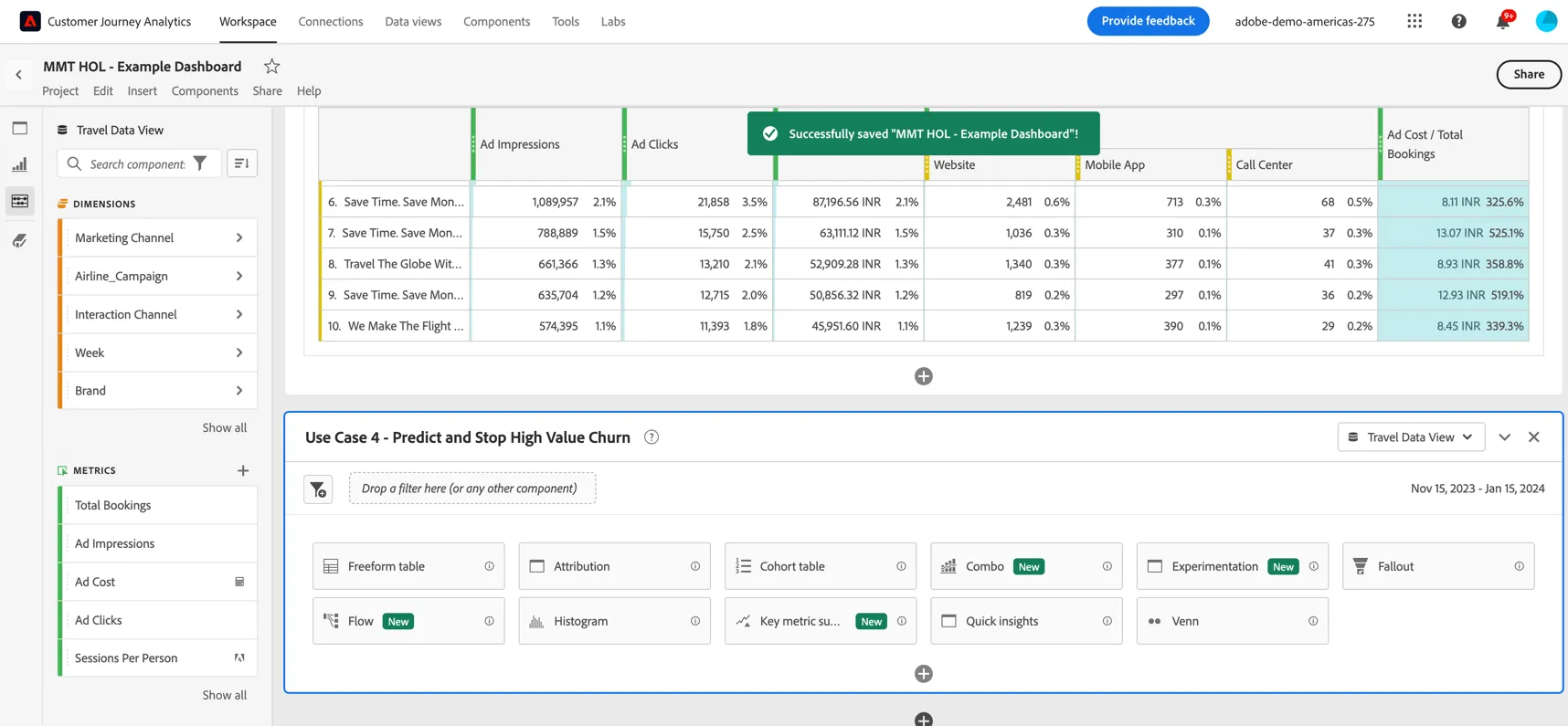
Add a new Panel to your dashboard. Set the data view to Travel Data View and the date range to Nov 15 2023 - Jan 15 2024.
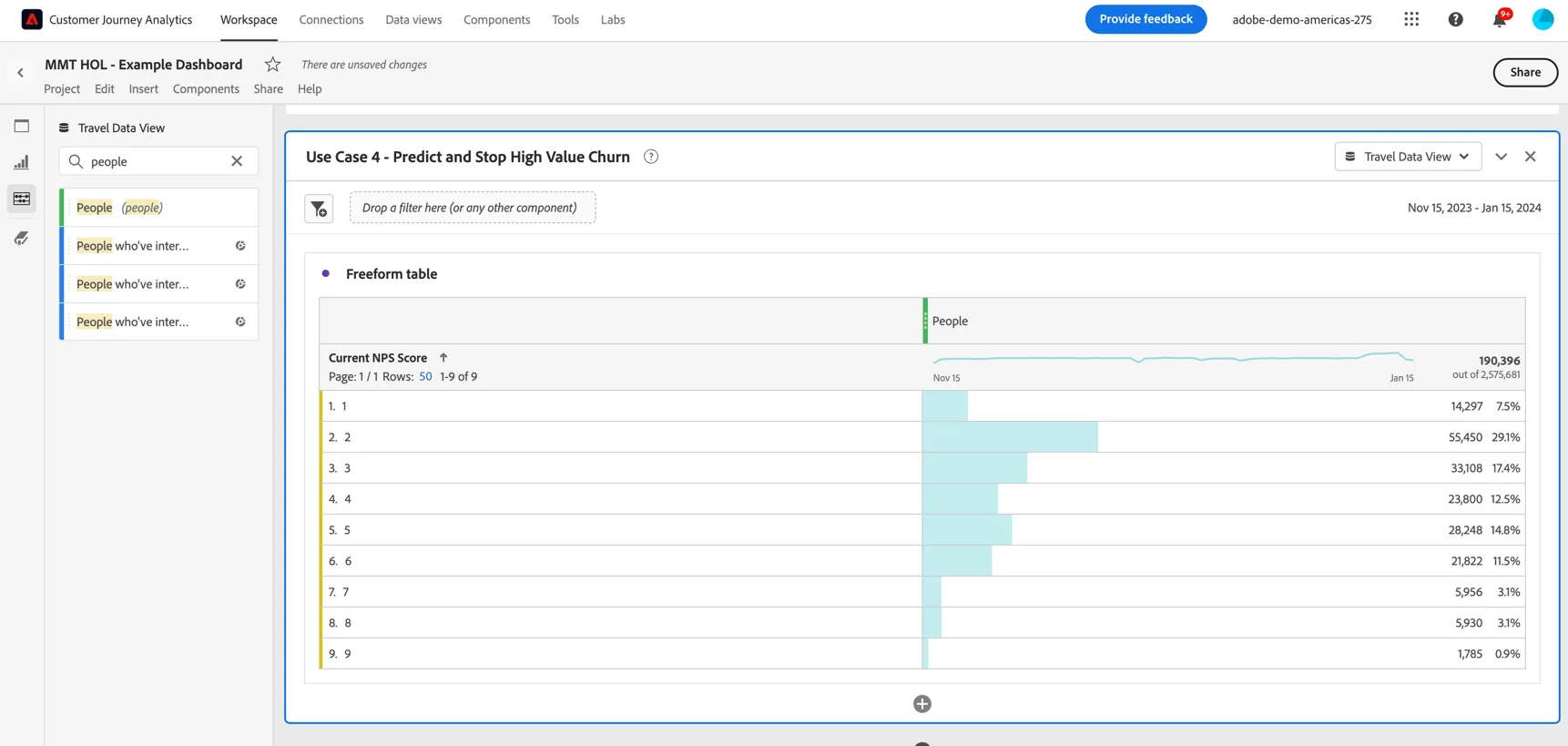
Drag a freeform table into the panel and set the dimension to Current NPS Score. Update the metric to People. This will show the current NPS score for any customers who were active during this date range.
Now let's see if there's any correlation with the number of flight cancellations that have been received. Drag the flight cancellations metric into the freeform and drop it next to people.
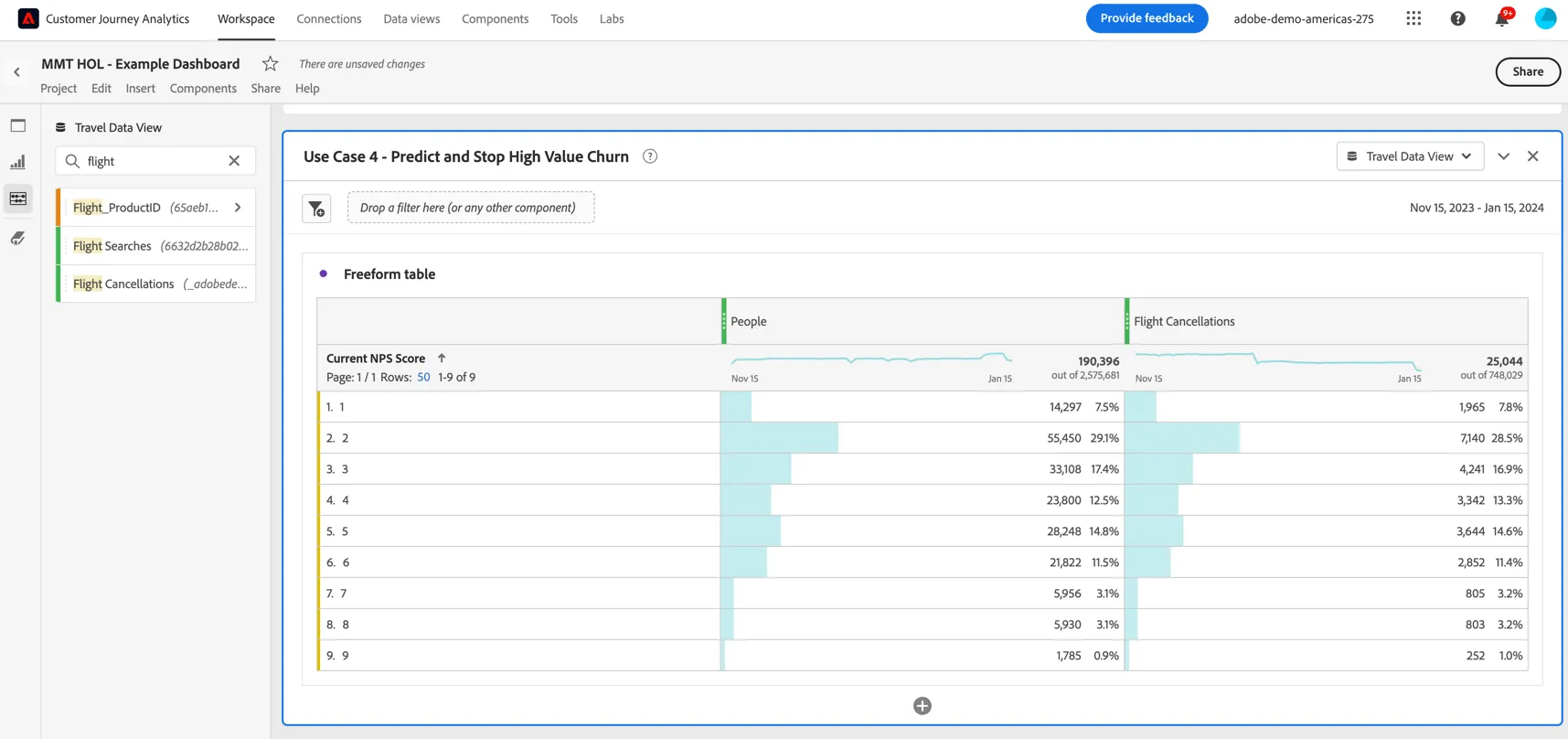
Immediately we can see some correlation here. Select the rows in your freeform and right click to add a visualisation of this data. Select the Combo visualisation.
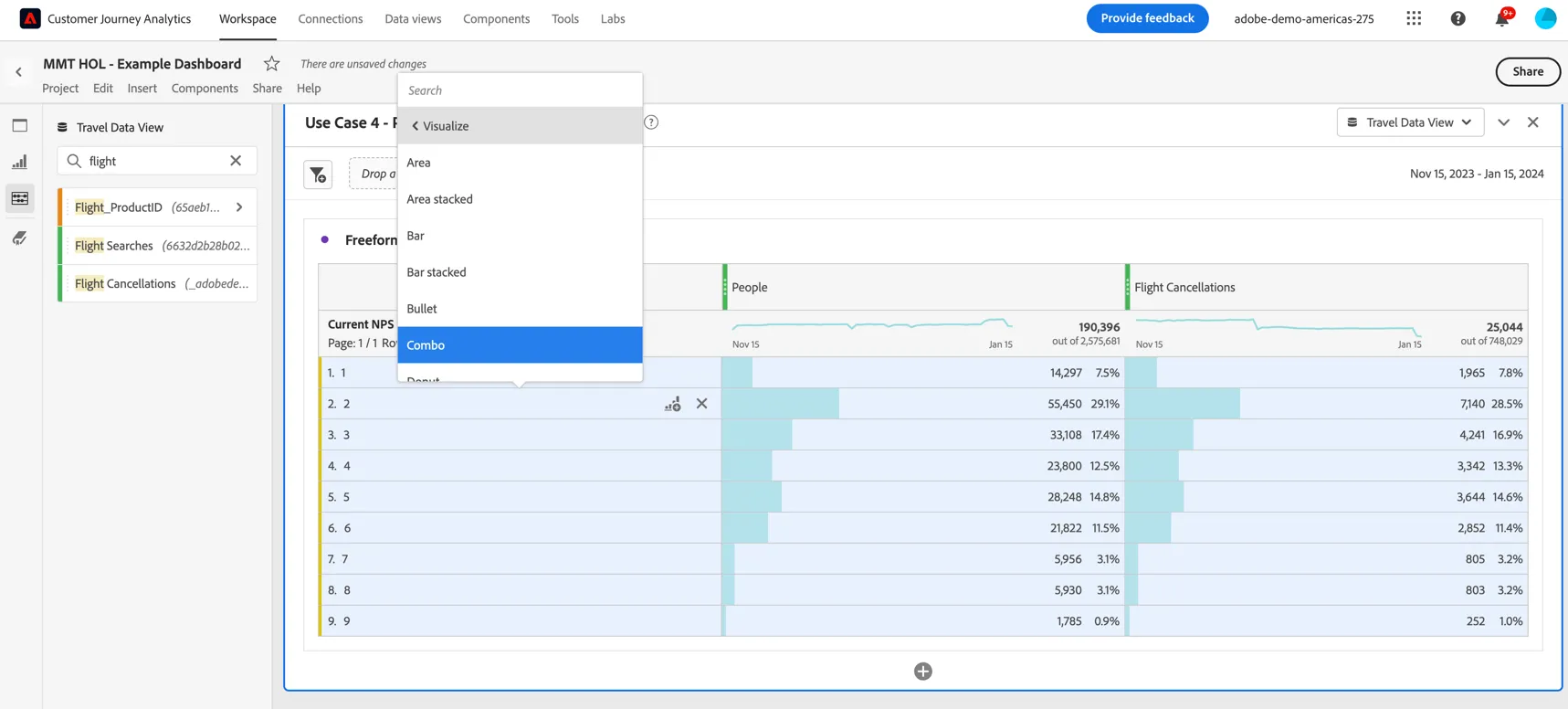
Update the settings to add a dual axis and to normalize the values across the metrics.
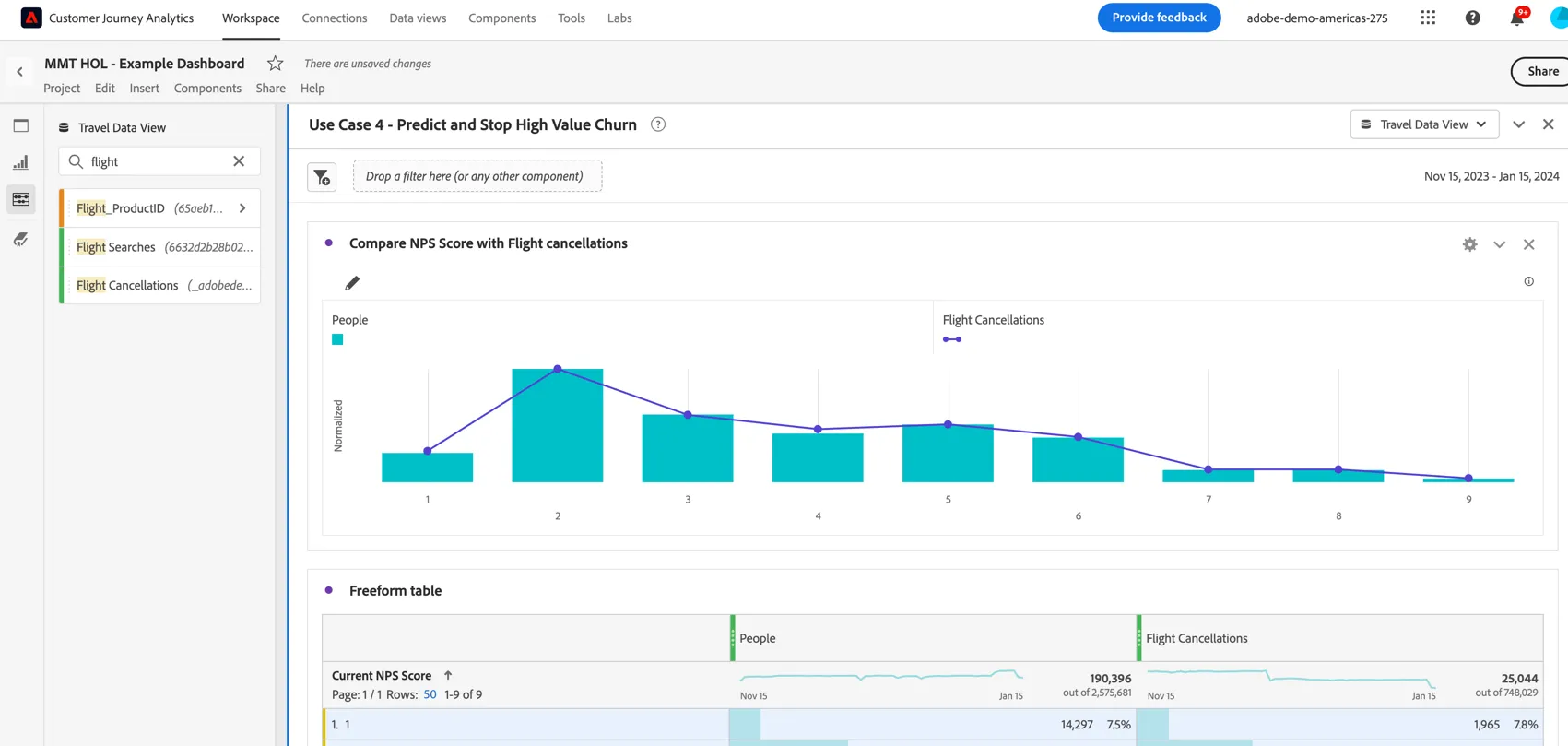
We can see the customers with the highest NPS Scores had the lowest number of flight cancellations.
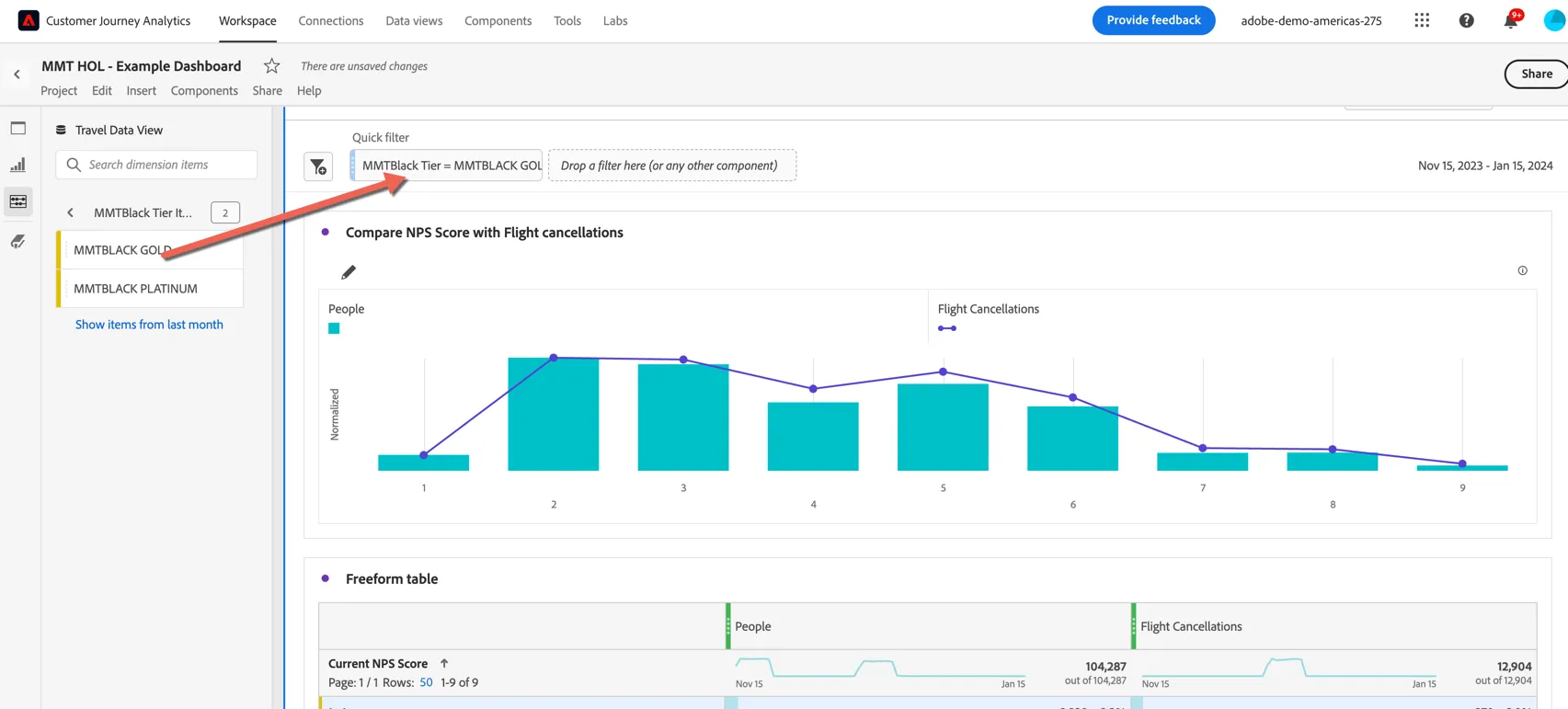
We can use the customers loyalty tier to filter this visualisation to see if high value members have different results. Drag the loyalty status -> gold dimension to be used as a filter on the panel.