Create the Campaign
2 min
Log in to Adobe Journey Optimizer
Go to the Campaigns menu in the left panel
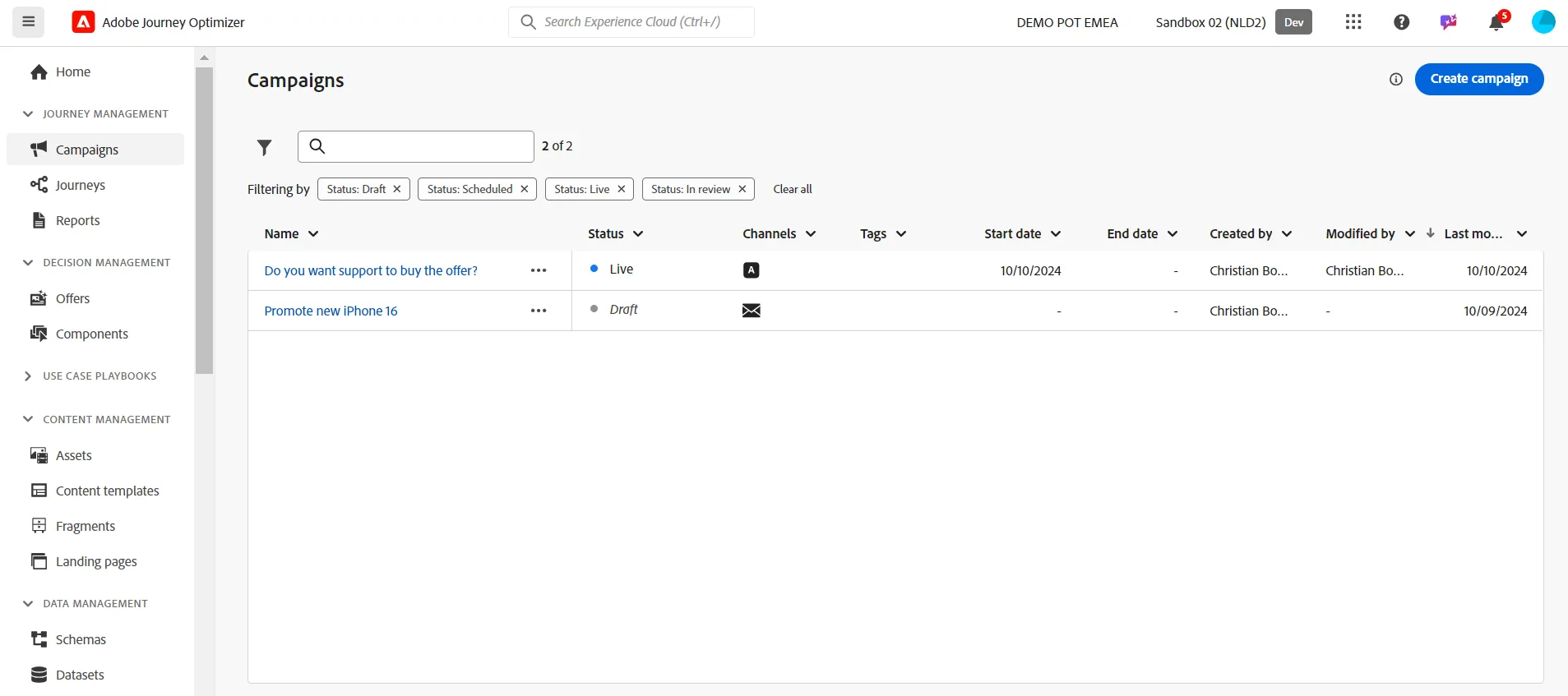
Click on the blue button Create campaign in the top right corner.
Select Scheduled - Marketing
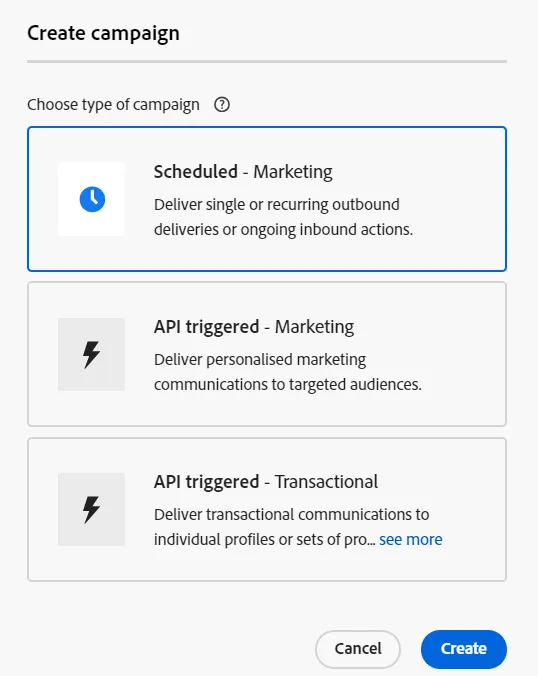
Change the name of the campaign; for instance, you can use this pattern your_last_name - Promote new iPhone 16 Pro
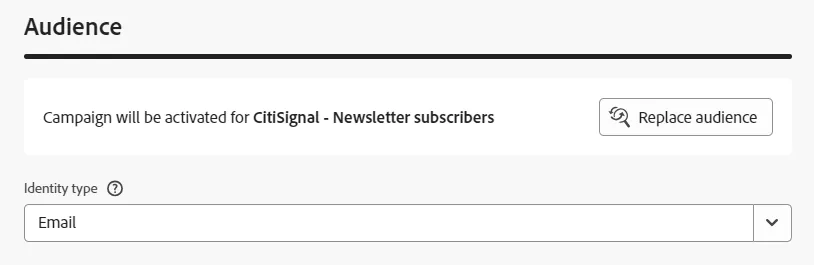
Select the audience and set the Identity type to Email
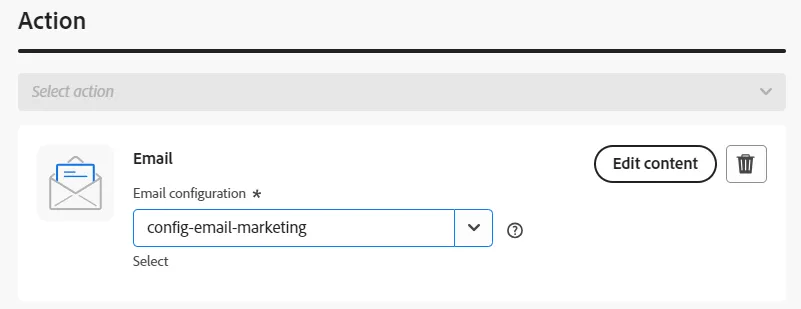
Select the Email action and select the config-email-marketing surface:
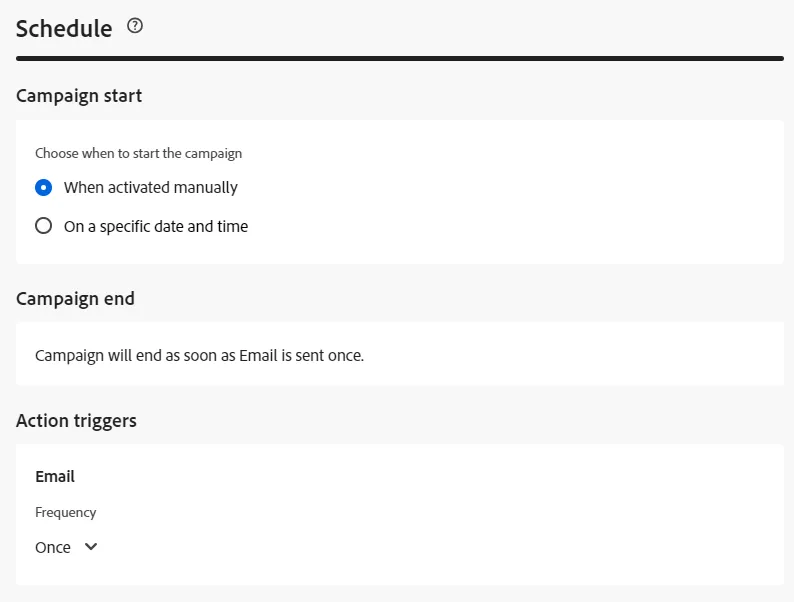
Keep the default values of the Schedule section:
Congratulations! The next step is to import the HTML content created by your agency.